Stream Overlays Made With Meld Spark Pro
19 overlays
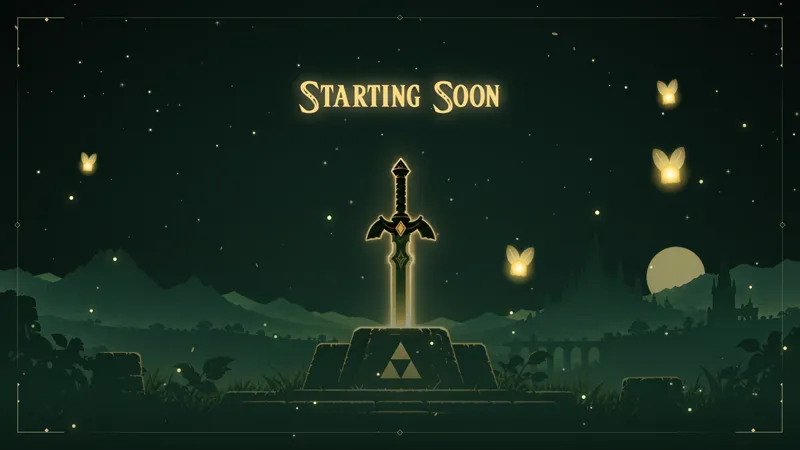
Zelda Starting Soon
Meld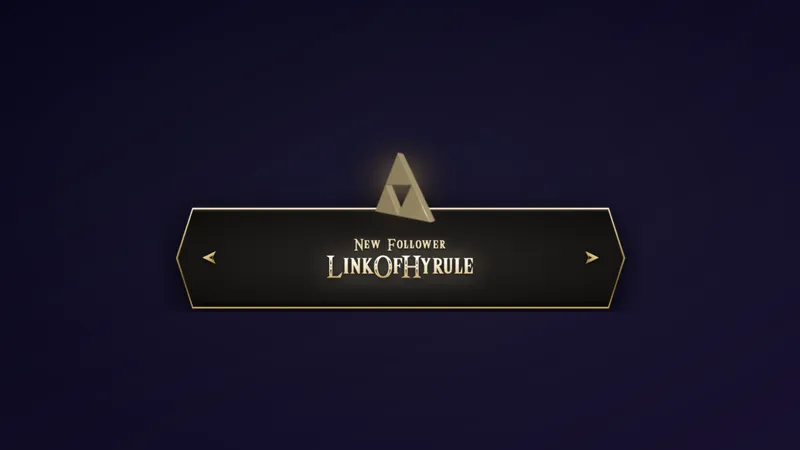
Zelda Triforce Alert
Meld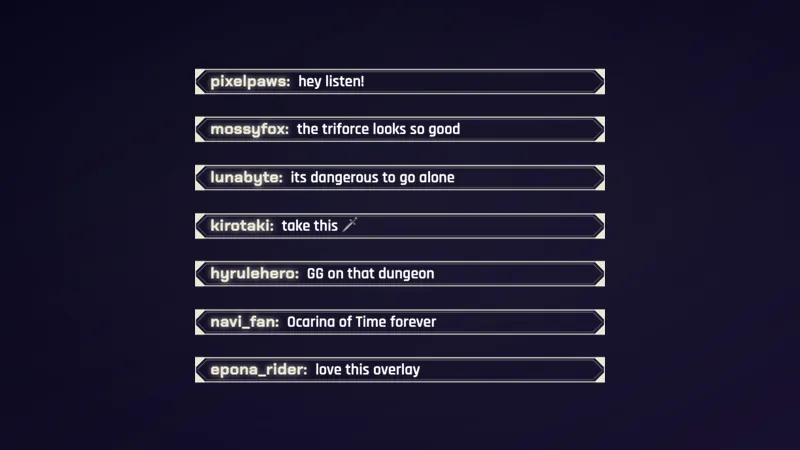
Zelda Framed Chat
Meld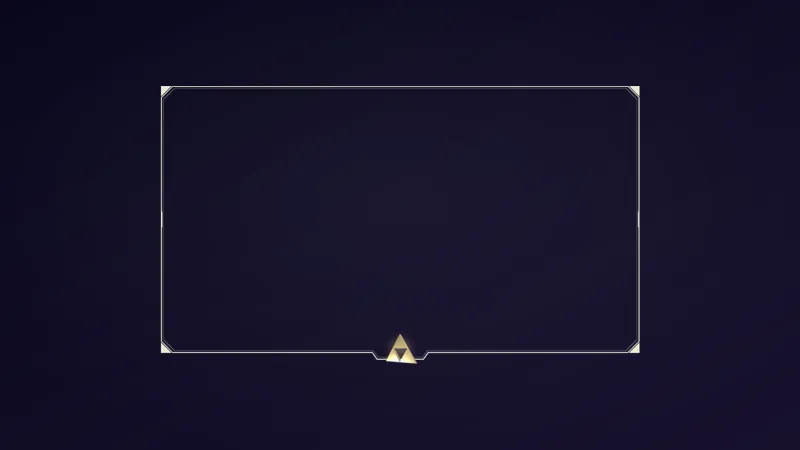
Zelda Triforce Webcam Frame
Meld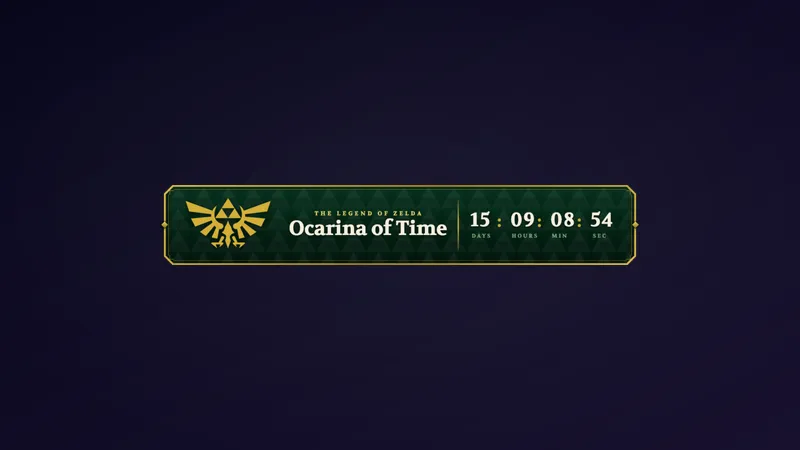
Zelda Countdown Lower Third
Meld
Zelda Royal Webcam Frame
Meld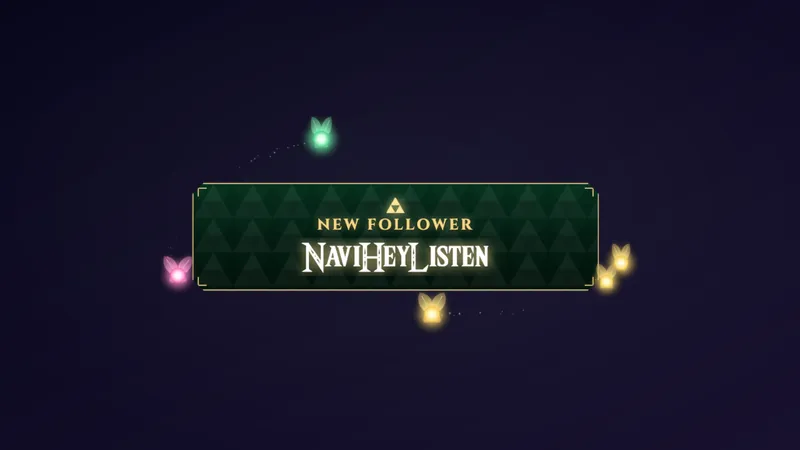
Zelda Navi Alert
Meld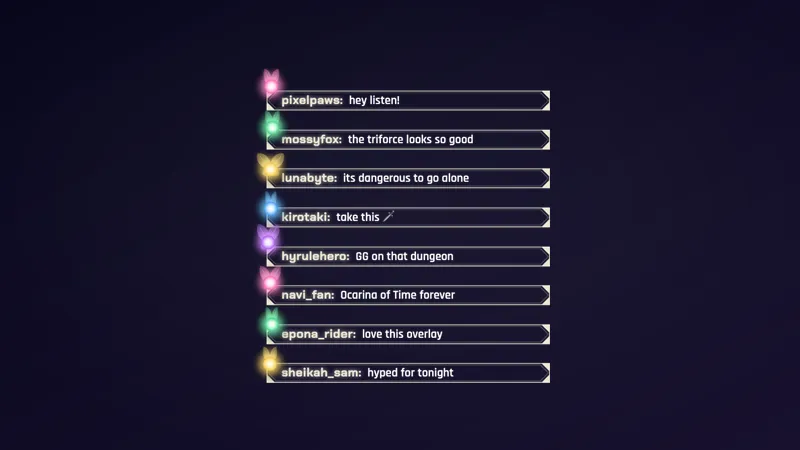
Zelda Navi Chat
Meld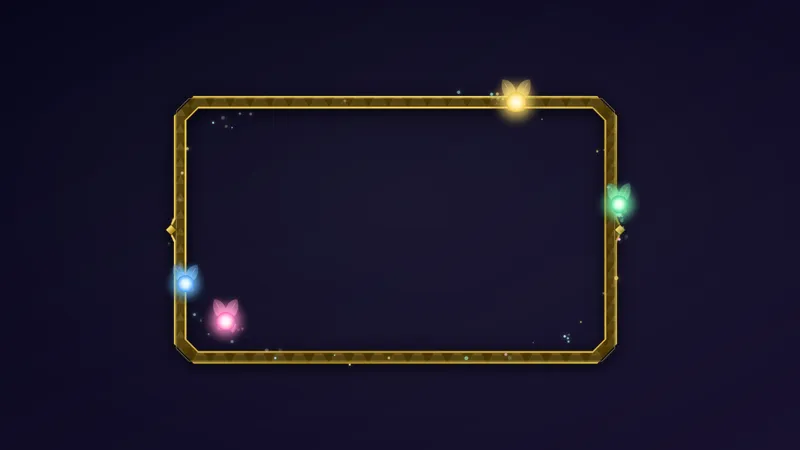
Zelda Navi Camera Frame
Meld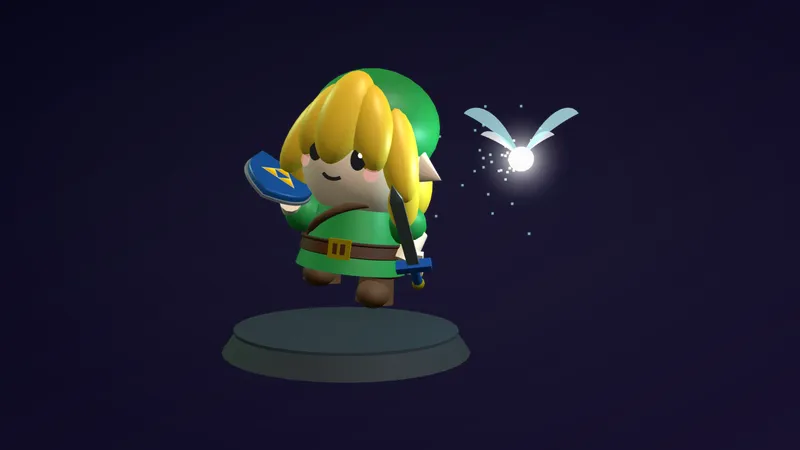
Zelda Link 3D Companion
Meld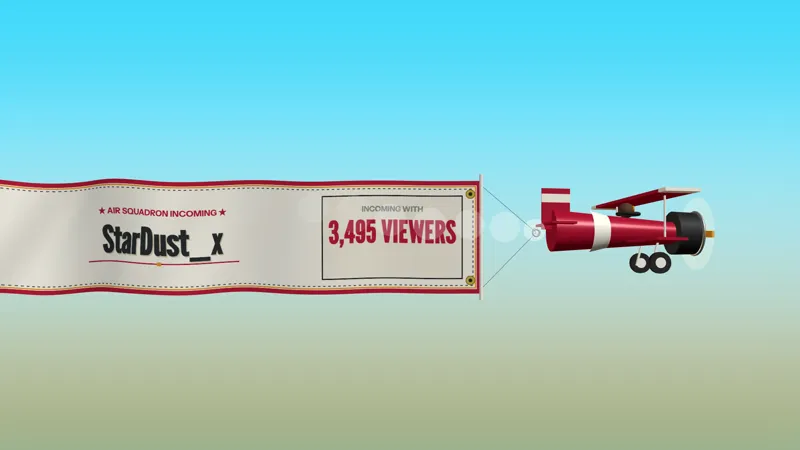
Propeller Raid
Meld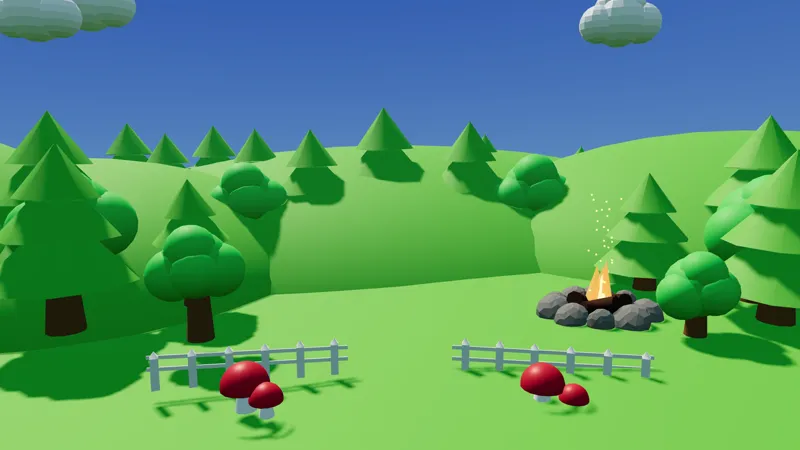
Day and Night 3D World
Meld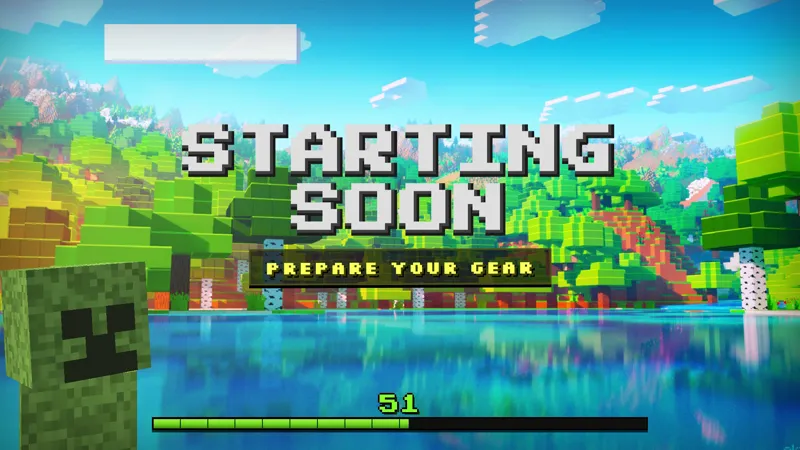
Minecraft Creeper Starting Soon
Meld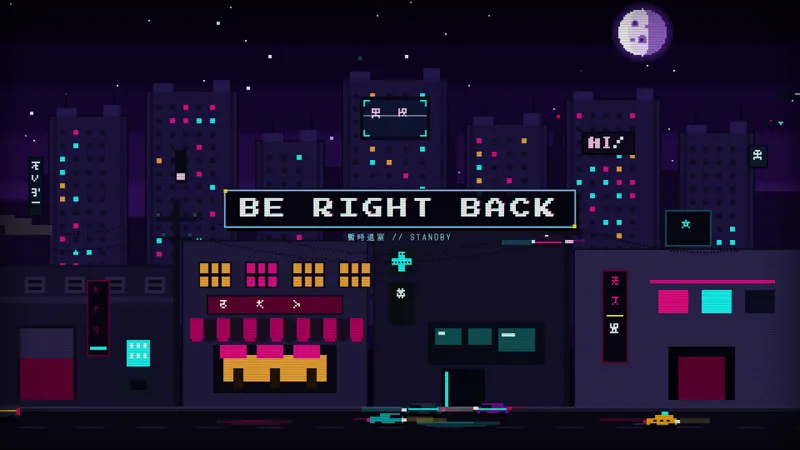
Cyberpunk BRB
Meld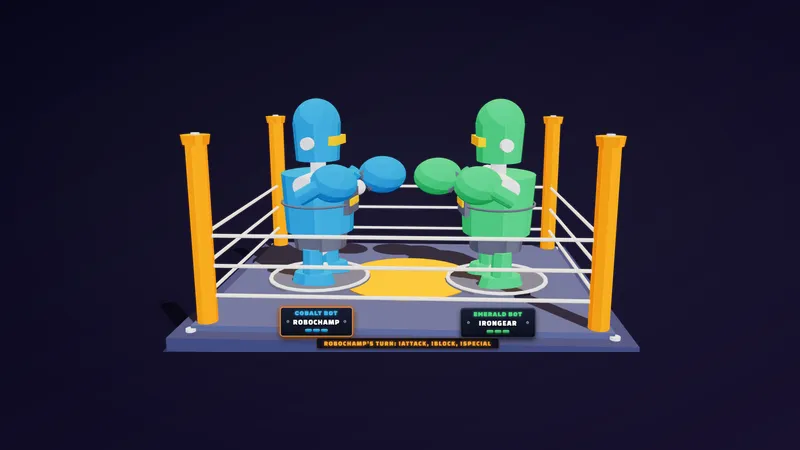
Robot Chat Fight
Meld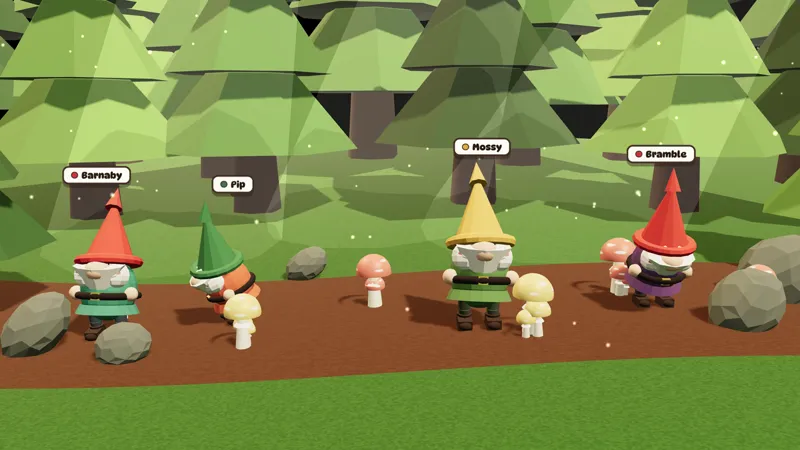
3D Gnome Chat Companions
Meld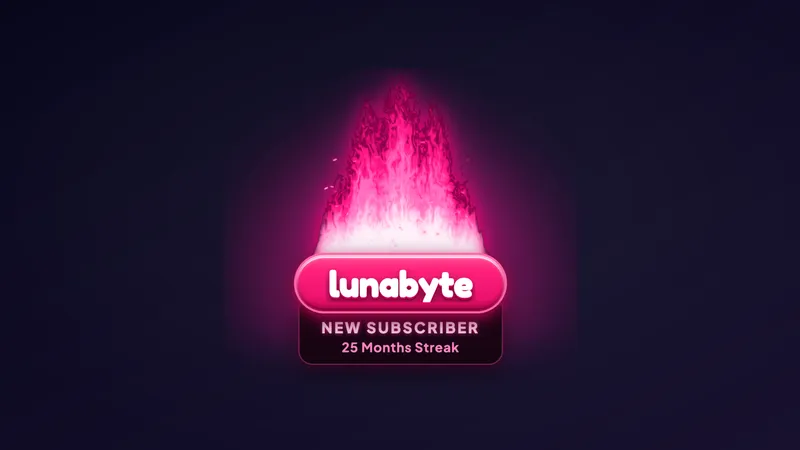
Flame Alert
Meld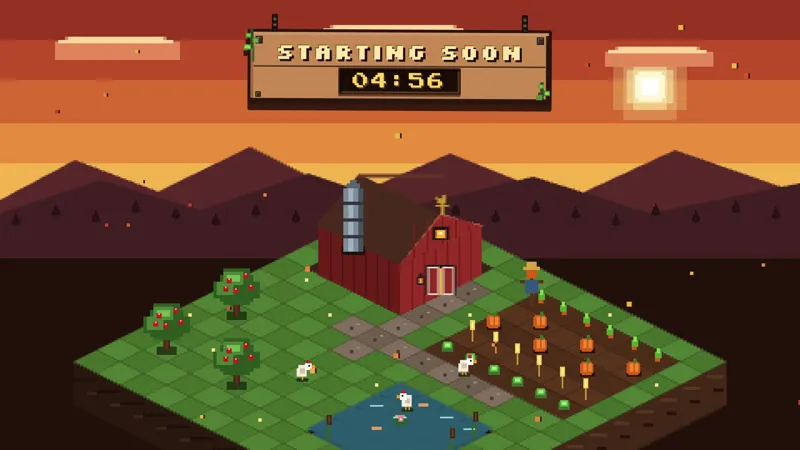
Little Isometric Farm Starting Soon
Meld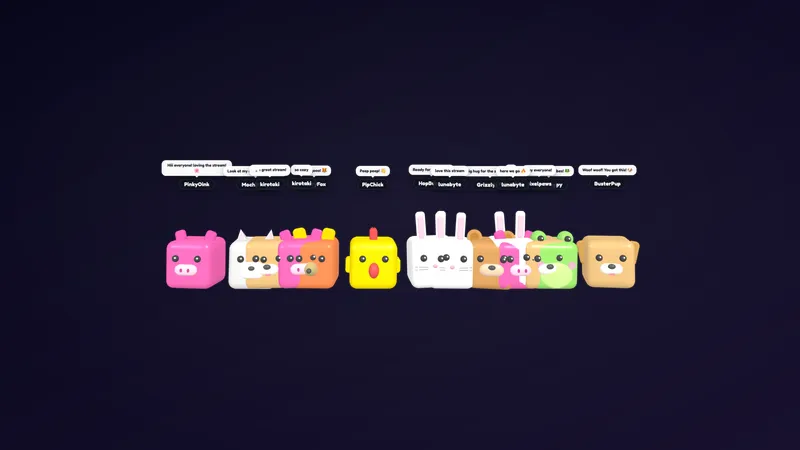
Cubic Pets 3D
Meld
Every overlay on this page was built with Meld Spark Pro, using the most capable model in Meld Spark. Compare them with the rest of the gallery and the difference shows: full 3D worlds, chat games with real rules, and scenes with far more detail, built from a prompt.
These overlays are a showcase of what Meld Spark can build with its most capable model. Each one started as a prompt, and each one goes further than a simple widget: a biplane that tows a raider’s name across the screen, a 3D forest whose light follows the time of day, a boxing ring where two chatters fight it out with commands.
What is in the collection
Propeller Raid and Flame Alert handle stream events, from raids to follows, subs, bits and tips. Robot Chat Fight, 3D Gnome Chat Companions and Cubic Pets 3D put chat on screen. The Day and Night 3D World, the Little Isometric Farm Starting Soon, the Minecraft Creeper Starting Soon and the Cyberpunk BRB set the scene before, during and between your segments. The Zelda set rounds it out for The Legend of Zelda: Ocarina of Time Remake streams, with a Starting Soon screen, alerts, chat, webcam frames, a launch countdown and a 3D Link companion that all match.
What the Pro model does better
The Pro model keeps more of your idea in mind at once. It builds 3D scenes with lighting and depth, chat games with turns, queues, and win conditions, and alerts with layered effects, and it gets them right in fewer rounds. You spend your time refining the look instead of fixing the basics.
Making your own
Pro and Max include the same model and higher usage limits than the free plan, so you have more room to experiment. Pick an overlay here as a starting point, or describe something new to Meld Spark, and add the result to Meld Studio or to OBS through Spark Plug for OBS.
Frequently asked questions
What is Meld Spark Pro?
Meld Spark Pro is the plan that unlocks our most capable Meld Spark model and higher usage limits. It brings sharper designs, richer interactions, and more room to create, experiment, and refine. See the difference.
How are these different from the other overlays?
They were made with the Pro model, which handles bigger ideas in one go: 3D scenes that follow the time of day, two-player chat fights with a queue, and alerts with detailed effects that would take many rounds on the free model.
Can I make my own overlays like these?
Yes. Describe what you want to Meld Spark on the Pro or Max plan and it builds it with the same model. Start from one of these, or from scratch. Start creating now.
Do they work in OBS?
Yes. Spark Plug for OBS loads any of these overlays into your OBS scene as a browser source, and they run in Meld Studio with no extra setup. Twitch, YouTube Live, Kick, and TikTok Live all work from one sign-in.