A Free Chibi 3D Link Figurine That Chat Can Make Jump and Dance
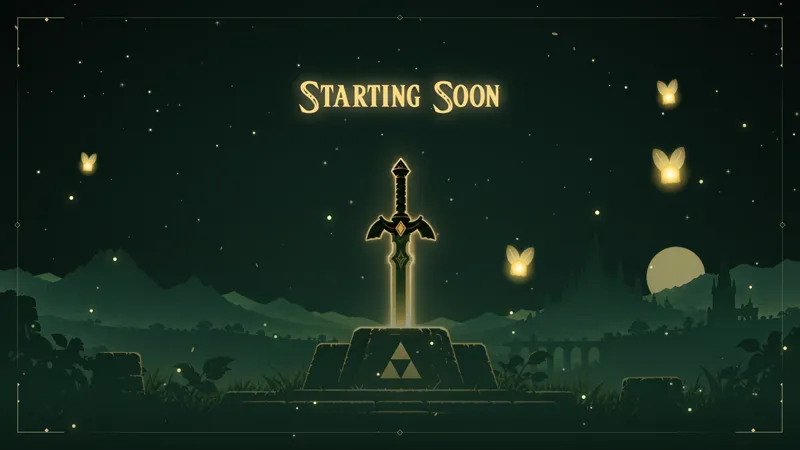
A chibi 3D Link figurine for The Legend of Zelda: Ocarina of Time Remake streams, with Navi orbiting at his side. He breathes and bobs on his pedestal, and chat makes him jump or dance.
By Meld
Get Zelda Link 3D Companion free
Included with Meld Studio. Or stay in OBS with Spark Plug.
“Hey! Listen!” is the line every Zelda player remembers, and it is the first thing this overlay brings back. Zelda Link 3D Companion is a free chibi figurine of Link for streams of The Legend of Zelda: Ocarina of Time Remake, with Navi orbiting at his side and calling out as she goes.
He stands on a small pedestal in your scene. While nothing is happening he breathes and bobs in place, so the corner stays alive without asking anything from you.
How it works
Place Link in a corner of your scene, where he can idle next to your gameplay. Chat controls him with two commands: !jump makes him jump, and !dance makes him dance.
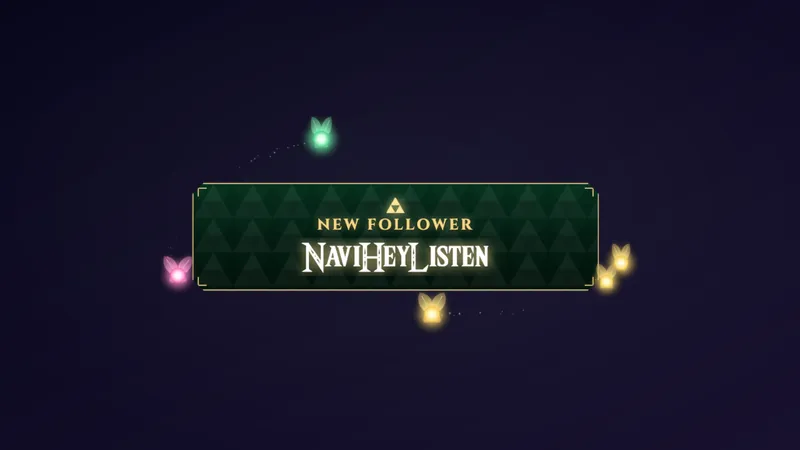
Stream events work on their own. A new follow makes Link jump, and a new sub makes him dance, so no command is needed to celebrate someone who just joined. Navi keeps orbiting him the whole time.
The overlay reads chat and events from every platform you stream to. Twitch, YouTube Live, Kick, and TikTok Live viewers all share the same figurine, so a multistreamer gets one companion reacting to one community.
Why streamers use it
A Zelda stream has a lot of quiet in it: walking across fields, reading dialogue, waiting out a loading screen. The companion fills those gaps with something chat can touch. A viewer who types !dance and sees Link dance on screen has a reason to type again.
It also keeps alerts light. A follow or a sub gets an acknowledgment you can see, and it does not cover the game. You keep your focus on the dungeon in front of you while the corner of the screen does the thanking.
Who this is for
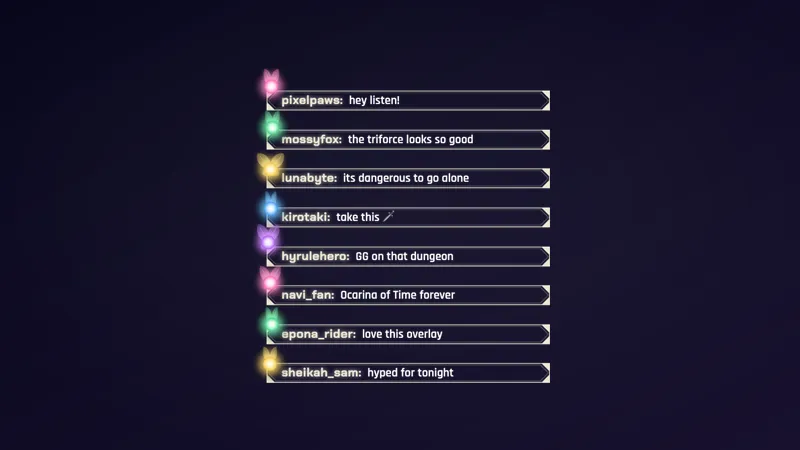
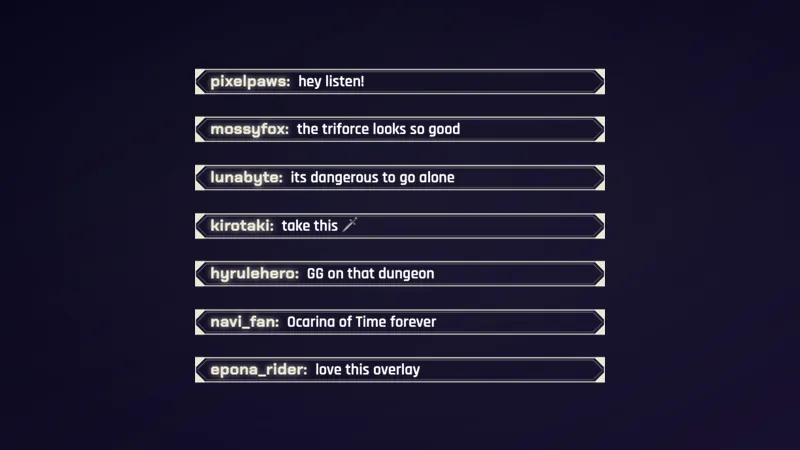
Streamers playing the Ocarina of Time Remake who want a small, playful, chat-driven piece of the set. It suits a layout with a spare corner, and it pairs well with a framed chat or camera border from the same theme.
Adding it to your stream
Download Meld Studio, add the overlay to a scene, and move Link into his corner. If you already run OBS and would rather stay there, the free Spark Plug for OBS plugin brings the same companion into your existing scenes. Either way it is free, and your chat connections carry over across Twitch, YouTube, Kick, and TikTok.
How it works
- 1 Place Link in a corner of your scene, where he can idle next to your gameplay.
- 2 Viewers type !jump to make him jump and !dance to make him dance.
- 3 A new follow makes him jump and a new sub makes him dance, no command needed.
- 4 Navi orbits him the whole time and calls out "Hey! Listen!"
Use cases
-
Giving a quiet corner of the scene something to do
Long stretches of exploration leave the edge of your layout empty. Park the figurine next to your gameplay and he breathes and bobs on his pedestal the whole time, with Navi circling at his side, so the corner never looks dead.
-
Rewarding follows and subs without a separate alert
Mid-dungeon, you do not want a full-screen alert covering the screen. A new follow makes Link jump and a new sub makes him dance, so the celebration happens in the corner while you keep playing and keep talking.
-
Giving chat a button to press during slow moments
During a long cutscene or a loading screen, point viewers at `!jump` and `!dance`. Chat gets something to do with the figurine, and you get a few minutes of easy interaction without pausing the game.
Chat commands
Stream events it reacts to
Frequently asked questions
Is this Zelda stream overlay free?
Yes. The Zelda Link 3D Companion is free with Meld Studio. There is no paywall and no watermark, so you can add it to a scene and leave it running.
Which chat platforms does it work with?
Twitch, YouTube Live, Kick, and TikTok Live are all supported. Meld signs you in once and pulls chat and events from every platform you stream to, so `!jump` and `!dance` work the same way for viewers on all four.
Does it work with OBS Studio?
Yes. Spark Plug for OBS brings the companion into your existing OBS scene, and you can customize it with help from Meld Spark in seconds. Meld Studio is the preferred way to run it, but you do not have to leave OBS to use it.
What do follows and subs do to Link?
A new follow makes him jump and a new sub makes him dance. Neither needs a command, so the reactions fire on their own while chat is busy with other things.
What commands can viewers use?
There are two. Viewers type `!jump` to make Link jump and `!dance` to make him dance. Pin them in your panels or mention them on stream so new viewers know the figurine can be played with.