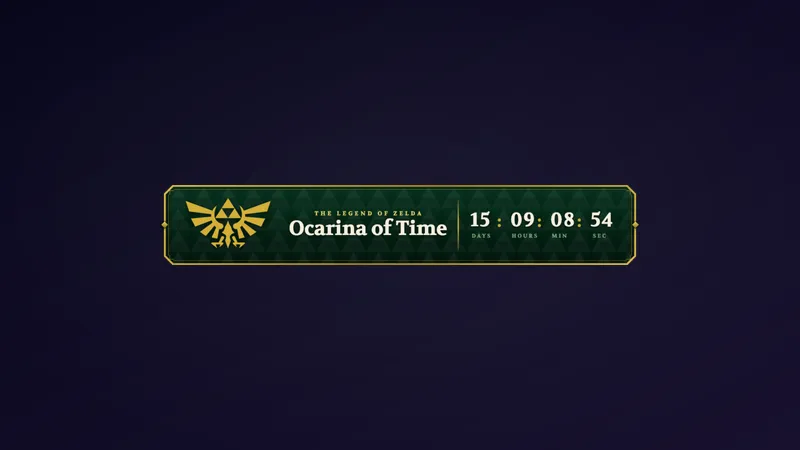
Free Gold Zelda Camera Frame With Navi Circling Your Webcam
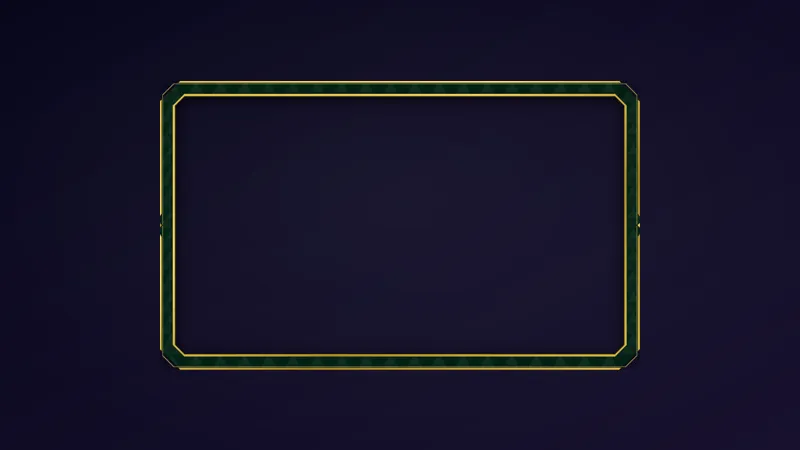
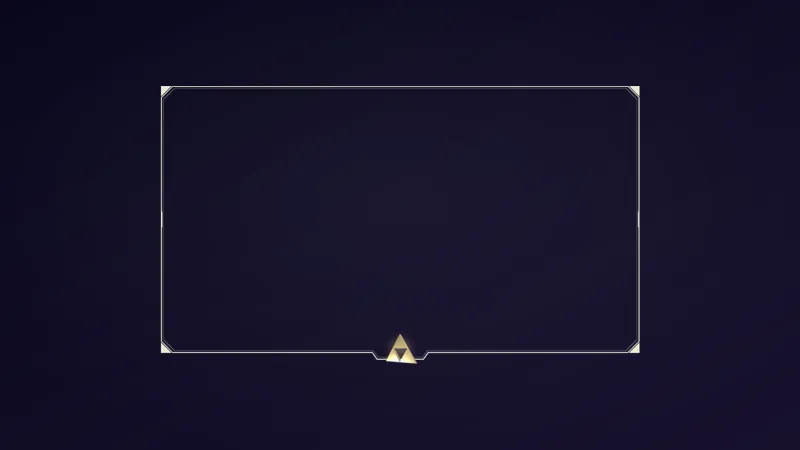
A gold ceremonial camera frame for The Legend of Zelda: Ocarina of Time Remake streams, with Navi orbiting its edges and luminous dust drifting around it. It fits any layer, from a webcam to a full gameplay frame.
By Meld
Get Zelda Navi Camera Frame free
Included with Meld Studio. Or stay in OBS with Spark Plug.
Navi never stays far from Link, and with this frame she does not stay far from you either. Zelda Navi Camera Frame is a free gold ceremonial border for The Legend of Zelda: Ocarina of Time Remake streams, with Navi fairies orbiting its edges and luminous dust drifting around it.
It is free with Meld Studio. No watermark, no setup fee, no subscription required.
What it looks like on screen
The border is gold and ceremonial, the kind of frame that suits a hero’s portrait. Navi fairies circle the edges in a slow orbit while luminous dust drifts around the frame, so the camera area keeps a little life in it even when you are sitting still reading a dialogue box.
Because it fits any layer size, the same overlay works as a small corner webcam frame or as a border around a full gameplay capture. You pick the scale that suits your scene.
Setting it up
Layer the frame above your camera and size both to the same box. That is the whole setup. There is nothing to type in chat and no commands to teach your viewers, since the frame is purely visual and sits there doing its job for the whole stream.
The frame works across Twitch, YouTube Live, Kick, and TikTok Live, so multistreamers get the same look on every channel without rebuilding the scene.
Who it is for
Streamers playing the Ocarina of Time Remake, Zelda fans building a themed channel for the length of a playthrough, and anyone who wants a gold, storybook-style border on a facecam. It is especially useful when the game’s world is already doing the heavy lifting and you want your camera to match it without competing for attention.
Adding it to your stream
Download Meld Studio and add the frame to a scene. If you already stream from OBS and would rather stay there, the free Spark Plug for OBS plugin brings the same overlay into your existing OBS scene. Either way, Meld Spark can customize it for you in seconds, and one sign-in covers Twitch, YouTube, Kick, and TikTok.
How it works
- 1 Layer it above your camera and size both to the same box.
- 2 Navi fairies orbit the gold frame while luminous dust drifts around it.
- 3 It fits any layer size, from a small webcam to a full gameplay frame.
Use cases
-
Dressing the webcam for a Zelda playthrough
A first run through Ocarina of Time Remake deserves a facecam that looks like it belongs to the game. Layer the frame over your camera and the gold border plus orbiting Navi fairies make your reactions part of the adventure instead of a plain rectangle in the corner.
-
Framing the whole gameplay feed
The frame fits any layer size, so you can stretch it past a webcam and wrap your full gameplay capture. That gives a dungeon crawl or a boss fight a ceremonial border, with Navi drifting along the edge while the action stays in the middle.
-
Keeping a themed scene consistent
If you already run Navi elsewhere in your layout, the frame ties the camera to the rest of the scene. Use it for a launch-day stream, a themed week, or any stretch where the whole channel is Hyrule.
Frequently asked questions
Is the Zelda Navi camera frame free?
Yes. The frame is included free with Meld Studio. There is no paywall, no watermark, and no usage cap, so you can leave it on screen for every stream.
Which platforms does it work on?
Twitch, YouTube Live, Kick, and TikTok Live are all supported. Meld signs you in once and works across every platform you stream to, so the same frame sits on your camera whichever channel you go live on.
Does it work with OBS Studio?
Yes. Spark Plug for OBS brings the frame into your existing OBS scene, and Meld Spark lets you customize it from a prompt in seconds. You can keep your OBS setup and still restyle the overlay without touching code.
How do I line the frame up with my camera?
Layer the frame above your camera and size both to the same box. The frame fits any layer size, from a small webcam to a full gameplay frame, so one overlay covers both uses.
Can I use it for games other than Zelda?
Nothing stops you from putting a gold frame on any camera. It is built around Navi and the Ocarina of Time Remake look, so it fits best when Zelda is on screen.