Free Glowing Fairy Chat Overlay for Ocarina of Time Remake
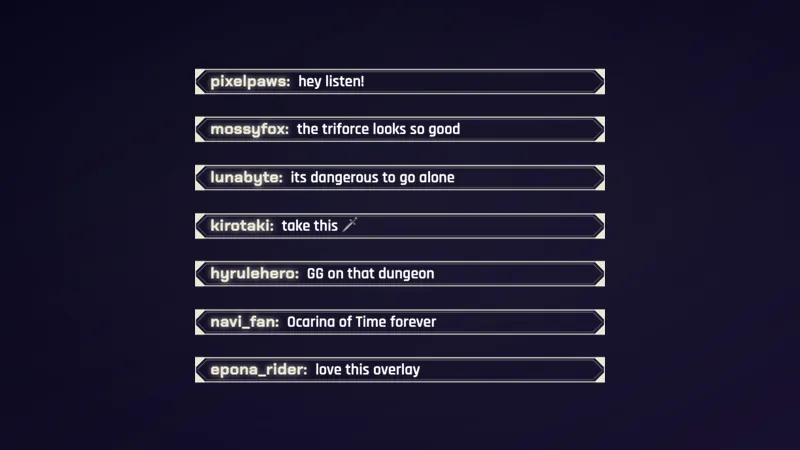
A framed chat overlay for The Legend of Zelda: Ocarina of Time Remake streams, where every message gets its own glowing Navi fluttering at the corner of its plaque.
By Meld
Get Zelda Navi Chat free
Included with Meld Studio. Or stay in OBS with Spark Plug.
Every message that lands in your chat arrives with a small companion of its own. Zelda Navi Chat is a free framed chat overlay for streams of The Legend of Zelda: Ocarina of Time Remake, and it turns a plain stream of text into a column of plaques, each with a glowing Navi fluttering at its corner.
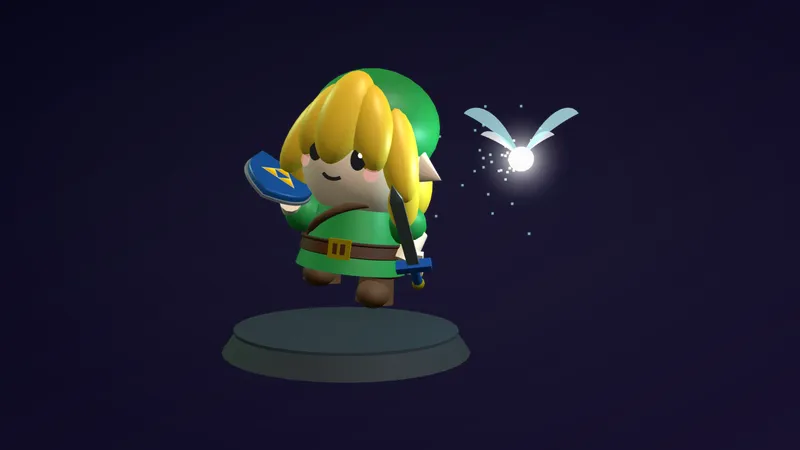
It fits a game where a fairy follows the hero everywhere. Your chat gets the same little light, without a single word of setup.
How it looks
The overlay lives in a tall, narrow layer, so you place it beside your camera or your gameplay rather than over the middle of the screen. When a message comes in, it slides onto the screen inside its own framed plaque. Next to it sits a glowing Navi, and each Navi is a different color. A busy chat becomes a stack of small lights in different shades instead of one block of identical text.
Because every message has its own plaque, chat stays readable. Viewers can see where one message ends and the next begins, and you can read a line at a glance while your eyes stay on the game.
The overlay pulls from every platform you stream to. Twitch, YouTube Live, Kick, and TikTok Live chatters all appear in the same framed column, so a multistream shows one community instead of four separate feeds.
Why Ocarina of Time Remake streamers use it
Zelda runs have long quiet stretches: exploring Hyrule, solving a temple puzzle, standing in a menu. Those are the moments chat tends to fill up, and a chat that looks like it belongs to the game makes them feel part of the stream. A viewer who types a message sees it arrive with its own Navi, and that small reaction is often enough to get them typing again.
It also keeps your layout clean. A wide chat box competes with the HUD and the map. A tall, narrow column sits to the side, leaving the game frame clear.
Build a matching scene
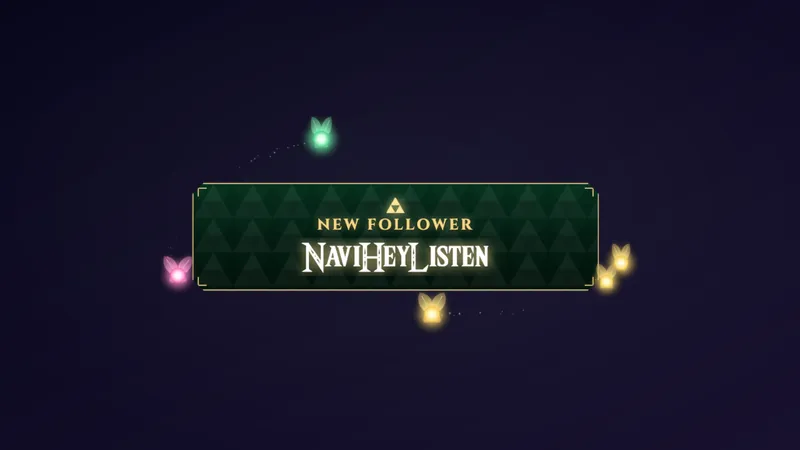
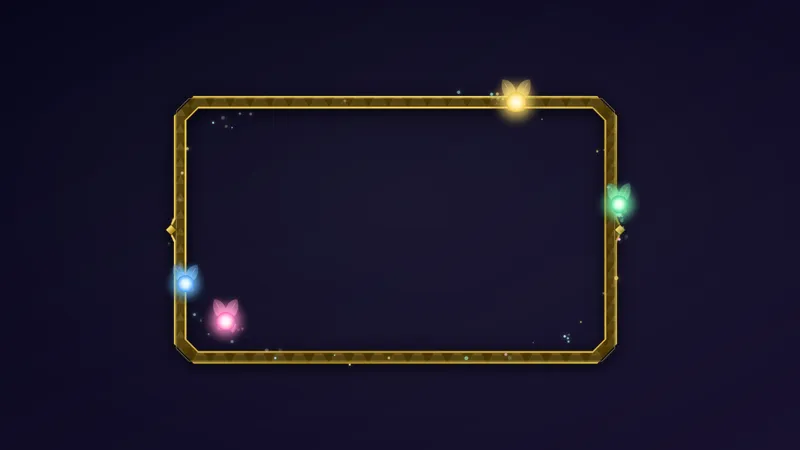
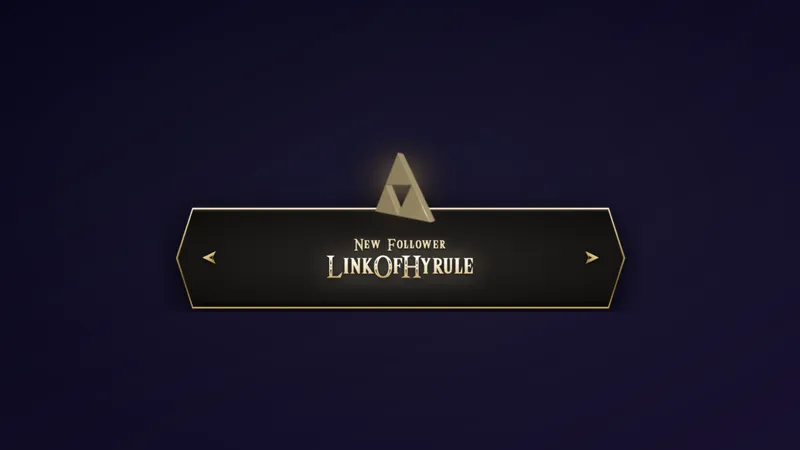
This chat pairs with two other overlays in the gallery: the Zelda Navi Alert for follows, subs, and raids, and the Zelda Navi Camera Frame for your webcam. Use all three and your alerts, camera, and chat share one fairy look.
Who this is for
Streamers playing the Ocarina of Time Remake who want a themed chat without designing one, and anyone who likes a chat where each message feels like it was delivered by a tiny glowing guide. It works as your main chat overlay or as a themed replacement for a plain message feed.
Adding it to your stream
Download Meld Studio and add the overlay to a scene as a layer, then size it into a tall, narrow shape beside your gameplay. If you already run OBS and would rather stay there, the free Spark Plug for OBS plugin brings the same overlay into your existing OBS scene. Either way, it costs nothing, and chat from Twitch, YouTube Live, Kick, and TikTok Live connects from a single sign-in.
How it works
- 1 Drop it into a tall, narrow layer beside your camera or gameplay.
- 2 Each message slides in with its own glowing Navi, each one a different color.
- 3 Pair it with the Zelda Navi Alert and the Zelda Navi Camera Frame.
Use cases
-
Reading chat during a dungeon run
Dungeons ask for your full attention, and a wide chat box over the map gets in the way. Park this chat in a tall, narrow layer beside your gameplay and each message still gets its own plaque, so you can glance over between rooms without losing your place.
-
Matching a full Zelda scene set
If you are building a whole scene for your Ocarina of Time Remake playthrough, this chat sits next to the Zelda Navi Alert and the Zelda Navi Camera Frame. The three share the same fairy theme, so alerts, camera, and chat read as one layout instead of three unrelated overlays.
Frequently asked questions
Is the Navi chat overlay free?
Yes. It is included free with Meld Studio. There is no paywall and no watermark, so you can add it to a scene and keep it for every stream.
Which chat platforms does it support?
Twitch, YouTube Live, Kick, and TikTok Live are all supported. Meld signs you in once and pulls chat from every platform you stream to, so messages from all four land in the same framed chat at the same time.
Does it work with OBS Studio?
Yes. Spark Plug for OBS brings the chat into your existing OBS scene, and Meld Spark lets you customize it from a prompt in seconds. You can keep your OBS setup and still use the overlay.
What size layer should I put it in?
Use a tall, narrow layer beside your camera or gameplay. The chat is designed for that shape, so messages stack as plaques down the side of the frame instead of covering the action.
Which overlays pair well with it?
The Zelda Navi Alert and the Zelda Navi Camera Frame are built to sit alongside it. Together they give you matching alerts, camera border, and chat for an Ocarina of Time Remake scene.