Draw on stream together
Draw on stream.
Let guests draw too.
Screen Draw sits on your canvas so you can circle, highlight, and stamp during a stream. Start a session to share the same canvas with guests in a browser tab.
Go on, draw on it.
Start a session
Checking your Meld access...
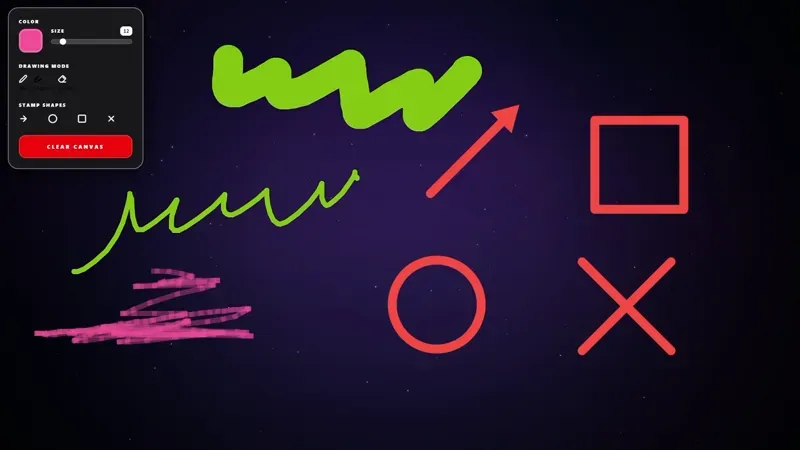
Draw on stream solo for free
No session needed. Add the overlay to your scene and start drawing.
-
Start a session
Sign in with a Meld Pro or Max account. We create a private session token and build the overlay URL from it.
-
Add it to Meld
Drop the Screen Draw layer into your scene. That overlay is what goes on stream.
-
Send the guest link
Share the collab URL. Guests sign in with a free Meld account and draw on the same canvas.
Frequently Asked Questions
Do guests need a Meld account?
Yes. Guests sign in with a Meld account to open the collab link, but only the streamer needs a paid plan to create the session.
What if I add Screen Draw without a session?
The overlay stays local. Drawing works on that machine only. Add a session id to connect it.
Does this change the gallery Screen Draw overlay?
No. The gallery overlay is unchanged. This page is for collaborative sessions.
Can I use this in OBS?
Yes. Add the session overlay URL as a browser source, or use Spark Plug for OBS.