Free Spinning Triforce Alert for Ocarina of Time Remake Streams
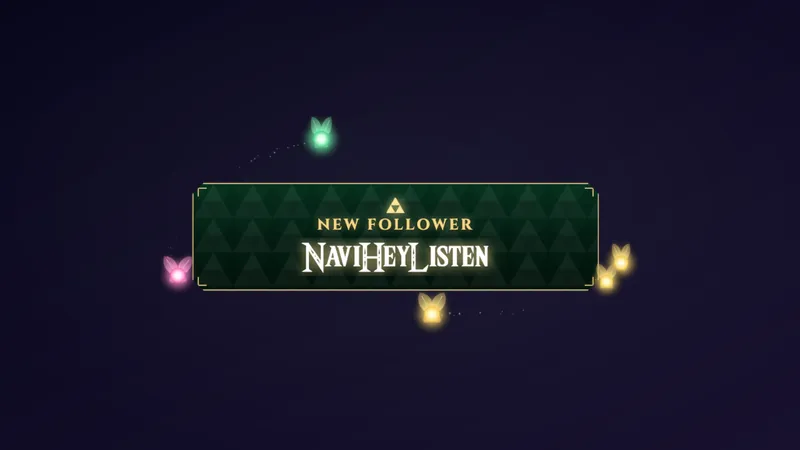
An alert built for The Legend of Zelda: Ocarina of Time Remake streams. A golden 3D Triforce spins in above a stone banner that reveals every new follower, subscriber, raider, and supporter.
By Meld
Get Zelda Triforce Alert free
Included with Meld Studio. Or stay in OBS with Spark Plug.
The best moment of a raid is the first three seconds, when you want to say thank you and keep playing. This alert was made for Ocarina of Time Remake streams, and it gives every follow, sub, and raid a short, golden entrance that fits the game.
It is free with Meld Studio. No watermark, no subscription.
What is on screen
A golden 3D Triforce spins in above a stone banner. The banner reveals who just showed up: the new follower, the subscriber, the raider, or the supporter. It reads as part of Hyrule instead of a generic pop-up dropped on top of your game.
Each event type gets its own banner. Subscriptions show the tier and month streak. Gift subs name the gifter and the count. Raids show the raider and party size. Cheers and Super Chats arrive as a Divine Donation banner with the amount, and merch purchases show the product name.
How it handles a busy stream
The alert reacts to your stream events on its own, with nothing to trigger by hand. Follows, subs, gifts, raids, cheers, and merch orders all spin in the Triforce.
Alerts wait in line, so a raid followed by a wave of follows plays out one banner at a time. Nothing stacks on top of anything else, and every name gets read.
When to reach for it
Place it near the top or center of your scene, where it can appear without covering the action. That keeps boss fights and puzzle rooms readable while the banner does its work.
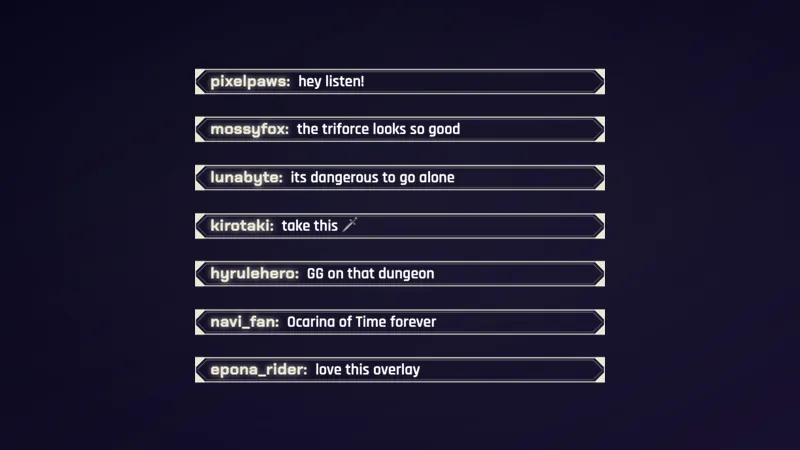
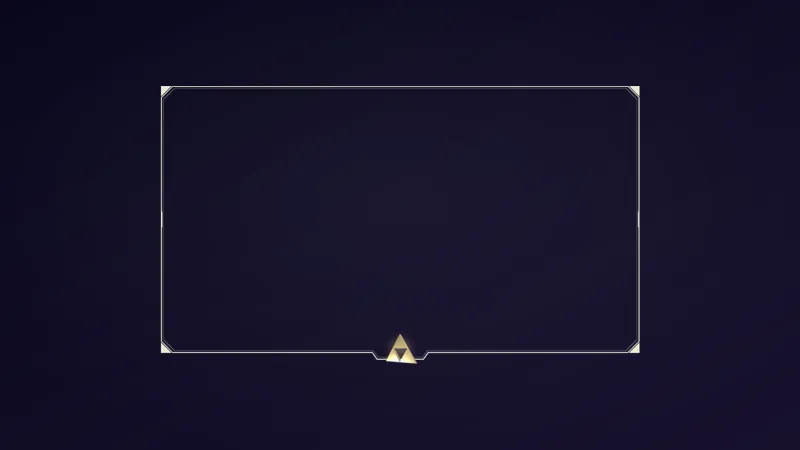
It suits channels that want alerts to feel like part of the world they are playing in. Pair it with the Zelda Framed Chat and the Zelda Triforce Webcam Frame for a matching set.
Who this is for
Zelda streamers, fantasy and adventure players, and anyone covering the Ocarina of Time Remake who wants alerts that match the game’s look. It works for small channels celebrating every first follow and for larger ones that need a queue that keeps up.
Adding it to your stream
Download Meld Studio and add the alert to a scene. If you already run OBS and would rather stay there, the free Spark Plug for OBS plugin brings the same alert into your existing setup. Either way it works across Twitch, YouTube Live, Kick, and TikTok Live from a single sign-in.
How it works
- 1 Place it near the top or center of your scene, where it can appear without covering the action.
- 2 Each follow, sub, gift, raid, cheer, or merch order spins in the Triforce and reveals the name on a stone banner.
- 3 Alerts wait in line, so a raid followed by a wave of follows plays out one banner at a time.
- 4 Pair it with the Zelda Framed Chat and the Zelda Triforce Webcam Frame for a matching set.
Use cases
-
A raid that lands in the middle of a dungeon
You are three rooms deep and a raid drops in with a full party. The Triforce spins in near the top of the scene, the stone banner shows the raider and the party size, and your gameplay stays readable underneath.
-
A wave of follows after a good clip
When a clip travels and the follows stack up, alerts wait in line instead of overlapping. Each new follower gets their own banner, one at a time, so nobody's name is lost in the pile.
-
Gift sub trains and cheers
A gifter drops a batch of subs, or a viewer sends a cheer or Super Chat. The banner names the gifter and the count, or shows a Divine Donation banner with the amount, so the generosity is visible on screen.
Stream events it reacts to
Frequently asked questions
Is this Zelda Triforce alert free?
Yes. It is included free with Meld Studio. There is no paywall and no watermark, so you can add it to a scene and keep it for every stream.
Which platforms does the alert work on?
Twitch, YouTube Live, Kick, and TikTok Live are all supported. Meld signs you in once and pulls events from every platform you stream to, so the same Triforce reacts to follows, subs, and raids across all four.
Does it work with OBS Studio?
Yes. Spark Plug for OBS brings the alert into your existing OBS scene, so you do not have to switch apps. You can use it as is or customize it with help from Meld Spark in seconds.
Which events trigger a Triforce banner?
Follows, subscriptions, gift subs, raids, cheers or Super Chats, and merch purchases each spin in the Triforce. Subscriptions show the tier and month streak, and raids show the raider and party size.
What happens if several alerts arrive at once?
They wait in line and play one banner at a time. A raid followed by a wave of follows plays out in order, so each name gets its moment on screen.