A Free Webcam Frame With a Spinning Golden 3D Triforce
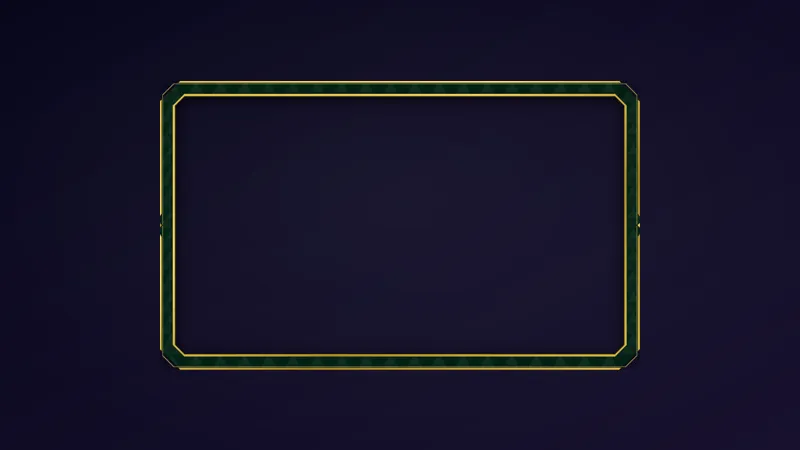
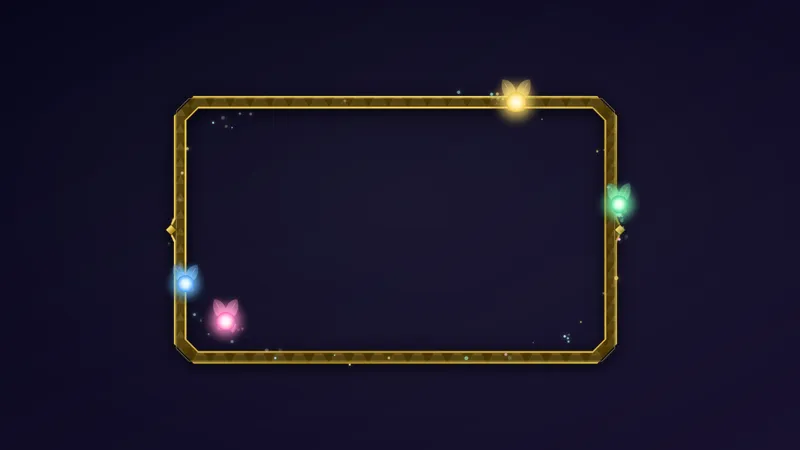
A webcam frame for The Legend of Zelda: Ocarina of Time Remake streams, with a golden 3D Triforce spinning at the bottom edge. Pairs with the Zelda Framed Chat.
By Meld
Get Zelda Triforce Webcam Frame free
Included with Meld Studio. Or stay in OBS with Spark Plug.
Size your camera layer, drop the frame on top, and a golden Triforce starts turning along the bottom edge. That is the whole setup for this webcam frame, made for streams of The Legend of Zelda: Ocarina of Time Remake.
It is free with Meld Studio. No watermark, no setup fee, and no subscription required.
What sits around the cam
The frame wraps your camera feed and finishes the edge of the shot. At the bottom, a 3D Triforce in gold rotates in place, so the frame has a focal point that catches the eye without covering your face. The rest of the frame stays out of the way and lets the camera do the talking.
Because the frame scales to any layer size, you can use it for a small corner camera, a wide facecam strip, or a larger box in a Just Chatting layout. The Triforce keeps its place at the bottom edge at every size, so you do not have to rebuild anything when you resize.
Setting it up
Add the frame above your camera layer and size both to the same box. That is it. There is no command to learn and no chat setup to do, because this overlay is about how your camera looks, not about reacting to events.
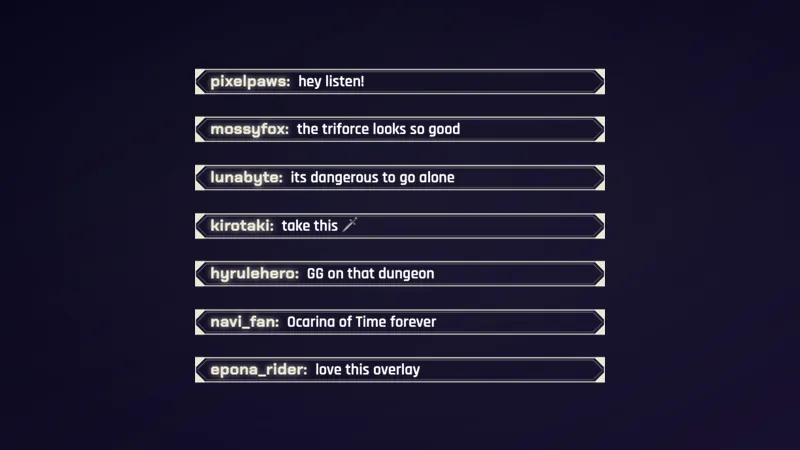
If you want the rest of the scene to match, the Zelda Framed Chat is built to sit beside it. Put the two next to each other and your camera and chat share one look.
Who this is for
Streamers playing the Ocarina of Time Remake who want a camera frame that fits the game. It also suits anyone who likes a gold and Triforce look for adventure games, longer story runs, and any scene where the camera stays on screen for hours. Viewers who land mid-stream see a finished layout straight away, which matters on Twitch, YouTube, Kick, and TikTok alike.
Adding it to your stream
Download Meld Studio and add the frame to a scene as a layer above your camera. Meld connects once and works with Twitch, YouTube Live, Kick, and TikTok Live from the same sign-in, so one frame covers every platform you stream to.
If you already run OBS and would rather stay there, the free Spark Plug for OBS plugin brings the same frame into your existing scene. Either way, the frame costs nothing and takes a minute to place.
How it works
- 1 Add it above your camera layer and size both to the same box.
- 2 The frame scales to any layer size while the 3D Triforce keeps spinning at the bottom edge.
- 3 Put the Zelda Framed Chat next to it for a matching look.
Use cases
-
Long dungeon runs with the camera in view
An Ocarina of Time Remake playthrough can sit on one screen for an hour at a time. The spinning Triforce at the bottom edge gives your camera a small, constant bit of motion, so the corner of the scene never looks like a static box while you work through a puzzle room.
-
Matching the rest of a Zelda themed scene
If you are building a full scene for a new release, size the frame to your camera layer and put the Zelda Framed Chat next to it. The two share the same look, so the camera and chat read as one set instead of two unrelated downloads.
Frequently asked questions
Is the Zelda Triforce webcam frame free?
Yes. The frame is included free with Meld Studio. There is no watermark, no setup fee, and no subscription required to use it on stream.
Which platforms does the webcam frame work on?
Twitch, YouTube Live, Kick, and TikTok Live are all supported. Meld signs you in once and works with every platform you stream to, so the same frame shows up wherever you go live.
Does it work with OBS Studio?
Yes. Spark Plug for OBS brings the frame into your existing OBS scene, and you can customize it with help from Meld Spark in seconds. You do not have to leave OBS to use it.
How do I line the frame up with my camera?
Add the frame as a layer above your camera and size both layers to the same box. The frame scales to any layer size, and the Triforce keeps spinning at the bottom edge whatever dimensions you pick.
What goes well with this frame?
The Zelda Framed Chat is the matching piece. Put it beside the camera for a consistent look across the scene.