Free 3D Gnome Chat Companions That Gather on a Forest Path
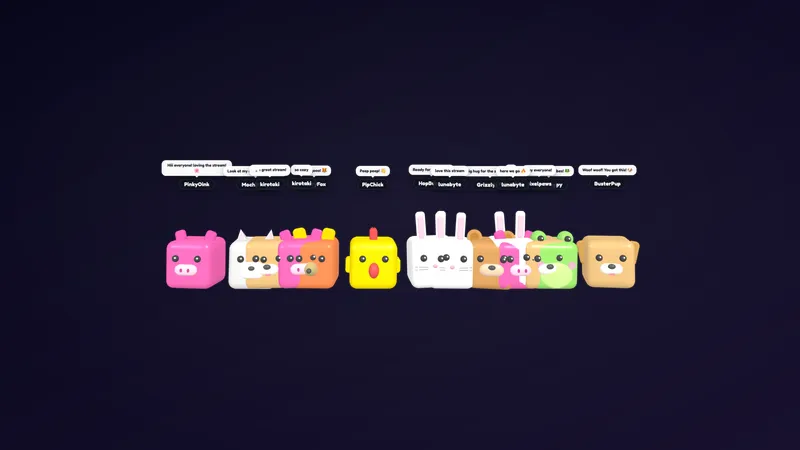
Everyone who sends a message in chat shows up as a 3D gnome on a forest path, with their name above their hat.
By Meld
Get 3D Gnome Chat Companions free
Included with Meld Studio. Or stay in OBS with Spark Plug.
Send one message in chat and a gnome shows up on a forest path, with your name written above its hat. That is the whole idea, and it works because it is so easy to read. A viewer types, a character appears, and they can find themselves on screen right away.
It is free, and it needs no setup beyond adding it to a scene.
What it looks like on stream
The scene is a 3D forest path. Each person who sends a message in chat becomes a gnome standing on it. The name sits above the hat, so you can tell at a glance who is who without reading the chat feed.
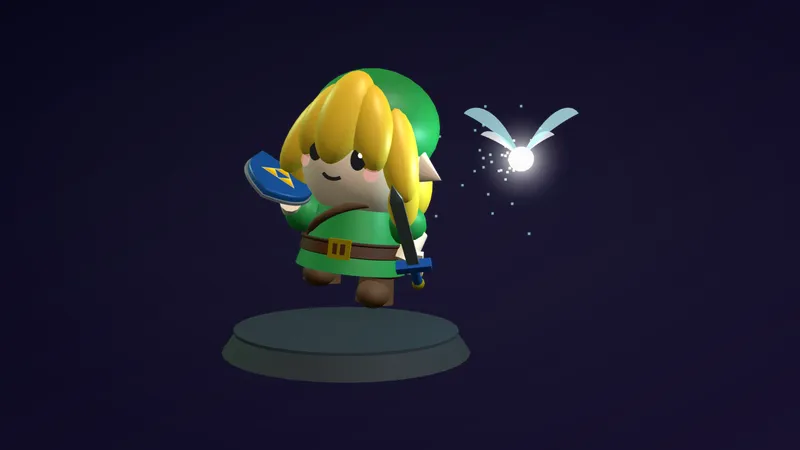
Because the characters are 3D rather than flat sprites, the overlay has depth. It reads as a small world behind or beside your gameplay instead of a sticker pasted on top. That makes it a natural fit for cozy streams, where the look of the whole canvas matters as much as the content.
The overlay works from chat alone. There is nothing for viewers to learn and no command to memorize: if they can type a message, they get a gnome.
Why streamers use it
A busy text feed is easy to ignore, and a quiet one can make a channel feel empty. Putting chatters on screen as characters fixes both. New viewers see a place to join, and regulars see their own gnome and a path full of familiar names.
It is a good fit for:
- Cozy and relaxed variety streams
- Art, music, and co-working sessions
- Just Chatting shows where the community is the content
- Small channels that want chat to feel more alive
Since it pulls from chat on every platform you stream to, multistreamers get one shared forest rather than a separate view for each audience.
Who this is for
Streamers who want chat to be part of the picture, not a box in the corner. If your layout has room for a scene and your community likes a bit of charm, a gnome path gives them something to look at and something to be part of.
Adding it to your stream
Download Meld Studio and add the overlay to a scene. If you would rather stay in OBS, the free Spark Plug for OBS plugin loads the same overlay into your existing OBS setup. Either way, chat from Twitch, YouTube Live, Kick, and TikTok Live feeds the same path from a single sign-in.
Use cases
-
Cozy streams that need a living chat
On a cozy game, art, or Just Chatting stream, a text feed in the corner can feel flat next to everything else on screen. Gnomes on a forest path turn each message into a small character your viewers can spot, and the scene fits a relaxed, storybook mood.
-
Welcoming new viewers on a small channel
When a few people are talking, every message should count. A new chatter sees a gnome with their own name above its hat the moment they type, which gives them an instant reason to feel part of the room. Regulars can find themselves on the path at a glance.
Frequently asked questions
Is the 3D gnome chat overlay free?
Yes. 3D Gnome Chat Companions is a free overlay in the Meld gallery. Add it to a scene in Meld Studio and it is ready to run.
What does a chatter see when they send a message?
Anyone who sends a message in chat shows up as a 3D gnome on a forest path. Their name floats above the gnome's hat, so the whole scene doubles as a visual list of who is talking.
Which chat platforms does it support?
Twitch, YouTube Live, Kick, and TikTok Live are all supported. Meld signs you in once and pulls chat from every platform you stream to, so chatters from all four can appear on the same path at the same time.
Does it work with OBS Studio?
Yes. Spark Plug for OBS brings the gnome overlay into your existing OBS scene, and Meld Spark lets you customize it from a plain-English prompt in seconds. You can stay in OBS and still reshape the overlay without touching code.