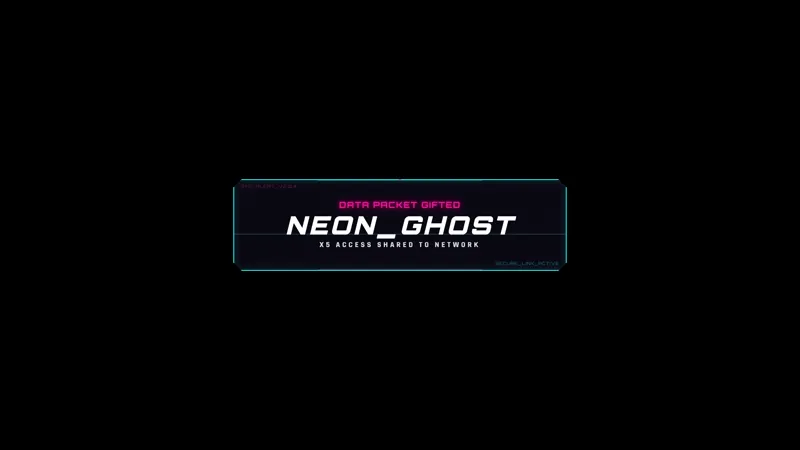
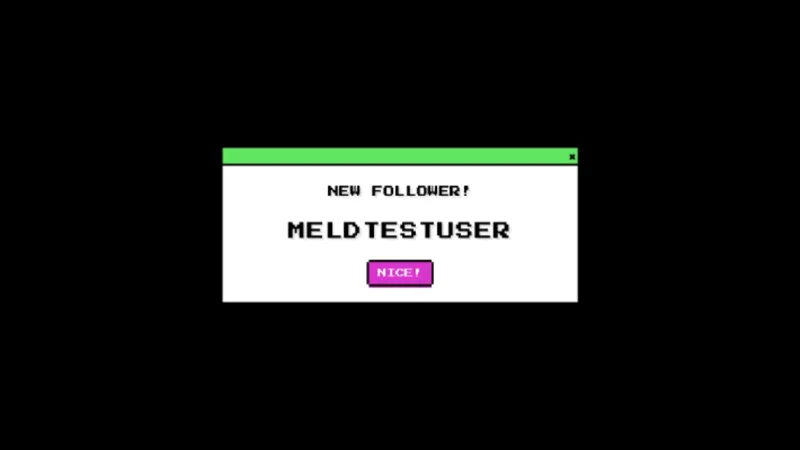
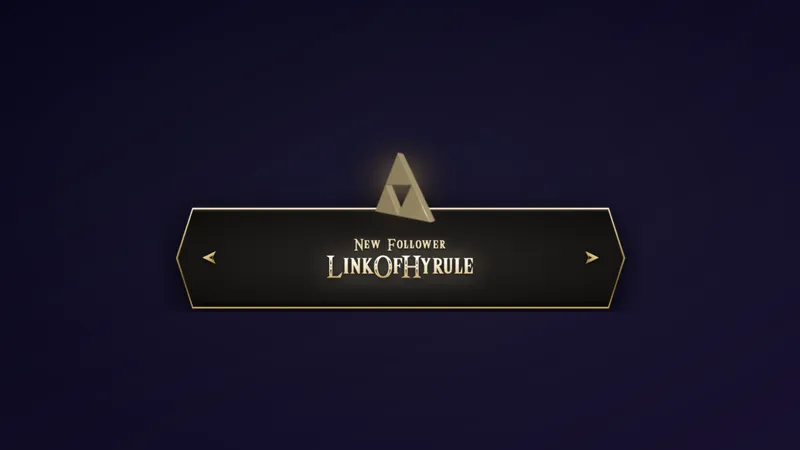
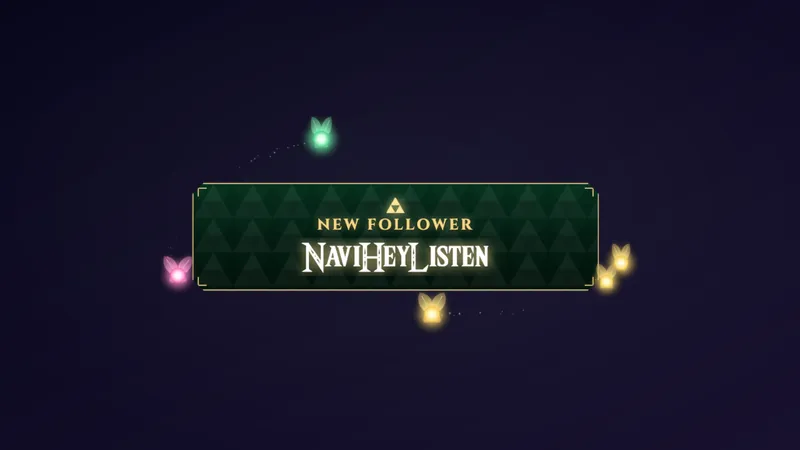
A Free Animated Pink Flame Alert for Every Stream Event
An alert widget with an animated pink flame that rises behind the viewer’s name. It reacts to every event on your stream.
By Meld
Get Flame Alert free
Included with Meld Studio. Or stay in OBS with Spark Plug.
Pink fire behind a name is hard to scroll past. Flame Alert puts an animated pink flame on screen whenever something happens on your stream, and it rises directly behind the name of the person who caused it. The viewer sees their own name lit up, and everyone else sees who just showed up.
It is a free alert widget, and the same flame covers every event instead of a different animation for each.
What triggers it
Flame Alert reacts to six kinds of moments. A new follow brings the flame up behind the follower’s name. A subscription does the same for the subscriber, and gift subs put it behind the gifter’s name. Bits light it up behind the cheerer’s name, and a tip does the same for the tipper. When a raid arrives, the flame rises behind the raider’s name along with their viewer count.
Because every event shares one look, your alert layer stays consistent. Nothing clashes, and a quiet stream and a busy one both read as part of the same scene.
The widget pulls events from every platform you stream to. Twitch, YouTube Live, Kick, and TikTok Live supporters all trigger the same flame, so multistreamers do not need a separate alert setup for each channel.
When to use it
Flame Alert suits streams with a neon or dark layout, where a bright pink glow stands out against the rest of the scene. Use it during a subathon when gift subs stack up, during a raid to welcome a new crowd, or on an ordinary night when a single follow deserves a moment.
It works as your only alert or as a replacement for a default notification that viewers have stopped noticing. Place it where a name has room to be read, such as the center or lower third of the canvas.
Who this is for
Streamers who want an alert that looks deliberate without managing a pile of separate animations. It fits variety streamers, gamers with dark or neon overlays, and multistreamers who want one consistent look across every platform.
Adding it to your stream
Download Meld Studio and add Flame Alert to a scene. If you already run OBS and would rather stay there, the free Spark Plug for OBS plugin brings the same alert into your existing OBS scene. Either way, there are no scripts to write and the platform connections work across Twitch, YouTube, Kick, and TikTok from a single sign-in.
Use cases
-
Making a raid feel like an event
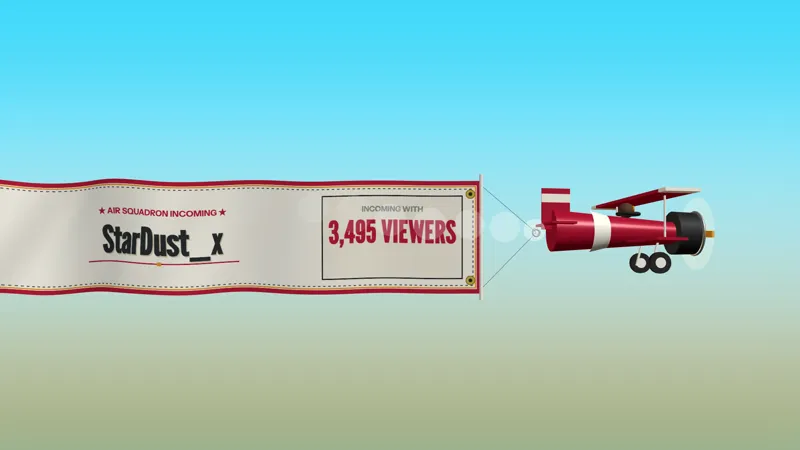
When a raid lands with a few hundred viewers, a plain text notification wastes the moment. The flame rises behind the raider's name and viewer count, so your new audience sees who sent them while you say hello.
-
One alert style for a multistream
If you go live on Twitch, YouTube, Kick, and TikTok at once, keeping four alert looks in sync is tedious. Flame Alert handles follows, subs, gift subs, bits, and tips with the same pink fire, so every platform's supporters get the same treatment on screen.
-
Rewarding small tips and bits
A single cheer or a small tip rarely gets a spotlight on a busy scene. With the flame behind the cheerer's or tipper's name, even the smaller contributions get a moment that viewers notice and remember.
Stream events it reacts to
Frequently asked questions
Is the Flame Alert overlay free?
Yes. Flame Alert is a free alert widget that works with Meld Studio. Add it to a scene and it starts reacting to your stream events.
Which events trigger the flame?
Follows, subscriptions, gift subs, bits, tips, and raids all trigger it. The flame rises behind the viewer's name each time, and on a raid it also shows the raider's viewer count.
Which streaming platforms does it work with?
Twitch, YouTube Live, Kick, and TikTok Live are all supported. Meld signs you in once and pulls events from every platform you stream to, so the flame reacts to supporters on all four at the same time.
Does Flame Alert work with OBS Studio?
Yes. Spark Plug for OBS brings the alert into your existing OBS scene, and Meld Spark lets you customize it from a prompt in seconds. You can keep your OBS setup and still change how it looks.