Free Zelda Ocarina of Time Remake Countdown Lower Third for Your Stream
A live countdown to the launch of The Legend of Zelda: Ocarina of Time Remake, in an emerald and gold lower third with the Hylian crest. Days, hours, minutes, and seconds tick down on stream.
By Meld
Get Zelda Countdown Lower Third free
Included with Meld Studio. Or stay in OBS with Spark Plug.
Every launch has a stretch of days where the only thing anyone can do is wait. This countdown makes that wait part of your stream. A live clock in emerald and gold sits along the bottom of your scene, counting the days, hours, minutes, and seconds until The Legend of Zelda: Ocarina of Time Remake arrives.
It is a free overlay, and it needs no setup to start running.
What it looks like
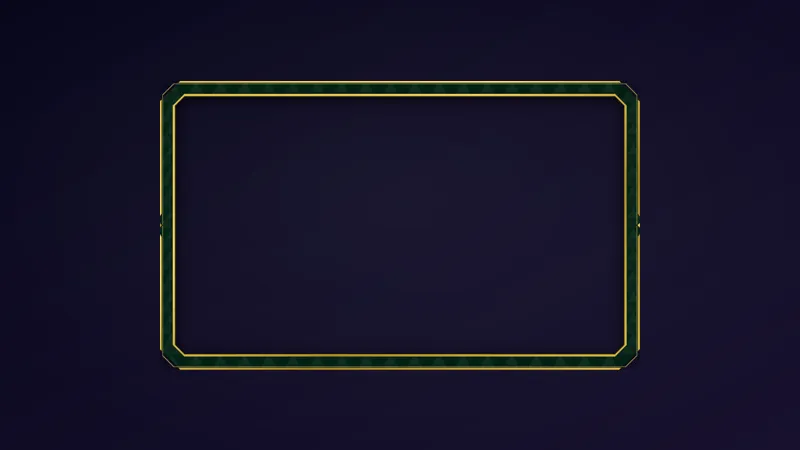
The lower third wears the look of the game’s Hyrule: deep emerald panels, gold trim, and the Hylian crest anchoring the design. The title sits with the timer, and the four numbers tick down live on screen so viewers can see exactly how long is left.
The layout adapts to the space you give it. Stretch it wide along the bottom of the frame and the title and timer sit side by side. Make the layer taller or narrower and the title stacks above the timer on its own, which suits a corner of a vertical scene or a slim strip beside gameplay.
Why streamers use it
A countdown gives viewers a reason to come back. If your channel is the place where people tick down to a release together, they show up during the quiet days too. It also answers the question chat keeps asking, how long until it comes out, so you can stop typing the number into chat.
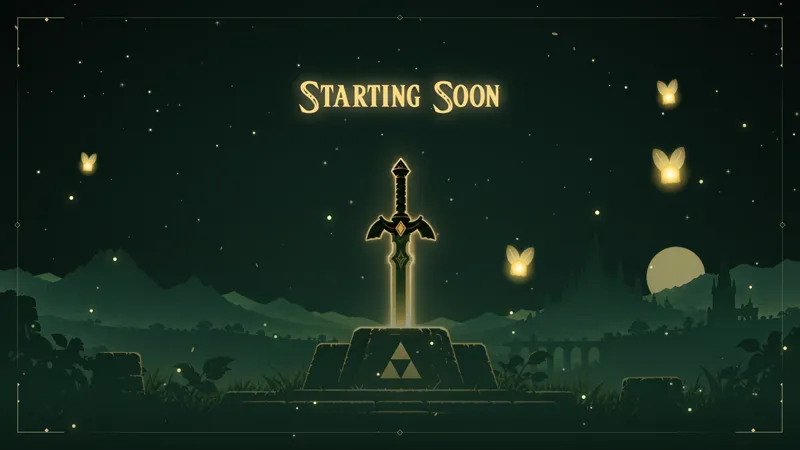
It works as a quiet background element during a normal stream, or as the centerpiece of a pre-launch show. Pair it with a Starting Soon screen and you have a full waiting-room scene without building anything.
You are not locked to the launch date, either. Meld Spark can retarget the timer at a date of your choosing, like a marathon, a charity stream, or your next broadcast, and rename the title to fit.
Who this is for
Zelda streamers, retro and remake fans, and anyone building hype ahead of a launch day. It suits channels that want a polished lower third without opening a design tool.
Adding it to your stream
Download Meld Studio, drop the countdown into a scene, and place it along the bottom of your layout. If you already run OBS and would rather stay there, the free Spark Plug for OBS plugin brings the same overlay into your existing OBS scenes. Either way, it works across Twitch, YouTube, Kick, and TikTok from a single sign-in, and you can reshape it with a Meld Spark prompt whenever the date changes.
How it works
- 1 Place it along the bottom of your scene as a lower third.
- 2 It counts down to the Ocarina of Time Remake launch on its own, no setup needed.
- 3 Make the layer taller or narrower and the title stacks above the timer on its own.
- 4 Ask Meld Spark to point it at another date, like a marathon or your next stream.
Use cases
-
Hyping the days before launch
Leave the countdown along the bottom of your scene while you chat, play older games, or run a Just Chatting stream in the weeks before the Ocarina of Time Remake arrives. Viewers see the days and hours shrinking and start planning their own launch night around your channel.
-
Running a launch watch party
On the night itself, keep the lower third on screen during your pre-show so the whole chat watches the seconds tick down together. It frames the wait as an event instead of dead air, and it gives you a natural cue for when to go live on the game.
-
Pointing it at your own date
Once the launch has passed, ask Meld Spark to aim the same lower third at a marathon, a charity stream, or your next scheduled broadcast. The look stays, only the date and title change.
Frequently asked questions
Is the Zelda countdown lower third free?
Yes. It is included free with Meld Studio, with no paywall and no watermark. Add it to a scene and the countdown starts on its own.
Which platforms does it work on?
Twitch, YouTube Live, Kick, and TikTok Live are all supported. Meld signs you in once and works across every platform you stream to, so the same countdown shows up no matter where your viewers watch.
Does it work with OBS Studio?
Yes. Spark Plug for OBS brings the countdown into your existing OBS scene, and Meld Spark lets you customize it in seconds. You can change the title or the date without leaving OBS.
How do I count down to a different date?
Ask Meld Spark in plain English. A prompt like "Count down to my Ocarina of Time Remake launch stream on Friday at 8 PM" points the timer at that moment and updates the title to match.
Does the countdown need any setup?
No. Out of the box it counts down to the Ocarina of Time Remake launch by itself. Drop it into a scene, size it along the bottom, and it runs.