Stream Overlays Made With Meld Spark Max
19 overlays
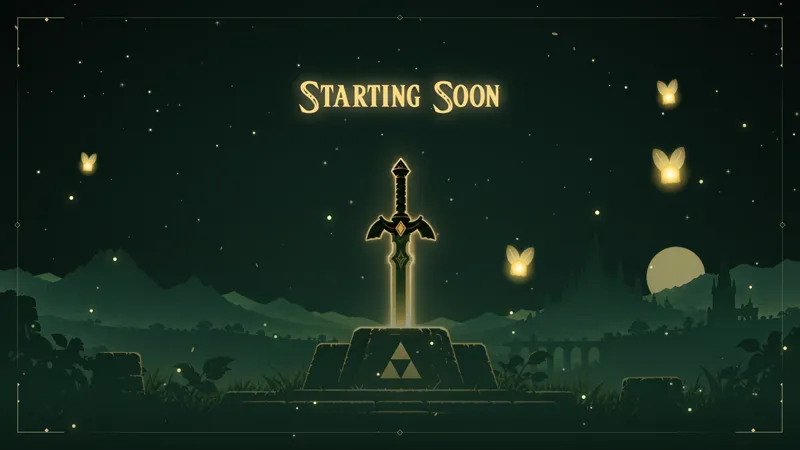
Zelda Starting Soon
Meld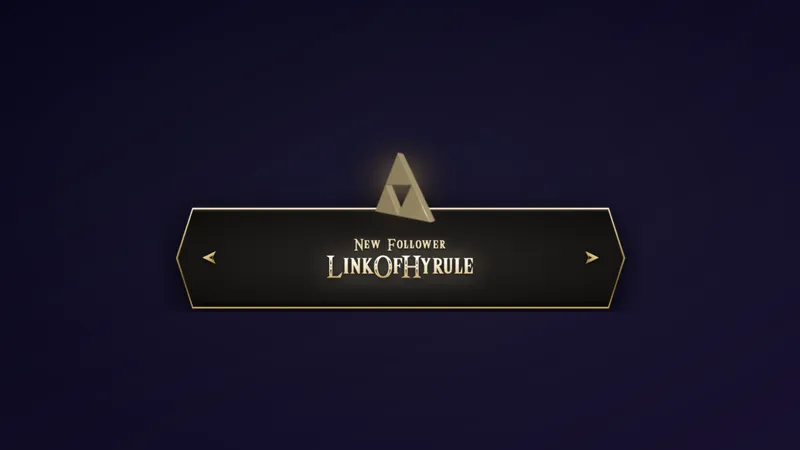
Zelda Triforce Alert
Meld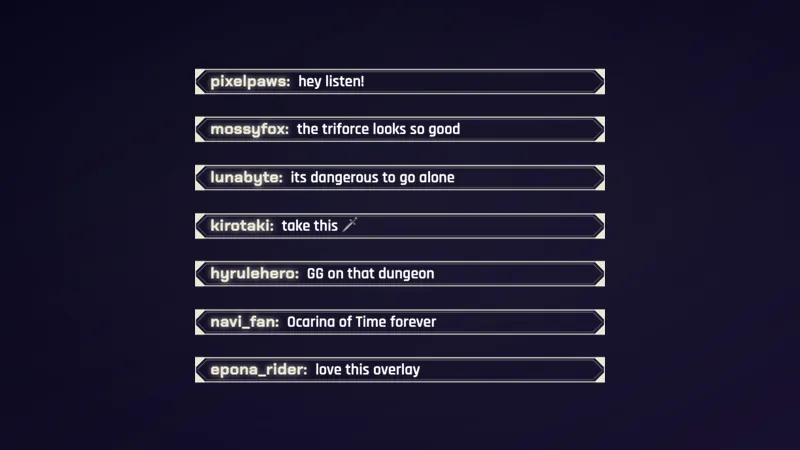
Zelda Framed Chat
Meld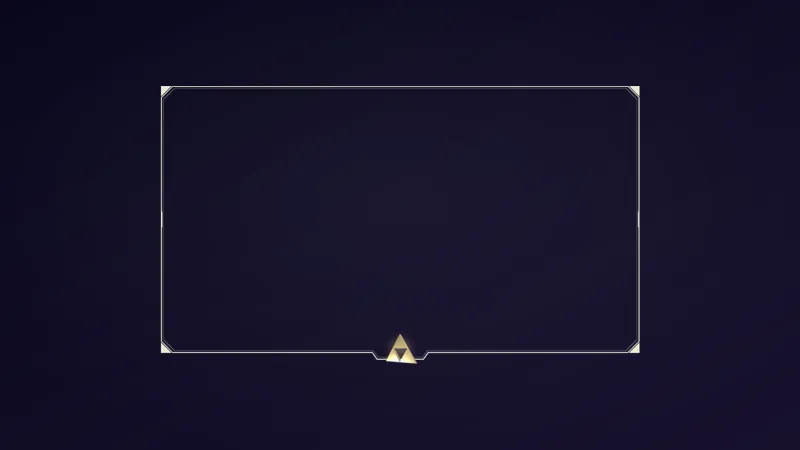
Zelda Triforce Webcam Frame
Meld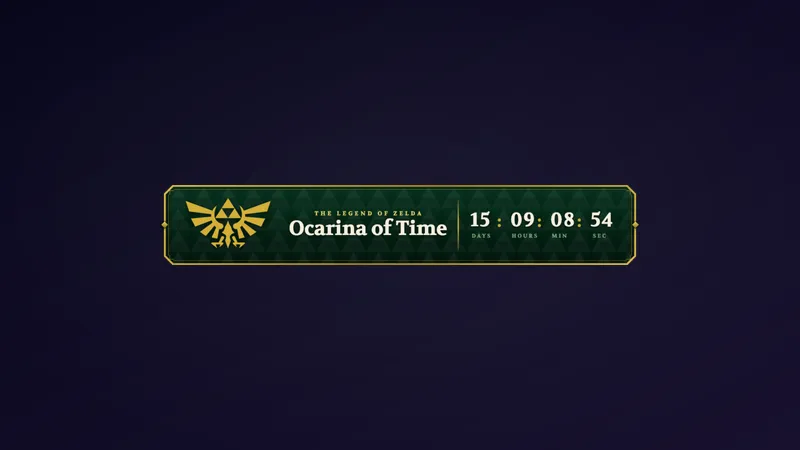
Zelda Countdown Lower Third
Meld
Zelda Royal Webcam Frame
Meld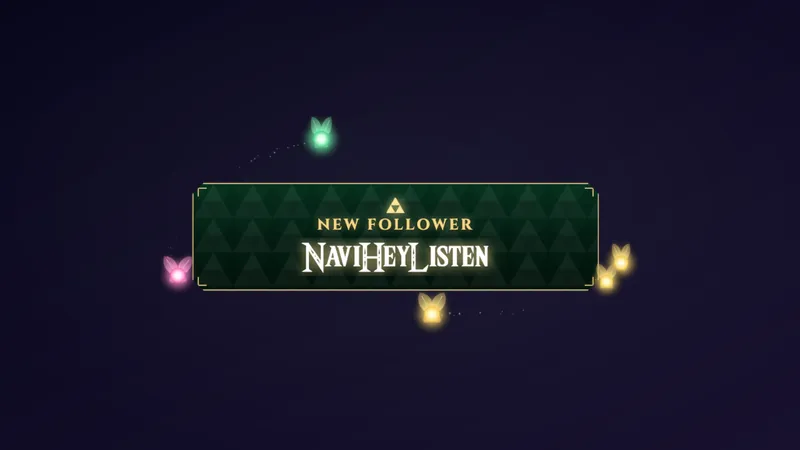
Zelda Navi Alert
Meld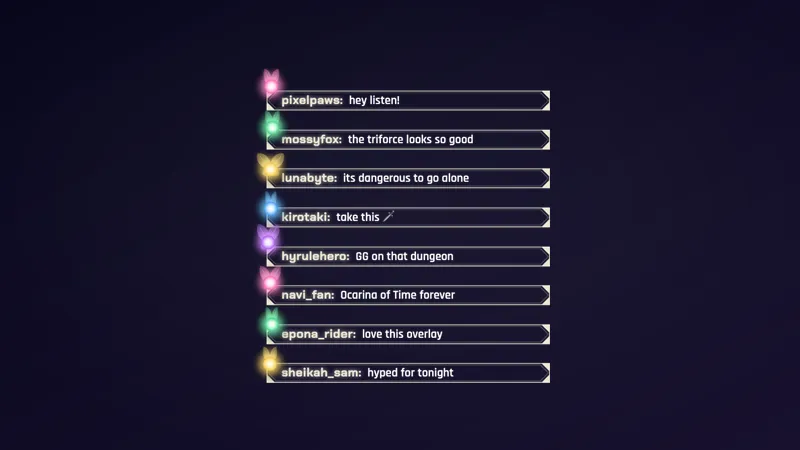
Zelda Navi Chat
Meld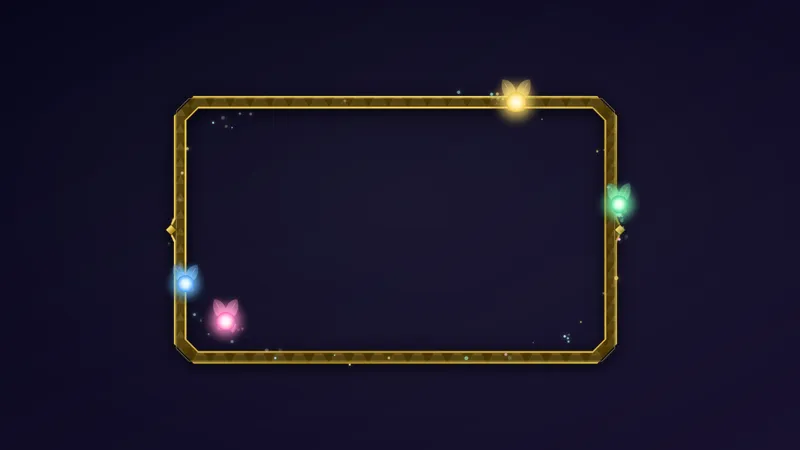
Zelda Navi Camera Frame
Meld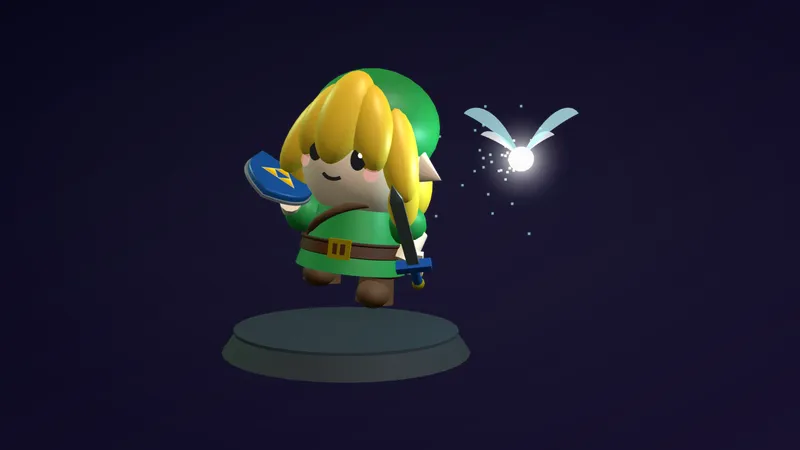
Zelda Link 3D Companion
Meld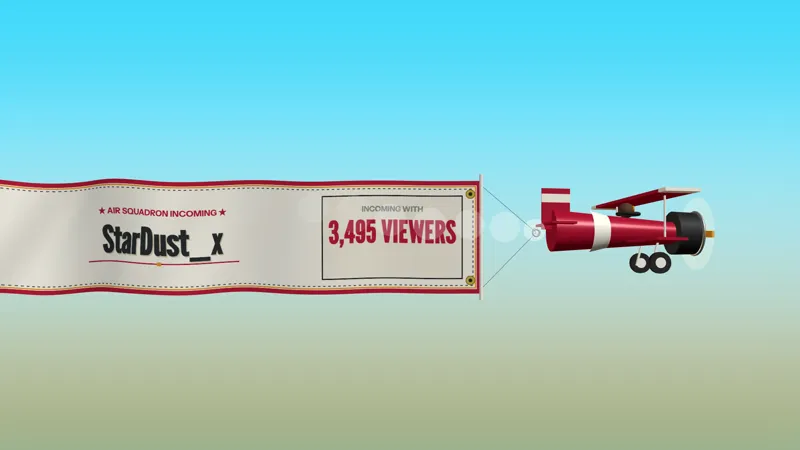
Propeller Raid
Meld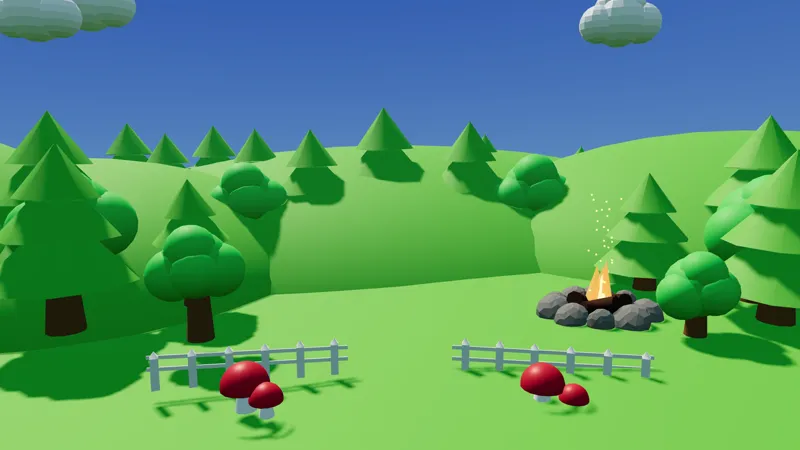
Day and Night 3D World
Meld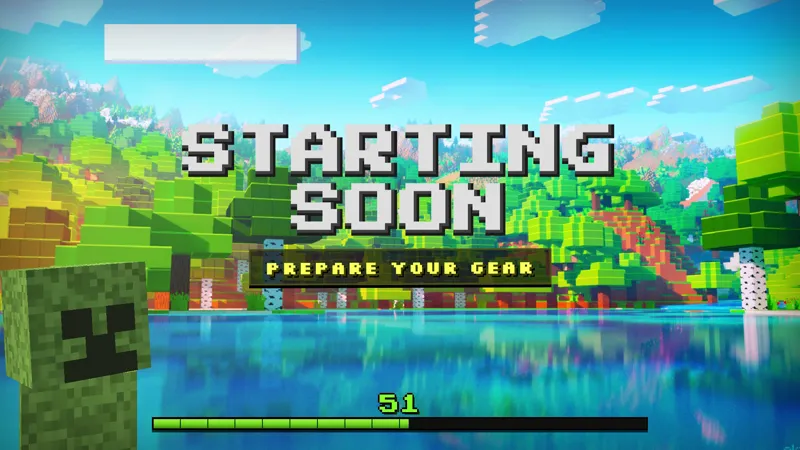
Minecraft Creeper Starting Soon
Meld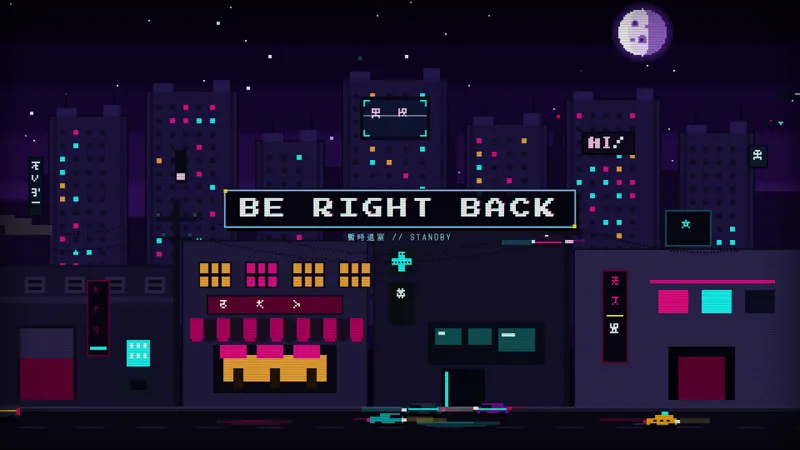
Cyberpunk BRB
Meld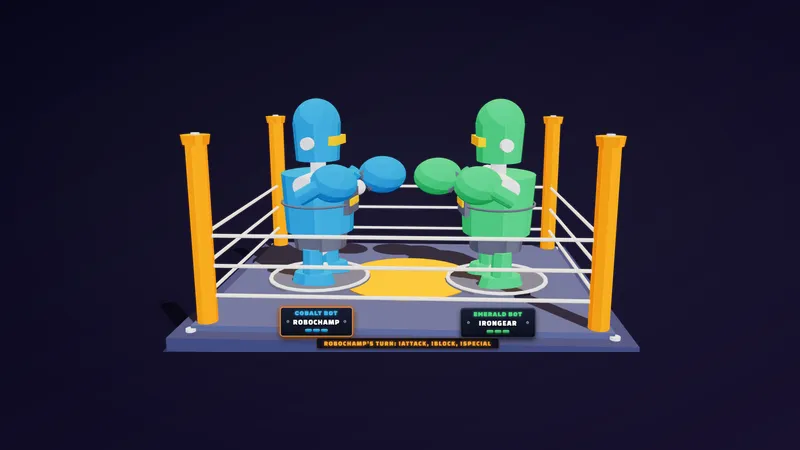
Robot Chat Fight
Meld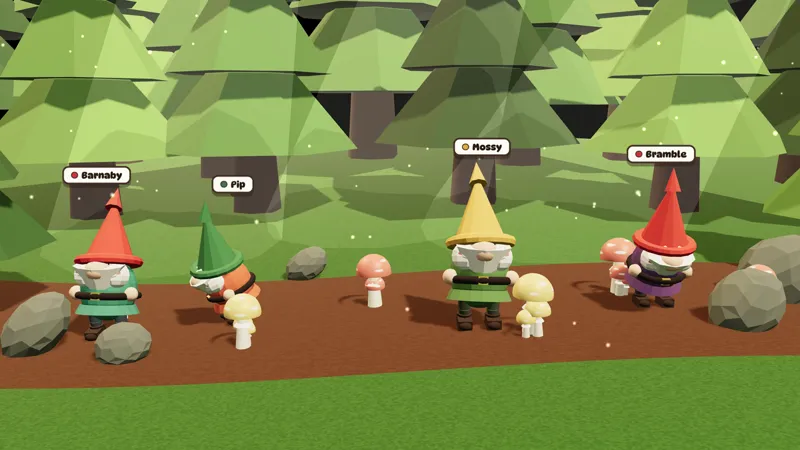
3D Gnome Chat Companions
Meld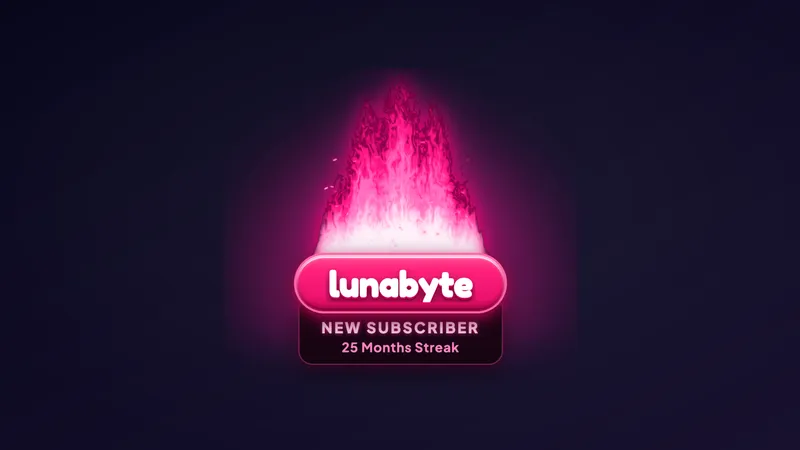
Flame Alert
Meld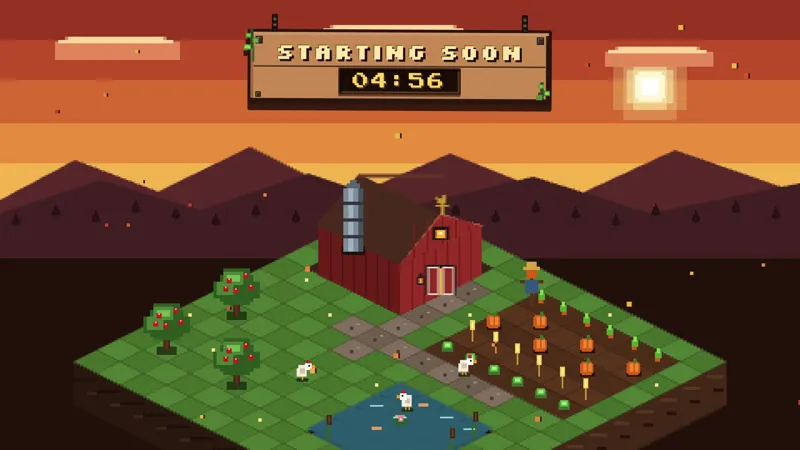
Little Isometric Farm Starting Soon
Meld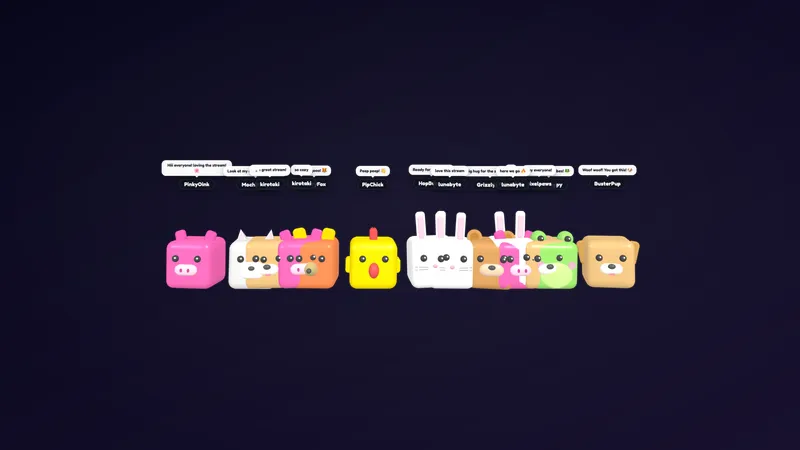
Cubic Pets 3D
Meld
The Max plan gives you the same most capable Meld Spark model as Pro, with the most room to use it. These overlays were made with that model, and they show the kind of work it does: detailed 3D scenes, chat games with real rules, and alerts with layered effects, all from a prompt.
Max is for streamers who use Meld Spark a lot. It runs the most capable Meld Spark model, the one behind every overlay on this page, and gives you the highest limits to work with it.
What this model builds
Look at the range here: a 3D world whose light follows the time of day, a cozy isometric farm, a boxing ring where chat takes turns, and a flame alert that reacts to every stream event. Each came from a description, and each needed far fewer rounds than the free model would take to reach the same place.
What is in the collection
Two alerts, Propeller Raid and Flame Alert, cover raids and every other stream event. Three chat-driven pieces, Robot Chat Fight, 3D Gnome Chat Companions and Cubic Pets 3D, turn your chatters into characters on screen. Four scenes, the Day and Night 3D World, the Little Isometric Farm Starting Soon, the Minecraft Creeper Starting Soon and the Cyberpunk BRB, carry you from the start of a stream through its breaks. A full Zelda set, from a Starting Soon screen and alerts to webcam frames, chat and a 3D Link companion, dresses a whole stream of The Legend of Zelda: Ocarina of Time Remake.
When Max makes sense
If you redesign your scenes often, build overlays for a series, or like to try several versions before you pick one, the higher limits on Max keep you working without waiting. Every overlay you make adds to Meld Studio, or to OBS through Spark Plug for OBS.
Frequently asked questions
What does the Max plan include?
Max includes our most capable Meld Spark model, the same one as Pro, with the highest usage limits, for streamers who build and iterate on overlays often. See the difference.
How is Max different from Pro?
Both use the same model, so overlays like these look and behave the same on either plan. Max gives you more room to create, experiment, and refine before you reach a limit.
Can I build overlays like these myself?
Yes. Describe your idea to Meld Spark on Max or Pro and it builds it with this model. Start from one of these overlays or from a blank prompt. Start creating now.
Do they work in OBS?
Yes. Spark Plug for OBS loads any of these overlays into your OBS scene as a browser source, and they run in Meld Studio with no extra setup across Twitch, YouTube Live, Kick, and TikTok Live.