Live Streaming and Recording
Studio for streamers, podcasters, youtubers, educators, musicians, creators,
churches, and vtubers
The all-in-one streaming and recording app for creators. Free on Windows and macOS.
Looking for Windows? Get it here
Looking for macOS? Get it here
Meld Studio runs on Windows and macOS
It can't be installed on a Chromebook. It isn't available for Linux. It can't be installed on a phone or tablet. Meld Spark works in any browser, so you can build overlays, alerts and widgets for your stream right here.
Open Meld Spark Download for another computerMeld Studio runs on Windows and macOS. Choose your computer:
Integrated with
That's the dream right there.
Nothing would make me happier than if some of you saw this video, learned about Meld, switched to it, and finally were able to create the stream of your dreams. Like, that's my dream.
All-in-One for Creators
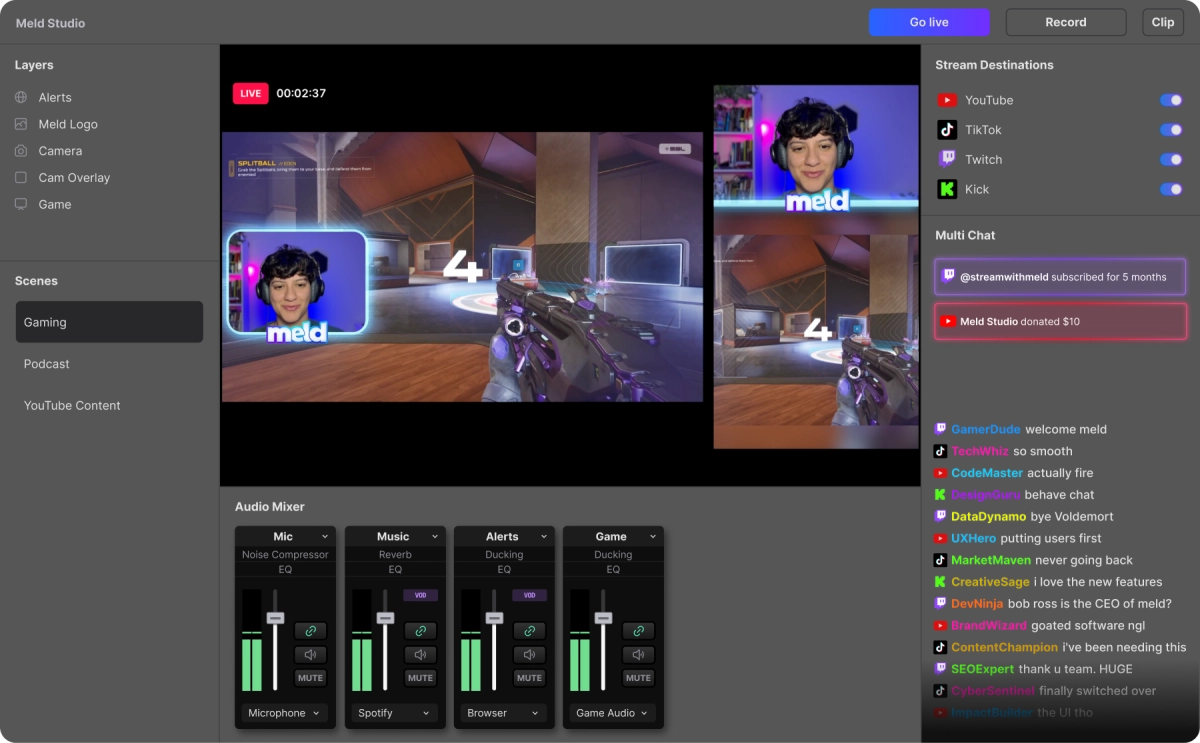
Meld adapts to your needs whether you're creating YouTube content, streaming games on Twitch, teaching online courses, broadcasting church services, or performing live music.
Go Live & Multistream
Built-in multistreaming without plugins. Stream to Twitch, YouTube, Kick, and more simultaneously.
Professional Recording
4K recording & multitrack audio for post-production flexibility.
Crispy Audio Quality
Third-party audio plugins support, built-in effects, and real-time audio monitoring.
Gaming
Optimized for high-performance gaming with minimal resource usage. Instant replay with customizable overlays.
Podcast
Multi-track recording with music and voice separation. Studio-quality audio.
Educators
Screen sharing, webcam integration, and virtual camera for professional presentations.
One Platform.
Every Destination.
We're delivering built-in multistreaming that eliminates the need to juggle multiple tools, windows, or browser uploads. With direct output to Twitch, YouTube, Kick, and custom RTMPs, we handle the heavy lifting so you don't have to.
Multiple Destinations, One Output Panel
Broadcast to multiple platforms without increasing your workload. Connect to Twitch, YouTube, Kick, and any custom RTMP all within one control panel. Toggle On/Off your independent destinations to keep your workflow streamlined and consistent with one panel.


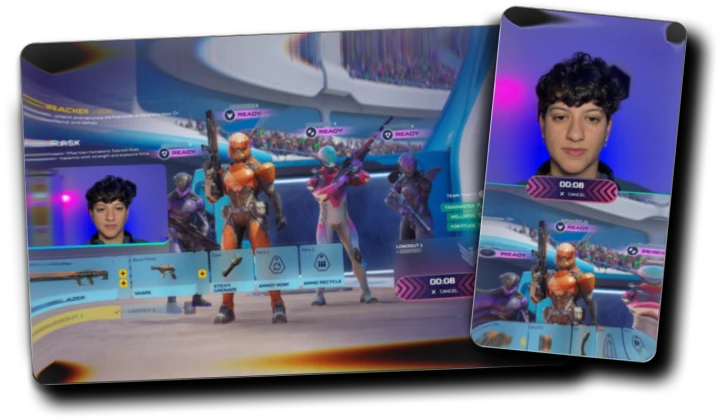
Multi Canvas
You have the freedom to send the right layout (Main or Portrait) to every platform. Customize each canvas to shape your vision exactly how you want. This results in every output looking polished and professional.
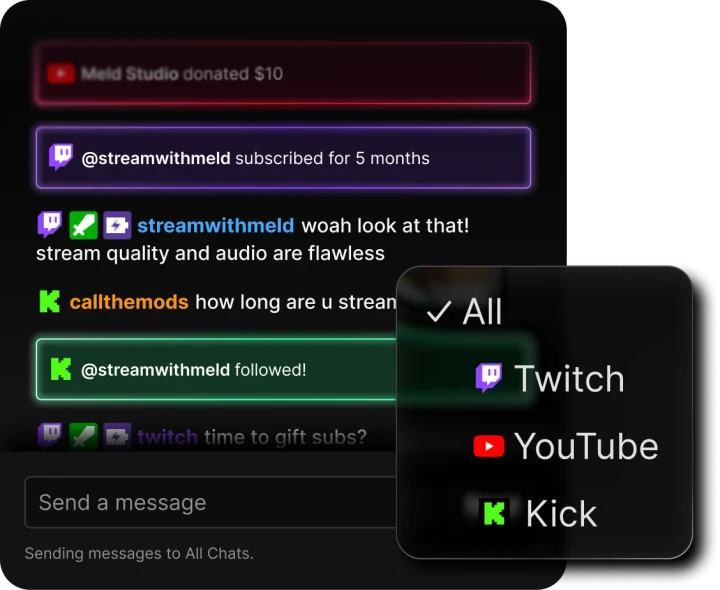
Multi Chat Integration
Consolidate your Twitch, YouTube and Kick chats into one streamlined system. Instead of using third-party tools, read and interact with your audience directly inside Meld Studio.
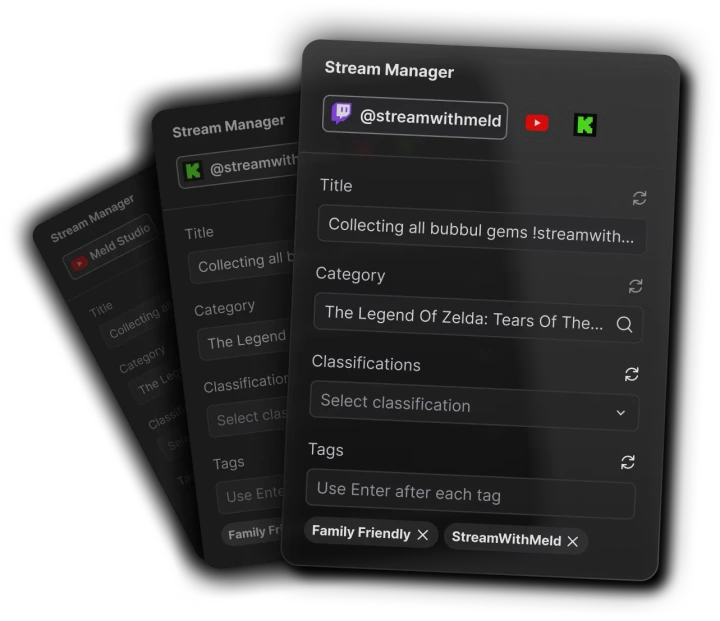
Stream Manager Panel
Your built-in command center for changing your stream title, category, tags and more without ever leaving Meld Studio. We coordinate every part of your live production so your session stays organized and effortless.
Meet Meld Spark.
Your ideas, instantly on stream.
Describe what you want. Meld Spark builds it live on your canvas. Overlays, alerts, mini games, and widgets, ready to go in seconds.
- 01
Describe it
Tell Spark what you want. A chat overlay, a mini game, an alert, anything. Or drag an element from the gallery onto your canvas.
- 02
It appears on your canvas
Spark builds it live in your studio. Drag, resize, and customize it right there.
- 03
It just works
Your platforms are already connected. Go live and everything runs out of the box.
Spark Plug for OBS
Bring your ideas to life in real time using Meld Spark inside your existing OBS setup. Build custom overlays, alerts, timers, widgets, and much more, straight into your OBS scene.
Download Plugin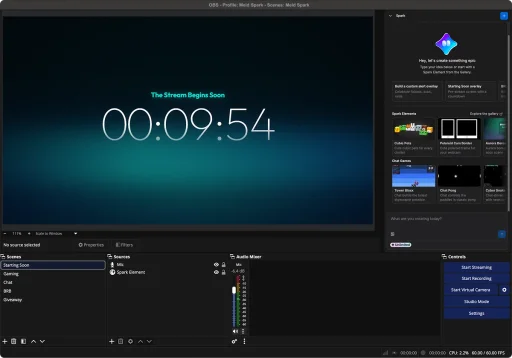
Built-in Widgets.
Ready out of the box.
Chat overlay, stream alerts, donation goals, follower count, and subscriber notifications built directly into Meld Studio. No Streamlabs, no StreamElements, no third-party tools.
Ready to Use
No extra installation or plugins needed. Widgets come built-in and ready to go from day one.
Fully Customizable
Every widget is customizable directly within Meld. Adjust styles, colors, and layouts with ease.
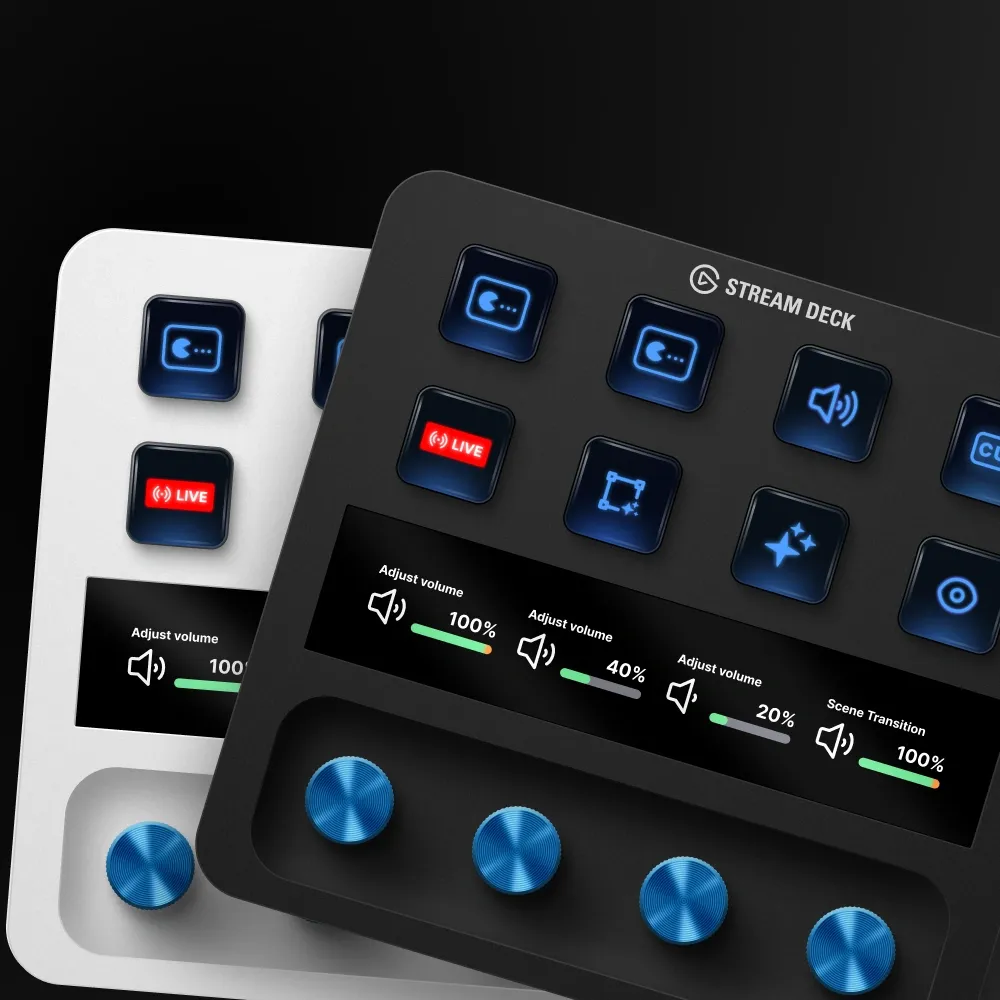
Stream Deck Integration
Trigger and adjust widgets on the fly with Elgato Stream Deck. Full control at your fingertips.
Get a professional stream
in
minutes vs hours.
Meld Studio's intuitive design tools, built-in move transitions, and ready-to-use features make creating professional streams easy and accessible for everyone. No technical expertise required.
Switch in Seconds
Bring your scenes from OBS to Meld Studio with just a click, and get started quickly.
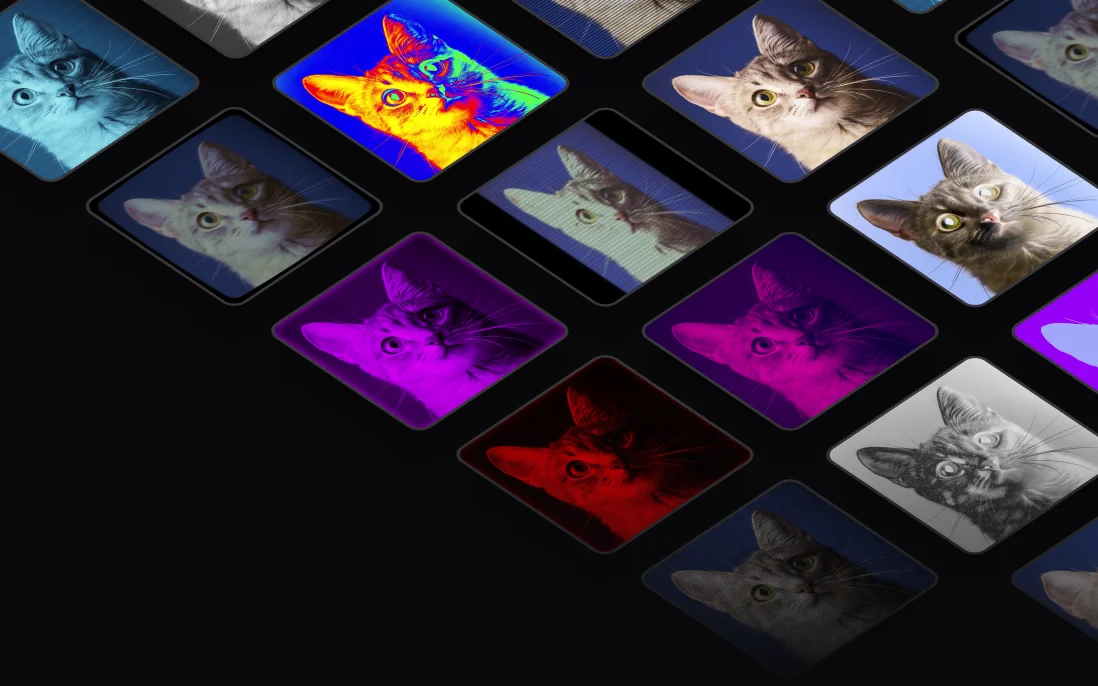
Effects and Presets
Apply professional effects instantly. Color grading, chroma key, transitions, and 30+ effects work in real-time with zero latency. What you see is what your audience gets.
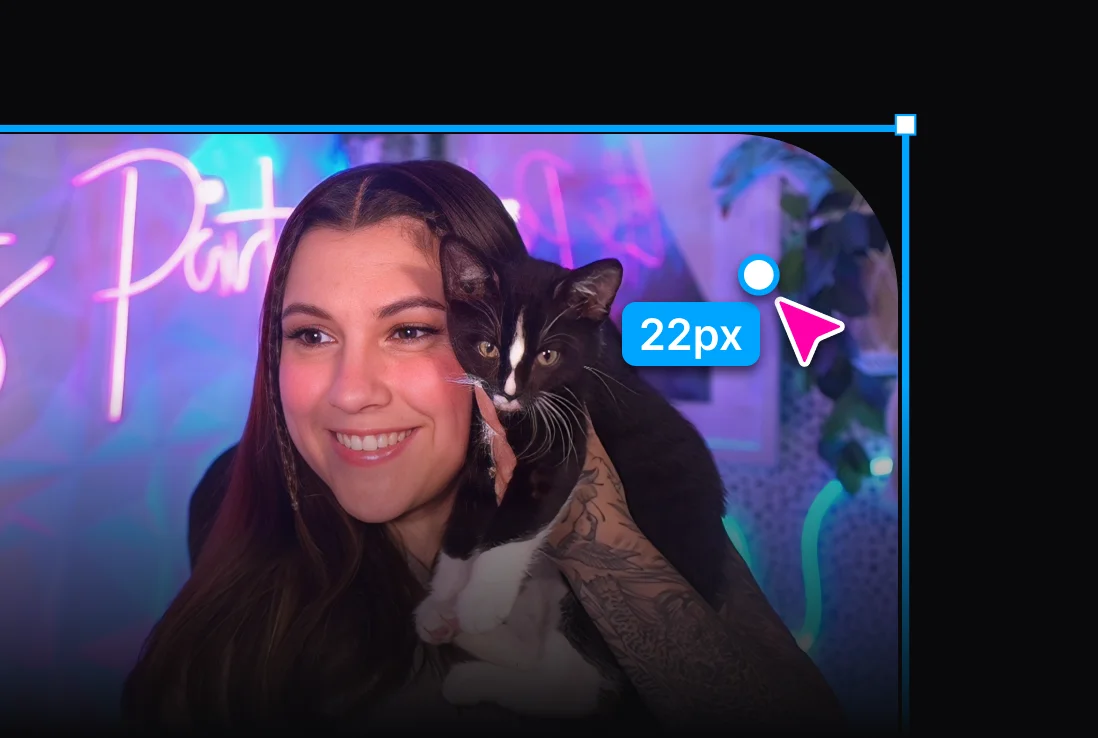
Simple Edit
Crop, rotate, adjust, resize and apply rounded corners with one single click.
Virtual Camera
Mirror your scenes to a third-party application, such as Zoom, Google Meet, Teams, or Discord.
Studio-grade recording.
With multi-track audio and MP4 support built-in, Meld Studio turns recording into a one-click process that always delivers professional-grade results.
Instant Replay
Turn epic stream moments into real time experiences with your audience. Just hit Clip and instantly bring them back live with an interactive, fully configurable replay overlay on top of your current scene.
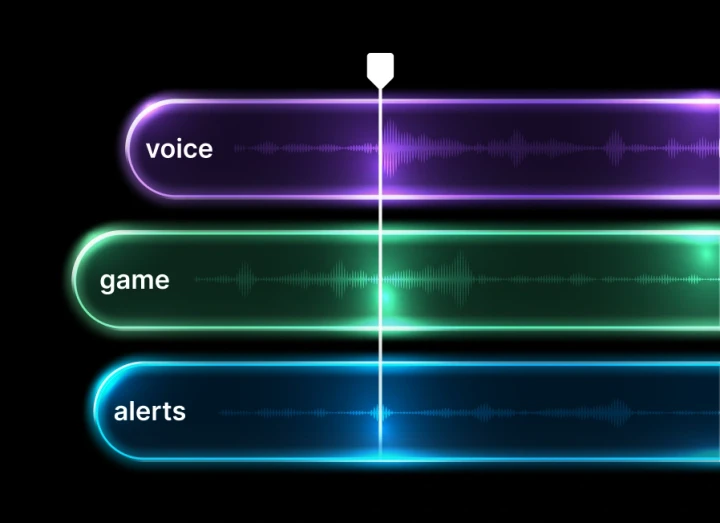
Multi-Track Audio
Record up to 8 separate audio tracks including a dedicated VOD track. Full post-production flexibility for every audio source.
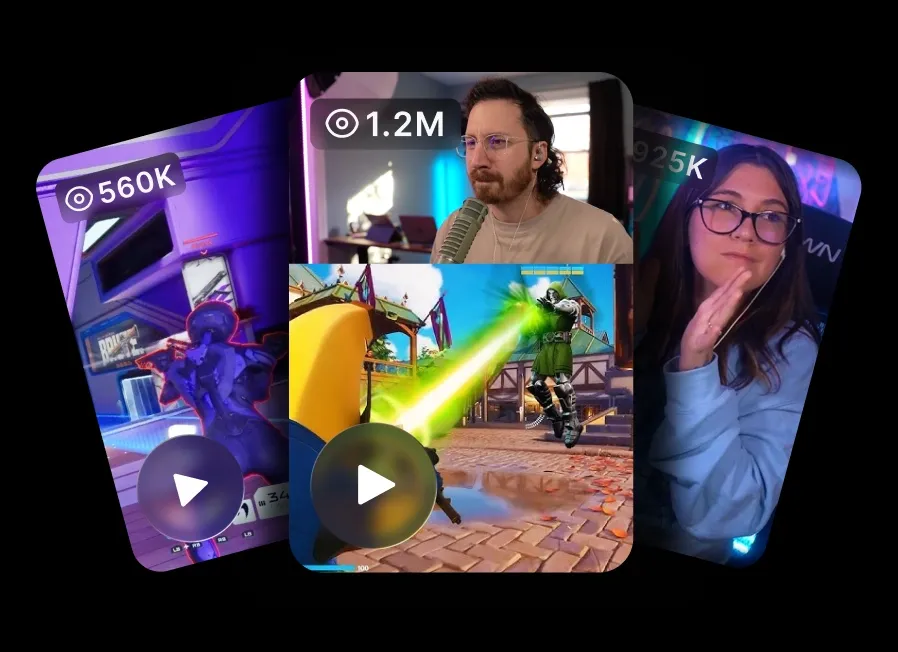
Clip & Share
Capture your best moments as clips ready for TikTok, YouTube Shorts, and Instagram. Turn every stream into content that grows your audience.
Advanced audio mixing
made
easy
Meld simplifies advanced audio mixing by combining source routing, multi-track recording, live monitoring, and level control into one intuitive interface.
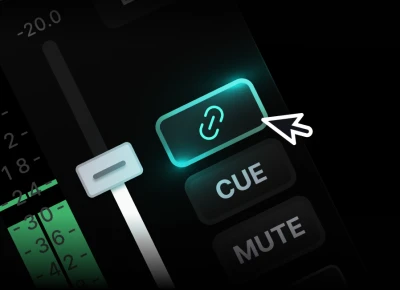
Per Scene Audio
Setup how each audio source will sound in each scene.
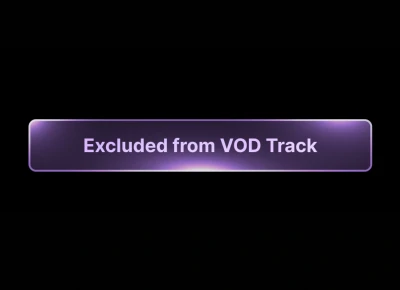
Separate VOD Audio
Create copyright-safe audio feed for your stream.
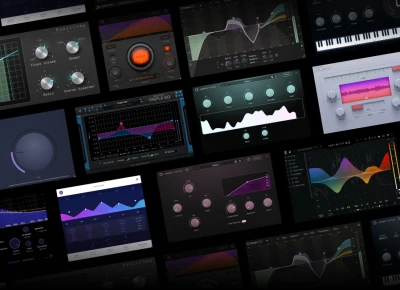
Third-party Plugins
Access thousands of plugins and effects from the industry's top developers.
Audio Monitoring
Hear exactly what your audience hears with real-time audio monitoring.
Multi-Channel Mixing
Route up to 32-input channels within Meld's Audio Mixer.
Built-in Audio Filters
Add professional audio filters to your mixing. Ready to go out of the box.
Ready to revolutionize your stream?
Join thousands of creators using Meld Studio. No watermarks.
Windows
Optimized for Windows 10/11 with DirectX 12. Exceptional performance on modern GPUs.
Windows 10 or later required
It won't install on this Chromebook. It won't install on Linux.
macOS
Native performance on both Intel and Apple Silicon Macs. Optimized for efficiency.
macOS 12 or later required
It won't install on this Chromebook. It won't install on Linux.
One Stream, Every Platform
Powered by the cloud
Take the stress off your PC by letting the cloud handle all the heavy lifting. Broadcast once and we'll distribute your stream to all of your selected platforms. No extra CPU load, no juggling multiple outputs, no complicated setup. This helps you stay efficient and reliable with your content.
Zero bandwidth impact
Meld Multi sends just one upload from your computer while the cloud handles all the multistreaming for you. No extra bandwidth required.
Minimal resource usage
Because all encoding happens in the cloud, your CPU and GPU stay free for smooth gameplay, clean performance, and stable broadcasts.
Exclusive features
Perks like VOD Track and quick setup come standard when you use Meld Multi exclusively with Meld Studio.
100% FREE with no hidden costs
Seamless Integrations
Connect with your favorite tools and services.
VTube Studio
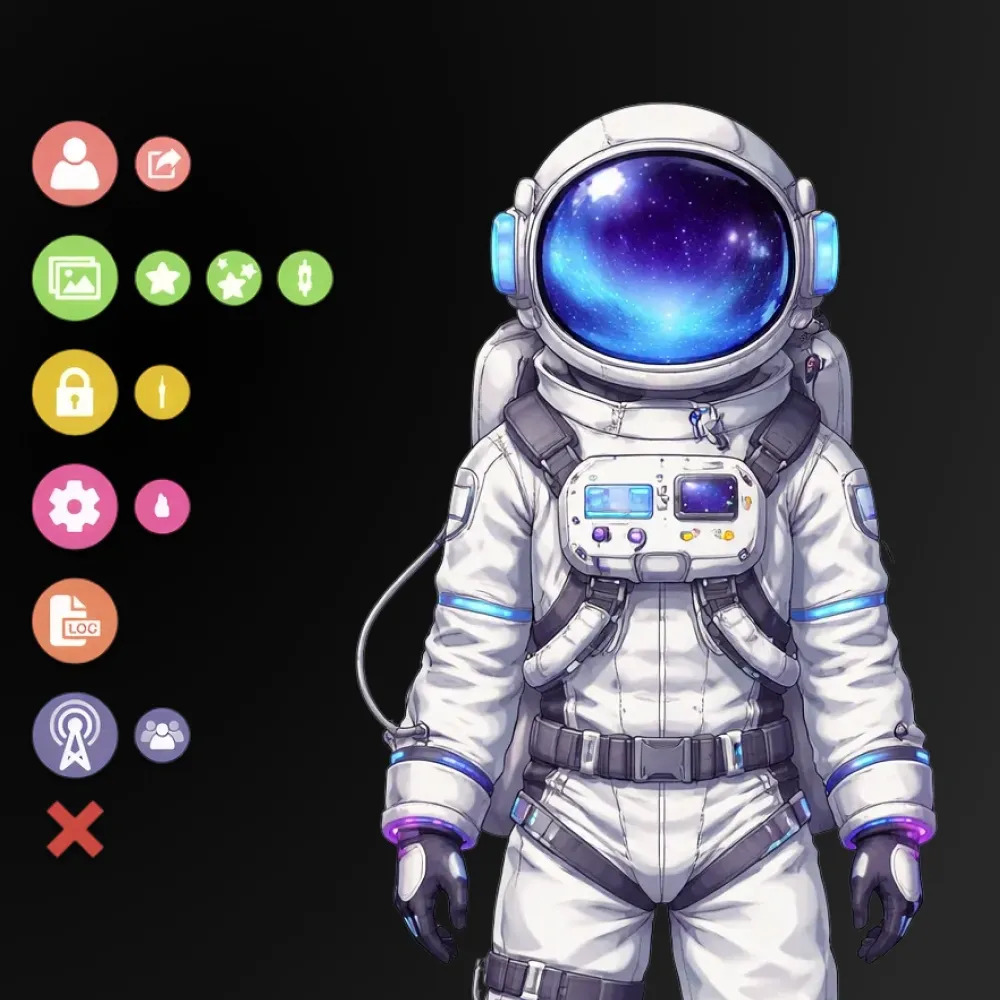
Your models, alive in Meld. Also supports Spout2, VSeeFace, VNyan, Veadotube, and Warudo.
You're in good company
Here's what streamers are saying about Meld:
Meld is going to be a game changer. Everything you love about OBS with Adobe like effects, it's free, it will eventually have add ons. And it's faster, less resources.

@Italianclownz
after using @streamwithmeld for the past few streams, I am beyond impressed!!! It may still be in BETA but the response from my community has been amazing!

@BillyGoatTTV
@streamwithmeld is a game changer. yall need to get in on that IMMEDIATELY!

@comfiebeetv
With OBS, I had a scene for every single game and so many plugins. Meld? One scene captures every game without manually changing it. It worked straight from install.

@Riley_McKenna1
I switched from OBS to Meld, and I haven't looked back. I enjoy it so much.

@CodyDaltonSID
Meld is going to be a game changer. Everything you love about OBS with Adobe like effects, it's free, it will eventually have add ons. And it's faster, less resources.
@Italianclownz
after using @streamwithmeld for the past few streams, I am beyond impressed!!! It may still be in BETA but the response from my community has been amazing!
@BillyGoatTTV
@streamwithmeld is a game changer. yall need to get in on that IMMEDIATELY!
@comfiebeetv
With OBS, I had a scene for every single game and so many plugins. Meld? One scene captures every game without manually changing it. It worked straight from install.
@Riley_McKenna1
I switched from OBS to Meld, and I haven't looked back. I enjoy it so much.
@CodyDaltonSID
Creators and live streamers - keep tabs on @streamwithmeld. This is a new broadcasting software alternative to OBS that's in development, and they are doing some really cool things.

@Naaackers
Got to check out Meld Studio today, and this looks very promising. 👀

@_Smirky
As someone who has been part of the beta, I highly recommend giving Meld a chance. It is really unique and awesome to try out new options in the streaming space!

@noctisnexusttv
Switched from OBS Studio to Meld a few weeks ago, and my oh my! How easy it is to set everything up. No more having to download plugins for simple transitions.

@WeeScottishMark
I am in love with Meld Studio! It has made my live streaming so much easier than it was with OBS.

@OldNerdReviews
Creators and live streamers - keep tabs on @streamwithmeld. This is a new broadcasting software alternative to OBS that's in development, and they are doing some really cool things.
@Naaackers
Got to check out Meld Studio today, and this looks very promising. 👀
@_Smirky
As someone who has been part of the beta, I highly recommend giving Meld a chance. It is really unique and awesome to try out new options in the streaming space!
@noctisnexusttv
Switched from OBS Studio to Meld a few weeks ago, and my oh my! How easy it is to set everything up. No more having to download plugins for simple transitions.
@WeeScottishMark
I am in love with Meld Studio! It has made my live streaming so much easier than it was with OBS.
@OldNerdReviews
I mean those who love to tinker with options and apply a creative twist to the mundane elements of a stream production. there's a lot of options, filters and all round cool features within Meld.

@NathanOrDie
You don't always need plugins to create cool effects. @streamwithmeld is great software for content creators. And definitely worth a look.

@Mecky_79
I love @streamwithmeld! Why? Because not only do they have an amazing OBS alternative software to stream with, an outstanding community, constantly communicating with us!

@isagesen
I recently switched to Meld Studio from OBS and it's been the best decision! I highly recommend it. Plus the community and support is amazing.

@nadia_html
I've recently switched to Meld and honestly it's been great.

@Jordsyx
I mean those who love to tinker with options and apply a creative twist to the mundane elements of a stream production. there's a lot of options, filters and all round cool features within Meld.
@NathanOrDie
You don't always need plugins to create cool effects. @streamwithmeld is great software for content creators. And definitely worth a look.
@Mecky_79
I love @streamwithmeld! Why? Because not only do they have an amazing OBS alternative software to stream with, an outstanding community, constantly communicating with us!
@isagesen
I recently switched to Meld Studio from OBS and it's been the best decision! I highly recommend it. Plus the community and support is amazing.
@nadia_html
I've recently switched to Meld and honestly it's been great.
@Jordsyx
Community & Support
Video Tutorials
Learn the essentials or dive into advanced features with step-by-step guides.
Docs
Comprehensive documentation for every feature and workflow.
Discord
Get help, share setups, and connect with other creators in real-time.
Community-driven discussions, feedback, and creative inspiration.
Latest from the Blog
Tips, updates, and stories from the Meld Studio team and community.
OBS Studio Alternative for VTubers: Spout2 in Meld Studio
Use Spout2 in Meld Studio with no plugins required — a better OBS alternative for VTubers.
How to Make Money on Twitch with Chat Commands
25 command ideas and templates to monetize your Twitch stream.
How To Go Live On Twitch: 10 Minute Guide
Everything you need to start streaming on Twitch in under 10 minutes.
Merch Store
Show your support for Meld Studio with exclusive merchandise. From stylish apparel to unique accessories, represent the future of streaming.
Shop Now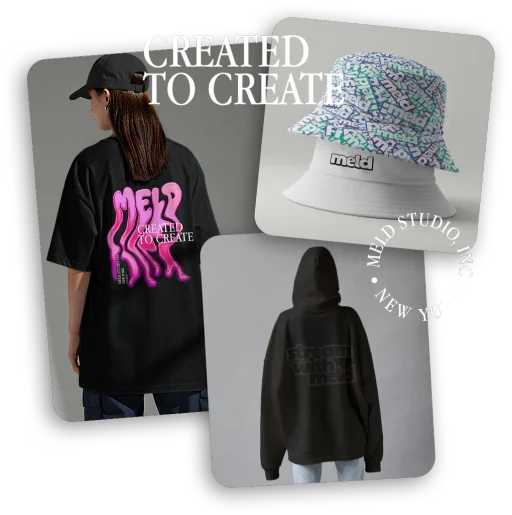
Frequently Asked Questions
What platforms does Meld support?
Meld Studio supports all major streaming platforms including Twitch, YouTube, Kick, TikTok Live, Facebook Live, and any custom RTMP destination. You can stream to multiple platforms simultaneously with our built-in multistreaming feature.
Do I need a powerful computer?
No! Meld Studio is highly optimized with GPU acceleration and efficient resource usage. It's built for modern hardware (Apple Silicon on Mac, DirectX 12 on Windows) and runs smoothly on modest systems.
Can I use Meld for recording only?
Yes! Meld Studio is a full-featured recording solution with multi-track audio, 4K support, and instant replay. You can use it purely for recording without ever going live.
How is this different from OBS?
Meld Studio is built from the ground up by a team of creators. It features built-in multistreaming, integrated multi-chat, and pro effects – all without needing plugins. Plus, we ship updates every two weeks based on community feedback.
Is there a free version?
Yes! Meld Studio is 100% free with no watermarks, time limits, or hidden fees. We believe every creator should have access to professional streaming tools without barriers.
What's included in cloud multistreaming?
Meld Multi, our cloud multistreaming service, is 100% free and includes zero bandwidth impact, minimal resource usage, and exclusive features like VOD Track. Broadcast once and we distribute to all your platforms.