Free Cozy Viewer Queue for Your Island-Inspired Community Nights
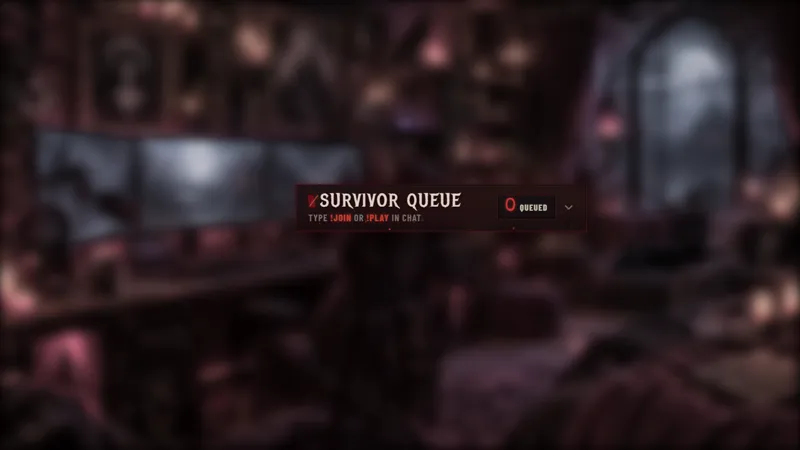
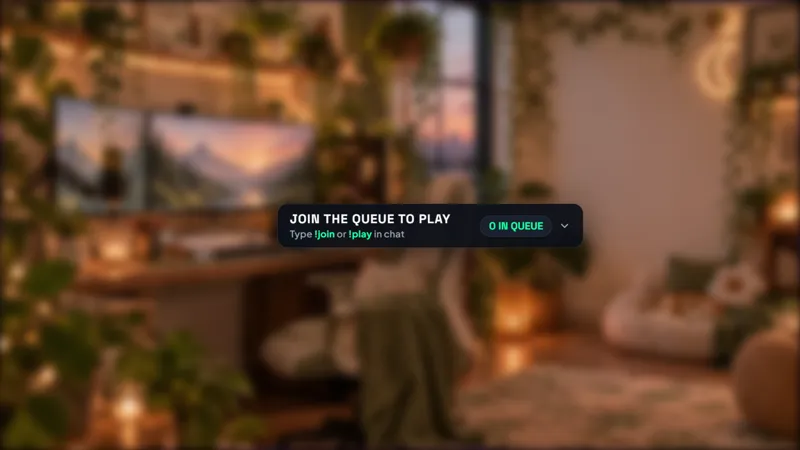
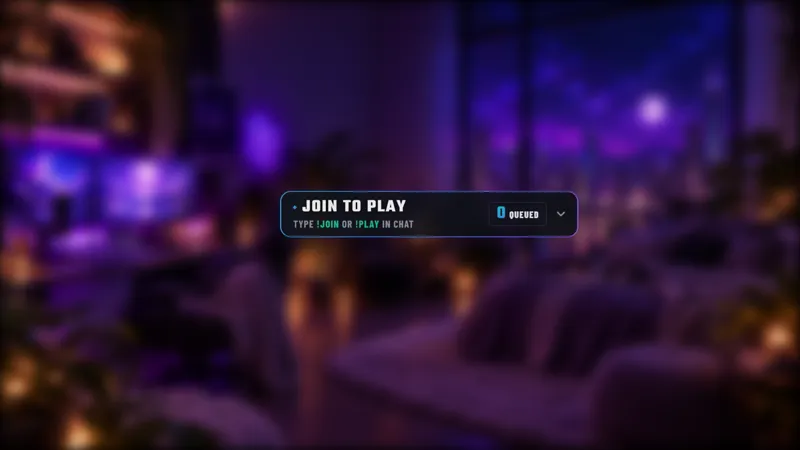
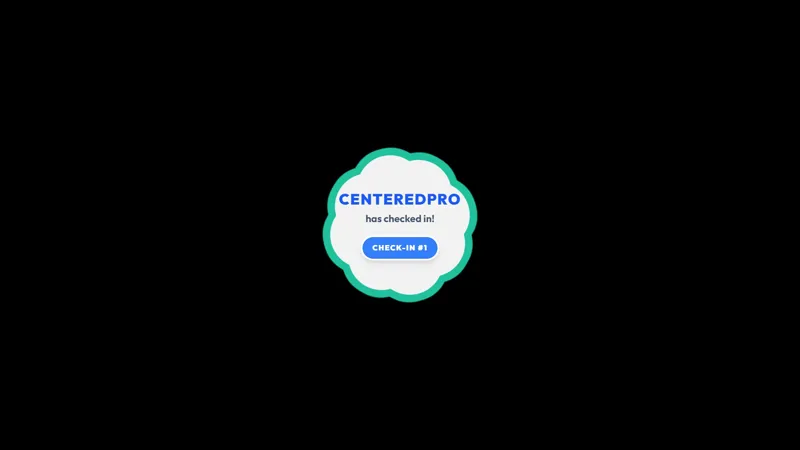
Bring cozy island vibes to your livestream with this Animal Crossing-inspired viewer queue! Let your viewers join a multiplayer game queue directly through chat, making it easy to organize community game nights, viewer games, and play-along sessions.
Get Cozy Viewer Queue free
Included with Meld Studio. Or stay in OBS with Spark Plug.
A cozy community night can get surprisingly busy when everyone wants the next invitation. Cozy Viewer Queue gives that enthusiasm a place to line up, with Animal Crossing-inspired styling and chat commands that let viewers ask to play without making you track every request by hand. The widget is free with Meld Studio.
Use it for island-inspired hangouts, multiplayer evenings, or play-along sessions where you want the queue to look like part of the stream. It organizes the viewers waiting to join while leaving you free to explain the game, greet arrivals, and spend time with the current group.
A clear path from chat to the lineup
Viewers enter with !join or !play and exit with !leave. Introduce both joining commands when you open the session, and remind people they can leave if their plans change. That gives newcomers a straightforward way to participate without needing to interrupt the conversation to ask how the lineup works.
The streamer and moderators handle the queue with !next and !remove. Use !next to pull the next viewer, or !remove when someone needs to come out of the lineup. Those management commands belong to the host team, keeping the distinction between joining a game and running the session clear.
For exclusive sessions, !viponly toggles VIP and subscriber-only access. Announce whether that mode is on before inviting viewers to join so your audience knows who the current session is for. The widget supports Twitch, YouTube Live, Kick, and TikTok Live, making it suitable for the platforms where your community already watches.
Click through the next group
The widget also has direct interaction controls. Click into it to choose how many viewers to pull next, select the next players, or clear the queue. This is useful when the number of places changes between activities and you want to manage a group from the canvas rather than only through chat.
Before going live, give the queue enough space in your layout for the waiting list to be readable. Keep it beside the activity rather than over important game information. Explain your own session rules, such as how long each group plays, separately from the widget’s joining and management commands.
Download Meld Studio and add Cozy Viewer Queue to your next community scene. If you want to keep your existing OBS production, Spark Plug for OBS is the alternative route to the same island-inspired queue.
How it works
- 1 Viewers type !join or !play to enter the queue, or !leave to exit.
- 2 Streamers and moderators use !next to pull the next viewer and !remove to remove a viewer.
- 3 Use !viponly as the streamer or a moderator to toggle VIP and subscriber-only access.
- 4 Click into the widget to choose how many viewers to pull next or clear the queue.
Use cases
-
Island-inspired community sessions
Keep a viewer lineup alongside a cozy game night without losing the soft, island-inspired look. Viewers join from chat while you and your moderators manage the next group.
-
Small groups taking turns
Choose how many viewers to pull through the widget's clickable controls. Clear the queue when you are ready to begin a different community session.
Chat commands
Interactive controls
Click directly on the widget to select the next players, choose how many viewers to pull, or clear the queue.
Frequently asked questions
How do viewers join or leave the queue?
Viewers type !join or !play to enter the lineup and !leave to exit. Streamers and moderators can pull the next viewer with !next or remove a viewer with !remove.
Can I restrict the queue to VIPs and subscribers?
The streamer or a moderator can use !viponly to toggle VIP and subscriber-only access. Tell your audience which mode is active before inviting them to join the session.
Is this viewer queue free, and which platforms work?
The widget is free with Meld Studio and supports Twitch, YouTube Live, Kick, and TikTok Live. Use it to organize viewer games on every platform you stream to.
Does this queue work in OBS Studio?
Yes. Download Meld Studio to add the queue to a scene, or use Spark Plug for OBS to keep your existing OBS setup. Spark Plug brings gallery overlays and Meld Spark's help with customization in seconds into OBS.