Free Cubic Pets Chat Avatar Overlay With Mod Controls
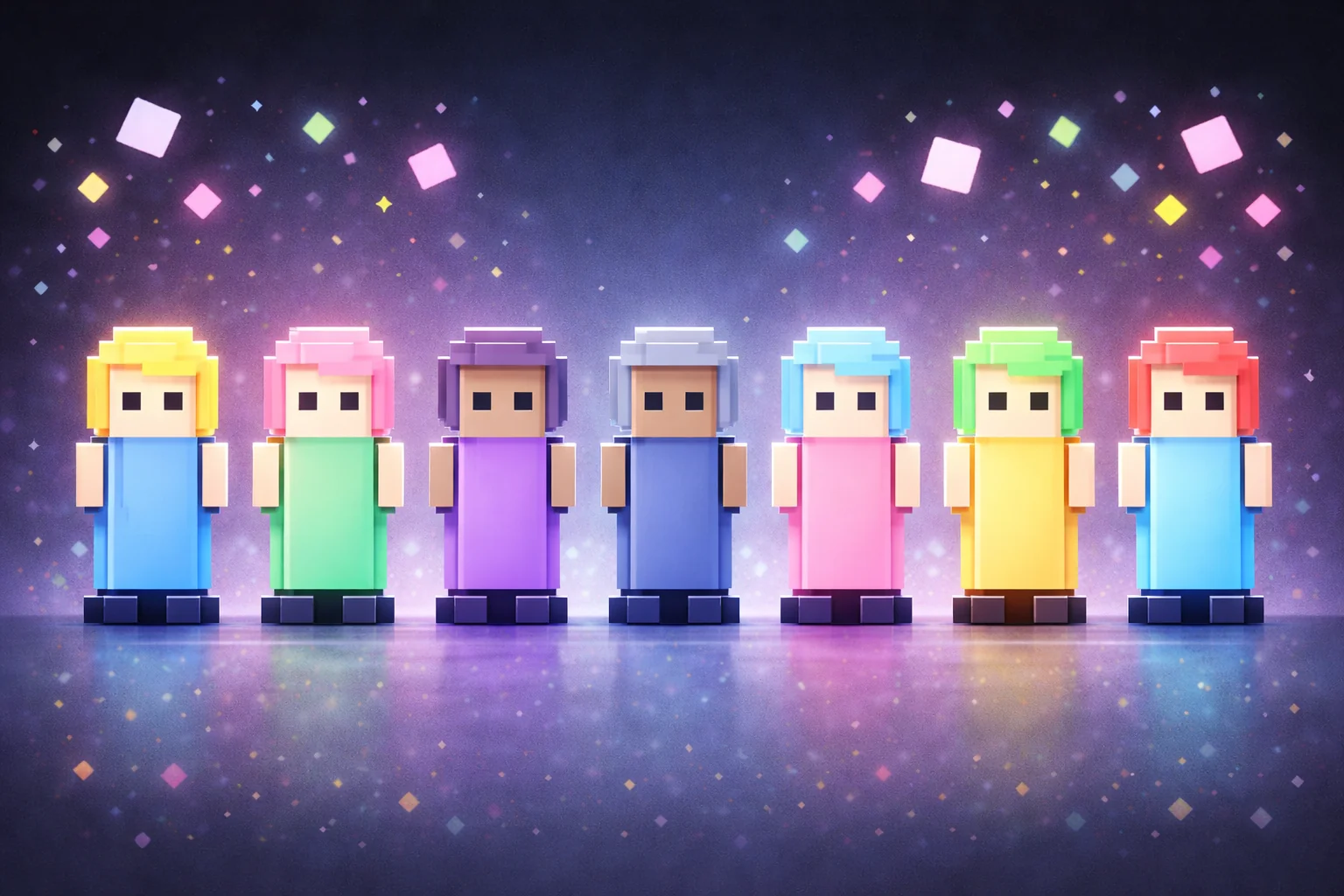
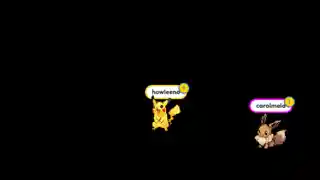
Every chatter spawns as a cute geometric pet with a large name tag. Pets vanish after 10 minutes of inactivity. Mods can preview all pets or reset the screen.
By Meld
Get Cubic Pets free
Included with Meld Studio. Or stay in OBS with Spark Plug.
The first chatter of the stream types something and a small geometric pet appears at the edge of the canvas, with their name written above it in a tag big enough to read from the back of the room. The next chatter spawns a different pet of their own. Half an hour in, the canvas is a small floor of named cubic pets, each one a viewer who has said something this session.
It is free with Meld Studio. No watermark, no setup, no paywall on the moderator controls.
How pets spawn and persist
Every chatter spawns as a cubic pet on first message. The pet stays on the canvas as long as the chatter remains active. After 10 minutes of inactivity from that specific viewer, their pet vanishes, which keeps the floor populated with whoever is actually in the room rather than ghosts from earlier in the session.
The name tag is the design decision that makes the overlay work. It is intentionally large, readable across the canvas, and turns each pet into a labeled presence rather than an anonymous shape. A streamer reading the canvas sees who is here. A viewer landing on the channel sees a crowd of named regulars instead of an empty scene.
Pets spawn from every platform you stream to. Chatters on Twitch, YouTube Live, Kick, and TikTok Live all share the same canvas, so multistream chat is treated as one room rather than four parallel ones each running their own pet wall.
How mods keep the canvas clean
Two moderator-only commands handle the management layer. !preview surfaces all currently tracked pets, useful when the canvas has scrolled or when a streamer wants a roll call. !reset clears the screen completely, which is the right move when the floor has filled past readable density during a busy stretch. Both commands are restricted to mods, so the streamer never has to break flow to handle the wall mid-game.
When the overlay earns its keep
Cubic Pets is built for streams where chat presence is part of the show. Just Chatting, art streams, co-op runs, cozy gameplay, and variety channels in the affiliate-and-below range all benefit from a visible chat that the audience can see itself in. The geometric look reads cleanly against busy gameplay, and the large name tags work as both branding and recognition.
Customizing with Meld Spark
Meld Spark, the AI overlay editor inside Meld Studio, restyles the pet pool from plain English. Add new pet types like cats and dogs. Increase the idle timeout. Change the spawn animation, the name tag style, or restrict spawning to subscribers. A prompt like “Add a cat and dog pet type and increase timeout to 20 minutes” applies the change immediately and persists between sessions.
Adding it to your stream
Download Meld Studio and Cubic Pets drops into a scene with no configuration. Already running OBS? The free Spark Plug for OBS plugin brings it into your existing OBS layout as a browser source, with the same multi-platform spawn handling, the same 10-minute inactivity timeout, and the same mod-only !preview and !reset controls.
Use cases
-
Quiet streams that need visible community presence
For a channel where the chat is small but loyal, every chatter spawning as a cubic pet with a large name tag turns a quiet text feed into a visible scene full of named characters. The streamer can read the room from the canvas, and a viewer landing for the first time sees a small crowd rather than empty air.
-
Variety streams where mods run the room
The !preview and !reset moderator commands give mods a way to manage the pet wall without the streamer touching anything mid-game. !preview shows every pet that has spawned this session, !reset clears the canvas, and the controls stay out of the viewer-facing experience entirely so the moderation happens quietly in the background.
Chat commands
Frequently asked questions
Is the Cubic Pets overlay free?
Yes. Cubic Pets is included free with Meld Studio. There is no watermark, no paywall, and no per-stream cap on how many pets the canvas can hold.
How long do inactive pets stay on screen?
Pets vanish after 10 minutes of inactivity from that chatter, which keeps the canvas clean during quiet stretches without losing track of regulars who are mid-conversation. Meld Spark can adjust the timeout if you want a longer or shorter window.
What do the moderator commands do?
!preview shows all pets currently tracked, including ones that have faded, and is restricted to mods. !reset clears every pet from the canvas and is also mod-only. Both commands stay invisible to regular viewers so the moderation experience does not show up on stream.
Which platforms does it support?
Twitch, YouTube Live, Kick, and TikTok Live are all supported. Meld signs you in once and chatters from every platform you stream to spawn as pets on the same canvas at the same time.
Does it work in OBS Studio?
Yes. Spark Plug for OBS loads Cubic Pets into your existing OBS scene as a browser source, and Meld Spark lets you add new pet types or change the idle timeout from a plain-English prompt in seconds. A prompt like "Add a cat and dog pet type and increase timeout to 20 minutes" updates the overlay immediately.