Free Minecraft Stream Overlays from the Meld Gallery
9 overlays
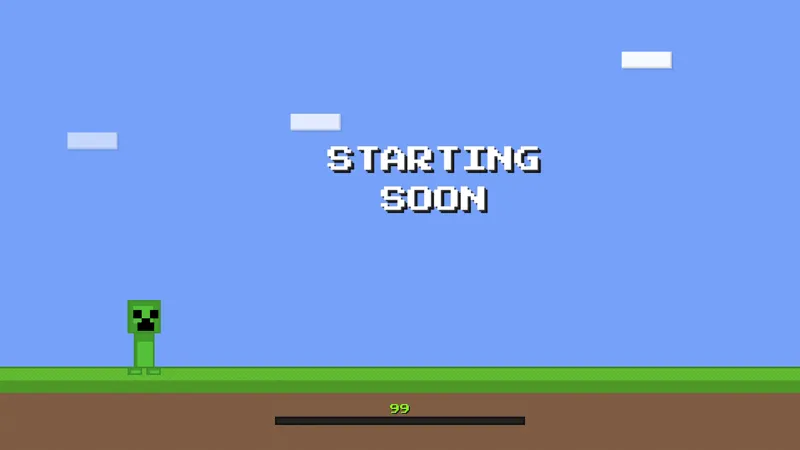
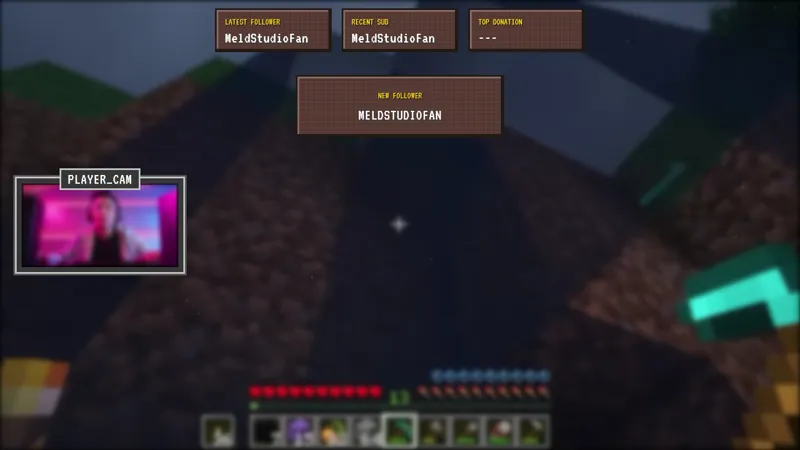
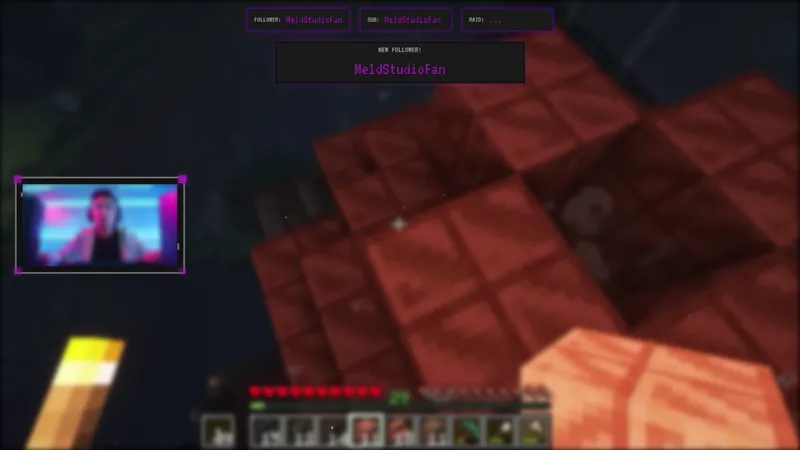
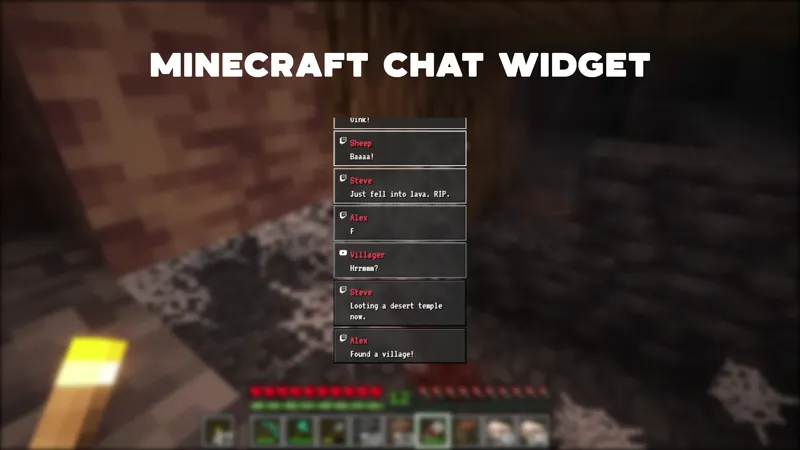
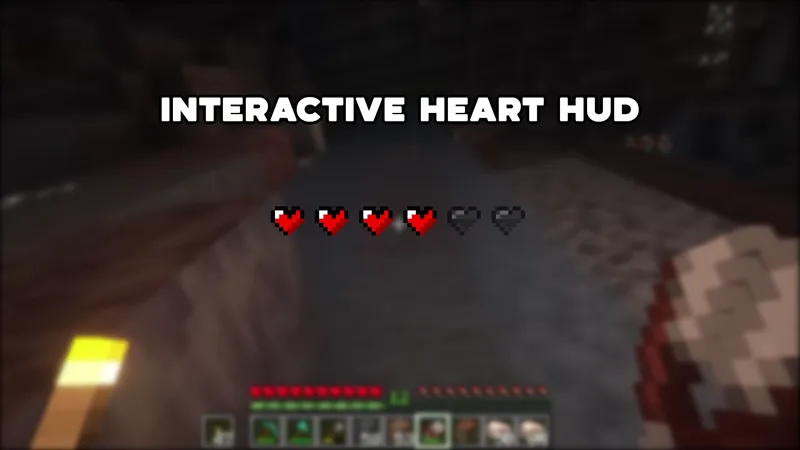
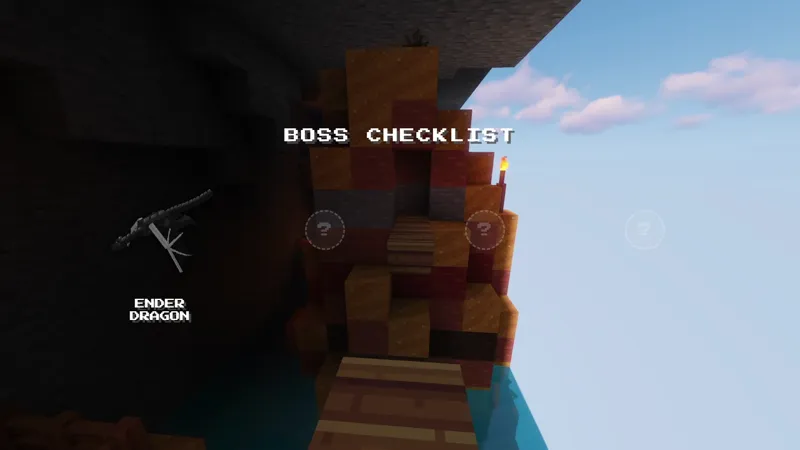
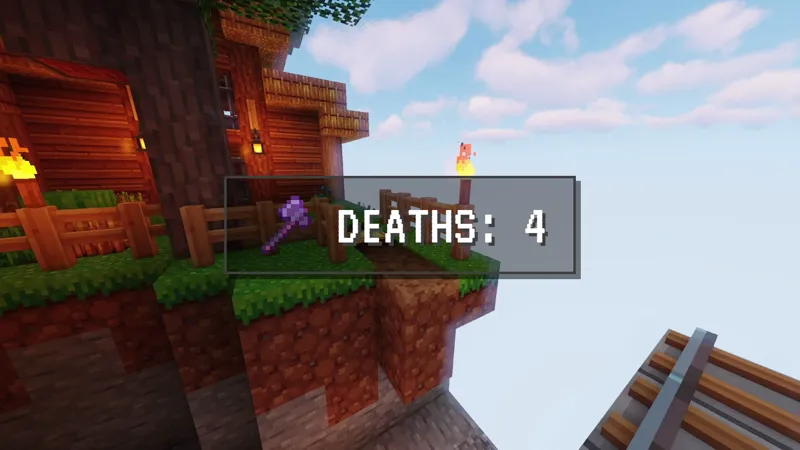
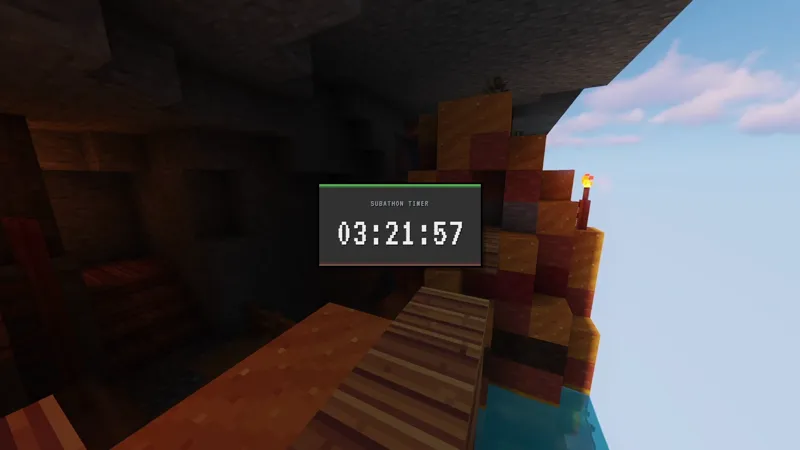
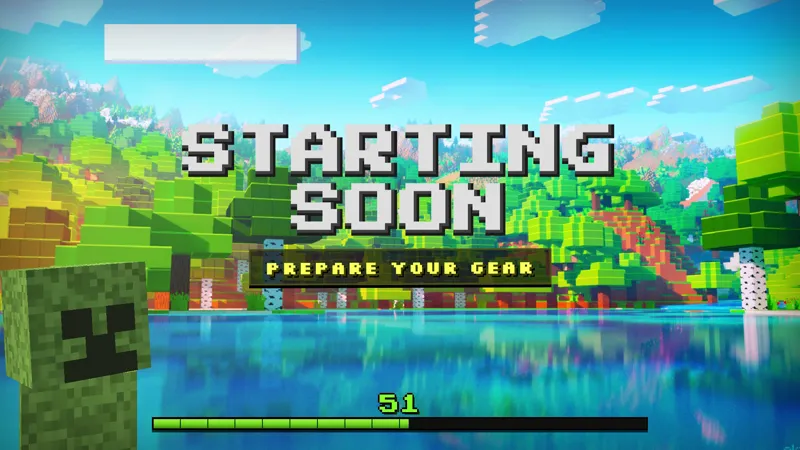
Five overlays built in the pixel-art vocabulary Minecraft viewers already expect. From a chat-driven heart HUD to a moody Nether scene pack to a Starting Soon screen for the pre-stream wait, each piece drops into Meld Studio for free and loads into OBS through Spark Plug for OBS.
Minecraft streamers do not need flashy. The blocky look does enough of the work, and the audience expects a stream that feels like the game. Every overlay in this cluster is built in that pixel-art vocabulary.
What is in the pack
The Pixel-Style Stream Chat Widget displays live chat in the game’s typography so messages read like in-game dialogue. The Heart HUD turns the iconic health bar into a chat-driven element where viewers can !heal or !damage you between rounds, and !hp sets the bar to any number from 0 to 6.
For full scene styling, the Minecraft Overlay Pack bundles a camera border, recent activity feed, and animated alerts into one drop-in piece. The Nether Overlay variant takes the same idea darker, with a moody Nether-dimension palette for hardcore or hard-mode runs. And the Starting Soon screen sets the mood before you even go live, with a pixelated wait scene that keeps early viewers around.
How to pick
Survival mode streams pair the Overlay Pack with the Heart HUD for a community-controlled run. Nether or end-game streams swap to the Nether Overlay. A speedrun or hardcore session wants the Chat Widget alone so the gameplay is unobscured.
Whichever pieces you pick, they ship free with Meld Studio. Download Meld Studio and drag them into your scene. If you would rather stay in OBS, Spark Plug for OBS loads them as browser sources and Meld Spark lets you reskin or rebalance any of them from a single prompt.
Frequently asked questions
Are these Minecraft overlays free?
Yes. Every overlay tagged Minecraft is included free with Meld Studio. No paywall, no watermark, and no per-stream usage cap.
Which platforms do they work on?
Twitch, YouTube Live, Kick, and TikTok Live are all supported from a single Meld sign-in. Chat commands like `!heal` and `!damage` work no matter which platform a viewer is watching from.
Do these work with OBS Studio?
Yes. Spark Plug for OBS loads any of these overlays into your existing OBS scene as a browser source, and Meld Spark lets you customize them from a prompt in seconds.