Free Minecraft-Themed Pixel Art Chat Widget for Your Stream
Display your live chat in unmistakable Minecraft style with a pixel-art chat widget that makes every viewer message feel like it belongs in the game.
By Meld
Get Minecraft Pixel-Style Stream Chat Widget free
Included with Meld Studio. Or stay in OBS with Spark Plug.
Chat is one of the layers viewers track without thinking about it. On a Minecraft stream, a modern message feed jars against the block-world look of the game capture, so the eye learns to ignore it. This widget swaps the modern feed for a pixel-art chat panel built in the same visual language as the rest of the screen, and chat becomes part of the scene instead of an overlay sitting on top of it.
It is free with Meld Studio. No watermark, no setup fee, no subscription.
The look on screen
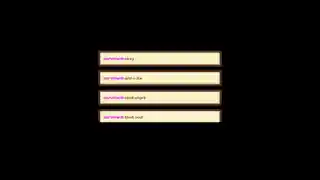
The widget renders viewer messages in a pixel-art chat panel styled after the block world. Type is set in a pixel font sized for readability at stream resolution, and each new message stacks into the panel in a way that fits the visual grammar of a Minecraft session. The result is a chat box that pairs with a survival run, an SMP stream, a creative build, or any session where the game is the whole content plan and the layout should match.
Messages from Twitch, YouTube Live, Kick, and TikTok Live all land in the same panel. Multistreamers do not need to pick a primary chat: every platform you broadcast to feeds into the block-world widget at the same time, so a Kick viewer and a YouTube viewer share one panel rather than scrolling past each other on separate widgets.
Customizing with Meld Spark
The widget ships ready to use, and Meld Spark, the AI overlay editor built into Meld Studio, lets you reshape the look from plain English. A prompt like “swap to a nether-style palette with darker block textures” rewrites the visuals without you opening a code editor. You can adjust the typography, the panel sizing, or the block tones to match the rest of your channel branding, and the changes persist between sessions so the widget looks the same the next time you go live.
Who this is for
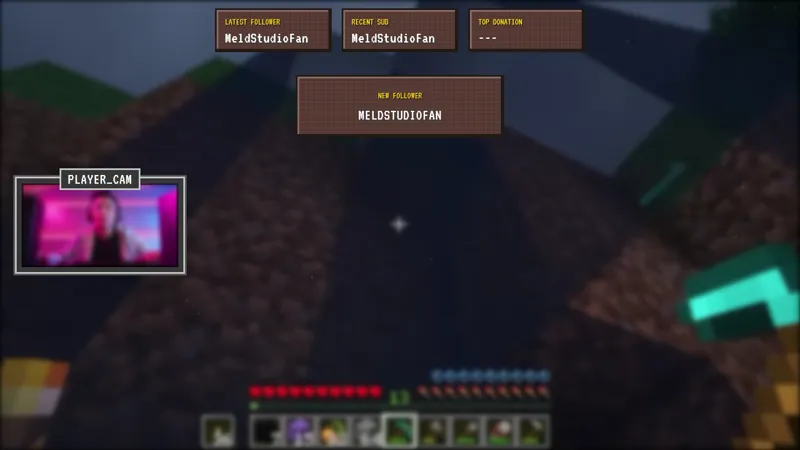
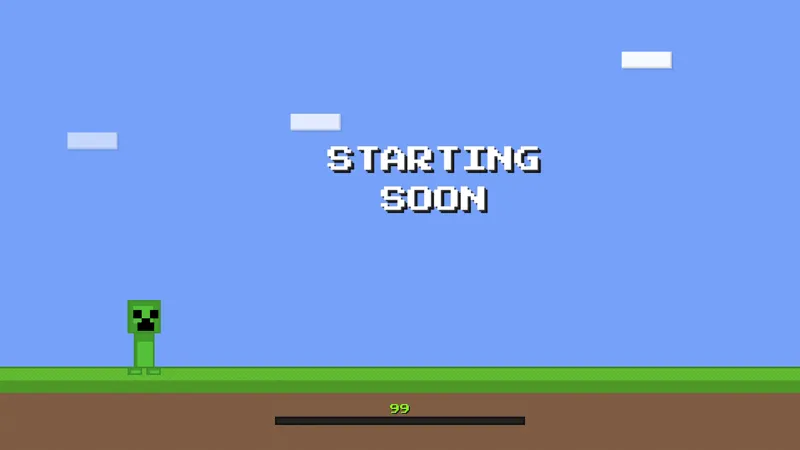
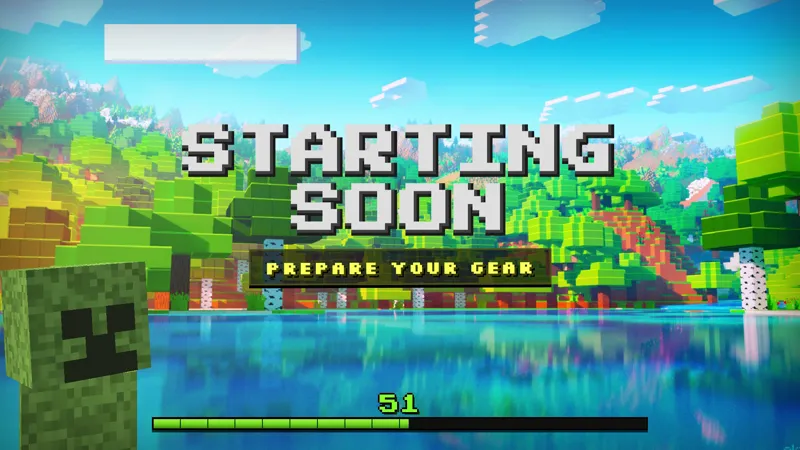
Minecraft streamers running survival, SMP, creative, or challenge sessions who want chat to belong to the scene rather than float on top of it. It also suits variety streamers who rotate into Minecraft content and want a chat panel ready to swap in alongside a themed camera border or starting soon screen.
Adding it to your stream
Download Meld Studio and the widget is one drag away from being live, with chat from Twitch, YouTube Live, Kick, and TikTok Live already pulled in from a single sign-in. If you already stream from OBS and would rather stay there, the free Spark Plug for OBS plugin loads the widget as a browser source inside your existing OBS scene, with the same multi-platform feed and the same Meld Spark editing layered on top.
Use cases
-
Minecraft survival and SMP sessions that need a matched chat box
When the whole stream is a Minecraft session, a modern glossy chat panel sits on the layout like a sticker that does not belong. A pixel-art chat widget styled after the block world reads as part of the scene, so the conversation under the camera looks like it was built alongside the game rather than dropped in on top of it.
-
Cozy survival and casual gaming streams that lean into the aesthetic
Casual builders, redstone tinkerers, and chill survival streamers who lean on the visual identity of the game can carry that identity into the chat itself. The widget keeps viewer messages on screen in a typography that fits the rest of the stream, so chat reads as a continuation of the world your audience is already watching.
Frequently asked questions
Is the Minecraft pixel art chat widget free?
Yes. The Minecraft-styled chat widget is included free with Meld Studio. There is no paywall, no watermark, and no per-stream usage cap. Drop it into a scene and viewer messages start rendering in the pixel-art panel right away.
Which chat platforms does the widget support?
Twitch, YouTube Live, Kick, and TikTok Live are all supported. Meld signs you in once and pulls chat from every platform you stream to, so messages from all four chats land in the same block-world panel at the same time without separate widgets per platform.
Does this work with OBS Studio?
Yes. Spark Plug for OBS loads the chat widget into your existing OBS scene as a browser source, and Meld Spark lets you customize the look from a plain-English prompt in seconds. Reshape the panel, swap the block textures, or restyle the typography without leaving OBS or touching code.
Will it fit alongside a Minecraft-themed overlay pack?
Yes. The widget is built in the same pixel-art block-world aesthetic as the rest of the Minecraft-themed scenes in the gallery, so the chat panel reads as a matched piece next to a themed camera border, activity feed, or starting soon screen rather than as a separate widget layered on top.
Can I change the colors or typography to match my channel?
Yes. Meld Spark, the AI overlay editor included with Meld Studio, takes plain-English instructions. A prompt like "shift the chat panel to a darker palette and bump the message font size" updates the widget immediately and the new look persists between streams.