Free Nether-Themed Stream Overlay for Minecraft Streamers
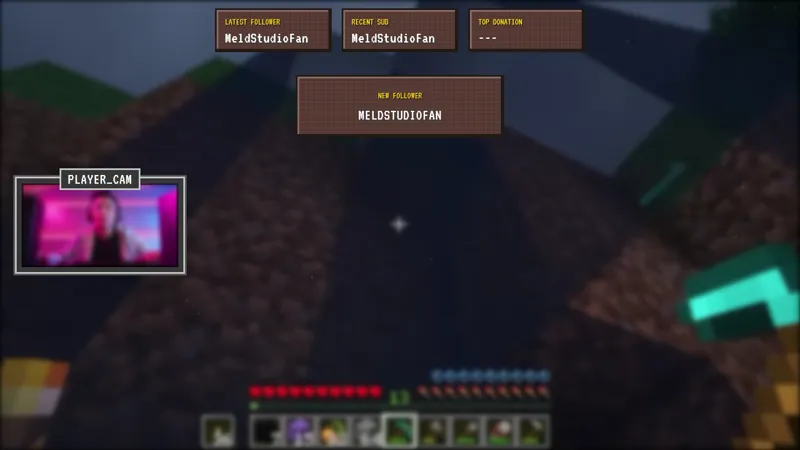
Transform your stream into a Nether dimension with this dark, atmospheric overlay pack featuring a camera border, recent activity feed, and themed alerts straight from the netherworld.
By Meld
Get Minecraft Nether Stream Overlay free
Included with Meld Studio. Or stay in OBS with Spark Plug.
A standard overworld overlay does not carry the weight of a Nether expedition. The dimension reads as molten reds, blackstone shadows, and a constant low-grade threat. This overlay pack pulls every layer of the scene into that register, so the framing around your gameplay matches the danger on screen.
The pack is free with Meld Studio. No subscription, no watermark, no usage cap.
What is in the pack
The camera border frames your webcam capture in a dark, Nether-styled surround that signals the dimension before a viewer reads any on-screen text. It layers cleanly over a gameplay capture and keeps your face clear at the center of the frame.
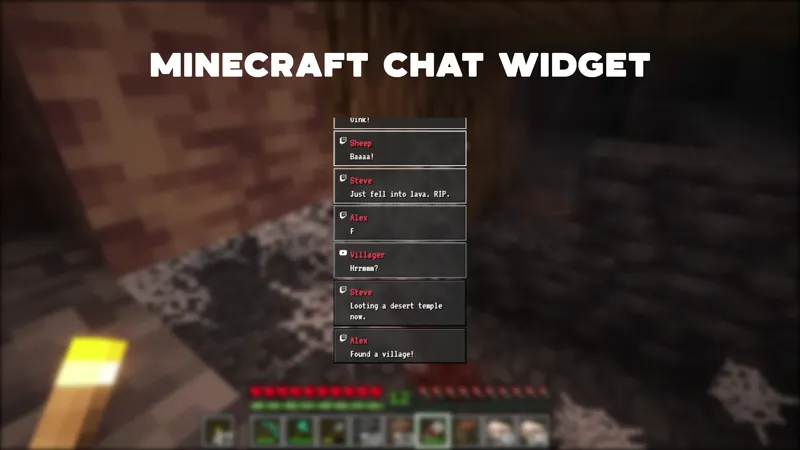
The recent activity feed surfaces stream events in a matched dark aesthetic. Follows, subs, raids, and other moments drop into a feed designed to sit alongside the camera border rather than fight it for attention. The scene stays active during exploration stretches when the gameplay is quiet.
The themed alerts handle sub, follow, raid, and other event animations in the same netherworld visual language. Each alert fires on its own timing and clears cleanly, so the gameplay capture stays uncluttered between events.
When to use it
Hardcore runs, deep Nether expeditions, ancient debris hunts, fortress and bastion raids, and any session where the content plan leans into the darker side of Minecraft are the natural fit. The pack also works for atmospheric storytelling streams where the visual mood matters as much as the gameplay itself.
For multistream setups, the same pack broadcasts to Twitch, YouTube Live, Kick, and TikTok Live. Meld Studio holds a single sign-in across all four and pipes chat and event data into the activity feed and alerts from every connected platform.
Who this is for
Minecraft streamers running hardcore worlds, end-game series, or any session where the standard bright survival aesthetic does not fit the content. It also suits variety streamers who rotate into Minecraft and want a dedicated dark scene to swap in for higher-intensity nights.
Adding it to your stream
Download Meld Studio and the overlay is one drag away from being live. The camera border, recent activity feed, and themed alerts all load together, and the platform connections for Twitch, YouTube Live, Kick, and TikTok Live are handled from a single sign-in.
If you already run OBS and prefer to stay there, the free Spark Plug for OBS plugin brings the full Nether pack into your existing OBS scene as a browser source. Same dark aesthetic, same event connections, no scene rebuild required.
Use cases
-
Hardcore runs and high-stakes Nether expeditions
When the session plan is a deep Nether dive or a hardcore world push, the scene should match the tension. A dark, atmospheric overlay frames the gameplay in the same molten reds and shadowed blacks viewers see on the capture, so the danger of the dimension reads consistently from the camera border to the alert animations.
-
End-game Minecraft content with a darker aesthetic
For late-game series running ancient debris hunts, fortress raids, or bastion clears, the standard overworld palette can feel out of step with the content. A Nether-styled pack pulls the entire scene into a darker visual register, so the layout cues the audience that this is the harder, higher-stakes part of the world rather than another casual survival stream.
Frequently asked questions
Is the Nether-themed Minecraft overlay free?
Yes. The Nether-themed overlay pack is included free with Meld Studio. There is no paywall, no watermark, and no per-stream usage cap. Add it to a scene and the camera border, activity feed, and themed alerts are ready to broadcast immediately.
Which streaming platforms does it work on?
The overlay works on Twitch, YouTube Live, Kick, and TikTok Live. Meld signs you in once and handles all four chat and event connections at the same time, so the activity feed and alerts fire for events from every platform you stream to.
Does it work with OBS Studio?
Yes. Spark Plug for OBS loads the Nether overlay pack into your existing OBS scene as a browser source, bringing the camera border, recent activity feed, and themed alerts in without a scene rebuild. Meld Spark can recolor the pack or tweak the alert styling from a plain-English prompt in seconds.
What is included in the pack?
The pack includes a Nether-styled camera border, a recent activity feed that surfaces stream events in the same dark aesthetic, and themed alerts built to match the netherworld look. All three elements share a single visual register so the scene reads as one coherent set rather than separate widgets stacked together.