Free Dark Theme Flip Clock Countdown Timer for Your Stream
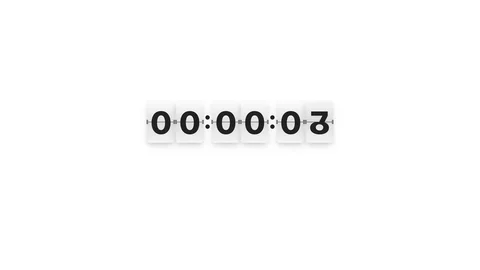
A retro flip clock countdown timer with a dark theme. Digits flip with a satisfying mechanical animation, perfect for stream countdowns, BRB screens, or subathon timers.
By Meld
Get Flip Clock Timer Dark free
Included with Meld Studio. Or stay in OBS with Spark Plug.
Each digit flips over with a satisfying mechanical animation as the countdown ticks down, and the whole thing sits on a dark panel built to fit the layouts streamers actually run during BRB scenes and late-night marathons. Flip Clock Timer Dark gives you a retro split-flap timer with a clean dark theme that does not fight whatever else is in your scene.
It is free with Meld Studio. No watermark, no setup fee, no subscription required.
How the timer behaves
The clock counts down in hours, minutes, and seconds, with each digit flipping individually as it changes. The motion is loud enough to feel mechanical and quiet enough that it does not compete with whatever is happening elsewhere on screen. The dark panel sits comfortably on top of dark wallpapers, gradient BRB art, low-light gameplay, or a late-night subathon scene without forcing the rest of your design to brighten up around it.
Toggle interaction mode on your canvas to bring up hover controls on the overlay itself. Pause holds the count without canceling it, useful when a break runs longer than you planned or when an interruption arrives during a marathon. Reset returns the clock to its starting duration. The controls vanish when you exit interaction mode, so the live broadcast stays clean.
Customizing with Meld Spark
The clock ships ready to use, and Meld Spark, the AI overlay editor built into Meld Studio, lets you reshape it without touching code. The gallery tip ships with a ready example: “Start the timer at 2 hours and show confetti when it reaches zero.” Run it and the duration reconfigures and a celebration fires the moment the count hits zero.
You can take the prompt further. Add a “Back in” label, change the accent color of the digits, slow the flip animation for a more languid feel, or fire a sound effect each minute. Every change persists between sessions, so the timer looks exactly the same the next time you go live.
When to use the dark theme
Pick the dark version when your scene already runs on dark backgrounds: gothic gameplay, dark mode camera scenes, late-night subathons, and BRB screens built on saturated wallpaper or dark gradient art. The light theme covers brighter aesthetics. Both share the same flip animation and the same Pause and Reset controls, so you can swap themes without changing how the timer behaves.
Adding it to your stream
Download Meld Studio and the flip clock drops into a scene with no configuration. If you already run OBS, the free Spark Plug for OBS plugin loads the same dark flip clock as a browser source inside your existing OBS layout, with the same Pause and Reset controls and the same Meld Spark prompts available for tuning the duration, labels, and zero-state behavior.
Use cases
-
BRB screens during ad breaks and bathroom runs
When you cut to a BRB scene mid-stream, viewers want to know how long the break is. A flip clock counting down on a dark background reads cleanly against any wallpaper or static art, so chatters can decide whether to stay in tab or check back in five minutes.
-
Subathon and marathon countdowns on dark layouts
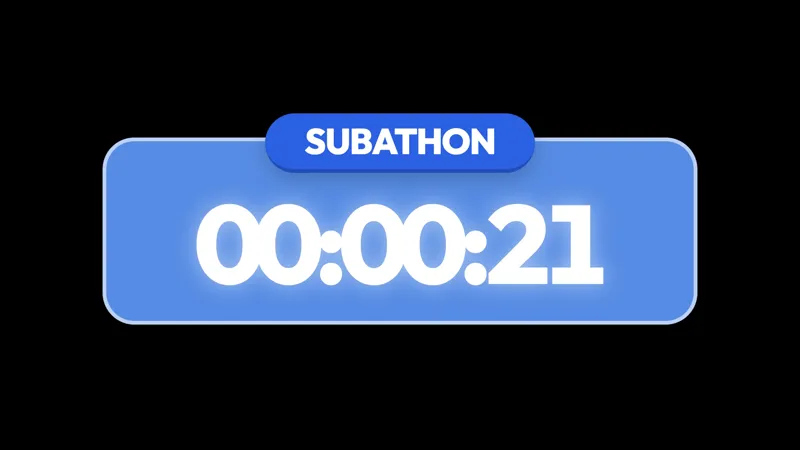
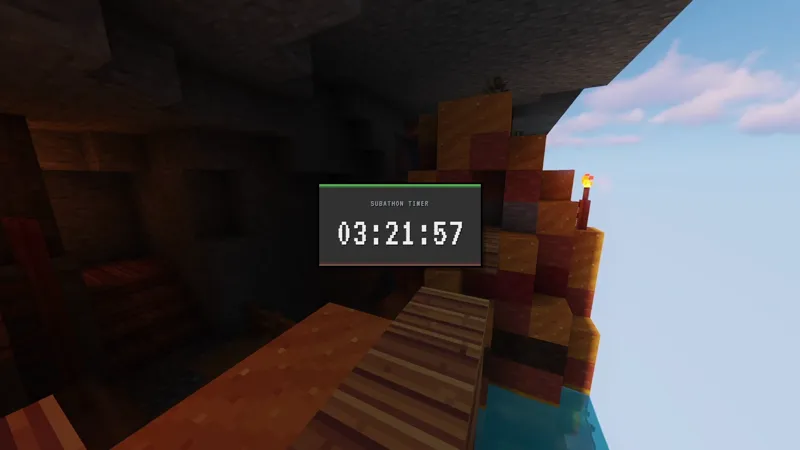
Subathon scenes and late-night marathon streams usually sit on dark backgrounds for long stretches. The dark flip clock blends into those layouts without forcing the rest of the scene to lighten up around it, so the timer feels native to the rest of the design.
Interactive controls
Toggle interaction mode on your canvas to access controls on hover.
Frequently asked questions
Is the dark flip clock timer free?
Yes. The Flip Clock Timer Dark overlay ships free with Meld Studio. There is no watermark, no paywall, and no usage limit. Drop it into a scene and the countdown is ready to run immediately.
Does this overlay work across every platform I stream to?
Yes. Meld signs you in once across Twitch, YouTube Live, Kick, and TikTok Live, so the same flip clock can run during BRB scenes, starting soon screens, or subathons regardless of which platforms you broadcast to.
Does the flip clock work in OBS Studio?
Yes. Spark Plug for OBS loads the dark flip clock into your existing OBS scene as a browser source, and Meld Spark lets you change the starting time, add a label, or trigger an event at zero from a plain-English prompt in seconds.
How do I pause or reset the timer?
Toggle interaction mode on your canvas to bring up hover controls directly on the overlay. From there you can pause the countdown or reset it. The controls hide automatically when you leave interaction mode, so they never appear in your live broadcast.
Can I trigger something when the timer reaches zero?
Yes. The gallery tip includes a ready Meld Spark prompt: "Start the timer at 2 hours and show confetti when it reaches zero." Run it and the countdown reconfigures and the celebration triggers automatically when the clock lands on zero, with no code involved.