Connect your Fourthwall merch store to Meld Studio to bring your products and sales onto your stream. Once connected, Meld receives merch order events you can turn into overlays, alerts, and on-stream celebrations built with Meld Spark. If you don't have a store yet, you can create one for free.
Connect your Fourthwall account
Section titled “Connect your Fourthwall account”- Open Meld Studio and go to Settings.
- Select the General tab.
- Scroll to the Connections section, below Streaming Outputs.
- Next to Fourthwall, click Connect. Sign in to your Fourthwall account, or create one if you don't have a store yet.
- You'll be redirected back to Meld Studio and the connection is set.

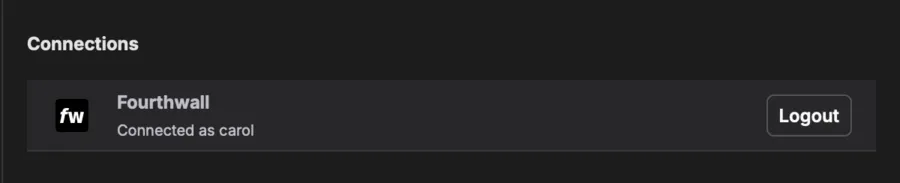
When it's connected, the Fourthwall row shows Connected as [username], with a Logout button in place of Connect.
Choose which merch events appear
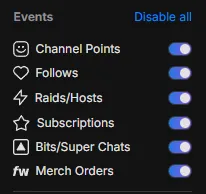
Section titled “Choose which merch events appear”Merch order events come through alongside your other stream events. In your Stream Chat settings, use the Merch Orders toggle under Events to turn order events on or off at any time.
Create merch overlays with Meld Spark
Section titled “Create merch overlays with Meld Spark”With your store connected, use Meld Spark to design overlays and widgets that show off your merch. Just describe what you want and Meld Spark builds it. For example:
- Promote your store and your latest drops on canvas
- Announce a new merch item
- Celebrate a sale the moment an order comes in
Browse ready-made merch overlays in the gallery to drop one in, or create your own with Meld Spark.