A custom destination can be any platform that supports RTMP or RTMPS protocols, like Kick, Facebook, TikTok, and others.
To add a Custom destination and start livestreaming:
- Navigate to
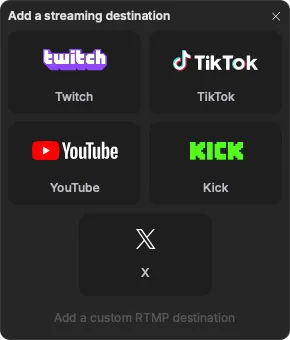
Settings → General → Streaming Destinations. - Click ╋ Add destination and select Add a custom RTMP destination.
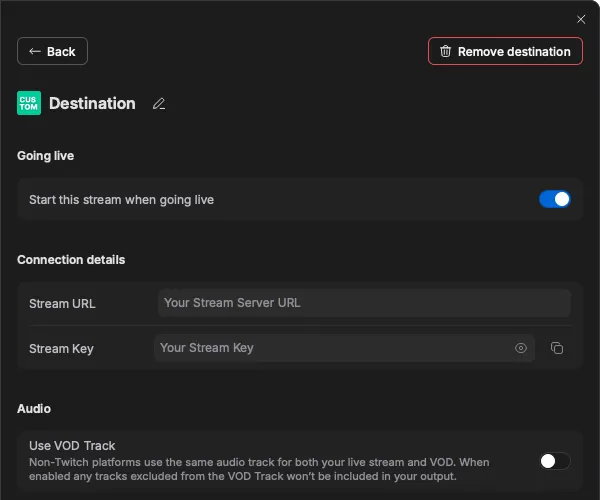
- Under Connection details, enter the platform's stream server URL in the Stream URL field.
- Paste the stream key for your destination in the Stream Key field.
Stream Server
Section titled “Stream Server”The stream server is the URL that receives your stream data for broadcasting to viewers. Stream servers are often based on your geographical location, optimizing stream quality, reducing latency, and operating bandwidth.
Stream Key
Section titled “Stream Key”A Stream Key is your unique identifier used by streaming platforms to authenticate your connection. It allows you to go live directly from Meld Studio.