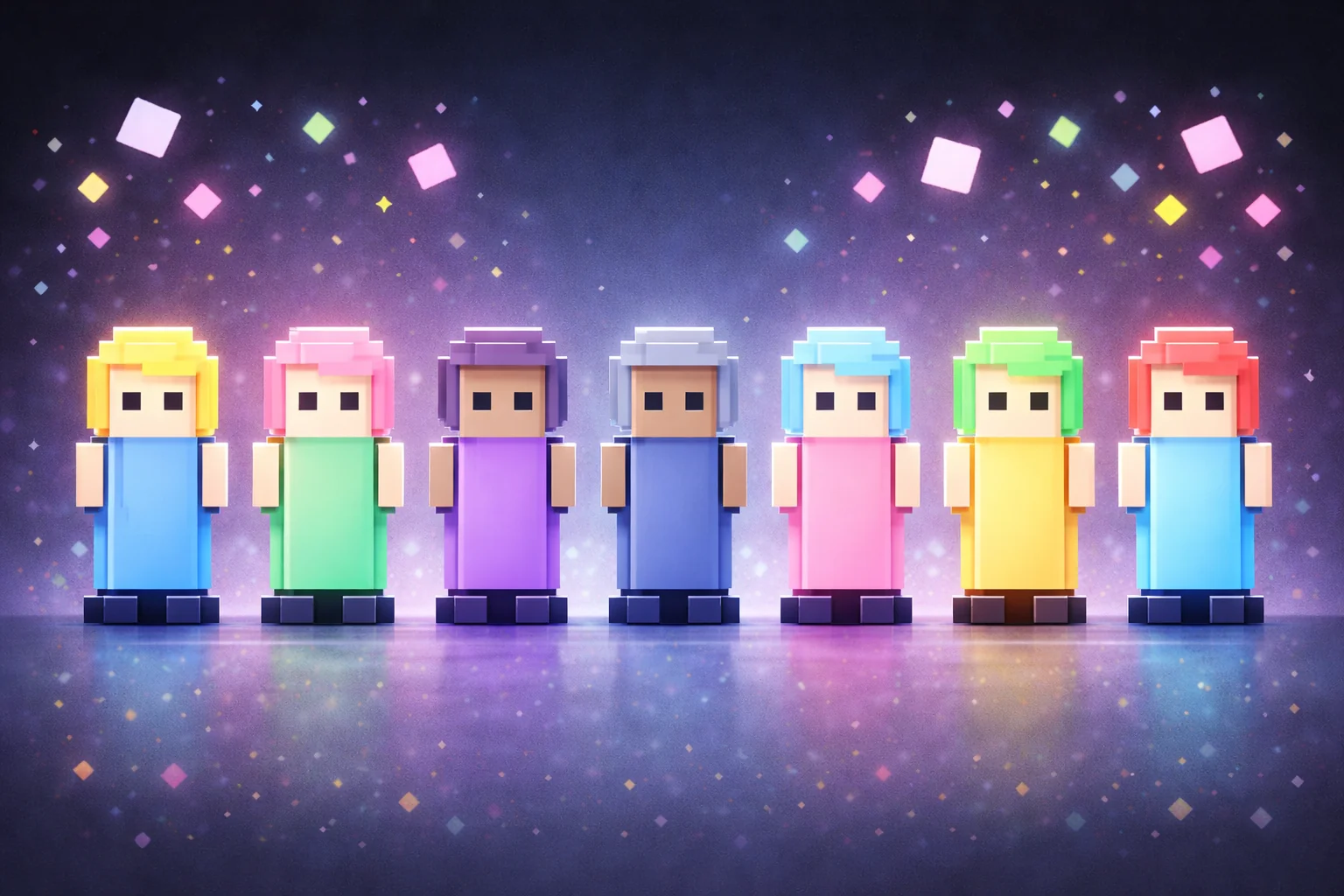
Give Your Chatters Teddy Bear Avatars Along the Stream
Engage your chatters by turning them into teddy bears that hang out on the bottom of your stream.
By Meld
Use this element in Meld or OBS
Copy its link, then paste it where you stream.
-
Have Meld Studio or Spark Plug
Open Meld Studio, or OBS with the Spark Plug plugin installed. Elements need one of them to work.
-
Copy the link
Copy element puts the element's link on your clipboard.
-
Paste it
In Meld Studio, press ⌘V or Ctrl+V and it lands in your scene. In OBS, add a Browser source and paste the link as its URL.
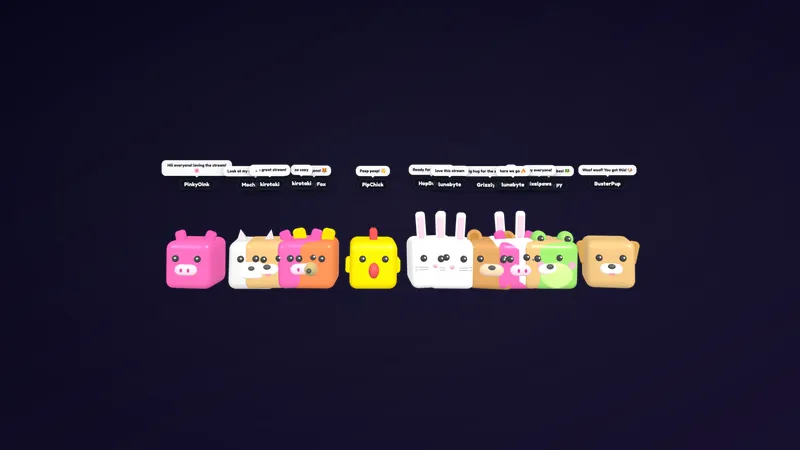
Your community can have a seat at the bottom of the broadcast. Teddy Bear Avatars turns chatters into bears that hang out along the lower edge of your stream, giving the people typing a visible presence beside the show. The free overlay suits a conversation where the audience is part of the atmosphere, not just a list of messages.
Add the avatars to your canvas and chatters appear as teddy bears. From there, viewers have their own commands, while the broadcaster controls the seasonal mode and whether chat bubbles appear. That division matters when you want participation without handing every presentation setting to chat.
Viewer actions and broadcaster controls
Viewers can type !jump to make their teddy bear jump or !cartwheel to make it cartwheel. The !love command makes a bear show love, while !sit and !sleep offer quieter actions. These are useful small gestures during a community catch-up, a cozy gaming session, or a conversation between rounds.
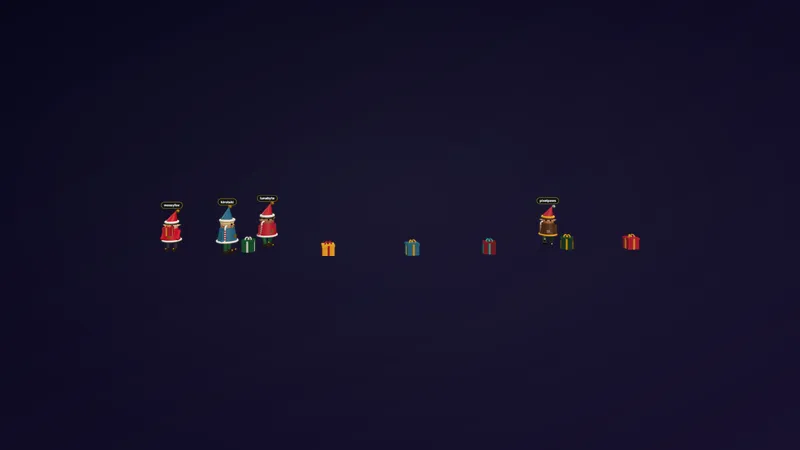
Christmas mode belongs to the broadcaster. Use !christmason to enable the mode with Santa and elf hats, and !christmasoff to disable it. Viewers gain access to !snow and !gift only while !christmason is active. Those two commands are not available as ordinary year-round viewer actions when Christmas mode is off.
The broadcaster also controls message bubbles. Use !bubbleon to show chat bubbles when viewers type, and !bubbleoff to turn them off. Treat that as a separate presentation decision from the hats: one controls whether typed messages appear in bubbles, while the other controls Christmas mode and its seasonal command access.
Bring the community into the scene
Twitch, YouTube Live, Kick, and TikTok Live are all supported. Meld pulls chat from the four platforms, so your broadcast can give a visible place to people participating across your streaming destinations.
For an everyday hangout, keep the focus on the standard viewer actions and decide whether bubbles suit the conversation. For a Christmas evening, enable the holiday mode before inviting viewers to try its additional commands. Explaining that distinction during the show helps people understand why !snow and !gift are seasonal rather than always available.
Leave room along the bottom of your layout when previewing the scene, especially if your game already puts important information there. Download Meld Studio and add Teddy Bear Avatars to your canvas. If you are staying in OBS, Spark Plug for OBS is the alternative route for bringing the avatars into that production.
How it works
- 1 Add the avatars to your canvas. Chatters appear as teddy bears along the bottom of the stream.
- 2 Broadcaster only: use !christmason and !christmasoff to enable or disable Christmas mode with Santa and elf hats. Use !bubbleon and !bubbleoff to enable or disable chat bubbles when viewers type.
- 3 Viewers can use !jump, !cartwheel, !love, !sit, and !sleep. Viewers can also use !snow and !gift, but only while !christmason is active.
Use cases
-
Casual community hangouts
Let chatters hang out as teddy bears while you host a relaxed stream. Viewers can use movement and expression commands to participate without making the whole broadcast a separate game.
-
Christmas community evenings
Enable Christmas mode as the broadcaster to bring in Santa and elf hats. Viewers can then use !snow and !gift while that mode remains active, alongside their usual teddy bear commands.
Chat commands
Frequently asked questions
Which commands can viewers use?
Viewers can use !jump, !cartwheel, !love, !sit, and !sleep. They can also use !snow and !gift, but only while the broadcaster has enabled Christmas mode with !christmason.
Who controls hats and chat bubbles?
Only the broadcaster uses !christmason and !christmasoff to control Christmas mode with Santa and elf hats. The broadcaster also controls chat bubbles with !bubbleon and !bubbleoff.
Which platforms support the free teddy bear avatars?
The avatars support Twitch, YouTube Live, Kick, and TikTok Live. Meld brings chat from all four into your multiplatform broadcast.
Can I use these avatars with OBS Studio?
Download Meld Studio to add the avatars, or use Spark Plug for OBS to stay in OBS. Spark Plug brings gallery overlays and Meld Spark help with customization in seconds into your existing OBS workflow.