Welcome Your Chatters as Elves at the Bottom of Your Stream
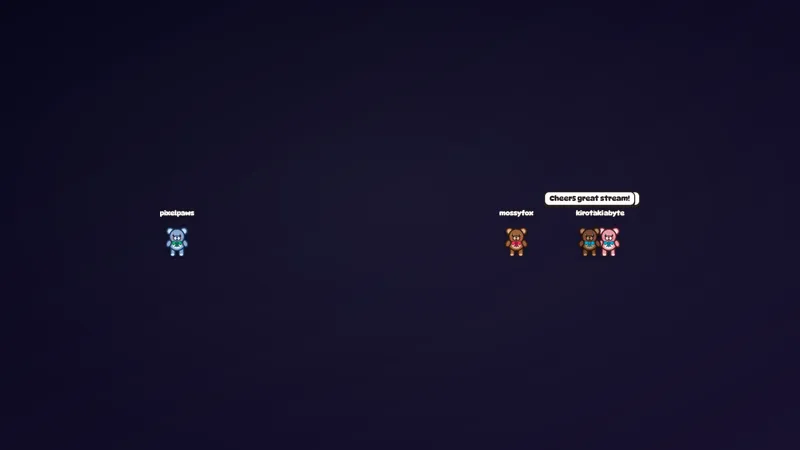
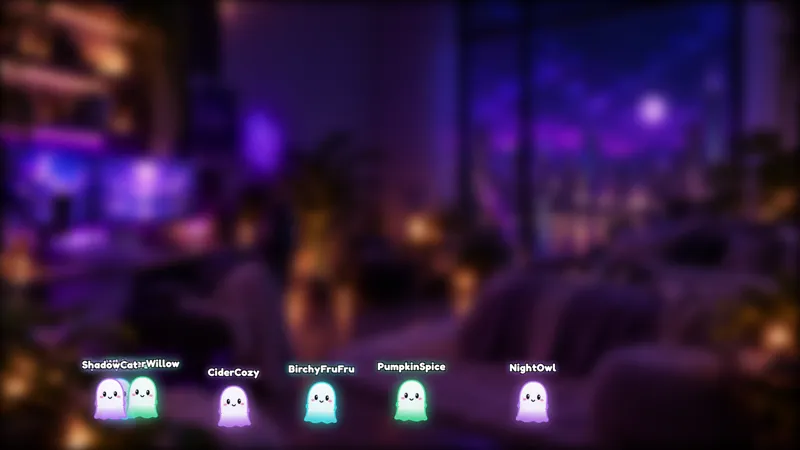
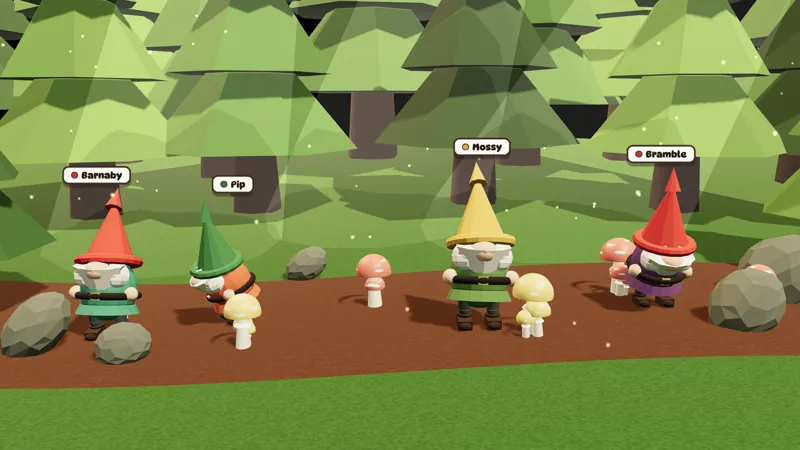
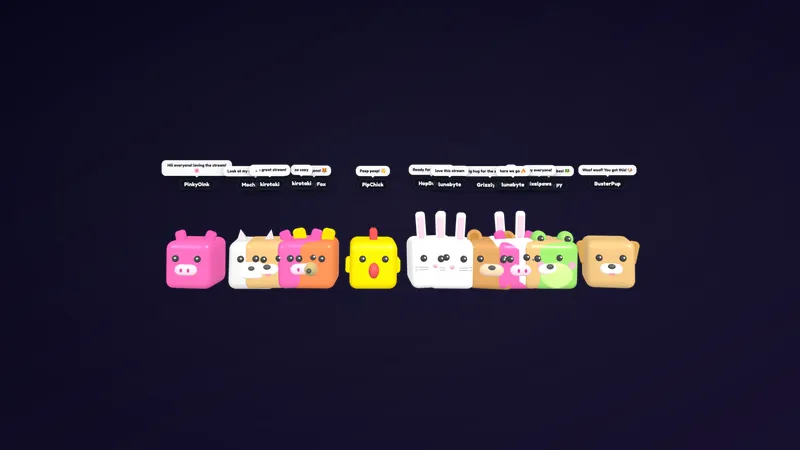
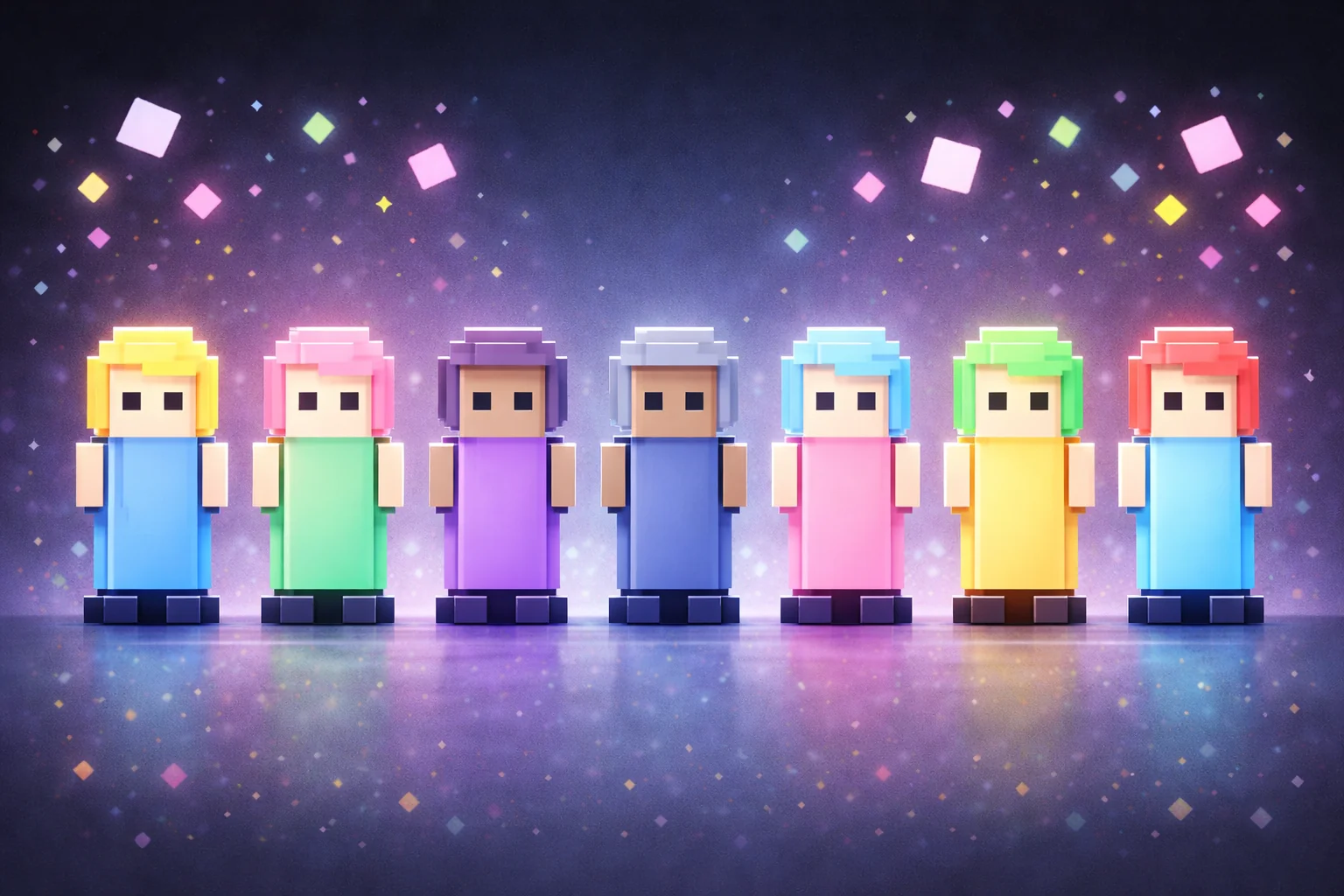
Engage your chatters by turning them into elves of different shapes and sizes that hang out on the bottom of your stream.
By Meld
Use this element in Meld or OBS
Copy its link, then paste it where you stream.
-
Have Meld Studio or Spark Plug
Open Meld Studio, or OBS with the Spark Plug plugin installed. Elements need one of them to work.
-
Copy the link
Copy element puts the element's link on your clipboard.
-
Paste it
In Meld Studio, press ⌘V or Ctrl+V and it lands in your scene. In OBS, add a Browser source and paste the link as its URL.
Invite chat to the holiday gathering as a crowd of elves. Elf Avatars for Stream represents your chatters with characters of different shapes and sizes, hanging out along the bottom of the broadcast. It is a free way to give the audience a visible place in a Christmas-themed show while your main content stays in view.
The appeal is the community presence. Instead of leaving all audience participation in the chat panel, the overlay puts characters into the scene itself. That makes it a fitting choice for a seasonal catch-up where you are talking with regulars, welcoming new arrivals, or simply spending an evening together.
Two commands for joining the moment
Viewers can use !dance to make their elf dance on screen. They can also use !wave to make the elf wave. Those two actions give you straightforward ways to involve the room during the broadcast without asking viewers to learn a long command list.
For a holiday community stream, invite everyone to wave as you welcome them. A dance can suit a celebration or a shared joke during the evening. You decide how to work those moments into the show; the overlay supplies the on-screen actions rather than a separate set of game rules or a competition.
The elves come in different shapes and sizes, which gives the group its visual character. Their position along the bottom makes the overlay a companion to the broadcast rather than a full-screen replacement for it. Consider that lower area when arranging the rest of your scene so the audience presence has a clear place to sit.
A seasonal audience across platforms
Elf Avatars works with Twitch, YouTube Live, Kick, and TikTok Live. Meld brings chat from the four platforms into your broadcast, making the overlay suitable for a holiday show with viewers joining from more than one destination.
You might use it throughout a Christmas variety night or keep it for a dedicated community segment. In a camera-led conversation, the characters can accompany your greetings. During gaming, check that the lower edge of the scene has enough room beside the interface and any information viewers need to read.
Preview the complete scene before the gathering starts, then decide when you want to invite a wave or a dance. Download Meld Studio and add Elf Avatars to your canvas for the seasonal broadcast. Streamers continuing with an existing OBS layout can use Spark Plug for OBS as the alternative path to the same gallery overlay.
Use cases
-
Holiday community gatherings
Bring a Christmas theme to a community catch-up by showing chatters as elves. Invite a wave when you greet the audience or a dance during a celebratory moment in the conversation.
-
Seasonal variety gaming
Keep a visible place for your audience during a holiday gaming night. Elves hang out along the bottom of the stream while viewers use !dance and !wave to join in.
Chat commands
Frequently asked questions
What can viewers do with their elf avatars?
Viewers can use !dance to make their elf dance and !wave to make it wave on screen. The avatars represent chatters as elves of different shapes and sizes along the bottom of the stream.
Are these free avatars available across platforms?
Yes. Use Elf Avatars with Twitch, YouTube Live, Kick, and TikTok Live. Meld brings the chat from your streaming platforms into the broadcast.
Can I add Elf Avatars to OBS?
Download Meld Studio to add the overlay, or keep your existing scenes with Spark Plug for OBS. Spark Plug brings gallery overlays and Meld Spark help with customization in seconds into OBS.