Free Cute Ghost Chat Avatars That Speak on Stream
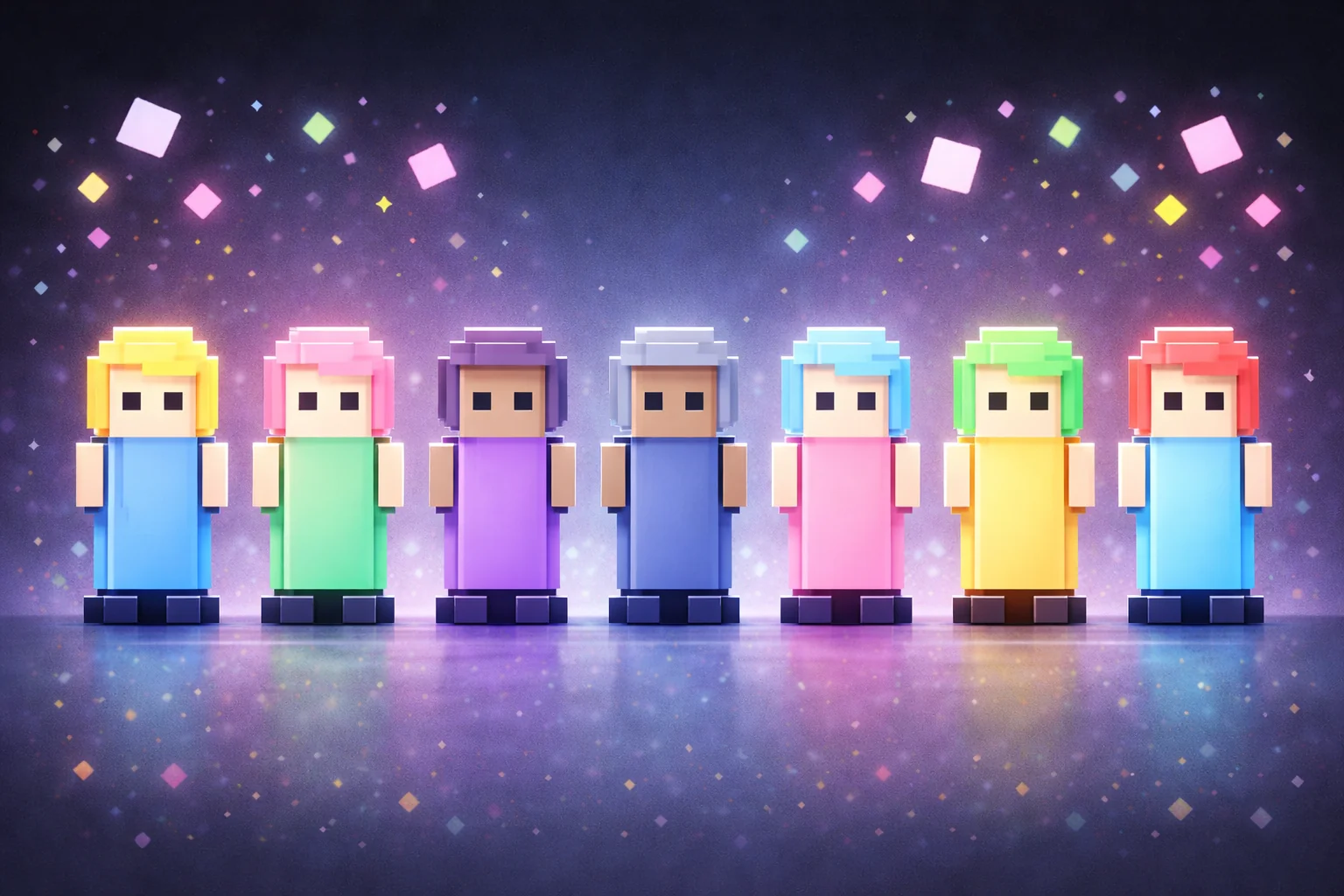
Let your chat haunt your stream as cute little ghost avatars. Each ghost gets assigned a random color and viewers can type !ghost [message] to have their ghost say a message on stream.
Get Cute Ghost Chat Avatars free
Included with Meld Studio. Or stay in OBS with Spark Plug.
Let the haunting be friendly this year. Cute Ghost Chat Avatars turns your community into little ghosts with randomly assigned colors, and gives viewers a simple way to have their ghost speak on stream. It is a free Halloween-themed overlay for hosts who want chat to appear as characters rather than only as lines in a message feed.
The appeal is in the combination of a recognizable seasonal shape and a direct viewer action. A ghost gives the chatter a visual presence; a message gives that presence something to say. You can build a small community moment around it without explaining a competitive game or introducing a separate scoring system.
Give your ghost a message
The command format is !ghost [message]. Viewers type !ghost followed by the words they want their ghost to say. For example, !ghost hello everyone sends a friendly greeting through the avatar on stream. Show that example when you introduce the element so people know the bracketed text is a placeholder for their own message.
Each ghost receives a random color. That brings a mix of colors to the scene without asking viewers to configure their character first. The supplied instructions do not list a color picker or additional movement commands, so keep the introduction focused on the documented interaction: let your ghost say a message.
The overlay supports Twitch, YouTube Live, Kick, and TikTok Live. Viewers can join from every platform you stream to, which makes the ghosts suitable for a community spread across several services as well as a single-platform Halloween show.
A cute Halloween presence for chat
Try the avatars during a relaxed October catch-up, a seasonal art session, or a community segment between games. Ask a question and invite ghost messages as part of the conversation. A short greeting or answer is an easy starting point for someone who has just arrived and wants to see how the overlay works.
Give the avatars a visible area in your scene and check how the messages read alongside your camera and other content. The point is to make viewers part of the picture, not to make them compete with important information already on screen. You can keep your regular chat display while using the ghosts as the character-focused part of the layout.
Download Meld Studio and add Cute Ghost Chat Avatars to your next Halloween scene. If you prefer to keep your production in OBS, Spark Plug for OBS is the alternative way to use the same gallery overlay in your existing setup.
Use cases
-
A friendly Halloween chat scene
Let viewers join an October hangout as colorful little ghosts. The cute avatar treatment gives the scene a Halloween theme without needing a frightening look or an elaborate set of game rules.
-
Viewer messages during community catch-ups
Invite chatters to use !ghost followed by a greeting or a response to your question. Their ghost says the message on stream, giving the conversation a visible character alongside your regular hosting.
Chat commands
Frequently asked questions
How do viewers make their ghost say something?
Type !ghost followed by the message in chat. For example, !ghost hello everyone asks the viewer's ghost to say hello everyone on stream. The documented command format is !ghost [message].
Can viewers choose a ghost color?
Each ghost is assigned a random color. A viewer color-selection command is not listed for this element, so introduce the colors as part of the random assignment rather than a setting viewers need to choose.
Are the ghost avatars free on every platform?
Cute Ghost Chat Avatars is free with Meld Studio and supports Twitch, YouTube Live, Kick, and TikTok Live. Your community can participate from every platform you stream to.
Can I use the ghost avatars with OBS Studio?
Yes. Download Meld Studio to add the avatars to a scene, or use Spark Plug for OBS to keep streaming from OBS. Spark Plug brings gallery overlays and Meld Spark's help with customization in seconds into your existing setup.