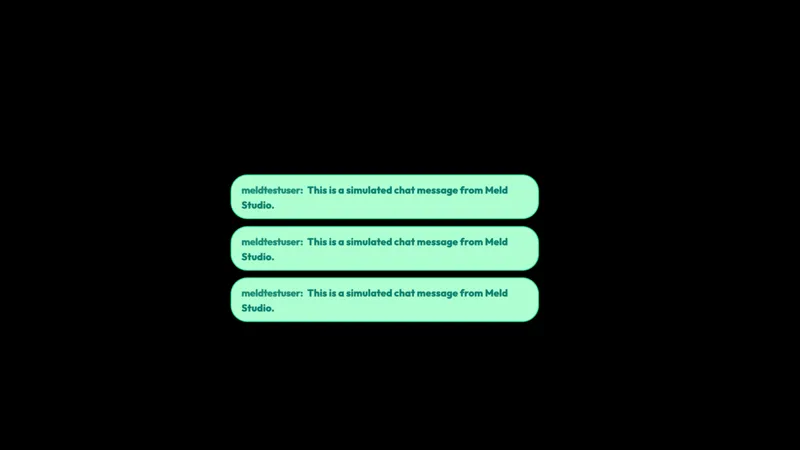
Free Sparky Horizontal Chat Widget with Multi-Color Icons
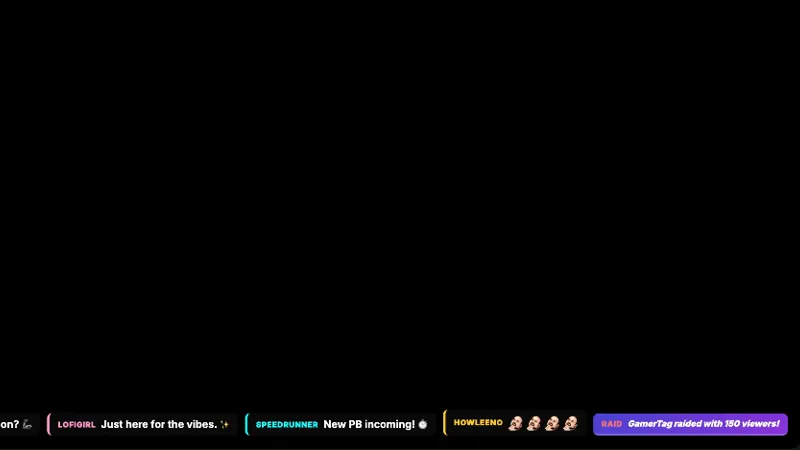
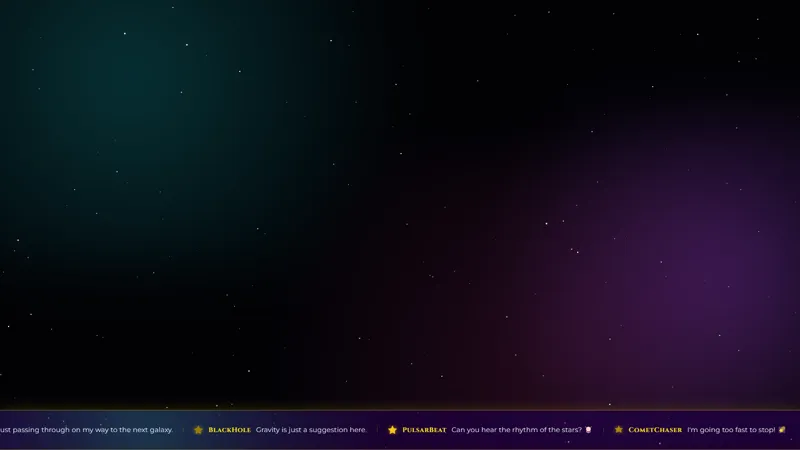
Chat scrolls horizontally across your canvas with multi-colored Sparky icons keeping the energy high.
By Meld
Get Sparky Horizontal Chat free
Included with Meld Studio. Or stay in OBS with Spark Plug.
Chat scrolls left to right across the bottom of your canvas, and between messages, multi-colored Sparky icons drift past in pink, yellow, and the rest of the Sparky palette. Sparky Horizontal Chat is built for streams that want chat present as a high-energy strip rather than a quiet side panel. The icon flow keeps the ticker visually interesting even when chat is slow, so the bottom of your scene stays lit up the whole time.
It is free with Meld Studio. No watermark, no setup fee, and no subscription required.
How the ticker plays on screen
The widget runs chat as a single horizontal line scrolling along the bottom of your canvas, and between messages, brightly colored Sparky icons appear in line with the type. The icon rotation breaks up the rhythm of the text and keeps the ticker reading as decoration as much as a chat feed, which is the point on high-energy channels where a quiet text strip would feel underpowered.
For full-screen gameplay layouts, the horizontal orientation slides under the action without covering HUD elements, mini-maps, or crosshairs. For variety, party game, and racing channels, the energy of the icon flow matches the rest of the scene instead of fighting it.
Multiplatform chat in one bright line
Sparky Horizontal Chat reads from Twitch, YouTube Live, Kick, and TikTok Live at the same time. Sign in once in Meld and every chatter across every platform you broadcast to flows into the same Sparky ticker. Multistreamers get one shared scrolling line instead of four separate widgets crowding the same bottom strip of the canvas.
Customizing with Meld Spark
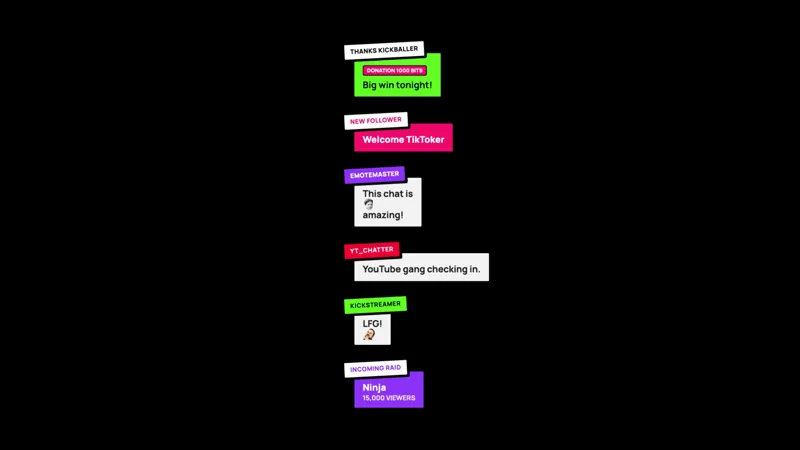
The widget ships with the full Sparky icon palette and a default scroll speed. Meld Spark, the AI overlay editor built into Meld Studio, lets you tune the look from plain English. A prompt like “Only use the pink and yellow Sparky icons, and slow the scroll speed by 20 percent” rewrites the icon set and the pace immediately. You can also reorient the widget vertically for tall scene compositions, change the icon density, or adjust the type size to read better against busy gameplay. Changes apply immediately and persist between sessions.
Adding it to your stream
Download Meld Studio and Sparky Horizontal Chat is one drag away from going live, with chat from Twitch, YouTube, Kick, and TikTok pulled in through a single sign in. If you would rather stay in OBS, the free Spark Plug for OBS plugin loads the widget as a browser source inside your existing OBS scene, with the same multi platform feed and the same Sparky icons cycling through the ticker.
Use cases
-
Variety streams that want chat as a high-energy footer
For variety streamers, hype-game runs, and high-energy channels, the multi-colored Sparky icons keep the bottom of the screen alive even during slower moments in chat. The horizontal layout fits under full-screen gameplay without covering HUD elements.
-
Big personality channels and party game streams
For party games, racing tournaments, or any stream built around a loud and colorful tone, the bright Sparky icons match the energy of the rest of the scene. Chat reads as part of the show rather than a side panel quietly logging messages.
Frequently asked questions
Is the Sparky Chat widget free?
Yes. Sparky Horizontal Chat is included free with Meld Studio. There is no paywall, no watermark, and no per-stream usage cap. Drop it into a scene and the ticker starts scrolling immediately with Sparky icons mixed in.
Which chat platforms feed the widget?
Twitch, YouTube Live, Kick, and TikTok Live are all supported. Meld signs you in once and pulls chat from every platform you stream to, so messages from all four feeds scroll past in the same Sparky ticker.
Does this work with OBS Studio?
Yes. Spark Plug for OBS loads the widget into your existing OBS scene as a browser source, and Meld Spark lets you pick specific Sparky icon colors or reorient the widget vertically from a plain English prompt in seconds.
Can I limit which Sparky icon colors appear?
Yes. Meld Spark, the AI overlay editor included with Meld Studio, takes plain English instructions. A prompt like "Only use the pink and yellow Sparky icons, and slow the scroll speed by 20 percent" updates the icon palette and the pace immediately.
Can I run the widget vertically instead of horizontally?
Yes. Ask Meld Spark to reorient the widget for tall scenes. The horizontal default is built for full-screen gameplay layouts, but the same widget works as a vertical column when your scene composition calls for it.