Free Glowing Neon Chat Widget with Cyberpunk Vibes
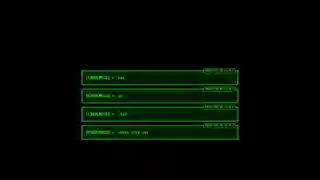
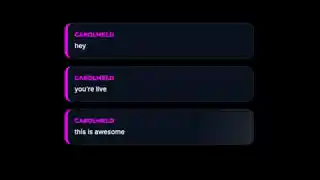
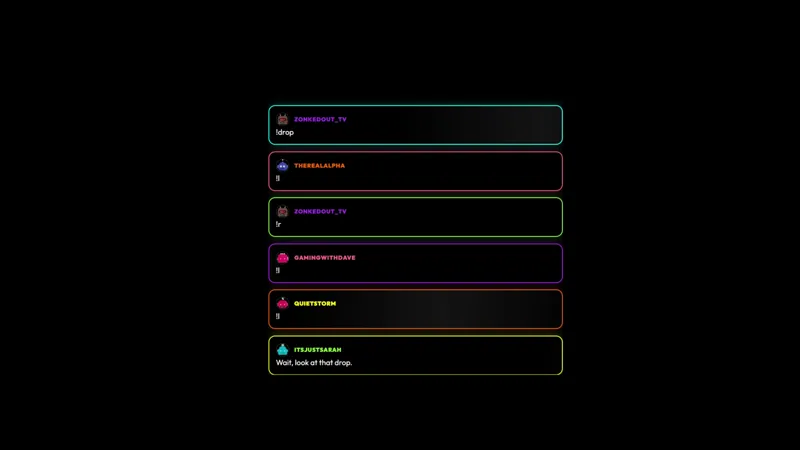
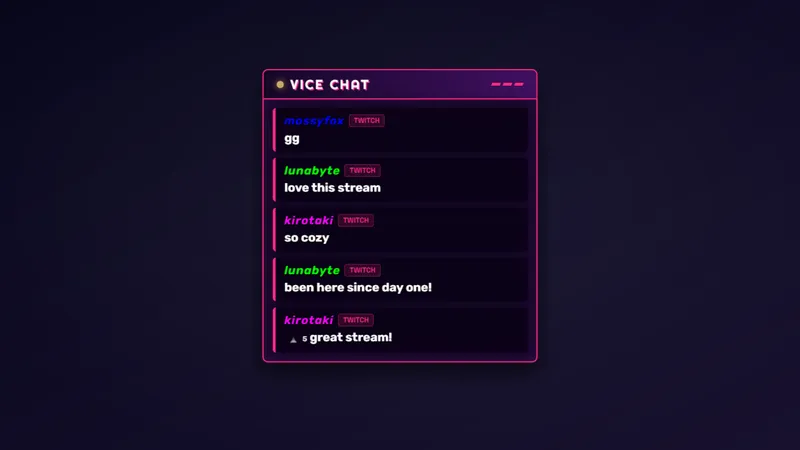
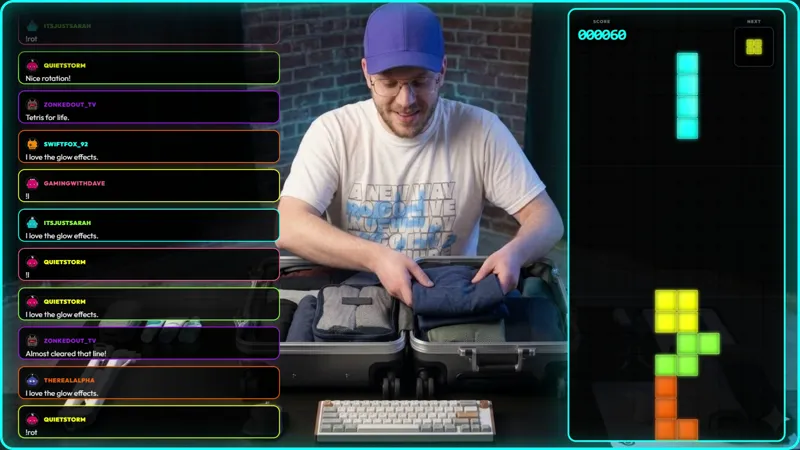
Glowing neon chat widget with cyberpunk vibes and smooth animations. Messages slide in with a glow effect and usernames are highlighted in neon colors.
By Meld
Get Neon Chat free
Included with Meld Studio. Or stay in OBS with Spark Plug.
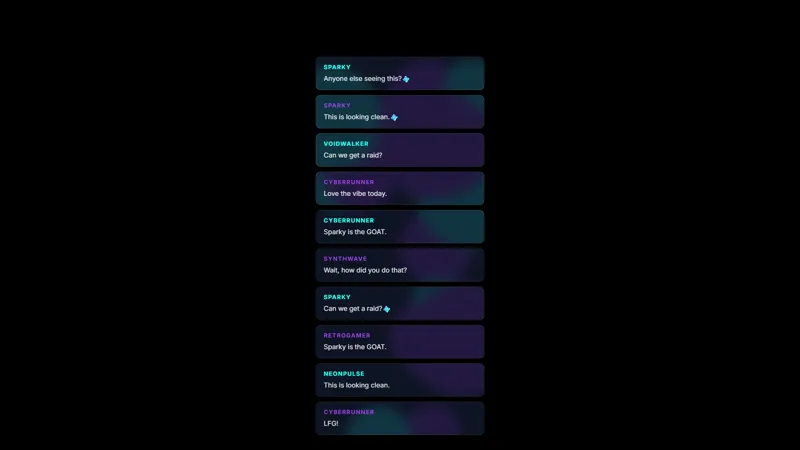
Each new message slides in from the side with a soft neon glow trailing the type, and usernames sit in saturated neon colors that hold their own against any dark background. Neon Chat treats the chat widget like a piece of cyberpunk signage rather than a notification panel: smooth animation, glowing edges, and a palette borrowed from neon-lit streets after dark.
It is free with Meld Studio. No watermark, no setup fee, and no subscription required.
What the glow actually does
The widget animates each chat message into the panel with a slide-in motion, and the type carries a soft glow that bleeds slightly past the letterforms the way a real neon tube would. Usernames are rendered in highlighted neon colors, so the speaker stands apart from the message body without you needing a separate badge system. The combined effect reads as a piece of the world the rest of your scene is built in: dark gradients, neon accents, and clean motion.
For cyberpunk gameplay streams, synthwave music sessions, VTuber setups leaning into a glowy aesthetic, and any channel where the lighting is part of the brand, the widget slots in where a flat modern chat box would feel like a window cut into the wrong wall.
Multiplatform chat in one neon panel
Neon Chat reads from Twitch, YouTube Live, Kick, and TikTok Live at the same time. Sign in once in Meld and every chatter across every platform you broadcast to slides into the same glowing widget. Multistreamers get one cohesive cyberpunk chat surface instead of four separate panels with mismatched styling.
Customizing with Meld Spark
The default palette runs across the standard neon spectrum. Meld Spark, the AI overlay editor built into Meld Studio, lets you reshape the colors and the glow from plain English. A prompt like “Make subscriber messages glow brighter with a gold neon effect” rewrites the subscriber treatment immediately, giving subs a visible status in chat without you wiring up a custom badge. You can also dial the overall glow up or down, push toward a colder neon palette, or change which message types carry the strongest highlight. Changes apply immediately and persist between sessions.
Adding it to your stream
Download Meld Studio and Neon Chat is one drag away from going live, with chat from Twitch, YouTube, Kick, and TikTok pulled in through a single sign in. If you would rather stay in OBS, the free Spark Plug for OBS plugin loads the widget as a browser source inside your existing OBS scene, with the same multi platform feed and the same neon glow on every message.
Use cases
-
Cyberpunk and synthwave themed channels
For streamers running cyberpunk gameplay, synthwave music sets, or a neon themed channel identity, the chat widget needs to live in the same lighting as the rest of the scene. The neon glow on every message keeps chat consistent with cyberpunk lower thirds, neon camera frames, and dark gradient backgrounds.
-
VTuber streams leaning into a neon aesthetic
For VTubers whose model and overlay package lean dark and glowy, a neon chat widget reinforces the look without requiring a custom build. The glowing username treatment also gives subs and VIPs a visible status in chat without needing a separate badge system.
Frequently asked questions
Is the Neon Chat overlay free?
Yes. Neon Chat is included free with Meld Studio. There is no paywall, no watermark, and no per-stream usage cap. Drop it into a scene and chat starts sliding in with the neon glow immediately.
Which chat platforms does Neon Chat support?
Twitch, YouTube Live, Kick, and TikTok Live are all supported. Meld signs you in once and pulls chat from every platform you stream to, so messages from all four feeds glow into the same widget at the same time.
Does this work with OBS Studio?
Yes. Spark Plug for OBS loads the widget into your existing OBS scene as a browser source, and Meld Spark lets you swap the neon palette or add a brighter glow to subscriber messages from a plain English prompt in seconds.
Can I make subscriber messages glow differently?
Yes. Meld Spark, the AI overlay editor included with Meld Studio, takes plain English instructions. A prompt like "Make subscriber messages glow brighter with a gold neon effect" rewrites the treatment immediately and persists across sessions.
Will the glow read against a dark background?
The glow is tuned to be most visible against dark or mid-tone scenes, which is where cyberpunk and synthwave layouts usually sit. On a brighter scene, ask Meld Spark to bump the glow intensity so the messages still pop.