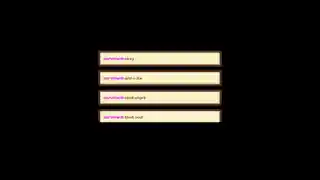
Free Color-Coded Chat Widget for Twitch, YouTube, Kick, and TikTok
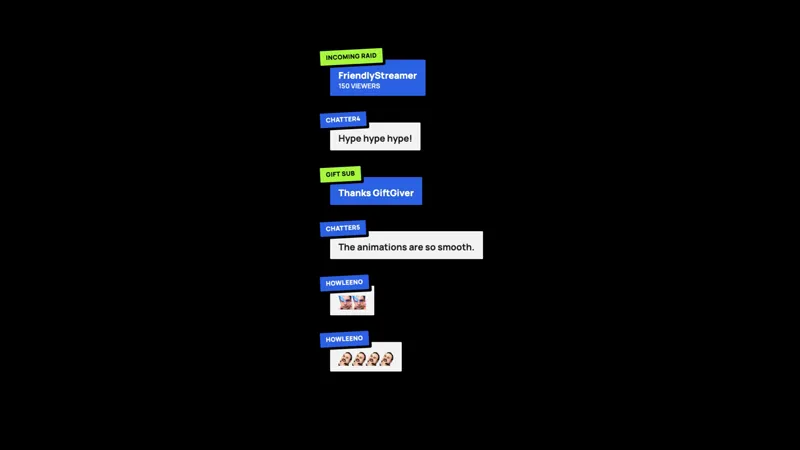
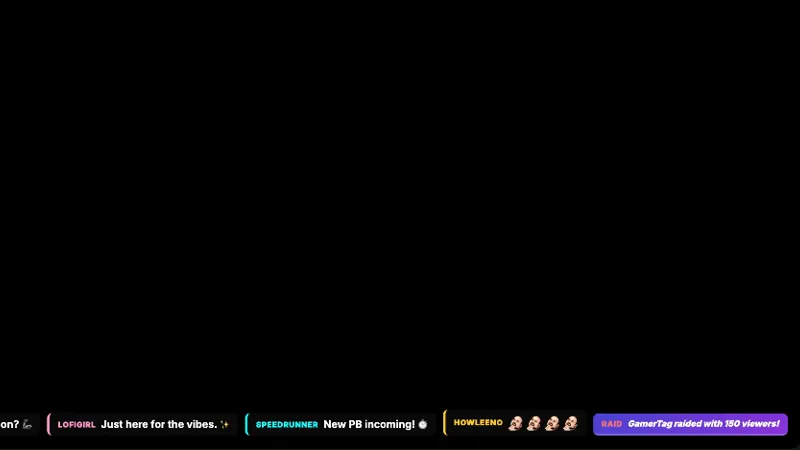
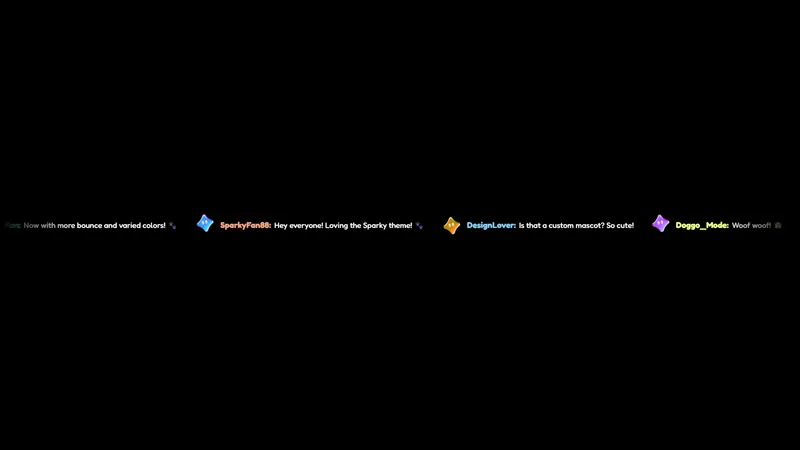
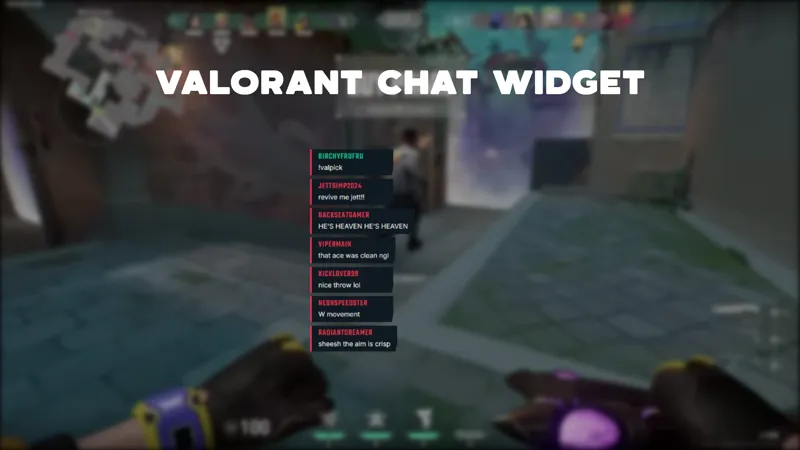
A chat widget that color-codes messages by platform. Twitch messages appear in purple, YouTube in red, Kick in green, and TikTok in pink. Events like follows, donations, and raids are highlighted with matching platform colors.
By Meld
Get Multiplatform Color Chat free
Included with Meld Studio. Or stay in OBS with Spark Plug.
Twitch is purple. YouTube is red. Kick is green. TikTok is pink. Multiplatform Color Chat takes those four platform colors and bakes them into the chat feed itself, so a glance at any message tells you which platform the chatter is on. Events like follows, donations, and raids carry the matching tint, so the same widget doubles as an at-a-glance map of where activity is coming from across your stream.
It is free with Meld Studio. No watermark, no setup fee, and no subscription required.
How the color coding reads
Each new message lands in the feed in the color of the platform it came from. Twitch messages run in purple, YouTube Live messages in red, Kick in green, and TikTok Live in pink. The widget is reactive: events from each platform fire colored badges directly into the same feed. A new follower from Kick gets a green follow badge. A donation from YouTube gets a red one with the amount attached. A Twitch raid announces in purple with the raider name and viewer count. The colors stay consistent across messages and events, so a multistreamer can read activity across all four platforms in a single panel without switching dashboards or peeking at separate widgets.
For coordinated charity streams, multistream raid trains, and any broadcast where the audience is genuinely distributed across platforms, that color signal turns chat into a live diagnostic of where the energy is.
One feed, four chats
Multiplatform Color Chat reads from Twitch, YouTube Live, Kick, and TikTok Live at the same time. Sign in once in Meld and every chatter from every platform you broadcast to lands in the same widget with the right platform color attached. Use the !preview admin command to fire sample events through the feed and see how each platform’s badges render before you go live.
Customizing with Meld Spark
The default palette is tuned to match each platform’s signature color. Meld Spark, the AI overlay editor built into Meld Studio, lets you adjust the colors or push the badge styling further from plain English. A prompt like “Make Twitch messages use a darker purple and add a glow effect to raids” rewrites the palette and the raid badge styling immediately. You can also pick which events get badged and which stay quiet. Changes apply immediately and persist between sessions.
Adding it to your stream
Download Meld Studio and Multiplatform Color Chat is one drag away from going live, with all four chats already pulled in from a single sign in. If you would rather stay in OBS, the free Spark Plug for OBS plugin loads the widget as a browser source inside your existing OBS scene, with the same color coding and the same platform-tinted event badges.
Use cases
-
Active multistreamers running all four platforms at once
For streamers who broadcast to Twitch, YouTube, Kick, and TikTok at the same time, knowing which platform a message came from matters. The color coding tells you at a glance whether the message asking a question is from your Twitch regulars, a YouTube viewer who just arrived, or a Kick chatter you should welcome.
-
Charity streams pulling raids and donations from every platform
For 24 hour charity events or coordinated raid trains across multiple platforms, the platform-colored event badges make raid sources, donation origins, and Super Chat platforms obvious in the live feed without you having to flip between dashboards.
Chat commands
Stream events it reacts to
Frequently asked questions
Is the Multiplatform Color Chat widget free?
Yes. Multiplatform Color Chat is included free with Meld Studio. There is no paywall, no watermark, and no per-stream usage cap. Drop it into a scene and the color-coded feed starts rendering immediately.
Which platform colors does the widget use?
Twitch messages render in purple, YouTube Live in red, Kick in green, and TikTok Live in pink. Events like follows, donations, and raids carry the matching platform color, so a Kick raid is visually distinct from a Twitch raid in the same feed.
Does this work with OBS Studio?
Yes. Spark Plug for OBS loads the widget into your existing OBS scene as a browser source, and Meld Spark lets you tune the platform colors or add a glow to raid badges from a plain English prompt in seconds, no migration required.
What events does the widget highlight?
The widget badges new followers, donations, and raids inline, with each event tagged in the platform color it came from. A Twitch raid carries a purple badge, a YouTube donation carries a red one, and so on, so the source of every event is visible at a glance.
Can I customize the platform colors to match my brand?
Yes. Meld Spark, the AI overlay editor included with Meld Studio, takes plain English instructions. A prompt like "Make Twitch messages use a darker purple and add a glow effect to raids" updates the palette and the badge styling immediately.