Free Horizontal Scrolling Chat Widget for Full-Screen Streams
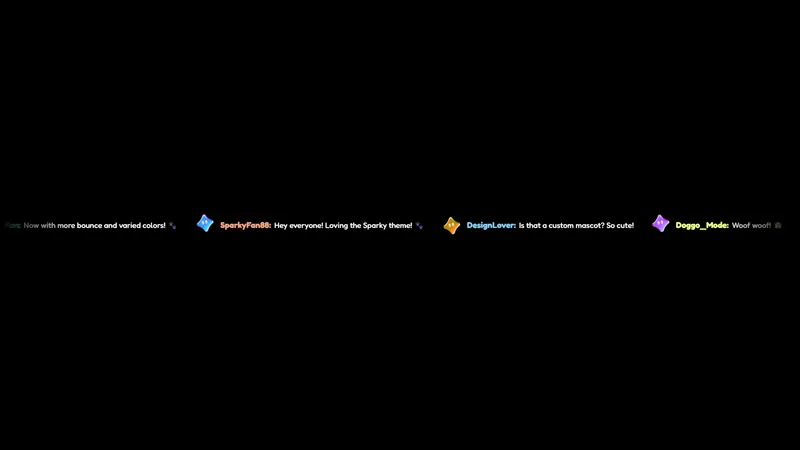
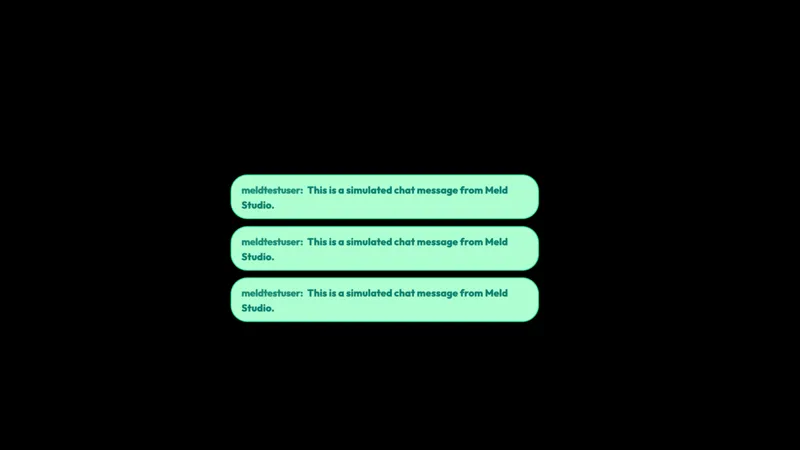
A horizontal scrolling chat widget that displays messages in a single line across the bottom of the screen. Clean and space-efficient, ideal for full-screen gameplay streams.
By Meld
Get Horizontal Chat free
Included with Meld Studio. Or stay in OBS with Spark Plug.
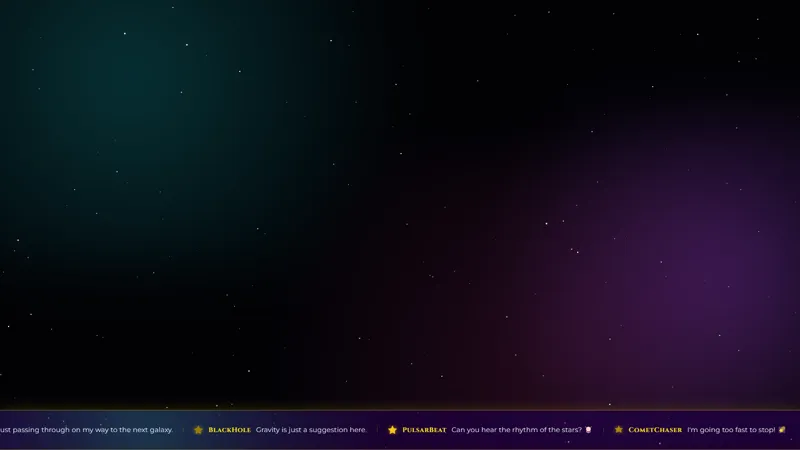
When the game is filling the screen, there is a thin strip of pixels at the bottom that does not need to be there for the gameplay itself. Horizontal Chat lives in that strip. The widget runs chat as a single horizontal line that scrolls across the bottom of your canvas, so messages stay visible without claiming a tall corner of the layout that would cover crosshairs, mini-maps, or HUD elements.
It is free with Meld Studio. No watermark, no setup fee, and no subscription required.
How the ticker reads on stream
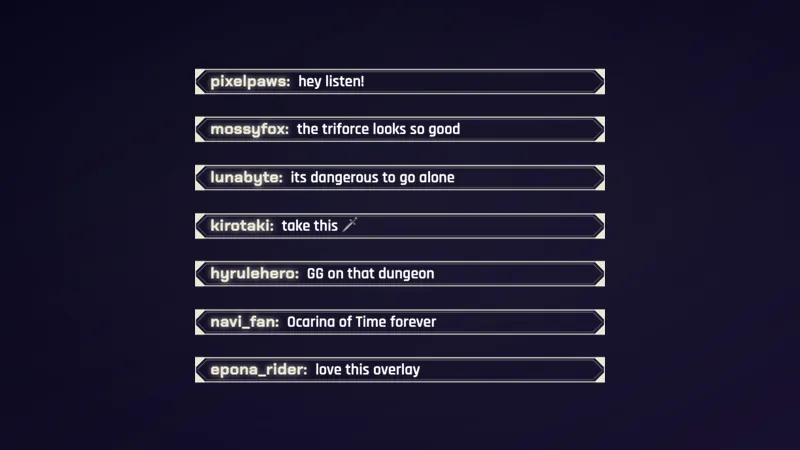
Each new chat message flows into the line and scrolls horizontally past the camera, the way a news ticker runs along the bottom of a broadcast. The widget is intentionally minimal: clean type, no surrounding panel, no decoration. That keeps it slot-able under a full screen game without competing with on-screen UI, and it doubles as a quiet footer on IRL streams, cinematic gameplay, and reaction streams where the visual itself is the focus.
For competitive shooters, racing sims, and games with HUD elements in the corners, the horizontal layout is the practical answer to a tall chat box covering exactly the spot you need to look at.
Multiplatform chat in one line
Horizontal Chat reads from Twitch, YouTube Live, Kick, and TikTok Live at the same time. Sign in once in Meld and every chatter across every platform you stream to flows into the same scrolling ticker. Multistreamers get one coherent feed instead of four parallel widgets fighting for the same strip of screen.
Customizing with Meld Spark
The default ticker is tuned to read against most backgrounds. Meld Spark, the AI overlay editor built into Meld Studio, lets you adjust the look from plain English. A prompt like “Make subscriber names gold and increase the font size slightly” recolors the username treatment and bumps the type immediately. You can also flip the scroll direction, slow the pace down for a calmer read, or pick a font weight that holds up better against busy gameplay. Changes apply immediately and persist between sessions.
Adding it to your stream
Download Meld Studio and Horizontal Chat is one drag away from going live, with chat from Twitch, YouTube, Kick, and TikTok pulled in through a single sign in. If you would rather stay in OBS, the free Spark Plug for OBS plugin loads the ticker as a browser source inside your existing OBS scene, with the same multi platform feed and the same Meld Spark editing layered on top.
Use cases
-
Full-screen gameplay where chat real estate is thin
Competitive shooters, racing games, and any layout where the camera and HUD already eat the corners leave almost no room for a tall chat box. A single-line ticker along the bottom of the screen keeps chat visible without covering crosshairs, mini-maps, or HUD elements.
-
Cinematic and IRL streams that want chat as a footer
For movie reaction streams, IRL walks, or cinematic gameplay where the visual is the show, a thin horizontal ticker reads more like a news lower third than a chat panel. Messages flow past in one line, so chat is present without breaking the framing of the scene.
Frequently asked questions
Is the Horizontal Chat overlay free?
Yes. Horizontal Chat is included free with Meld Studio. There is no paywall, no watermark, and no per-stream usage cap. Drop it into a scene and the ticker starts running across the bottom of your canvas.
Which chat platforms feed the ticker?
Twitch, YouTube Live, Kick, and TikTok Live are all supported. Meld signs you in once and pulls chat from every platform you stream to, so messages from all four feeds scroll past in the same ticker line.
Does this work with OBS Studio?
Yes. Spark Plug for OBS loads the ticker into your existing OBS scene as a browser source, and Meld Spark lets you change the scroll direction, increase the font size, or recolor subscriber names from a plain English prompt in seconds.
Can I make subscriber or VIP names stand out?
Yes. Meld Spark, the AI overlay editor included with Meld Studio, takes plain English instructions. A prompt like "Make subscriber names gold and increase the font size slightly" updates the ticker immediately without touching any code.
Can I change the scroll direction or speed?
Yes. Ask Meld Spark to flip the scroll, slow it down, or speed it up. The ticker accepts plain English direction changes the same way it handles color and font tweaks, and the change persists between sessions.