Free Minimal Mint Chat Widget with Rounded Bubbles
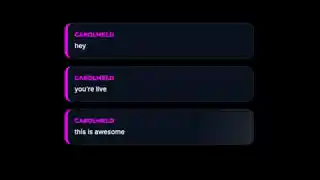
A clean, solid-color chat widget with a fresh mint aesthetic. Messages appear in rounded bubbles with clear typography, perfect for streams that want a minimal, readable chat overlay.
Get Mint Chat free
Included with Meld Studio. Or stay in OBS with Spark Plug.
Sometimes the best thing a chat widget can do is get out of the way. Mint Chat is built around that idea. The widget shows messages in soft mint-green rounded bubbles with clean type, no animation noise, no decoration, no event flourish. It is the kind of chat overlay that reads as part of the layout rather than something pasted on top of it.
It is free with Meld Studio. No watermark, no setup fee, and no subscription required.
What the bubbles look like
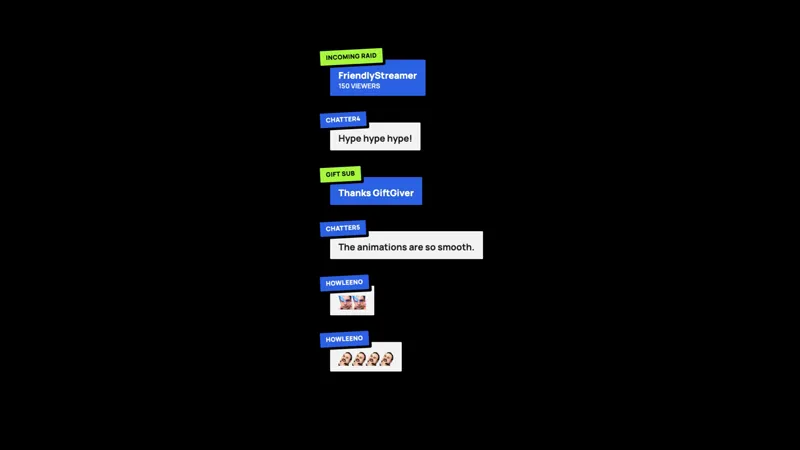
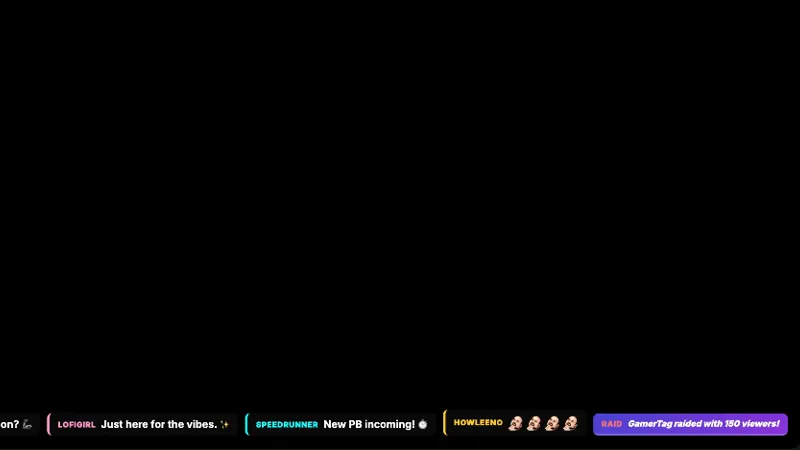
Each chat message lands in its own rounded bubble in a single column at the edge of your scene. The mint palette is soft enough to sit alongside any pastel branding, art-stream layouts, or calm gameplay scenes without competing with the visuals behind it. Type is clean and sized for readability at stream resolution, and the bubbles stack in a quiet rhythm rather than sliding or animating across the canvas.
The widget is intentionally low-motion. For reading streams, study sessions, knitting and craft channels, ambient music sets, and any layout that needs chat present but not loud, the minimal treatment is the point. Messages are easy to scan without ever drawing the eye away from whatever the stream is centered on.
Multiplatform chat in one column
Mint Chat reads from Twitch, YouTube Live, Kick, and TikTok Live at the same time. Sign in once in Meld and every chatter across every platform you broadcast to drops into the same column of bubbles. Multistreamers get one calm feed instead of four separate widgets stacked next to each other.
Customizing with Meld Spark
The widget ships in a soft mint default. Meld Spark, the AI overlay editor built into Meld Studio, lets you swap the palette and the bubble shape from plain English. A prompt like “Change the mint color to a soft coral and make the bubbles more rounded” rewrites the widget without you opening a code editor. You can also push toward sharper corners, a larger font, or a different brand color entirely. Changes apply immediately and persist between sessions.
Adding it to your stream
Download Meld Studio and Mint Chat is one drag away from going live, with chat from Twitch, YouTube, Kick, and TikTok pulled in through a single sign in. If you would rather stay in OBS, the free Spark Plug for OBS plugin loads the widget as a browser source inside your existing OBS scene, with the same multi platform feed and the same Meld Spark editing layered on top.
Use cases
-
Streams whose brand leans light, soft, and minimal
Channels built around a soft pastel palette, art streams, knitting streams, calm coding sessions, or any setup where the rest of the scene already runs minimal, get a chat widget that matches the tone. The mint bubbles sit lightly in the layout instead of stamping a heavy chat panel on the design.
-
Reading streams and study-along sessions
For reading streams, study-along channels, or focused work sessions, a high-contrast or animated chat box is the wrong texture. Rounded mint bubbles with clean typography keep chat present without yanking focus from the book, the desk, or whatever the scene is centered on.
Frequently asked questions
Is the Mint Chat overlay free?
Yes. Mint Chat is included free with Meld Studio. There is no paywall, no watermark, and no per-stream usage cap. Drop it into a scene and chat starts appearing in the mint bubbles immediately.
Which chat platforms does Mint Chat support?
Twitch, YouTube Live, Kick, and TikTok Live are all supported. Meld signs you in once and pulls chat from every platform you stream to, so messages from all four feeds land in the same row of mint bubbles at the same time.
Does this work with OBS Studio?
Yes. Spark Plug for OBS loads the widget into your existing OBS scene as a browser source, and Meld Spark lets you swap the mint palette for a different brand color or adjust the bubble shape from a plain English prompt in seconds.
Can I swap the mint color for something else?
Yes. Meld Spark, the AI overlay editor included with Meld Studio, takes plain English instructions. A prompt like "Change the mint color to a soft coral and make the bubbles more rounded" updates the widget immediately, and the change persists across sessions.
Will the rounded bubbles read at stream resolution?
Yes. The widget is designed to be readable at 1080p and 1440p stream output, with type sized for legibility against a busy gameplay background. If you want the type larger or smaller, ask Meld Spark to adjust it.