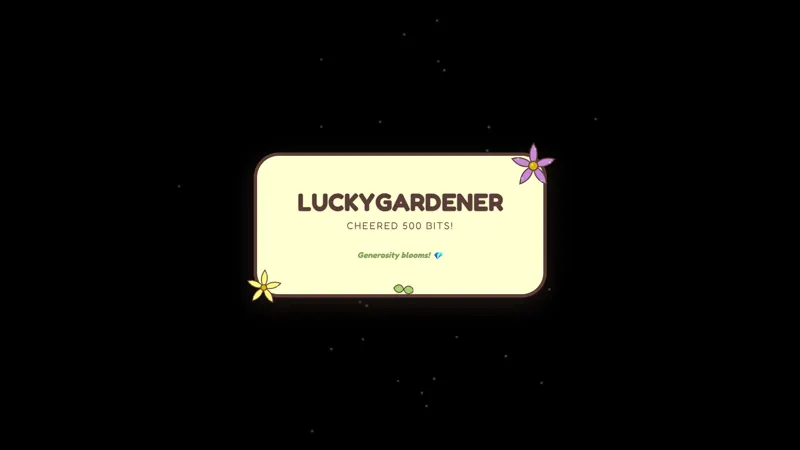
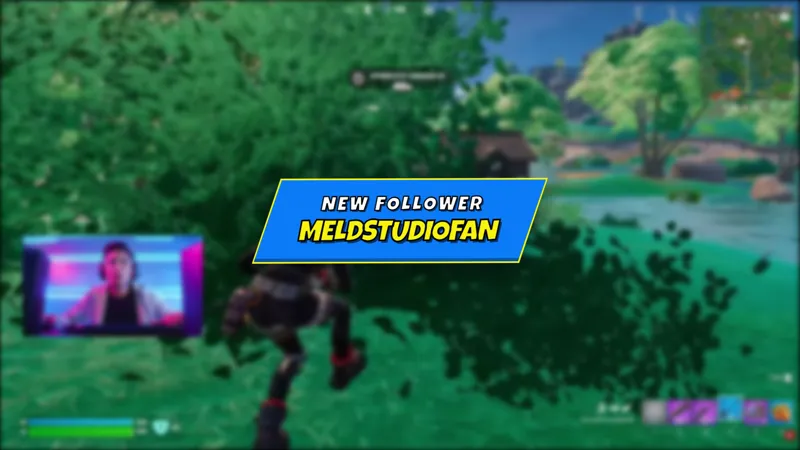
Welcome New Followers with a Sailor Moon-Inspired Pixel Alert
Make every follow feel like a magical transformation. This Sailor Moon-inspired 8-bit alert box adds retro pixel style to your alerts across Twitch, Kick, YouTube, X, and TikTok.
By Meld
Get Sailor Moon Alert Box free
Included with Meld Studio. Or stay in OBS with Spark Plug.
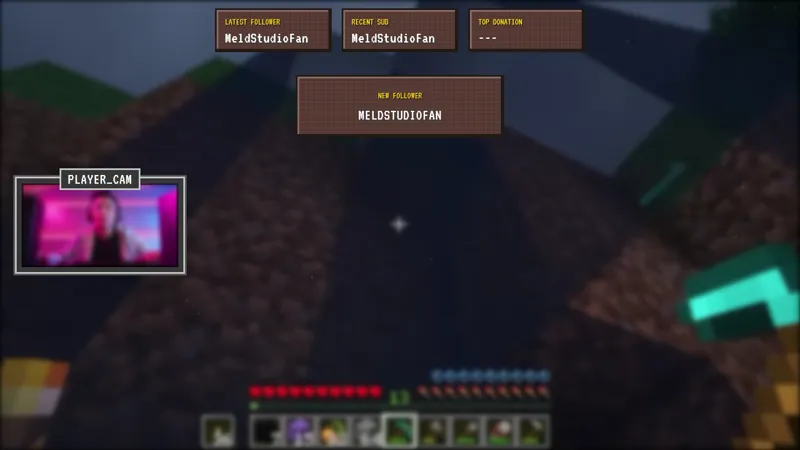
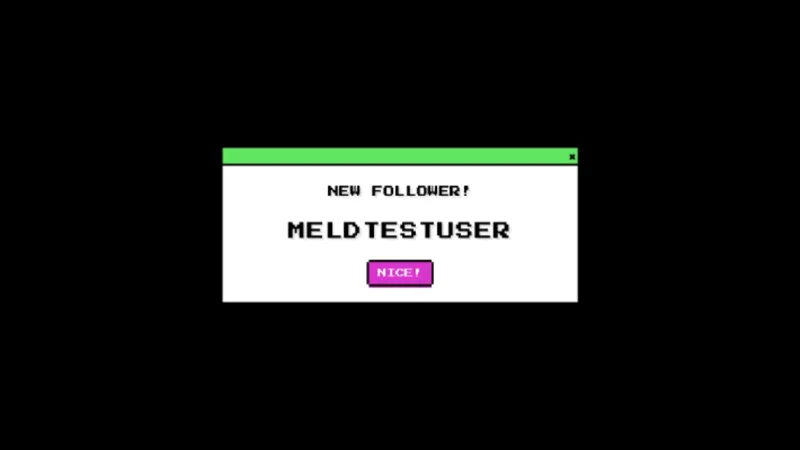
A new follow deserves a moment that fits the show around it. This free Sailor Moon-inspired alert box uses 8-bit pixel style to give that welcome a retro, magical character. It is a specific way to acknowledge someone joining your audience while keeping the visual tone connected to an anime or pixel-art broadcast.
The listed reaction is Follow: a follow shows a Sailor Moon-inspired 8-bit alert. That is the behavior to plan around when choosing this item. Rather than treating it as a promise of every possible alert type, think of it as a themed response to a new follower and a cue for you to say hello.
A pixel-art welcome for new followers
The visual pairing is the main reason to choose this alert box. Sailor Moon inspiration supplies the magical reference, and the 8-bit treatment gives it a retro direction. It can suit a community that enjoys anime, older games, or pixel art without making the alert the subject of the whole broadcast.
For a conversation-led stream, a follow alert gives you an occasion to briefly welcome someone before returning to the topic. During gameplay, it provides the same opportunity within a different kind of show. Those are hosting choices built around the listed follow response, not separate modes or extra triggers.
This item lists Twitch, YouTube Live, Kick, TikTok Live, and X. Keep all five in mind when planning your broadcast destinations. The visual theme is not reserved for one platform, and X is explicitly included alongside the four core streaming services in the item’s support list.
Choose an alert rather than a chat display
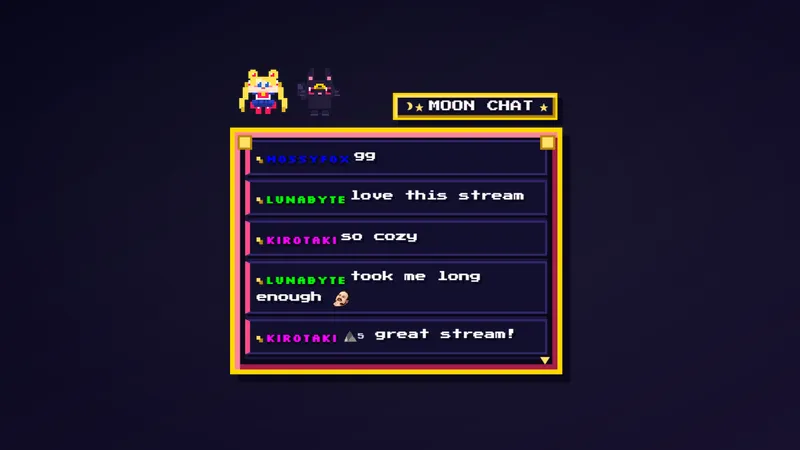
An alert box serves a different purpose from a message widget. If your immediate goal is to give a new follower a themed welcome, this item addresses that moment. If you are deciding how to display an ongoing conversation, that is a separate part of your scene planning.
The distinction helps keep the layout focused. You can choose the follow alert for its pixel styling without expecting it to take over the work of chat. Consider how the welcome fits into your hosting rhythm, especially when you are explaining something or following a demanding stretch of gameplay.
The design is Sailor Moon-inspired rather than an official franchise product. Use it because the reference and retro appearance belong with your community. Download Meld Studio and add the alert box to a scene. For an established OBS workflow, Spark Plug for OBS provides the alternative way to use it in the setup you already have.
Use cases
-
Welcoming followers during an anime discussion
Give a new follow a visible place in a conversation-led stream. The Sailor Moon-inspired 8-bit alert provides a themed moment that you can acknowledge before returning to the discussion.
-
Retro styling during gameplay
Pair a pixel-art follow alert with a broadcast that already leans retro. The alert marks a new follower without asking you to make an ongoing chat display the focus of the scene.
Stream events it reacts to
Frequently asked questions
Which event is listed for this alert box?
The listed reaction is Follow, which shows a Sailor Moon-inspired 8-bit follow alert. This page describes that follow response rather than promising additional event types.
Which streaming platforms are supported?
The item supports Twitch, YouTube Live, Kick, TikTok Live, and X. It brings the Sailor Moon-inspired pixel alert style to your stream across the destinations listed for this overlay.
Does the alert box work in OBS Studio?
Yes. Spark Plug for OBS lets you use the alert box in existing OBS scenes. The free plugin also brings Meld Spark to OBS for prompt-assisted customization in seconds.