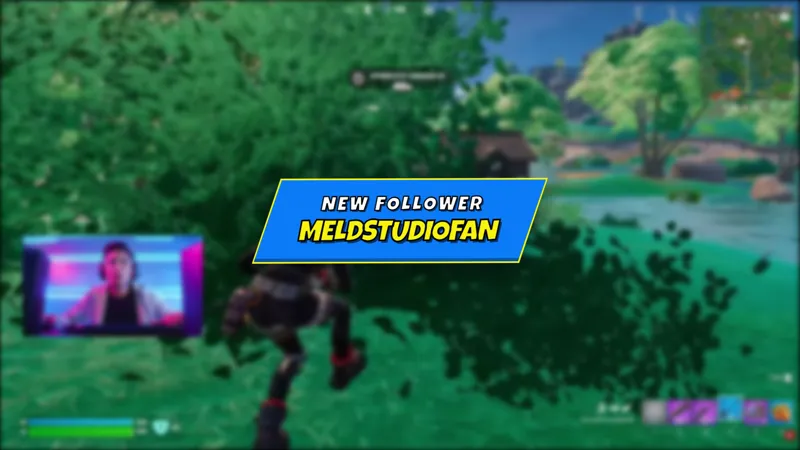
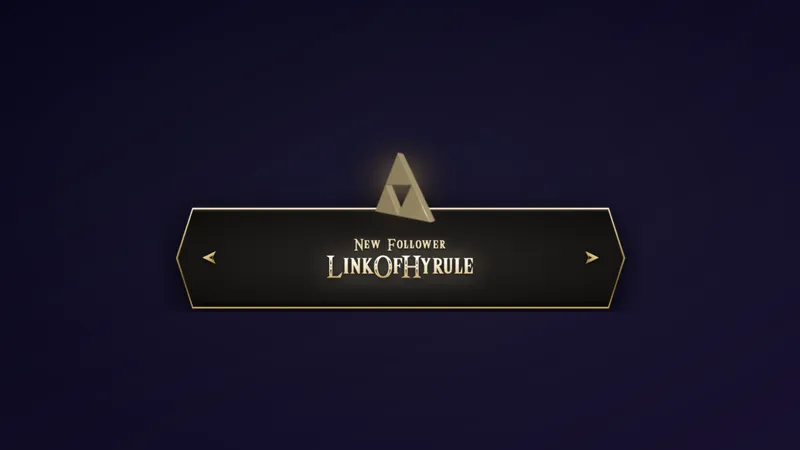
Free Cyberpunk Stream Alerts with Color-Coded Protocols
Neon-lit cyberpunk alerts that fire on every stream event. Each moment gets its own color-coded protocol, glitching across the screen in signature cyan, pink, and gold.
By Meld
Get Cyberpunk Stream Alerts free
Included with Meld Studio. Or stay in OBS with Spark Plug.
Every stream event arrives as a different protocol on screen. Cyberpunk Stream Alerts assign each kind of moment its own signature color and language: cyan for follows and incoming raids, pink for subs and gifted subs, gold for bits, superchats, and donations. The result is an alert layer that reads at a glance, glitches across the screen with neon lighting, and treats your stream like a system log rather than a list of generic notifications.
It is free with Meld Studio. No watermark, no setup fee, no subscription required.
How the alerts behave
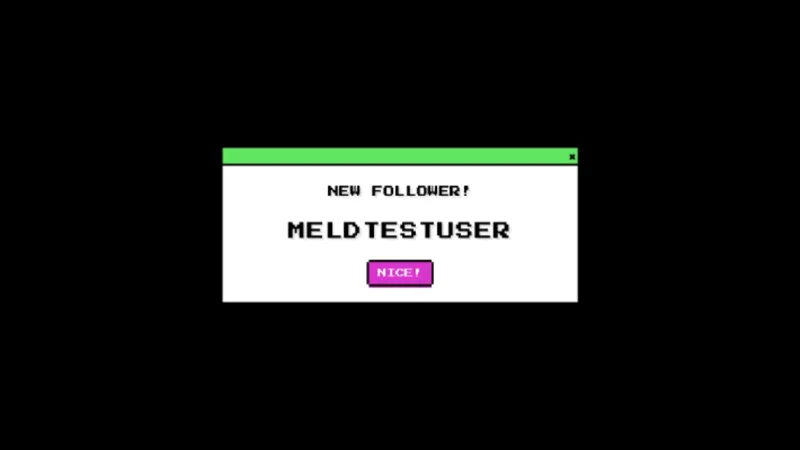
Each event fires a glitch-styled banner with a custom protocol name. A new follower triggers Protocol Follower in cyan. A subscription runs Subscription Initialized in pink. An incoming raid glitches in as Incoming Data Raid in cyan with the raider’s channel and party size. Bits or superchats run a gold Bitstream Sequence. Donations show Credit Transfer Received, also in gold. Gifted subs fire Data Packet Gifted in pink.
Color is not decoration. It is the visual code that lets you and your viewers parse what happened without reading the text. Two events stacked back to back stay legible because the colors do the routing.
The alert layer pulls from Twitch, YouTube Live, Kick, and TikTok Live at the same time. A follow on Kick and a sub on YouTube use the same protocol family, so a multi-platform broadcast keeps a single coherent alert system instead of stitching together separate setups per platform.
Who this fits
Cyberpunk Stream Alerts are built for streamers running sci-fi or hacker-themed content, FPS players who lean into a neon look, and variety channels that want their alert layer to feel intentional rather than installed. Speedrunners use it because the color coding survives at high tempo. Larger streams use it for the visual hierarchy when several events arrive in the same hype window.
Customizing with Meld Spark
The defaults ship tuned and ready, but Meld Spark, the AI overlay editor included with Meld Studio, reshapes the look from plain English. A prompt like “Add extra particles and screen glitch for donations over $50” scales up the visual response for big moments without rewriting any code. You can shift the entire neon palette to teal and magenta, change which event uses which color, or rewrite the protocol names to fit your channel’s lore. Changes apply in seconds and persist between sessions.
Adding it to your stream
Download Meld Studio and drop Cyberpunk Stream Alerts into a scene with no configuration. If you already run OBS, the free Spark Plug for OBS plugin loads the same overlay into your existing OBS layout as a browser source, with the full color-coded protocol set and the same multi-platform event routing.
Use cases
-
Sci-fi, FPS, and tech-forward channels
Cyberpunk 2077 runs, Apex Legends, Valorant, hacker fiction, and any neon-leaning scene benefit from an alert layer that matches the aesthetic. Cyberpunk Stream Alerts code each event as its own protocol with a signature color, so the alert layer reads as part of the world rather than a generic toast.
-
Variety streamers who want event clarity
Color coding means a glance at the screen tells you what just happened. Cyan for follows and raids, pink for subs and gifted subs, gold for bits and donations. The visual hierarchy survives even when several events stack inside the same minute.
Stream events it reacts to
Frequently asked questions
Is the Cyberpunk Stream Alerts overlay free?
Yes. Cyberpunk Stream Alerts ship free with Meld Studio. No watermark, no paywall, no usage cap. Add the overlay to a scene and the alerts fire automatically on every supported event.
Which stream events does it react to?
New followers fire a cyan Protocol Follower banner, subscriptions trigger a pink Subscription Initialized sequence, raids glitch in as Incoming Data Raid in cyan, bits and superchats run a gold Bitstream Sequence, donations show Credit Transfer Received in gold, and gifted subs fire a pink Data Packet Gifted callout.
Which platforms work with these alerts?
Twitch, YouTube Live, Kick, and TikTok Live are all supported. Meld signs you in once and routes events from every platform you stream to into the same alert layer, so the protocol set stays unified across a multi-platform broadcast.
Does this work in OBS Studio?
Yes. Spark Plug for OBS loads the cyberpunk alerts into your existing OBS scene as a browser source, and Meld Spark lets you crank the glitch intensity, shift the neon palette, or change which event fires which protocol from a plain-English prompt in seconds.
Can I make big donations look bigger than small ones?
Yes. Meld Spark, the AI overlay editor in Meld Studio, scales the alert to match the moment. A prompt like "Add extra particles and screen glitch for donations over $50" updates the overlay immediately and persists between sessions.