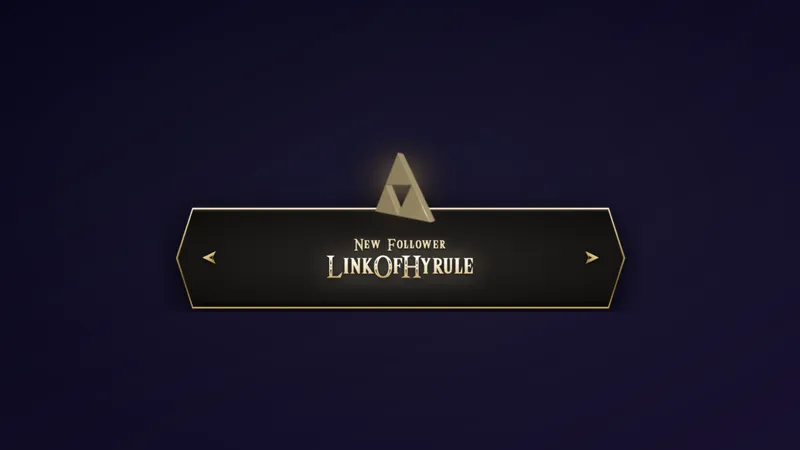
Free Pixel Art Alert Overlay for Every Stream Event
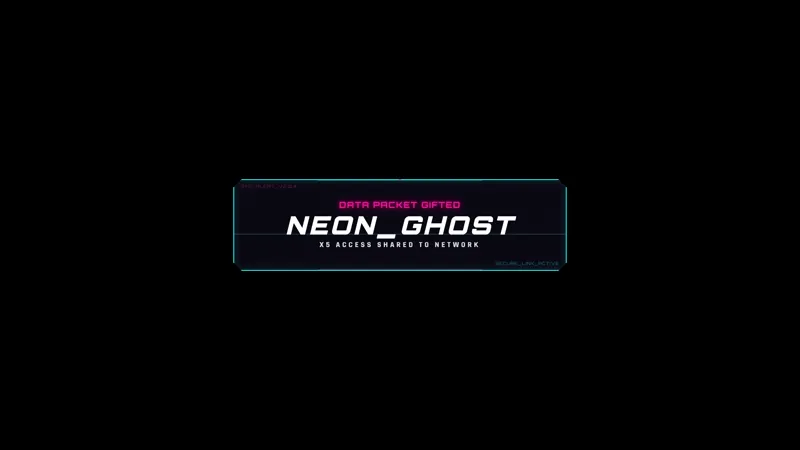
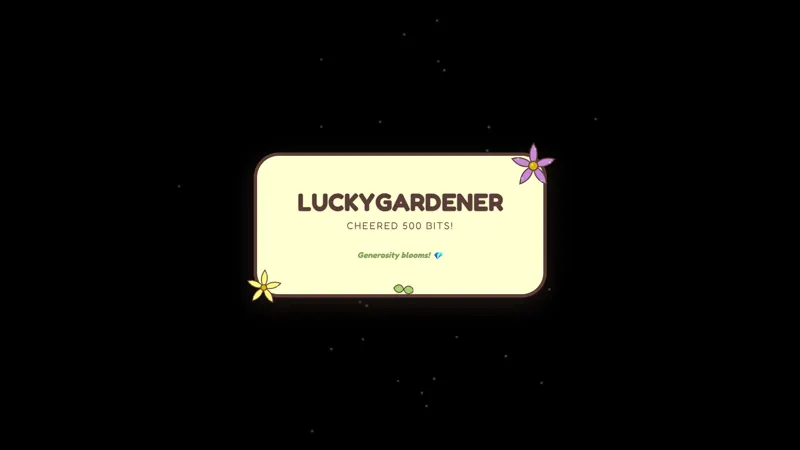
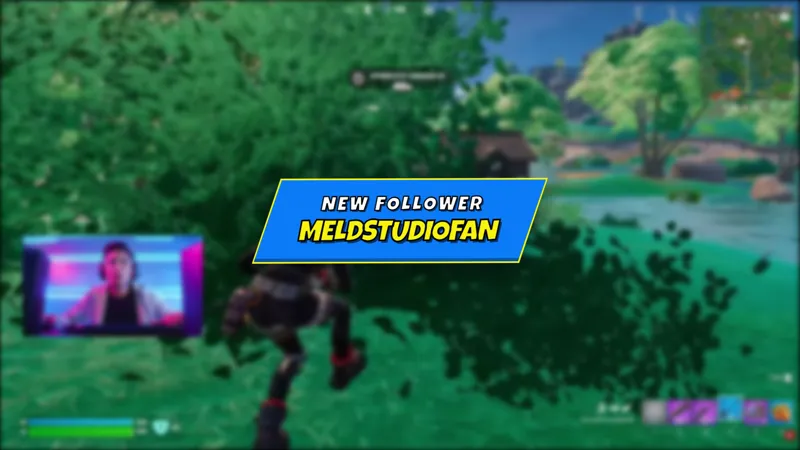
A chunky pixel-art alert that pops on screen for every major stream event: follows, subs, raids, bits, donations, and gifted subs.
By Meld
Get Pixel Alert free
Included with Meld Studio. Or stay in OBS with Spark Plug.
Eight-bit chime, a chunky sprite punching in from the side of the canvas, and a short banner with the viewer’s name. Pixel Alert ships a single, consistent retro look that fires for every major stream event: follows, subs, raids, bits, donations, and gifted subs. It is built for streamers whose scenes already lean pixel and who want their alerts to read as part of the layout instead of a stock pop-up bolted on top.
It is free with Meld Studio. No watermark, no setup fee, no subscription required.
What lands on screen
Each event fires a chunky pixel-art alert with the chatter’s name, a short label for the action, and a sprite burst tuned for the event type. The grid holds together at every scale, so the alert reads cleanly whether your scene is 1080p or rescaled for a vertical layout. Sound, visuals, and timing are consistent across event types, which means a viewer who watches a follow and a sub back to back sees the same family of motion rather than two unrelated templates colliding.
Events flow in from Twitch, YouTube Live, Kick, and TikTok Live simultaneously. A follower on YouTube fires the same sprite as a follower on Twitch, so multistreamers have one alert layer instead of four conflicting setups.
When this fits your stream
Pixel Alert is built for retro and indie game streams, fighting game channels, speedrun runs, and anyone whose scene already uses pixel typography or chunky illustration. It also works as a clean fallback for variety streamers who want alerts that step out of the way rather than dominating the screen during a quiet moment.
The reactive trigger handles the routing for you. There is nothing to configure for a sub vs. a raid vs. a bit drop. The overlay listens, picks the right alert, and fires.
Customizing with Meld Spark
The default palette ships ready to use, but Meld Spark, the AI overlay editor included with Meld Studio, lets you reshape the look without touching any sprite files. Describe what you want and the change applies in seconds. A prompt like “Use a muted purple and green palette and show a confetti sprite burst for new subs” recolors the set, swaps the sub burst, and keeps the pixel grid sharp. Changes persist between sessions.
You can also remap which event triggers which animation, add a custom sound for big donations, or scale the alert size for vertical streams from the same prompt interface.
Adding it to your stream
Download Meld Studio and the alert drops into a scene with no configuration. If you already run OBS and want to stay there, the free Spark Plug for OBS plugin loads the same overlay into your existing OBS layout as a browser source with the same multi-platform event routing intact.
Use cases
-
Retro and indie game streams
For streamers running Stardew Valley, Celeste, Hades, fighting games, or any pixel-styled title, alerts that match the game keep your scene cohesive. Pixel Alert pops a chunky sprite burst on screen for follows, subs, raids, bits, donations, and gifted subs without breaking the look.
-
Variety streamers who care about palette
Default alert templates rarely respect a custom color scheme. Pixel Alert is built around a tight pixel grid that holds up at any scale, and Meld Spark can recolor the whole sprite set to match your brand from a single prompt while keeping the edges crisp.
Frequently asked questions
Is the Pixel Alert overlay free?
Yes. Pixel Alert is included free with Meld Studio. There is no watermark, no paywall, and no per-stream cap. Drop it into a scene and every stream event starts firing the alert immediately.
Which stream events trigger the alert?
Follows, subscriptions, incoming raids, bits, donations, and gifted subs all fire a pixel alert. Each event uses the same chunky sprite treatment, so the alert layer stays visually consistent regardless of what just happened.
Which platforms does it support?
Twitch, YouTube Live, Kick, and TikTok Live are all supported. Meld signs you in once and pulls events from every platform you stream to, so a Kick sub and a YouTube super chat hit the same alert layer.
Does Pixel Alert work in OBS Studio?
Yes. Spark Plug for OBS loads Pixel Alert into your existing OBS scene as a browser source, and Meld Spark lets you recolor the palette, swap in a custom sprite burst for big subs, or change which event fires which animation from a plain-English prompt in seconds.
Can I match the palette to my channel?
Yes. Meld Spark, the AI overlay editor inside Meld Studio, repaints the sprite set without losing the pixel grid. A prompt like "Use a muted purple and green palette and show a confetti sprite burst for new subs" updates the alert immediately and persists between sessions.