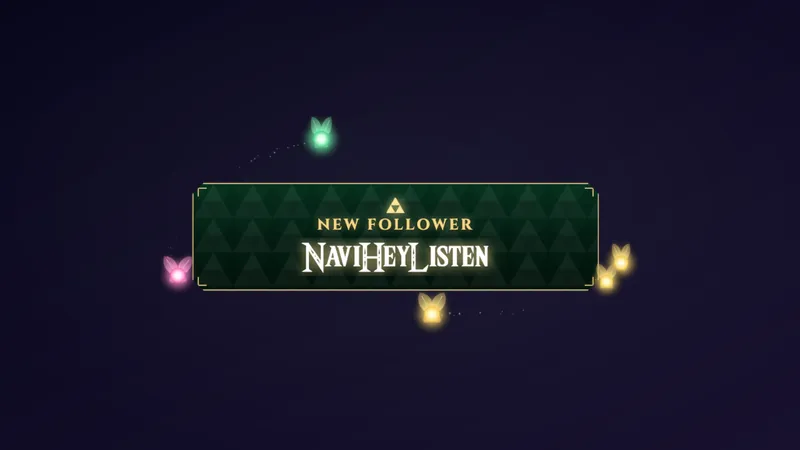
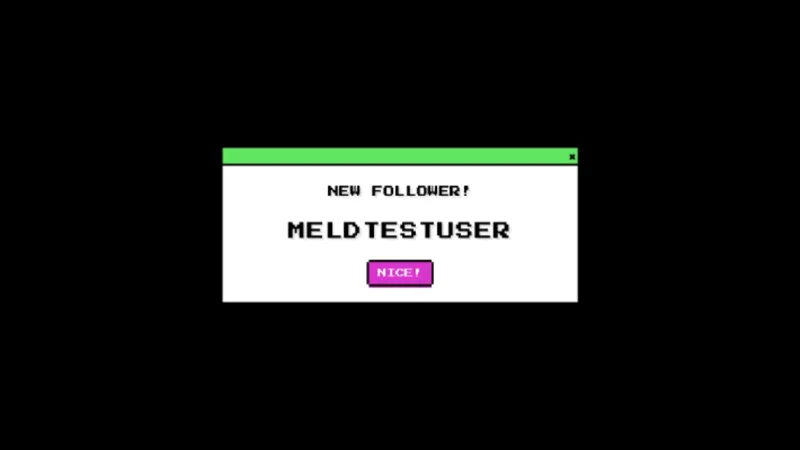
Free Fortnite Alerts for Follows, Subs, Cheers, and Raids
Free Fortnite Alerts that will pop-up when your community follows, subscribes, cheers, and raids you on Twitch, Kick, YouTube, and TikTok.
By Meld
Get Fortnite Alerts free
Included with Meld Studio. Or stay in OBS with Spark Plug.
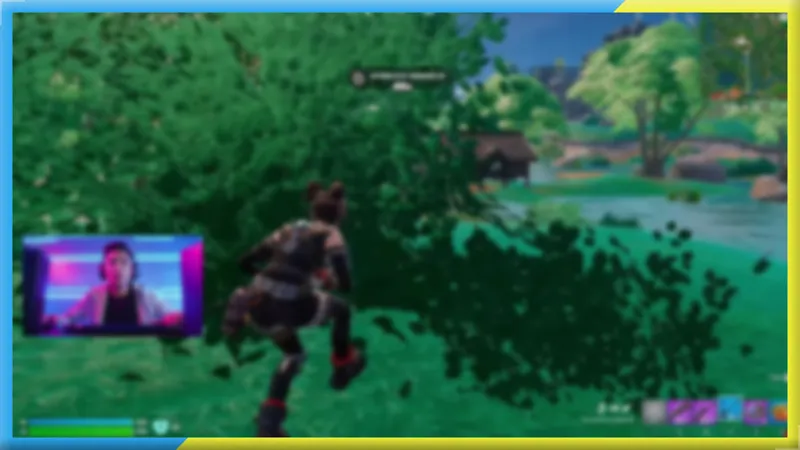
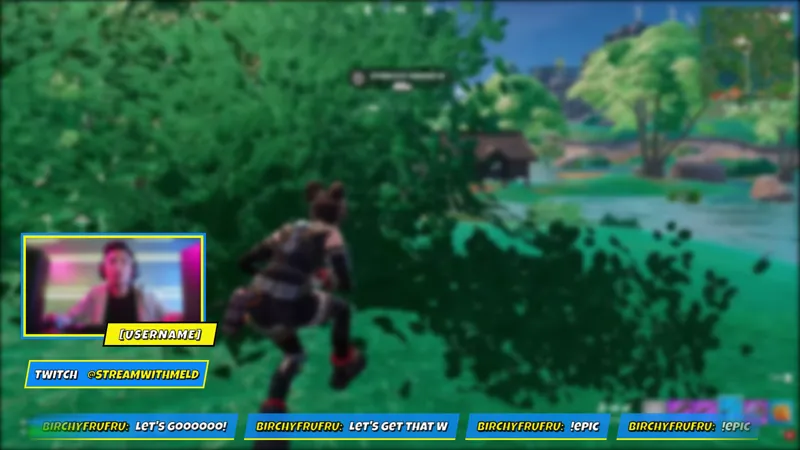
If you stream Fortnite, your alerts should match the game. Fortnite Alerts fires a themed pop-up every time a viewer follows, subscribes, cheers, or raids your stream, so the moment lands inside the visual language you are already playing in.
It is free with Meld Studio. No paywall, no watermark, no per-event cap.
Four events, one themed alert layer
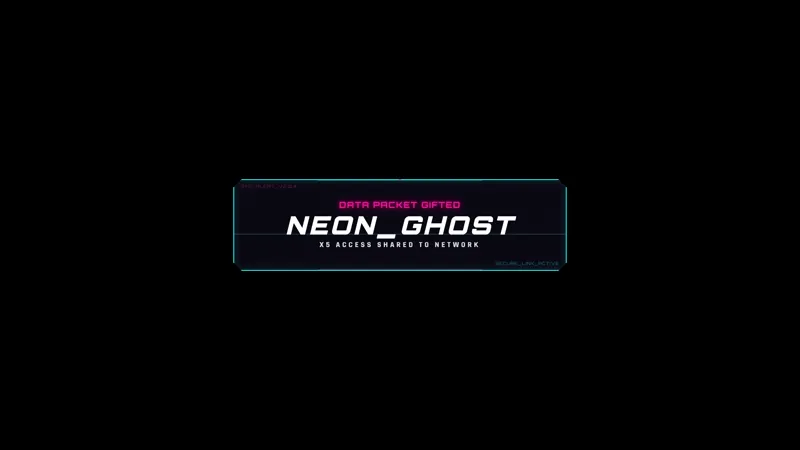
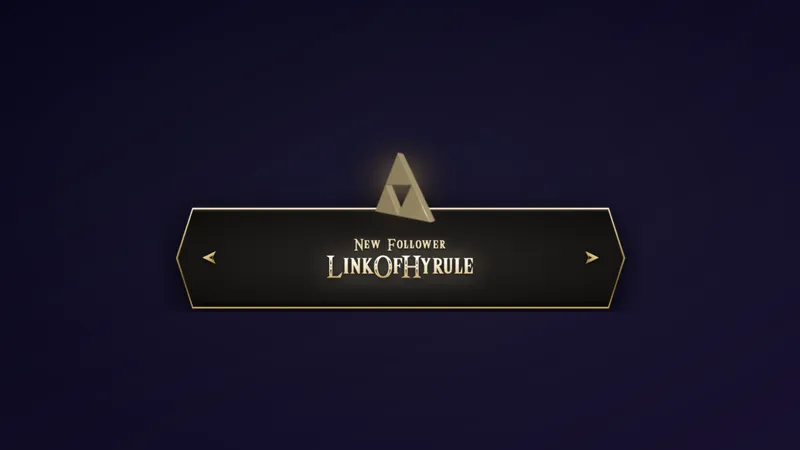
The alert set covers the four standard stream events: follows, subscriptions, cheers, and raids. Each one triggers its own pop-up with Fortnite-themed visuals that sit cleanly over gameplay without fighting the screen for space. A new follower gets the same moment as a subscriber, and a raid landing mid-match gets its own beat without pulling you out of the action.
All four alert types pull from Twitch, YouTube Live, Kick, and TikTok Live at the same time. Meld signs you in once and routes events from every platform you stream to into the same overlay, so a follow on Kick and a subscription on YouTube both fire the same themed pop-up on the same canvas. You do not need a separate alert setup per platform or multiple stream keys to make it work across all four.
The reactive design means the alert fires automatically on each event. Nothing to trigger manually, no commands to type. When someone follows during a hot drop, the alert fires, completes, and clears without you touching anything.
Who this fits
Fortnite streamers running any scene layout benefit from a themed alert layer. The overlay sits over gameplay so the match stays legible while the alert completes. It works for dedicated Fortnite channels and for variety streamers who rotate Fortnite into their schedule and want alerts that fit the game when they do.
Multi-platform broadcasters who push to Twitch, YouTube, and Kick at the same time get a unified alert layer without splitting their setup across separate alert systems per platform. A raid on Kick and a sub on YouTube both land in the same visual moment, keeping the stream consistent regardless of which platform the support comes from.
Adding it to your stream
Download Meld Studio and drop Fortnite Alerts into a scene. The connections to Twitch, YouTube Live, Kick, and TikTok Live are handled automatically once you sign in, so the alerts fire from the first stream you go live. If you already run OBS and want to stay there, the free Spark Plug for OBS plugin loads the same alert set into your existing OBS scene as a browser source. Either way, the four-event setup covers follows, subs, cheers, and raids across every platform you broadcast to.
Use cases
-
Fortnite channels that want alerts matching the game
Running a Fortnite channel means your scene usually carries the game's colors and visual energy. Alerts that do not fit that aesthetic read as borrowed from a different channel's setup. Fortnite Alerts fires a themed pop-up for each follow, sub, cheer, and raid so the alert layer fits the rest of your screen instead of fighting it.
-
Multi-platform broadcasters streaming to all four
Streaming to Twitch, YouTube, Kick, and TikTok at the same time means follows, subs, cheers, and raids can arrive from any of the four. Fortnite Alerts routes events from every platform into the same alert layer, so a Kick follow and a YouTube subscription both fire the same themed pop-up on the same canvas without a separate setup per platform.
Stream events it reacts to
Frequently asked questions
Are the Fortnite Alerts free?
Yes. Fortnite Alerts ship free with Meld Studio. There is no paywall, no watermark, and no per-stream cap, so every follow, sub, cheer, and raid fires the full alert on every stream you go live.
Which stream events trigger an alert?
Four events trigger alerts: a new follower, a new subscriber, a cheer (bits), and an incoming raid. Each one fires its own pop-up automatically without any command from you or your moderators.
Which platforms do the alerts react to?
Twitch, YouTube Live, Kick, and TikTok Live are all supported. Meld signs you in once and routes events from every platform you stream to into the same alert layer, so a multi-platform broadcast stays on a single unified setup without extra configuration.
Does this work in OBS Studio?
Yes. Spark Plug for OBS loads Fortnite Alerts into your existing OBS scene as a browser source. The same four-event coverage and the same multi-platform connections work whether you run Meld Studio or stay in OBS.