Free Pokemon-Themed Chat Avatars That Bring Your Viewers On Screen
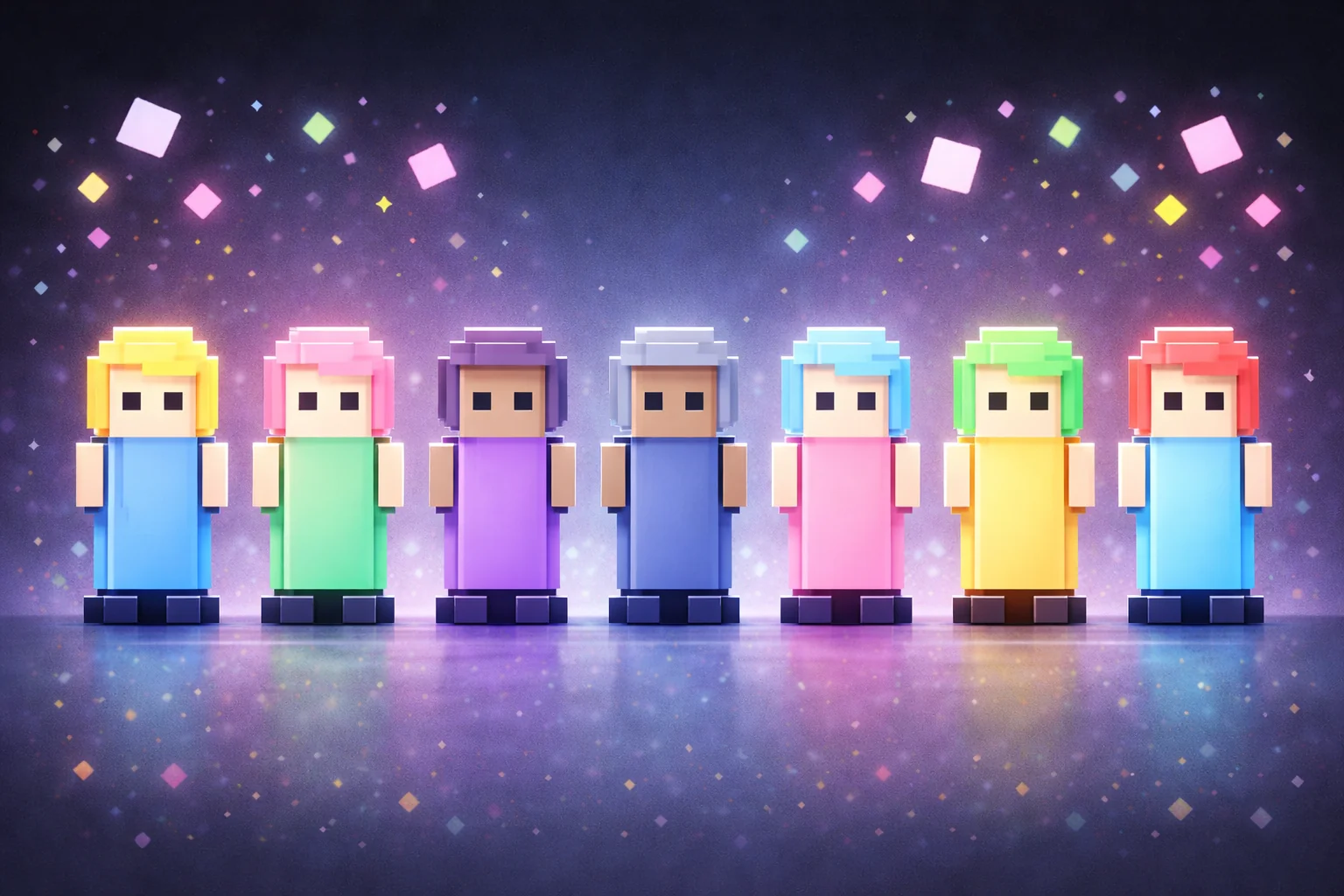
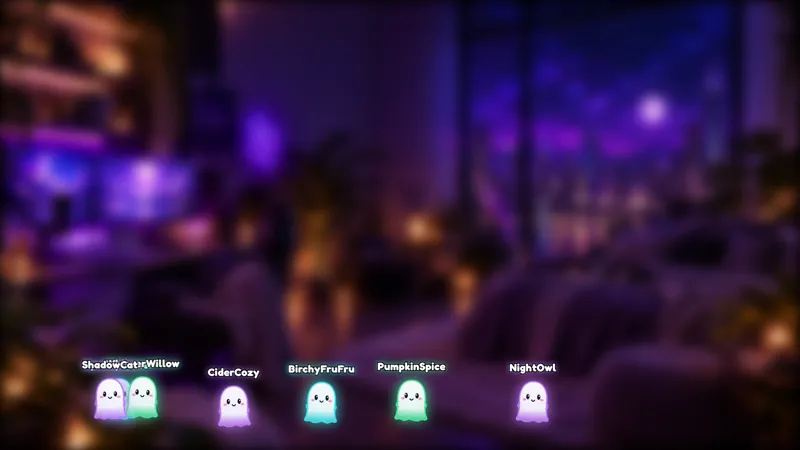
Every chatter spawns as a Pokemon sprite at the bottom of the screen. Each viewer gets a randomly assigned Pokemon that walks around and reacts to chat activity.
Get Pokemon Avatars free
Included with Meld Studio. Or stay in OBS with Spark Plug.
The first time a viewer types in chat, a small Pokemon sprite walks out at the bottom of the screen and joins the rest of your audience. Pokemon Avatars assigns each chatter their own randomly chosen Pokemon, who then walks around and reacts to chat activity for the rest of the stream. It is a chat presence overlay built specifically for streamers who play Pokemon, lean Nintendo, or run cozy gaming channels where the visuals matter as much as the gameplay.
It is free with Meld Studio. No watermark, no setup fee, no subscription required.
What viewers see
Each new chatter spawns as a sprite at the bottom of the canvas. The Pokemon is randomly assigned per viewer, so a regular who shows up every Tuesday sees their same sprite stream after stream, while a first-time chatter gets their own. The sprites walk around the lower band of the screen and react to ongoing chat activity, so an active room produces a busy little crowd of Pokemon moving across the bottom of your stream.
The visual layer pulls from every platform you stream to. Twitch, YouTube Live, Kick, and TikTok Live chatters all share the same canvas, which means a multi-platform stream looks like one community on screen instead of four siloed chats. For Pokemon content specifically, that unified room reads as a small in-game crowd watching alongside you.
When it fits the stream
Pokemon Avatars is built for any stream where a themed chat presence enhances rather than distracts from the layout. Pokemon main-series playthroughs, Nuzlocke runs, randomizer challenges, ROM hacks, and TCG streams all give the overlay an obvious home. Variety streamers who occasionally rotate into Pokemon nights can keep the same overlay across non-Pokemon games as a recurring branding touch, and cozy gaming channels get a friendly, recognizable chat layer that reads as inviting to drop-in viewers.
Customizing with Meld Spark
The overlay is ready to use as is. To go further, Meld Spark, the AI overlay editor built into Meld Studio, takes plain-English instructions. A prompt like “Only use Gen 1 Pokemon and evolve at 10 and 25 messages” locks the sprite pool and adds evolution milestones tied to chat activity, so a regular’s Pokemon grows the more they participate. Changes apply immediately and persist between sessions, so the overlay looks the same every time you go live.
Adding it to your stream
Download Meld Studio and Pokemon Avatars drops into a scene with no configuration, with chat from Twitch, YouTube, Kick, and TikTok already linked from one sign-in. If you already run OBS, the free Spark Plug for OBS plugin loads the overlay as a browser source inside your existing OBS layout, with the same multi-platform sprite pool and the same Meld Spark editing.
Use cases
-
Pokemon playthrough and Nuzlocke streams
During a long playthrough or Nuzlocke run, the viewers in chat can feel disconnected from the action on screen. Pokemon Avatars puts each chatter on the canvas as their own sprite, so your audience walks along the bottom of the gameplay while you battle gym leaders. The theme matches the game without competing with it.
-
Variety streamers who lean Nintendo or cozy gaming
For variety channels, Nintendo content creators, or cozy gamers who want a friendly, recognizable chat presence, the sprite avatars give viewers a body on screen without the overlay reading as serious or competitive. Each chatter gets a randomly assigned Pokemon, so regulars see the same sprite stream after stream.
Frequently asked questions
Is the Pokemon Avatars overlay free?
Yes. Pokemon Avatars is included free with Meld Studio. There is no paywall, no watermark, and no per-stream usage cap. Add it to a scene and the first chatter who types becomes a sprite on the canvas.
Which platforms can my viewers chat from?
Twitch, YouTube Live, Kick, and TikTok Live are all supported. Meld signs you in once and pulls chat from every platform you stream to, so sprites from all four chats walk across the same canvas at the same time.
Does this work in OBS Studio?
Yes. Spark Plug for OBS loads the avatar overlay into your existing OBS scene as a browser source, and Meld Spark lets you lock the sprite pool to a single generation, add evolution milestones, or restyle the animation from a plain-English prompt in seconds.
Can I limit the sprites to a specific Pokemon generation?
Yes. Meld Spark, the AI overlay editor included with Meld Studio, takes plain-English instructions. A prompt like "Only use Gen 1 Pokemon and evolve at 10 and 25 messages" rewrites the rules without touching code or config files.
Does each viewer get the same Pokemon every stream?
Each chatter gets a randomly assigned Pokemon when they first appear in the overlay, and they walk around and react to chat activity once they are on screen. With a Meld Spark prompt you can also add evolution milestones tied to message counts so regulars see their sprite grow over time.