Free Hand-Drawn Stick Figure Avatars With a Hat System
Hand-drawn stick figure avatars that appear in the color of each viewer username along the bottom of the stream. Features multiple animations and a fun hat system.
Get Stick Figure Avatars free
Included with Meld Studio. Or stay in OBS with Spark Plug.
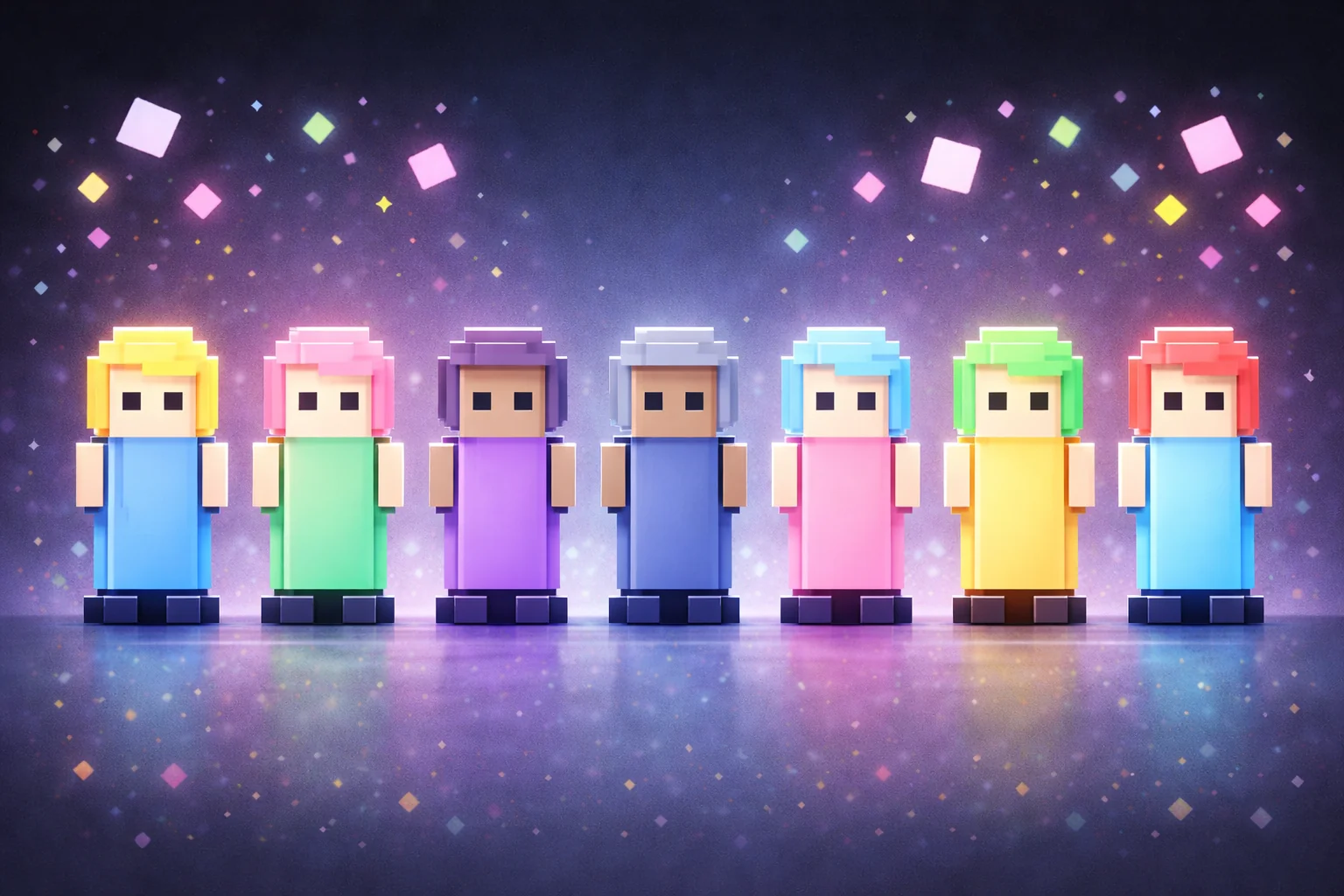
Each chatter shows up as a sketchy stick figure drawn in the color of their username, sitting in a row along the bottom of the stream. The line work is loose and hand-drawn, so the row reads like a group doodle that grew organically rather than a generated graphic. Stick Figure Avatars is built for streamers who want their chatter overlay to feel made by a person, not a UI engine.
It is free with Meld Studio. No watermark, no paywall, no usage cap.
What chatters can do
The command set is the largest in the avatar category. !jump makes a figure hop. !dance triggers a dance loop. !wave does exactly what it sounds like. !nudge gently bumps nearby figures, which produces small chain reactions when chat is busy. !heart pops a heart over the figure. And !hat rolls a random hat from the pool, which chatters can run again and again to reroll until they find one they want to keep.
Every animation is drawn in the same hand-drawn line style, and figures pick up the color of their chatter’s username, so the canvas stays readable as a record of who is currently in chat. The hat system is the thing regulars latch onto: it gives a tiny progression layer to the overlay that rewards repeat visits and gives mods and subs something to compare on screen.
Twitch, YouTube Live, Kick, and TikTok Live all feed the same canvas. Multi-platform streams see one row of stick figures representing the full audience, not four separate boxes.
Why streamers use it
The hand-drawn aesthetic fits art streams, sketch sessions, and casual variety content where polished pixel art or chunky blocks would feel too produced. The same look also works as a counterweight to dense gameplay, where the loose line drawing reads as a playful margin note rather than another UI element.
The !nudge interaction creates real moments. One chatter nudges another, the bumped figure stumbles into a third, and chat watches the chain unfold. It is the kind of mechanic that makes regulars want to chat just to participate.
Customizing with Meld Spark
Meld Spark, the AI overlay editor included with Meld Studio, lets you reshape the overlay without touching code. The gallery tip ships with a ready prompt: “Give subscribers a crown hat and moderators a sheriff hat by default.” Run it and the hats assign themselves based on each chatter’s status. You can also lock specific commands to subs, add new animations, or tie a hat to a channel-point reward. Every change persists between sessions.
Adding it to your stream
Download Meld Studio and the overlay drops into a scene with the chat connections already wired up. If you already run OBS, the free Spark Plug for OBS plugin loads Stick Figure Avatars as a browser source inside your existing OBS layout, with the same Twitch, YouTube Live, Kick, and TikTok Live commands and the same Meld Spark control over hats, animations, and per-role permissions.
Use cases
-
Doodle, sketch, and drawing streams
Art streams already lean into hand-drawn aesthetics, so a chatter overlay built from sketchy stick figures matches the show instead of fighting it. Each viewer's figure picks up the color of their username, so the canvas at the bottom of the stream reads like a quick group doodle that grows as chat fills in.
-
Community-driven variety streams
The hat system gives regulars something to chase. Run !hat repeatedly to roll a new hat, or use Meld Spark to assign specific hats to subs and mods. Variety streamers can turn the row of stick figures into a tiny progression layer where chat invests in their own presence over time.
Chat commands
Frequently asked questions
Are the Stick Figure Avatars free?
Yes. Stick Figure Avatars ship free with Meld Studio. There is no paywall, no watermark, and no per-stream usage cap. Drop the overlay into a scene and figures appear as soon as chatters type.
Which chat platforms feed the figures?
Twitch, YouTube Live, Kick, and TikTok Live all spawn figures on the same canvas. Meld signs you in once and pulls chat from every platform you stream to, so the row of stick figures represents your entire multi-platform audience in one place.
Does this work in OBS Studio?
Yes. Spark Plug for OBS drops Stick Figure Avatars into your existing OBS scene as a browser source, and Meld Spark lets you add badge-based hats or limit certain commands to subs from a plain-English prompt in seconds.
What commands can chatters run?
!jump, !dance, !wave, !nudge (which bumps nearby figures), !heart, and !hat (which rolls a random hat and can be run repeatedly to reroll). Each command triggers a hand-drawn animation in the figure's username color.
Can I give subs and mods specific hats?
Yes. The gallery tip is built around this. A Meld Spark prompt like "Give subscribers a crown hat and moderators a sheriff hat by default" assigns the hats automatically based on chatter status, with no code or config files involved.