Free Gold Camera Border for League of Legends Streamers
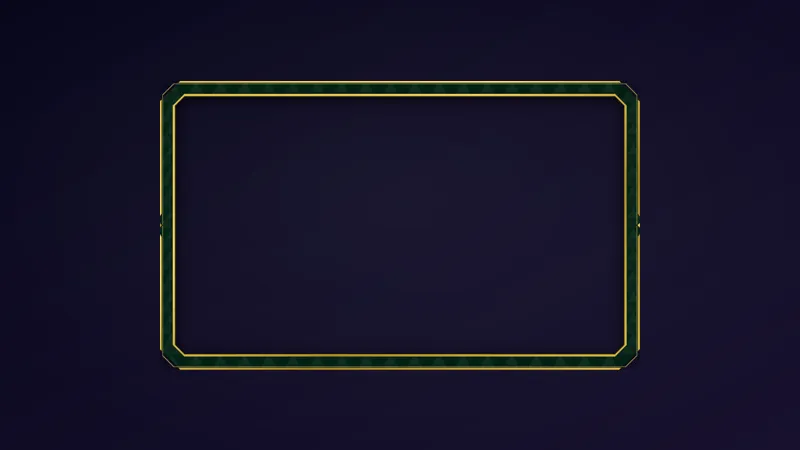
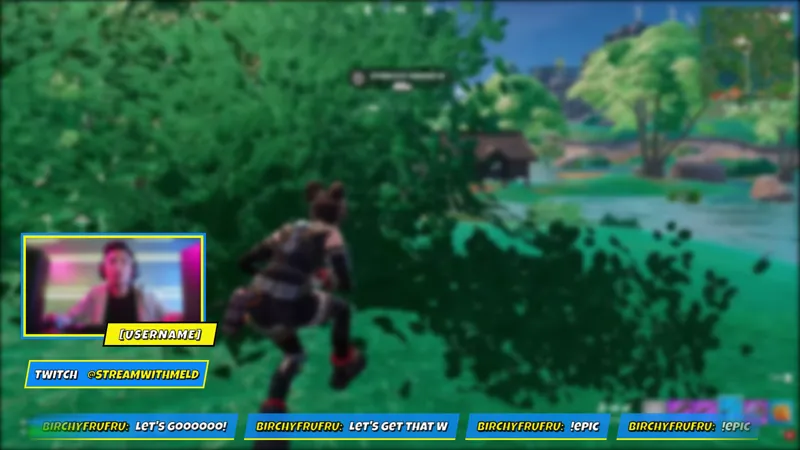
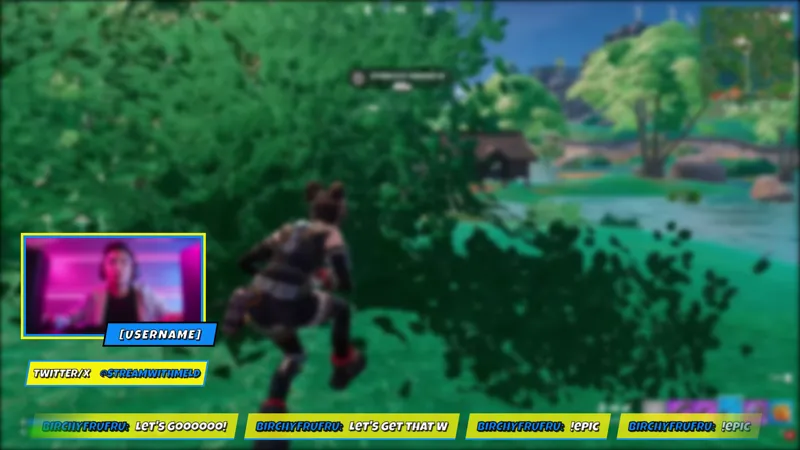
A minimal, sleek, gold camera border that lets your audience know you're the summoner while playing League of Legends.
By Meld
Get League of Legends Camera Border free
Included with Meld Studio. Or stay in OBS with Spark Plug.
Gold is the color League of Legends uses to signal prestige, from ranked borders to champion splash art. The League of Legends Camera Border carries that signal directly to your webcam tile: a minimal, sleek gold frame that tells every viewer landing on your channel exactly who the summoner in the room is.
It is free with Meld Studio. No watermark, no paywall, no subscription required.
What the border adds to the scene
The border is a slim, clean gold frame that wraps the outer edge of your webcam source without crossing into it. There is nothing ornate or cluttered about the design. The gold does the work on its own, reading as game-native against the dark-themed UI of League of Legends without asking for visual space the gameplay needs.
Because the border is a purely visual overlay with no chat or event dependencies, it broadcasts identically to every platform you stream to. Twitch, YouTube Live, Kick, and TikTok Live all receive the same framed cam output through a single Meld sign-in. Multistreamers pushing to two or three destinations at once need only one border to cover all of them.
How it fits into a League layout
The border works in two common scene configurations. In a layout where gameplay fills most of the canvas and the cam sits in a corner, the gold frame keeps the cam tile from disappearing into the scene. In a layout where the cam shares more screen real estate with the gameplay, it gives the stream a cohesive framing that makes both elements feel like they belong to the same visual design.
Either way, the overlay installs in seconds: drag it above the webcam source in Meld Studio, size it to the cam tile, and the stream looks finished before the queue even pops.
Who this fits
League of Legends streamers at any stage benefit from a cam frame that signals the game before a viewer reads the title card. New channels use it to look intentional from the first broadcast. Experienced streamers use it to anchor a consistent visual identity across a wider League-themed scene.
It also pairs naturally alongside other League-themed overlays if you want the full layout to tell a unified visual story, and it works just as well as a standalone detail on an otherwise minimal scene.
Adding it to your stream
Download Meld Studio and the camera border is one drag from being live in your scene. If you already run OBS and want to stay in that setup, the free Spark Plug for OBS plugin loads the same gold frame as a browser source inside your existing OBS layout. Either path delivers the same polished League of Legends cam border across Twitch, YouTube Live, Kick, and TikTok Live without a subscription or watermark.
Use cases
-
League streams where the cam should match the game
A plain rectangular cam tile sitting next to League of Legends gameplay reads as two disconnected pieces. The gold border ties the cam into the visual language of the game, so viewers read the layout as a deliberate design rather than a default crop. It works whether the cam is a small corner tile or a prominent feature of the scene.
-
Ranked sessions and competitive streams that want a clean look
Minimalism is the right call for ranked play: you want the game visible and nothing pulling focus away from it. The gold camera border is slim and restrained, adding a professional finish to the cam without competing with the action on screen or distracting you mid-game.
Frequently asked questions
Is the League of Legends Camera Border free?
Yes. It is included free with Meld Studio. There is no watermark, no paywall, and no per-stream cap. Drop it on top of your webcam source in a scene and the gold border is live immediately.
Which platforms does it support?
Twitch, YouTube Live, Kick, and TikTok Live are all supported out of the box. The border is a purely visual overlay, so it broadcasts identically to every platform you stream to through a single Meld sign-in.
Does it work with OBS Studio?
Yes. Spark Plug for OBS loads the camera border into your existing OBS scene as a browser source, so you can stay in your current setup without rebuilding anything. Add it as a layer above your webcam source and it works immediately.
Will the border cover part of my camera feed?
No. The border hugs the outer edge of the cam tile without overlapping your face. The center of the frame stays clear so your camera stays readable. Resize or reposition it in the scene to fit your exact layout.