Free Gold Gameplay Border for League of Legends Streams
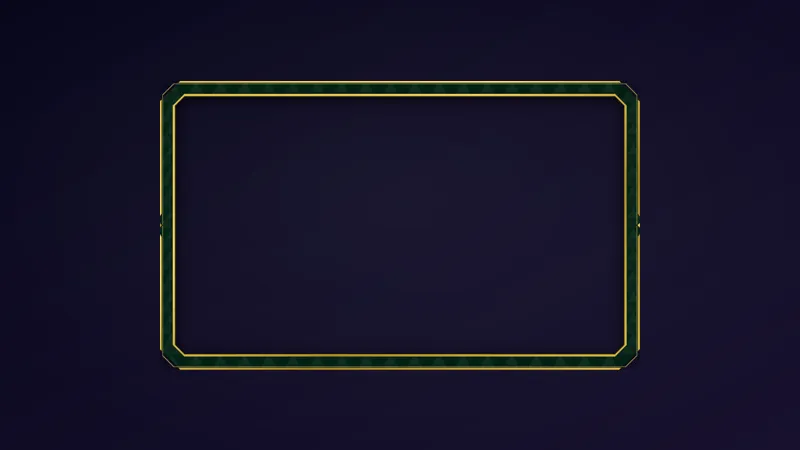
A sleek gold border to put around your League of Legends gameplay.
By Meld
Get League of Legends Gameplay Border free
Included with Meld Studio. Or stay in OBS with Spark Plug.
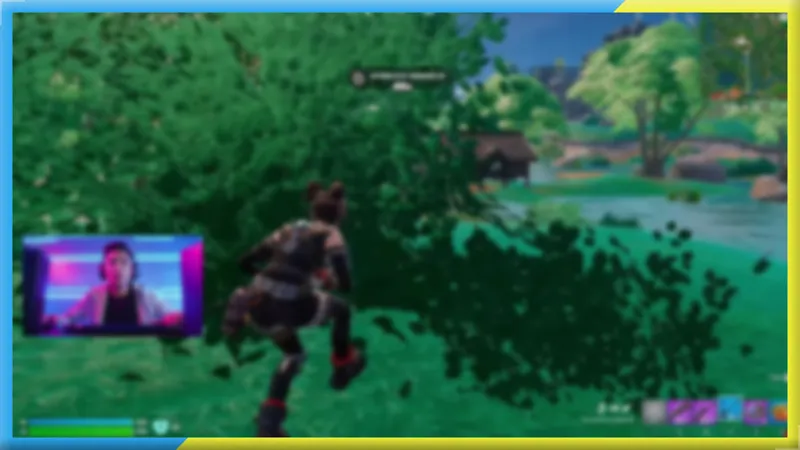
Gold runs through League of Legends from the currency to the Challenger border, and this overlay brings that visual language to your stream. The League of Legends Gameplay Border is a free sleek gold frame that wraps around your gameplay footage, giving the scene a finished, game-consistent look without a moment spent in an image editor.
It is free with Meld Studio. No watermark, no paywall, no setup fee.
What the border adds to your scene
The overlay sits at the perimeter of your gameplay source, framing the action without covering it. The center stays clear so the game remains fully readable for every viewer watching, while the gold border signals the theme before anyone reads the stream title or category. Drop it above your gameplay layer in Meld Studio, size it to fit, and the scene reads as a deliberate, finished layout.
Because the League of Legends Gameplay Border is a purely visual overlay with no chat or event dependencies, it broadcasts identically to every platform you stream to. Twitch, YouTube Live, Kick, and TikTok Live all receive the same framed output through a single Meld sign-in. Multistreamers pushing to more than one destination at once need only this one border to cover all of them.
Who this fits
LoL streamers at any stage of a channel benefit from a border that reinforces the game’s visual identity before a viewer reads a word. New channels use it to look established before a first raid lands. Streamers building out a full League-themed scene use it as the anchor that ties the gameplay frame to surrounding overlays, alerts, and widgets. It works equally well on its own in an otherwise minimal layout.
Adding it to your stream
Download Meld Studio and the border is one drag from being live in your scene. Layer it above your gameplay source, resize to fit, and go. If you already run OBS and want to keep your existing setup, the free Spark Plug for OBS plugin loads the same gold border as a browser source inside OBS. Either way, the overlay ships to Twitch, YouTube Live, Kick, and TikTok Live with no watermark and no subscription required.
Use cases
-
Finishing a League of Legends scene layout
A gameplay capture without a border reads as a work in progress to a viewer scanning for channels to follow. The gold frame wraps the action in a visual style that matches the aesthetic of League of Legends, so the scene looks deliberate from the first second a new viewer arrives.
-
Setting up a LoL stream quickly before going live
Spending time building a custom border in an image editor before a session starts cuts into playing time. This overlay drops into a Meld Studio scene in under a minute, giving LoL streamers a clean, finished frame without any graphic design work.
Frequently asked questions
Is the League of Legends Gameplay Border free?
Yes. It is included free with Meld Studio. There is no watermark, no paywall, and no per-stream usage cap. Add it to a scene and the gold border is live immediately.
Which platforms does it support?
Twitch, YouTube Live, Kick, and TikTok Live are all supported out of the box. The border is a visual overlay, so it broadcasts identically to every platform you stream to through a single Meld sign-in.
Does it work with OBS Studio?
Yes. Spark Plug for OBS loads the League of Legends Gameplay Border into your existing OBS scene as a browser source, and Meld Spark lets you customize the overlay from a plain-English prompt in seconds. No need to leave OBS.
Will the border cover my gameplay footage?
No. The border sits at the edges of the gameplay layer without covering the action in the center. The game stays fully readable for viewers. Resize or reposition it in your scene to match your layout.