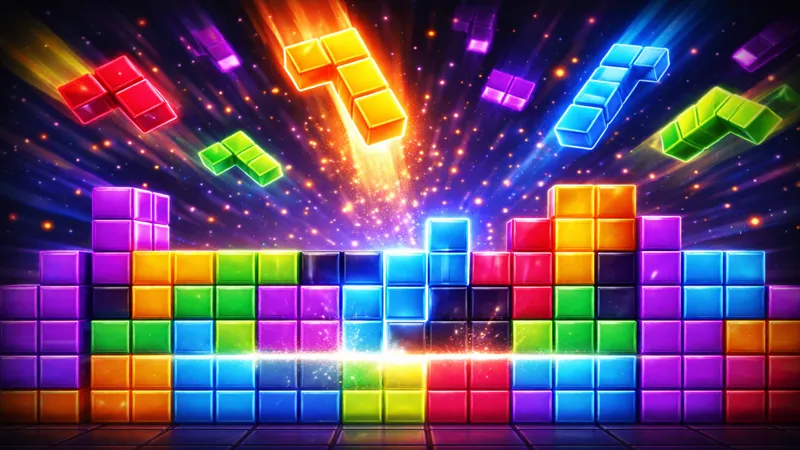
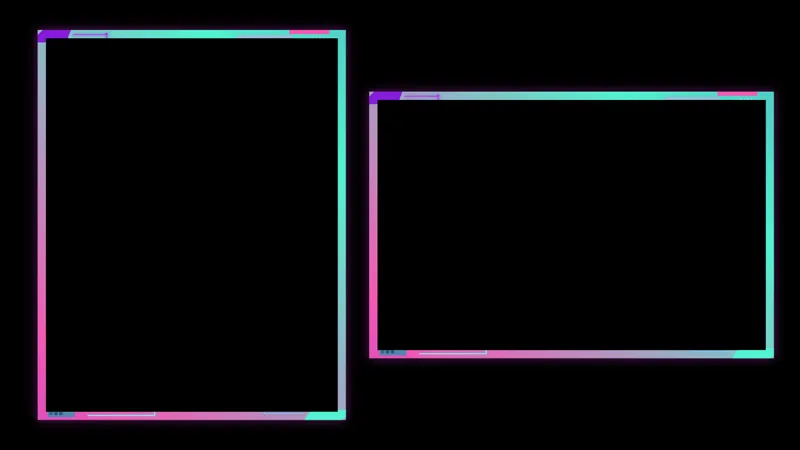
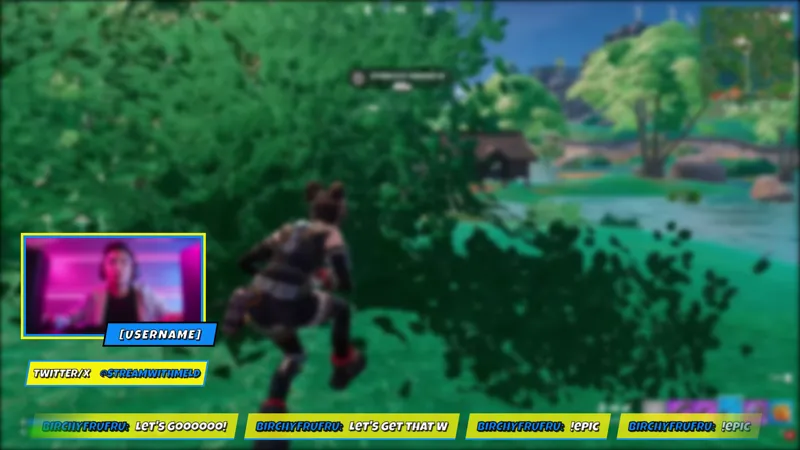
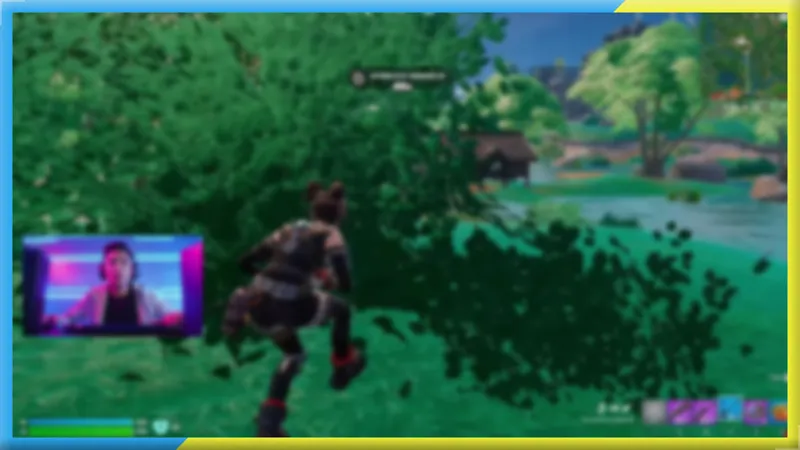
Free Neon Tetris-Style Scene Frame with a Purple Arcade Glow
A glowing purple neon frame designed to wrap your scene while Neon Tetris plays on the side. Keeps the board legible and your cam anchored without losing the arcade glow.
By Meld
Get Neon Tetris Frame free
Included with Meld Studio. Or stay in OBS with Spark Plug.
A neon arcade scene only holds together when the border holds it together. Neon Tetris Frame is a glowing purple outline built to wrap your scene while a block-stacking Tetris-style minigame runs in the corner, keeping the play area legible, the cam anchored, and the rest of the layout tied into the same arcade glow.
It is free with Meld Studio. No watermark, no setup fee, no subscription required.
What the frame does on screen
The frame is a continuous neon outline glowing in deep purple. The line is thick enough to read as a real border at any resolution, and the outer glow extends just past the edge for that classic arcade haze. The composition is built to flex: stretch it around your whole canvas as a full scene border, or tuck it around a single cam tile in the corner. Either way, the frame keeps the side board legible by giving everything inside it a clear visual perimeter.
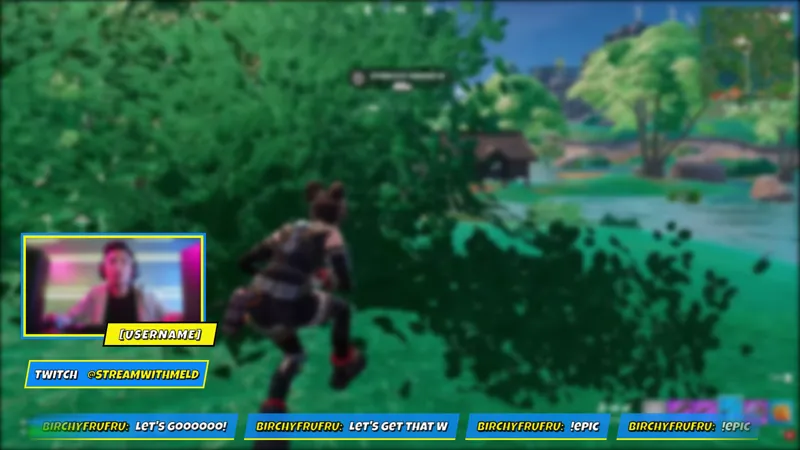
The overlay broadcasts identically to Twitch, YouTube Live, Kick, and TikTok Live. Because it is purely visual and not tied to chat or platform events, there is nothing platform-specific to manage. Meld signs you in once and the frame ships to every platform you stream to.
Pairing it with a side game
The frame is designed to share a scene with a Tetris-style block-stacking minigame on the right. Anchor the play area inside the frame on one side and your cam tile on the other, and the layout reads as a single unified arcade screen rather than two grafted-on widgets. The Neon Tetris chat widget pairs with the same scene if you want chat itself to wear the rainbow bubble styling that sits inside the frame.
Reshaping it with Meld Spark
Meld Spark, the AI overlay editor built into Meld Studio, lets you retint and reshape the frame without writing code. The gallery tip ships with a starter prompt: “Shift the neon frame to hot pink, keep the Tetris board on the right, and soften the outer glow slightly.” Run it and the frame restyles in seconds. Use the same shape of prompt to push the glow harder for hype segments, drop the line thickness for a cleaner read, or shift the palette to fit a different scene. Changes persist between sessions.
Who this fits
Streamers running a Tetris-style block-stacking minigame on the side, arcade and retro creators, neon-themed variety streamers, and anyone whose scene wants a glowing border to anchor the layout. It pairs naturally with the Neon Tetris BRB and Neon Tetris Chat for a fully unified scene.
Adding it to your stream
Download Meld Studio and the frame drops into a scene with no configuration. If you already run OBS and want to keep your existing layout, the free Spark Plug for OBS plugin loads the same neon border as a browser source inside OBS, with the same Meld Spark prompts available for retinting the glow and reshaping the proportions.
Use cases
-
Streams running Neon Tetris on the side
The frame is designed to wrap a full scene while a block-stacking Tetris-style minigame plays in the corner. The neon outline keeps the play area legible, anchors the cam, and ties the rest of the layout together so the side game does not feel grafted on.
-
Arcade-themed gaming and variety scenes
For retro and arcade-leaning streams, the purple neon glow gives the entire scene a coherent border rather than relying on a flat background. Stretch it around the whole canvas or use it as a standalone cam border on a less busy layout.
Frequently asked questions
Is the Neon Tetris Frame free?
Yes. It is included free with Meld Studio. No watermark, no paywall, no per-stream limit. Drop it into a scene as a border around your cam or your full canvas and the purple neon glow turns on immediately.
Which platforms does it support?
Every platform you stream to. The frame is a purely visual overlay, so it broadcasts identically to Twitch, YouTube Live, Kick, and TikTok Live with no platform-specific setup, all from a single Meld sign-in.
Does this work with OBS Studio?
Yes. Spark Plug for OBS loads the neon frame into your existing OBS scene as a browser source, and Meld Spark lets you retint the glow, soften the outline, or rework the proportions from a plain-English prompt in seconds.
Can I use it as a cam border instead of a full scene border?
Yes. The frame is built to stretch flexibly. Tuck it around a single cam tile in the corner of the scene, or scale it up to frame the entire canvas with the block-stacking game tucked in the side. Both layouts work without redoing the rest of the scene.
Can I change the neon color or soften the glow?
Yes. Meld Spark, the AI overlay editor inside Meld Studio, handles retints in plain English. The gallery tip ships with a starter prompt: "Shift the neon frame to hot pink, keep the Tetris board on the right, and soften the outer glow slightly." Run it and the frame applies the new look.