Free Fortnite-Themed Stream Overlay with Chat, Camera Border, and Socials
A free Fortnite streaming overlay that displays Multi-chat from Twitch, Kick, YouTube, and TikTok alongside your social handles and a themed camera border.
By Meld
Get Fortnite Stream Overlay with Camera Border, Social Media Pop-Up, and Side-Scrolling Chat Widget free
Included with Meld Studio. Or stay in OBS with Spark Plug.
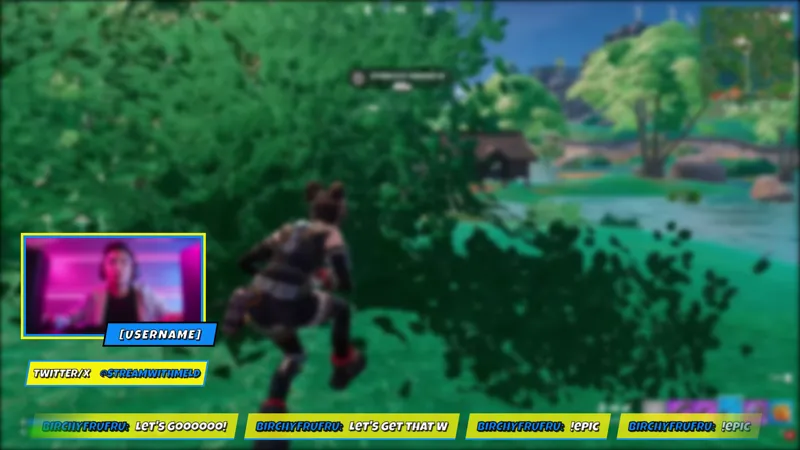
Your Fortnite scene needs three things to read as intentional: a themed camera border, a way to surface your social handles for new viewers, and a chat feed that keeps your audience visible while you play. This overlay ships all three layers in a single free download.
It is included with Meld Studio. No watermark, no monthly fee.
What the three pieces do
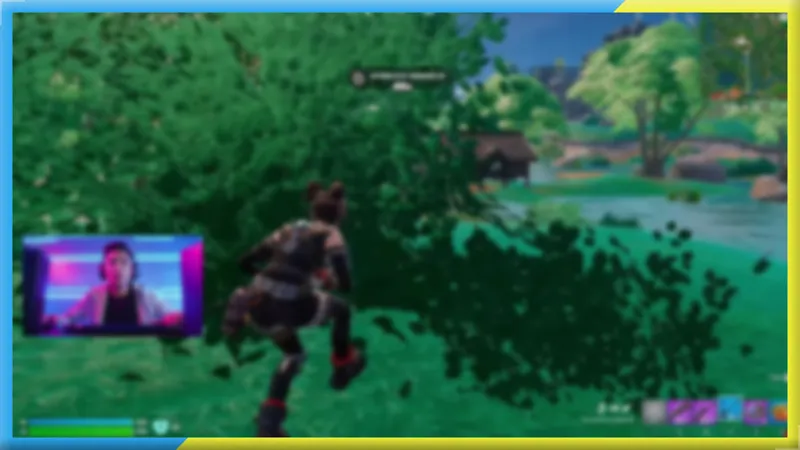
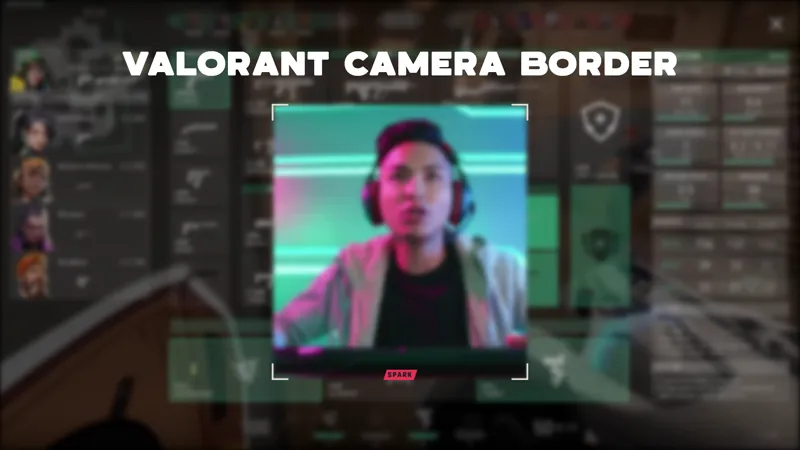
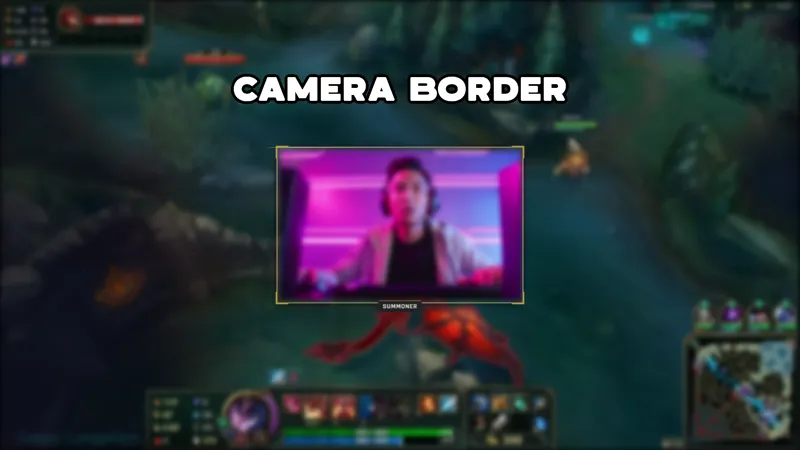
The camera border frames your webcam capture in a Fortnite-styled surround, giving your scene a look that matches the game without sourcing a separate border asset. It layers on top of your camera capture and is sized to leave your face clear at the center.
The social media pop-up puts your Twitch, YouTube, TikTok, Twitter, and Kick handles in frame automatically. New viewers who discover your channel mid-session see exactly where to follow you without you having to interrupt gameplay to mention it. The handles pull from the URL parameters you set before adding the overlay to your scene.
The side-scrolling chat widget reads from Twitch, YouTube Live, Kick, and TikTok Live simultaneously. Meld signs you in once and routes messages from every platform into the same feed, so your whole audience appears in one horizontal scroll instead of four separate windows in a dashboard.
When to use it
The bundle fits Fortnite gameplay streams where a complete, themed scene matters. When a viewer lands on your channel mid-game, a camera border, visible social handles, and a live chat feed tell them three things at once: what game you are playing, where to find you, and that your chat is active. You do not need to pause the game to explain any of it.
Multi-platform streamers get the most out of the unified chat feed, which shows Twitch regulars and YouTube first-timers in the same scrolling line. During a sub raid or a big moment, chat from all four platforms sees it happen together.
Adding it to your stream
Before adding the overlay to your scene, replace the placeholder values in the artifact URL: NICKNAME sets your channel name for the chat display, USER sets your handle for Twitch, TikTok, Twitter, and Kick, and CHAN sets your YouTube channel handle. Once those are in place, every element populates automatically when the scene goes live.
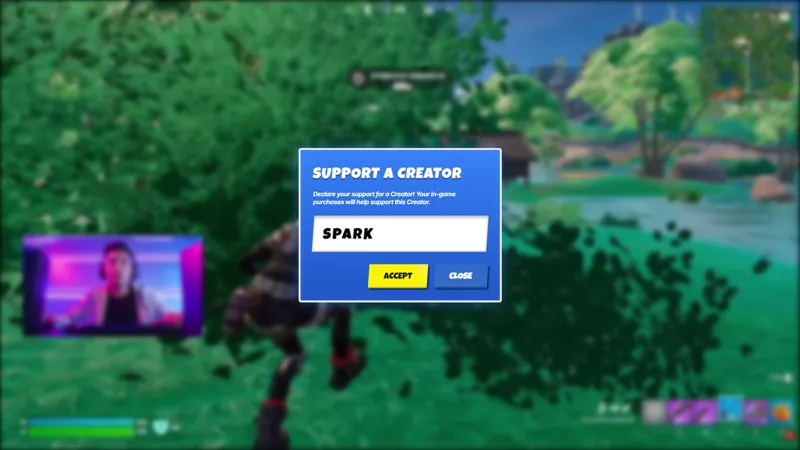
Download Meld Studio and the overlay is ready in one drag. For streamers who already run OBS, the free Spark Plug for OBS plugin loads the full three-piece overlay as a browser source inside your existing OBS layout, with the same unified chat connections and the same social handle display.
Use cases
-
Fortnite gameplay streams that want a complete themed scene
A camera border, a social handle panel, and a multiplatform chat feed all tuned to the same Fortnite-styled look means the scene reads as intentional the moment a viewer lands on your channel. You get all three without hunting for separate widgets and stitching them together.
-
Multi-platform Fortnite streamers who want social visibility
When you broadcast to Twitch, YouTube, Kick, and TikTok at the same time, the side-scrolling chat widget surfaces messages from all four into one feed. The social media pop-up keeps your handles on screen so new viewers know where to find you between sessions on any platform.
Frequently asked questions
Is the Fortnite Stream Overlay free?
Yes. The overlay is included free with Meld Studio. No watermark, no paywall, and no per-stream usage cap. Download Meld Studio and the camera border, social pop-up, and chat widget are ready to drop into a scene.
Which platforms does the chat widget pull from?
The side-scrolling chat widget reads from Twitch, YouTube Live, Kick, and TikTok Live at the same time. Meld signs you in once and routes messages from every platform into the same feed, so a multi-platform broadcast shows one unified chat instead of four separate streams.
Does this work with OBS Studio?
Yes. Spark Plug for OBS brings the full three-piece overlay into your existing OBS scene as a browser source, including the camera border, the social media pop-up, and the multiplatform chat feed. No scene rebuild required.
How do I set up my username and social handles?
The overlay uses URL parameters for your channel name and social handles. Replace NICKNAME, USER, and CHAN in the artifact URL with your own details before adding the overlay to a scene. Once those are set, the social pop-up and chat widget fill in automatically when the scene goes live.