Free Fortnite Overlay with Inverted Colors for Every Platform
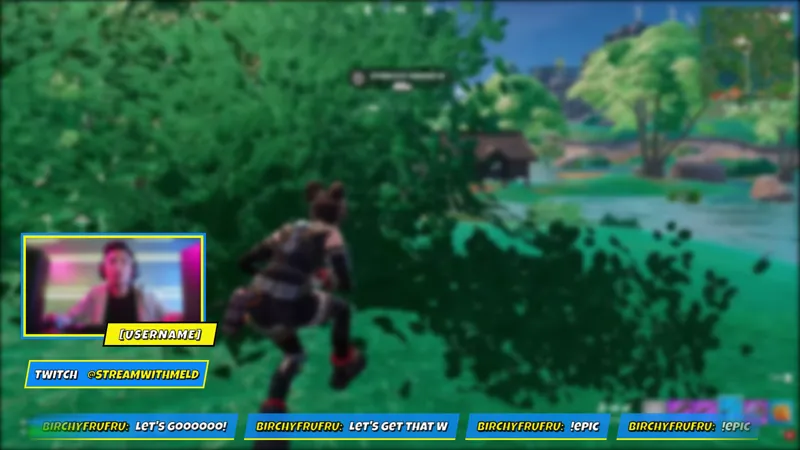
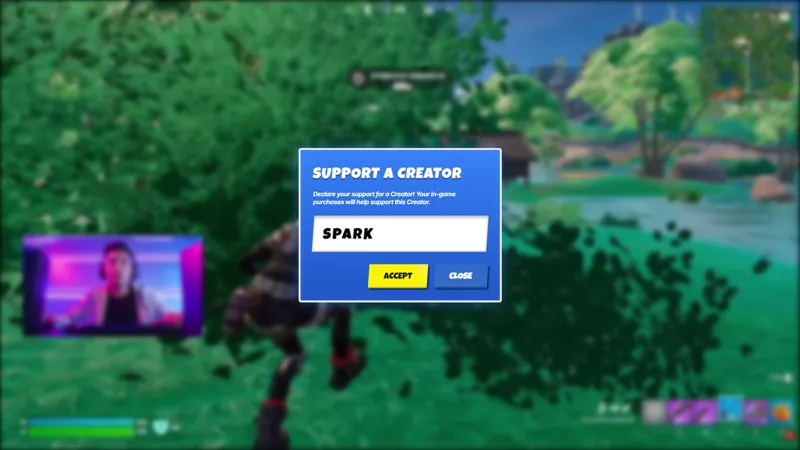
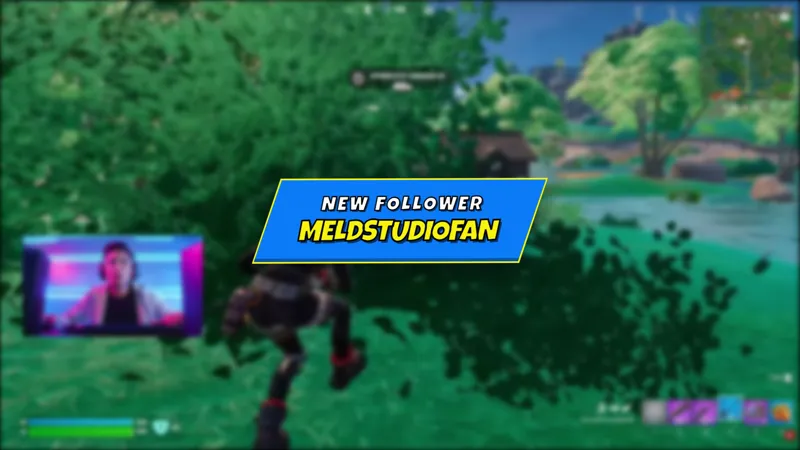
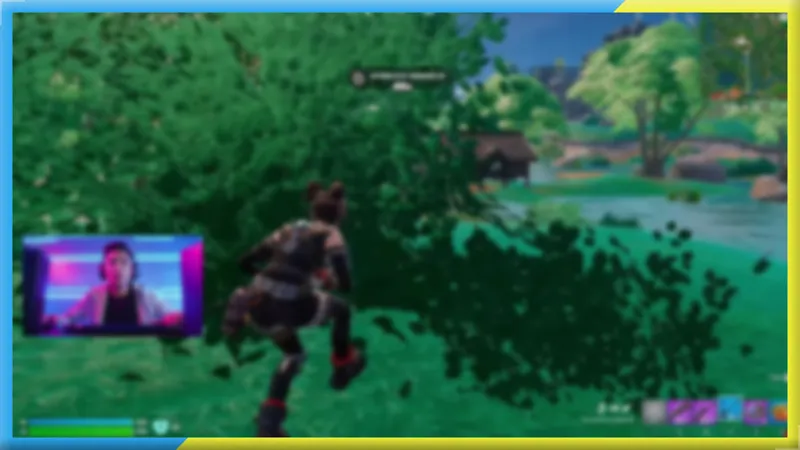
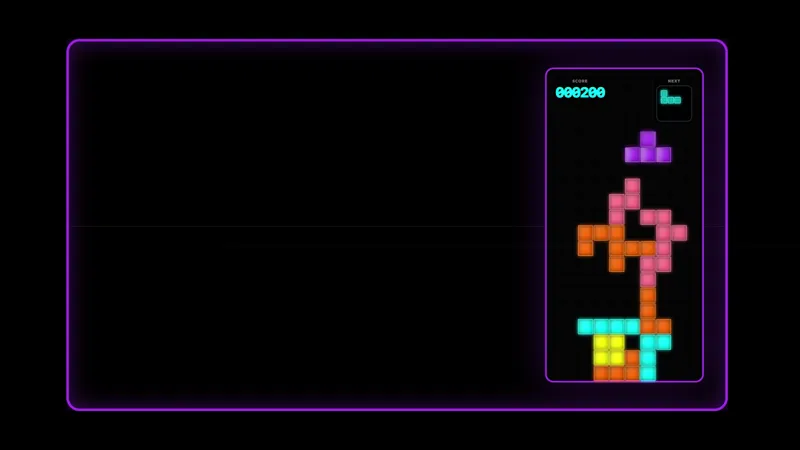
A free Fortnite streaming overlay that displays Multi-chat from Twitch, Kick, YouTube, and TikTok alongside your social handles and a themed camera border with the colors inverted.
By Meld
Get Free Fortnite Stream Overlay Pack free
Included with Meld Studio. Or stay in OBS with Spark Plug.
The palette runs opposite to the standard version. Same camera border, same multi-platform chat widget, same social handles. The only thing that changes is where the color spectrum lands.
It is free with Meld Studio. No watermark, no subscription, and no per-stream cap.
What the overlay includes
The chat widget pulls from Twitch, YouTube Live, Kick, and TikTok Live at the same time. Meld connects all four from a single sign-in and routes every message into one unified feed, so you are reading one chat instead of four. Viewers from different platforms appear in the same widget, labeled by platform, so you can tell where they are coming from. For Fortnite streamers broadcasting to multiple platforms at once, that unified feed is one less thing to juggle while you are in a match.
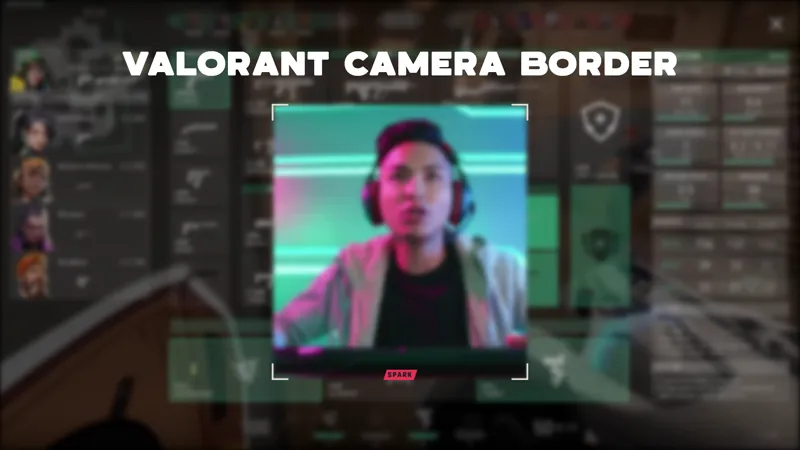
The Fortnite-themed camera border frames your webcam in the inverted palette. The social handles appear on screen showing the accounts you set in the URL parameters, so viewers know where to find you across platforms without you having to interrupt the game to mention it.
Before you add the overlay to a scene, replace NICKNAME, USER, and CHAN in the element URL with your channel name and social handles. The overlay reads those values at load time and displays them automatically from then on.
Getting it on your stream
This version suits Fortnite streamers whose scene background or gameplay capture calls for the opposite color range from the standard overlay. The two versions share the same layout, so switching between them is a straightforward choice based on which palette works better against what is already on your canvas. If you run the standard version on one scene and need a visually distinct alternate, the inverted palette gives you that without rebuilding any part of the layout.
Download Meld Studio, update the URL parameters with your channel name and social handles, and drop the overlay into your scene. If you already run OBS and would rather stay there, the free Spark Plug for OBS plugin loads the same overlay into your existing OBS layout as a browser source, with the same four-platform chat connection and the same personalized social handles.
Use cases
-
Fortnite streamers who need an alternative color palette
When your scene background, gameplay capture, or branding calls for the opposite tonal range from the standard overlay, this version covers the same full layout at the other end of the color spectrum. The camera border, the chat feed, and the social handles all stay in position.
-
Multi-platform Fortnite broadcasts where chat is split across four tabs
Running Twitch and Kick at the same time, or pushing to YouTube and TikTok simultaneously, means your audience is spread across four separate feeds. This overlay pulls all four into a single unified widget so you can read and react without switching between browser windows mid-match.
Frequently asked questions
Is this Fortnite overlay free?
Yes. The inverted Fortnite stream overlay is included free with Meld Studio. There is no paywall, no watermark, and no per-stream usage cap. Personalize the URL parameters with your channel name and handles and the overlay is ready to drop into a scene.
Which platforms does the chat widget support?
Twitch, YouTube Live, Kick, and TikTok Live all connect through a single Meld sign-in. Viewers from all four platforms appear in the same unified feed, so a multi-platform Fortnite broadcast shows one chat instead of four separate windows.
How do I add my username and social handles to the overlay?
Replace NICKNAME, USER, and CHAN in the element URL with your channel name and social handles before adding the overlay to a scene. Meld reads those values at load time and displays them in the social handle row automatically.
Does it work with OBS Studio?
Yes. Spark Plug for OBS loads the overlay into your existing OBS scene as a browser source, with the same four-platform chat connection and the same personalized social handle row. No scene rebuild required.
How does this compare to the standard Fortnite overlay?
The layout is identical. The camera border, the chat widget, and the social handles all occupy the same positions. The only difference is the color palette, which runs in the opposite direction. Use whichever version sits better against your scene background and gameplay capture.