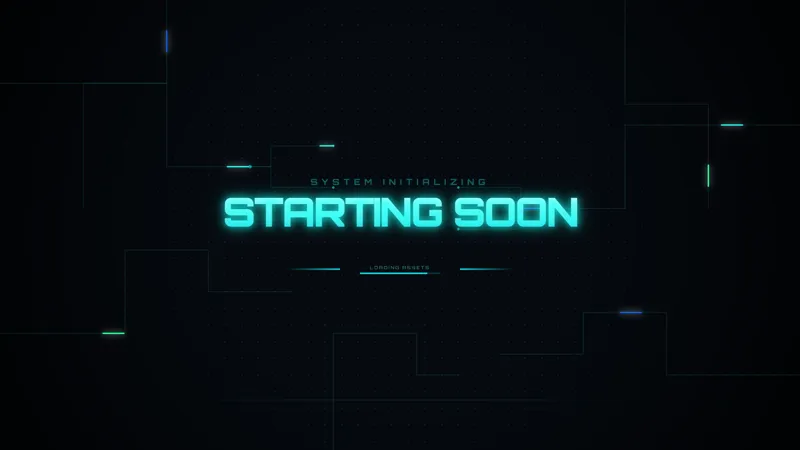
Welcome Early Viewers with a Dark Galaxy Starting Soon Scene
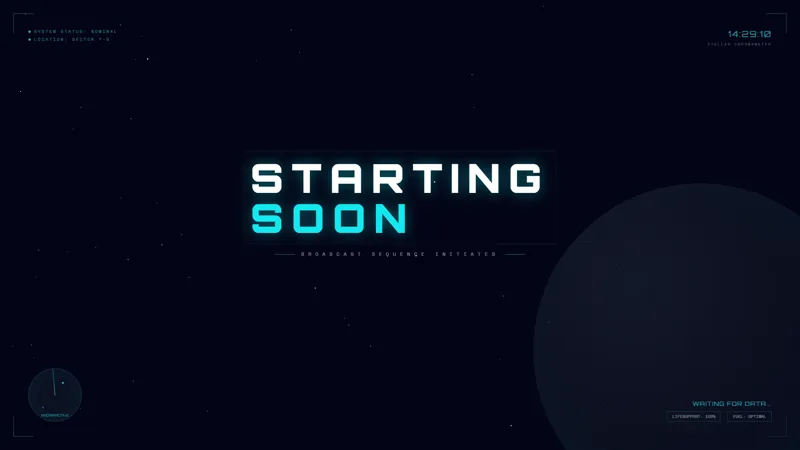
A dark galaxy-themed Starting Soon scene to welcome viewers before your stream begins.
By Meld
Use this element in Meld or OBS
Copy its link, then paste it where you stream.
-
Have Meld Studio or Spark Plug
Open Meld Studio, or OBS with the Spark Plug plugin installed. Elements need one of them to work.
-
Copy the link
Copy element puts the element's link on your clipboard.
-
Paste it
In Meld Studio, press ⌘V or Ctrl+V and it lands in your scene. In OBS, add a Browser source and paste the link as its URL.
Before you say your first hello, give early arrivals somewhere intentional to land. Dark Galaxy Starting Soon Scene welcomes them with a space-themed opening while you finish preparing the broadcast. The dark galaxy presentation makes the waiting period part of the show instead of exposing a scene you are still getting ready.
This free scene is for the opening interval: the time after the broadcast starts but before you are ready to host. Use it to separate preparation from performance. When you move into the main content, viewers get a clear change from waiting for the show to watching it begin.
Open with a dark galaxy theme
The scene pairs a Starting Soon presentation with a dark galaxy setting. It is an appropriate opening for space gaming, science fiction discussions, or a channel that already uses a celestial visual identity. You can choose it for a single themed evening as well as for a regular broadcast routine.
An opening has a different purpose from the frame around your gameplay. It welcomes people who arrive before the action, so it should make sense on its own. Here, the space theme gives that first view a particular character without asking your main camera or game to fill the waiting period.
The scene works with Twitch, YouTube Live, Kick, and TikTok Live. Keep the opening consistent across every destination you stream to, even when viewers arrive from different communities. Everyone sees the same visual introduction before the show moves forward.
Decide what follows the welcome
Plan the first live moment before the broadcast begins. A space exploration session might move from this scene into your introduction and then gameplay. A late-night community stream might move directly into your camera while you greet the audience. The waiting scene supports either approach because its role is to mark the period before you start presenting.
Preview that handoff as part of your normal preparation. Check that your next scene is ready, that its important content is visible, and that the change feels appropriate for the show you are making. This is a production choice rather than a special behavior you need to expect from the opening itself.
Download Meld Studio and add Dark Galaxy Starting Soon Scene to your opening lineup. For creators who want to stay with their existing OBS scenes, Spark Plug for OBS is the alternative way to use the same gallery opening.
Use cases
-
Preparing for a space gaming session
Start the broadcast with a galaxy-themed waiting scene while you finish preparing. Move to your gameplay view when you are ready to begin hosting the session.
-
Gathering a late-night audience
Give early arrivals a clear Starting Soon presentation before a community conversation. The dark galaxy theme establishes the visual setting before your camera-led show begins.
Frequently asked questions
What does this free scene provide?
It provides a dark galaxy-themed Starting Soon scene to welcome viewers before your stream begins. Use it as an opening view before moving into your main broadcast content.
Can I use it across streaming platforms?
The scene supports Twitch, YouTube Live, Kick, and TikTok Live. Present the same space-themed opening wherever your audience watches.
Does this Starting Soon scene work in OBS?
Download Meld Studio to add the scene, or keep your OBS workflow with Spark Plug for OBS. Spark Plug brings gallery overlays and Meld Spark help with customization in seconds into OBS.