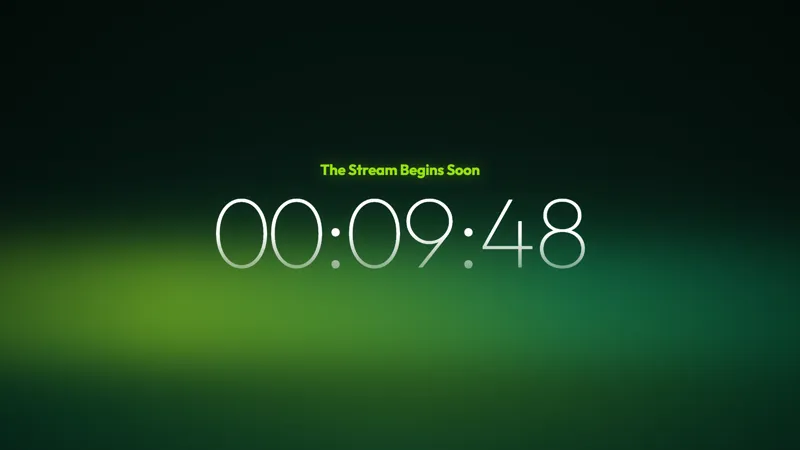
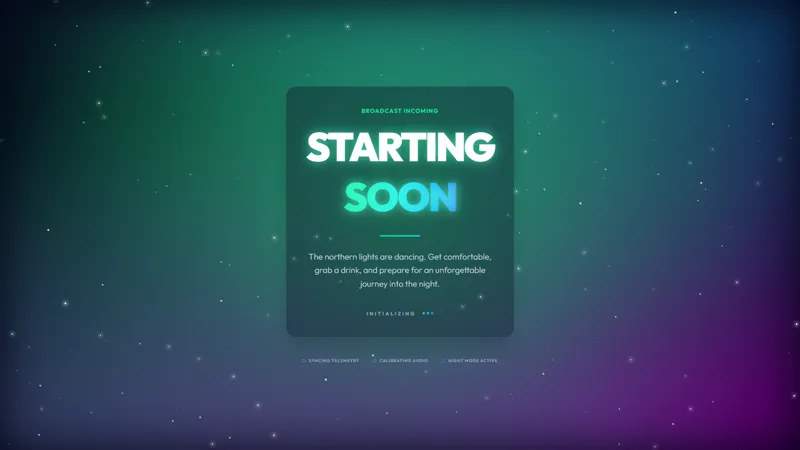
Free Sci-Fi Starting Soon Screen With a Sleek Futuristic Look
A sleek sci-fi starting soon scene for streams with a futuristic vibe.
By Meld
Get Sci-Fi Starting Soon free
Included with Meld Studio. Or stay in OBS with Spark Plug.
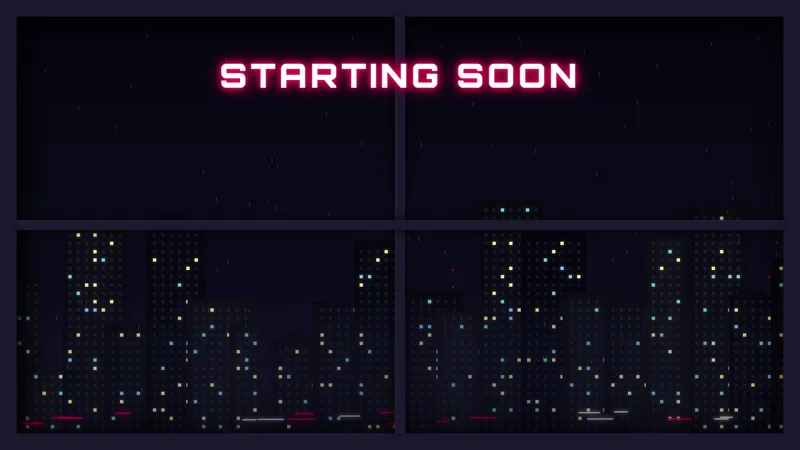
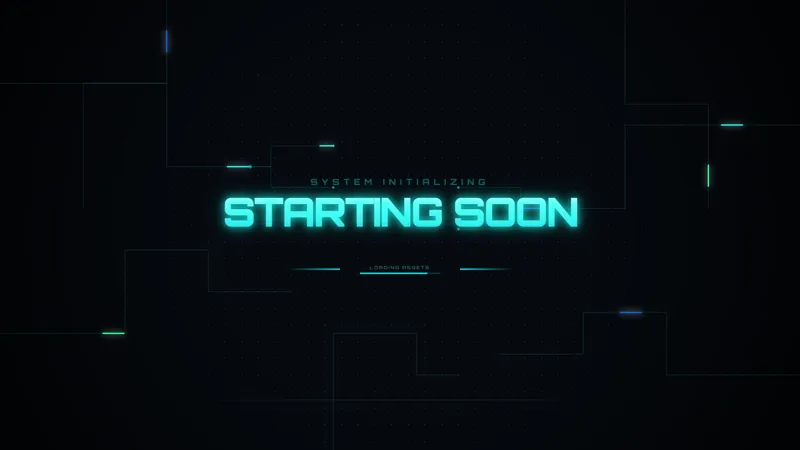
A sleek future-forward open that runs itself while you finish setup. The Sci-Fi Starting Soon scene fills the canvas with a polished sci-fi aesthetic, the kind of look that tells a returning viewer the night’s content is going to match the genre. It is free with Meld Studio. No watermark, no setup fee, no subscription required.
What fills the screen
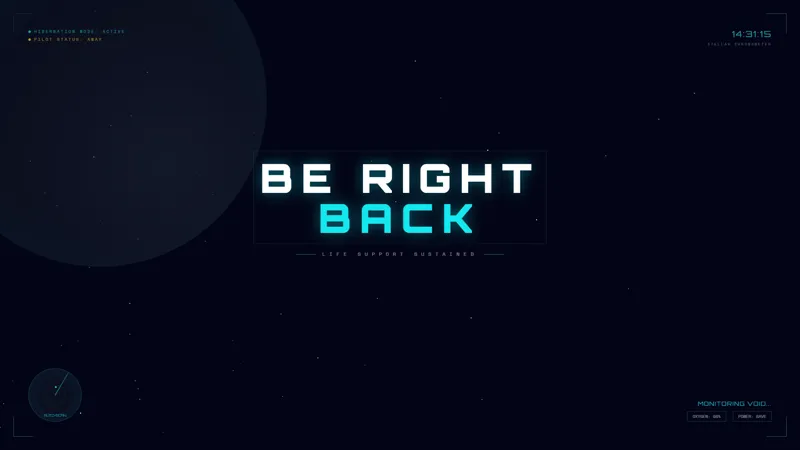
The canvas plays a continuous loop of motion designed to read as cinematic rather than busy. The aesthetic leans into the visual language of modern sci-fi: clean lines, glowing accents, and steady forward motion that feels like a ship’s bridge or a console booting up rather than a chaotic stinger. The motion runs uninterrupted for as long as you want the scene up, so a viewer who lands two minutes early sees the same alive canvas as one who lands thirty seconds before you switch to your main scene.
There is no countdown clock baked in by default and no chat dependency to configure. The screen exists to fill the pre-stream window with on-genre atmosphere while you confirm audio levels, line up the game, and check capture settings.
When to use it
Sci-fi RPGs, space sims, hardware builds, dev streams, and any channel whose main content sits in a futuristic register. Pair the open with the matching Sci-Fi BRB so the visual identity carries from pre-show through breaks and back, and the channel reads as a single produced broadcast instead of a collection of borrowed templates.
The scene also works as a generic high-production-value pre-show for variety streamers who want a polished open without committing to a heavily themed look. The futuristic register is broad enough to cover anything from FPS to strategy nights.
Customizing with Meld Spark
The scene is ready as-is. To go further, Meld Spark, the AI overlay editor built into Meld Studio, lets you describe additions in plain English. A prompt like “Add a HUD-style countdown timer and a subtle starfield drift behind it” applies in seconds. Shift the palette to match channel branding, layer in a username plate, or rewrite the typography without touching code or opening a file.
Changes persist between sessions, so the open looks identical the next time you go live.
Adding it to your stream
Download Meld Studio and the scene drops into a Starting Soon scene with no configuration. If you already stream from OBS, the free Spark Plug for OBS plugin loads the same scene into your existing OBS layout as a browser source, with the same Meld Spark editing on top. Twitch, YouTube Live, Kick, and TikTok Live all render the canvas the same way, so a multi-platform open stays visually consistent across every channel you broadcast to.
Use cases
-
Opening a sci-fi or space-sim stream
Loading into Starfield, Elite Dangerous, Mass Effect, or any space-sim session, the pre-stream window is the first impression a returning viewer gets. A futuristic open tells them the night's content matches the genre before the game itself loads, so the channel feels intentional from the first frame.
-
Tech reviews, hardware builds, and dev streams
Tech-focused channels covering PC builds, hardware reviews, or coding sessions land naturally in a sleek future-forward aesthetic. The Sci-Fi Starting Soon scene gives that audience a pre-show that reads as on-brand without making you commission a custom motion graphic.
Frequently asked questions
Is the Sci-Fi Starting Soon screen free?
Yes. The Sci-Fi Starting Soon scene is included free with Meld Studio. No watermark, no paywall, no usage cap. Drag it into a scene and it broadcasts immediately.
Which platforms does it work on?
The scene broadcasts identically across Twitch, YouTube Live, Kick, and TikTok Live. Meld signs you in once and the same overlay renders the same way on every platform you stream to, so a multi-platform open looks consistent everywhere viewers land.
Does this work in OBS Studio?
Yes. Spark Plug for OBS loads the scene into your existing OBS layout as a browser source, and Meld Spark lets you add a HUD-style countdown, drift a starfield behind it, or shift the palette from a plain-English prompt in seconds.
Can I add a countdown to the screen?
Yes. Meld Spark, the AI overlay editor included with Meld Studio, handles additions like that from a single prompt. "Add a HUD-style countdown timer and a subtle starfield drift behind it" updates the scene in seconds and the change persists between sessions.
Does it loop or run for a fixed duration?
The animation loops continuously while the scene is active, so you can leave the canvas running through whatever pre-stream window you want. Switch to your main scene whenever you are ready to go live.