Free Soft Gradient Starting Soon Scene with a 10-Minute Countdown
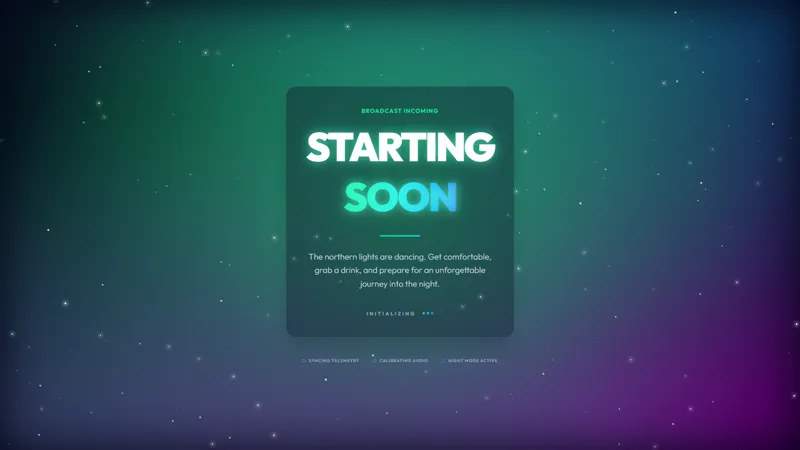
A soft gradient starting-soon scene with a 10-minute countdown. Color shifts keep the waiting room feeling alive before you go live.
Get Gradient Starting Soon free
Included with Meld Studio. Or stay in OBS with Spark Plug.
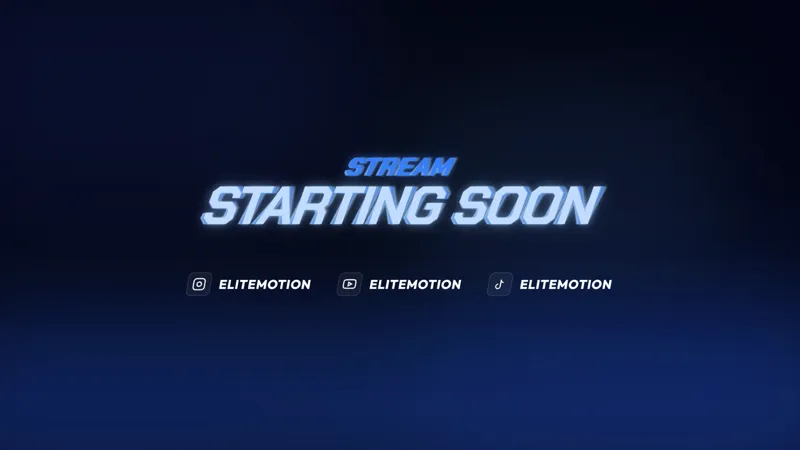
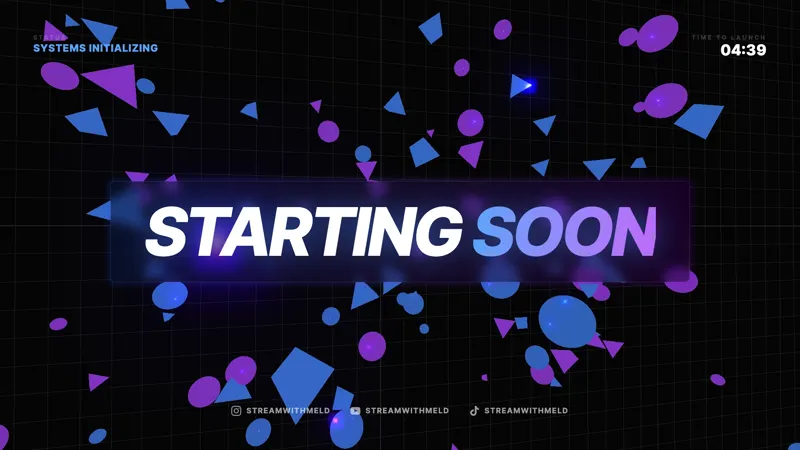
A soft animated gradient washes across the canvas while a 10-minute countdown ticks down toward live. The Gradient Starting Soon scene strips a pre-stream open down to its essentials: clear time-to-live, gentle color motion, no logo lockups, no themed flourishes. The waiting room stays alive without picking a genre for you.
It is free with Meld Studio. No watermark, no setup fee, no subscription required.
What is on screen
The scene fills the canvas with a slow gradient that drifts between two or three colors at an ambient pace. The 10-minute countdown sits in the composition with readable typography, counting down to your live moment. As the colors shift, the scene avoids the dead-air problem of a static image while keeping the focal point clearly on the timer.
The gradient animates continuously. Viewers landing 8 minutes early and viewers landing 1 minute early both see motion that reads as “stream is happening soon” rather than “this graphic is frozen.” The countdown does the rest of the communication work without any extra copy on screen.
Why minimal works for daily streams
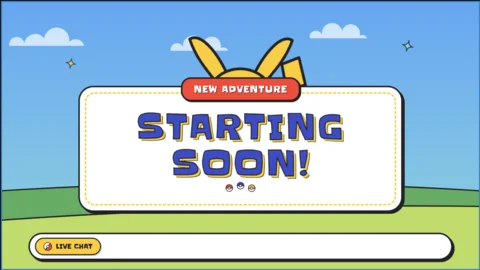
A heavily themed starting soon screen ties your pre-stream window to one genre. A coding-themed scene looks wrong before a co-op night, and a cozy-game open feels off before a competitive set. A soft gradient stays appropriate across every show on your schedule, so a single starting soon scene covers your whole rotation.
For new streamers who have not locked in a brand identity yet, that flexibility matters even more. The gradient scene gives them a clean, professional open that does not box them into a category before they have figured out what their channel actually is. As the channel finds its palette, the scene can be retuned to match.
Tuning it with Meld Spark
Meld Spark, the AI overlay editor inside Meld Studio, accepts plain-English changes. Restyle the gradient to your brand palette, change the countdown to 5 minutes for a tighter pre-show window, slow the color drift, or speed it up for a more energetic feel. A prompt like “Change the countdown to 5 minutes and make the gradient purple and blue” applies in seconds, and the new configuration persists between sessions.
The same editor handles typography swaps, layout shifts, and added elements like a “Stream starts at” line, so the scene can grow into your brand over time without ever leaving the canvas.
Adding it to your stream
Download Meld Studio and the gradient starting soon scene drops into your scene list with no configuration. If you already run OBS, the free Spark Plug for OBS plugin loads the same scene as a browser source inside your existing OBS layout. The result broadcasts identically across Twitch, YouTube Live, Kick, and TikTok Live.
Use cases
-
Daily streams that need a clean, brandable open
For creators who go live on a regular schedule, a busy themed starting soon screen can feel mismatched with everyday content. A soft gradient with a clear countdown reads as professional and minimal, the kind of open that fits a coding stream on Tuesday and a co-op session on Friday without changing scenes.
-
Drop-in pre-stream for a brand-new channel
New streamers do not have a brand identity locked in yet. The gradient scene gives them a polished open out of the box, with the 10-minute countdown handling the actual work of telling viewers when the show starts. The look can be retuned later as the channel finds its palette.
Frequently asked questions
Is the Gradient Starting Soon screen free?
Yes. The Gradient Starting Soon scene is included free with Meld Studio. No watermark, no paywall, and no usage cap. Drop it into your scene list and the 10-minute countdown is ready immediately.
How long is the default countdown?
The countdown ships at 10 minutes, which fits the standard pre-stream window for most creators. Meld Spark can change the duration in plain English. A prompt like "Change the countdown to 5 minutes" applies the new length in seconds.
Will it work on Twitch, YouTube Live, Kick, and TikTok Live?
Yes. The scene broadcasts identically across Twitch, YouTube Live, Kick, and TikTok Live. The same gradient and the same countdown play for viewers on every platform you stream to.
Does it work with OBS Studio?
Yes. Spark Plug for OBS loads the scene into your existing OBS layout as a browser source, and Meld Spark can recolor the gradient or retime the countdown from a plain-English prompt in seconds without touching code.
Can I change the gradient palette?
Yes. Meld Spark, the AI overlay editor built into Meld Studio, takes plain-English color changes. A prompt like "Make the gradient purple and blue" applies the new palette in seconds, and the change persists between sessions.
Why use a gradient instead of a themed scene?
Gradients sit cleanly under any kind of stream, where a themed scene only fits one genre. If your channel covers multiple games or formats, a soft gradient with a working countdown stays appropriate for every show without needing a different starting soon for each one.