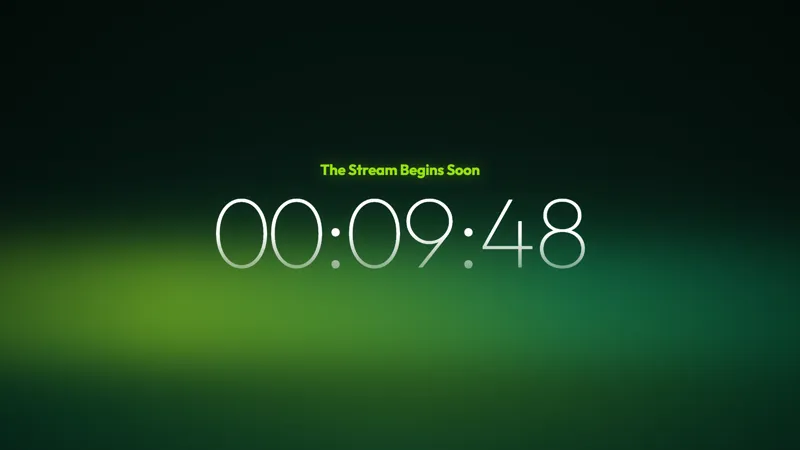
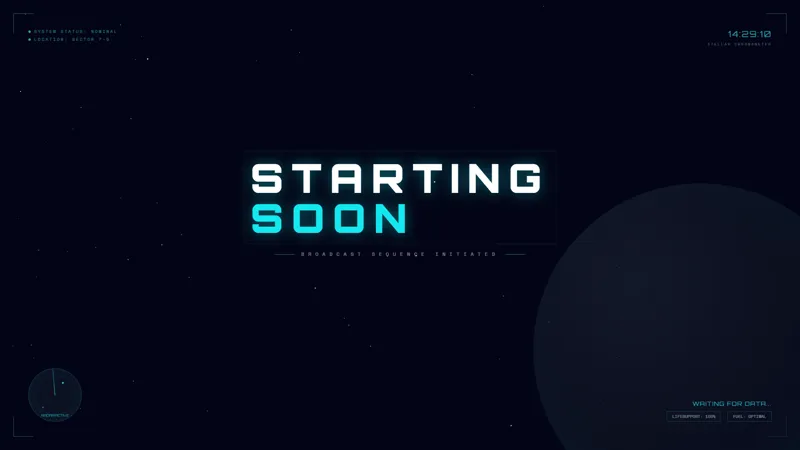
Free Circuit Board Starting Soon Scene with Chat-Reactive Pulses
A circuit-board starting soon screen that pulses and reacts as chat messages roll in. Keeps the waiting room lively before you go live.
By Meld
Get Circuit Board Starting Soon free
Included with Meld Studio. Or stay in OBS with Spark Plug.
Copper traces fan across the canvas like a printed circuit board. Pulses of light travel down the traces, branching at junctions, accelerating as chat picks up. The Circuit Board Starting Soon scene puts a tech-themed visual identity on the pre-stream window and ties it to your incoming chat, so the room feels alive as viewers arrive.
It is free with Meld Studio. No watermark, no setup fee, no subscription required.
What is on screen
The scene fills the canvas with a stylized PCB layout. Traces wind across the board, components anchor the composition, and pulses of light move along the traces continuously. As chat activity rises, the pulses chase each other faster, so a packed pre-stream visibly outpaces a quiet one. Quiet chat produces a steady, calm rhythm. A busy room cranks the board up.
The scene runs continuously while the overlay is active. A 10 to 15 minute pre-stream window holds motion the entire time without looping artifacts, which solves the “frozen graphic” problem viewers run into on standard starting soon templates.
Why chat reactivity matters before going live
Static starting soon screens give early arrivals nothing to do. They watch the timer, maybe greet each other, and wait. A reactive scene gives them a reason to chat: every message they send shows up as a brighter board. By the time you go live, your room is already warmed up, the regulars have said hello, and the energy has built itself.
That works across Twitch, YouTube Live, Kick, and TikTok Live simultaneously. Viewers on any platform contribute to the same animation, so a fragmented audience across four chats reads as one unified room on the screen.
Tuning it with Meld Spark
Meld Spark, the AI overlay editor inside Meld Studio, takes plain-English changes. Add a 10-minute countdown in the center of the board, change pulse colors to match your channel palette, slow the pulses for a calmer feel, or speed them up further when chat is active. A prompt like “Add a 10-minute countdown in the center and make the pulses chase faster when chat is active” applies both changes immediately and persists between sessions.
The same editor also handles text additions, so a “Stream starts at 8pm” line, a sponsor handle, or a Discord callout can sit on the board without leaving the canvas.
Adding it to your stream
Download Meld Studio and the starting soon scene drops into your scene list with no configuration. If you already run OBS, the free Spark Plug for OBS plugin loads the same scene as a browser source inside your existing OBS layout. The chat-reactive pulses work identically across Twitch, YouTube Live, Kick, and TikTok Live.
Use cases
-
Pre-stream window for tech content
For programming streams, electronics builds, retro repair shows, and hacking channels, the circuit-board motif tells early arrivals exactly what kind of broadcast they have landed on. The pulses give the screen ongoing motion across the full pre-stream window without leaning on a static logo or a generic countdown card.
-
Warming up an audience that wants to chat early
The traces pulse harder when chat speeds up, so viewers arriving 5 to 10 minutes early have a direct visual reason to start typing. A growing room drives a busier board, which builds momentum the same way a crowded pre-show line builds anticipation outside a venue.
Frequently asked questions
Is the Circuit Board Starting Soon screen free?
Yes. The Circuit Board Starting Soon scene is included free with Meld Studio. No watermark, no paywall, and no usage cap. Drop it into your scene list and the chat-reactive board is ready immediately.
How does it react to chat?
The traces carry pulses of light that travel along the board, and the pulses speed up as chat activity rises. Quiet chat keeps the board calm, a busy room sends pulses chasing each other across the layout, so the screen visibly heats up as your pre-stream room fills.
Which chat platforms feed the reactivity?
Twitch, YouTube Live, Kick, and TikTok Live all feed the same animation. The board responds to messages from every platform you stream to at the same time, which keeps a multi-platform pre-stream visually unified.
Does it work in OBS Studio?
Yes. Spark Plug for OBS loads the starting soon scene into your existing OBS layout as a browser source, and Meld Spark can add a centered countdown or change pulse behavior from a plain English prompt in seconds.
Can I add a 10-minute countdown in the same style?
Yes. Meld Spark, the AI overlay editor included with Meld Studio, takes plain English. A prompt like "Add a 10-minute countdown in the center and make the pulses chase faster when chat is active" applies the countdown and the new pulse behavior immediately and persists between sessions.
Does it pair with the Circuit Board BRB?
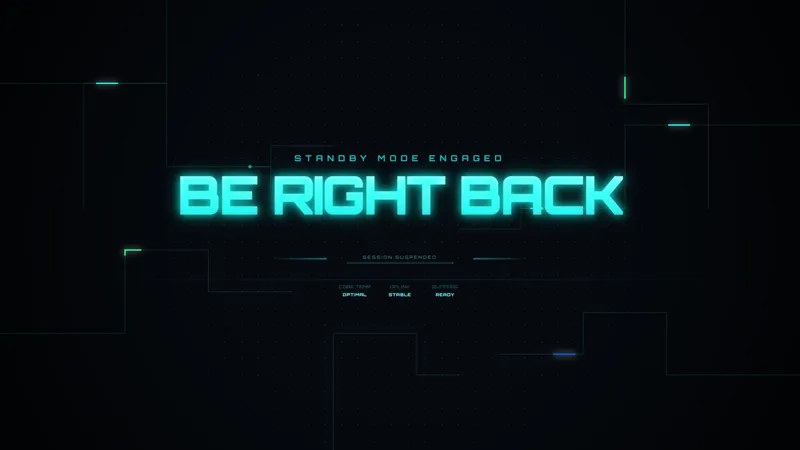
Yes. The starting soon and the matching Circuit Board BRB share the same circuit motif, trace style, and reactive pulses. Run them together and the broadcast keeps a single tech identity from the pre-stream window through any mid-stream break.