Free Cozy Garden Subscriber Wall Overlay for Cozy Streams
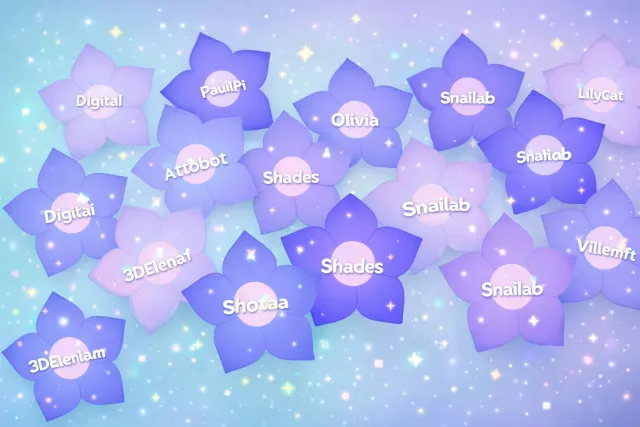
Every subscriber gets their own flower with their name on the wall. A living garden that grows as your community does.
By Meld
Get Cozy Garden Subscriber Wall free
Included with Meld Studio. Or stay in OBS with Spark Plug.
A new sub lands and a fresh flower opens on the wall with their name written under it. A month later that same flower is still there, joined by the dozens that grew alongside it. Cozy Garden Subscriber Wall is a sub recognition overlay built around the idea that a community looks more like a garden growing slowly over a season than a counter ticking up in the corner.
It is free with Meld Studio. No watermark, no per-flower cap, no paywall on the seasonal customization options.
How the wall grows
Every new subscriber gets their own flower placed on the wall, with their name written beneath it. The flowers stay in place across sessions, so the wall a viewer sees at the start of any stream is the full record of every sub the channel has earned. New flowers join the bed in the spots that make sense for the wall layout, and the result builds into a dense, lived-in garden as the channel runs.
The pacing matches the pacing of cozy streams. There is no hype train fanfare, no flashing alert, no sound that interrupts the room. The flower simply opens. That choice is what makes the overlay fit the rest of the cozy garden set: it recognizes the moment without breaking it.
The wall pulls subs from every platform you stream to. Twitch, YouTube Live, Kick, and TikTok Live all feed the same garden, so a multi-platform community sees one shared wall rather than four separate ones tracking partial histories.
When it earns its keep
The overlay is built for cozy and slow-paced streams. Farming sims, knitting and craft streams, slow exploration RPGs, just-chatting hangouts, and any channel where the rest of the scene is intentionally quiet. The wall reads cleanly as background presence and pulls focus only at the moment a new flower opens.
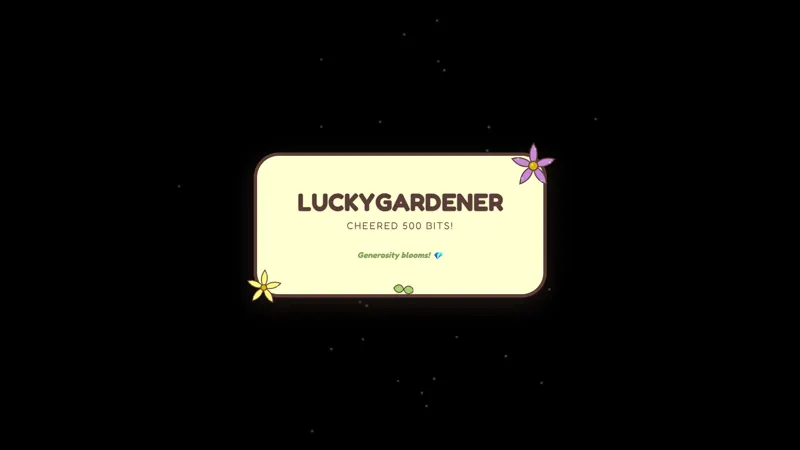
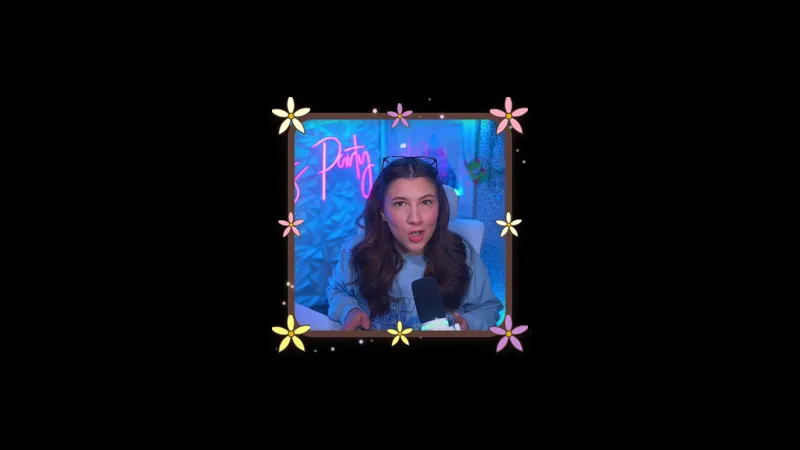
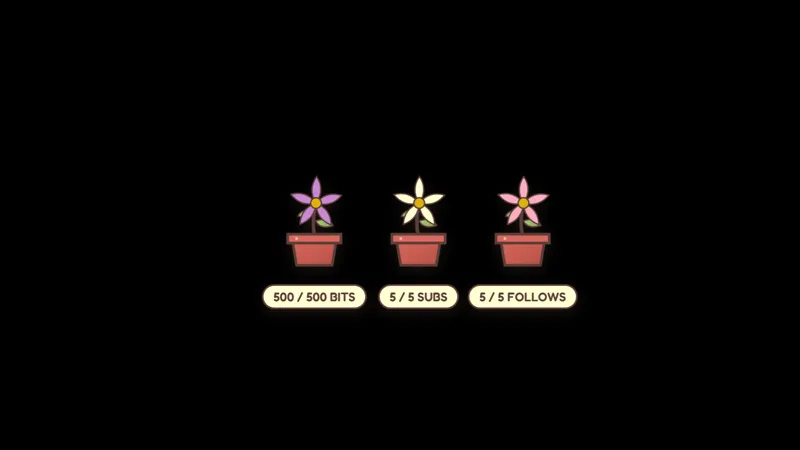
It pairs naturally with the rest of the cozy garden set. The follower and bit alerts handle the smaller events with bloomings and falling leaves, the camera border wraps the webcam in the same hand-drawn style, and the goal flowers track community goals with the same growing visual language. Run them together and the entire scene reads as one continuous garden.
Customizing with Meld Spark
Meld Spark, the AI overlay editor inside Meld Studio, lets you reshape the wall from plain English. Swap flower species per tier. Change the season to winter or autumn for holiday streams. Add a soft animation when a new sub blooms. The change applies immediately and persists between sessions, so the wall looks the same the next time you go live and continues growing from where it left off.
Adding it to your stream
Download Meld Studio and the Cozy Garden Subscriber Wall drops into a scene with no configuration. Toggle interaction mode on your canvas to access the hover controls. Already on OBS? The free Spark Plug for OBS plugin brings the wall into your existing OBS layout as a browser source, with the same multi-platform sub tracking and the same growing garden across Twitch, YouTube Live, Kick, and TikTok Live.
Use cases
-
Cozy gameplay where a hype meter feels wrong
For farming sims, knitting streams, and slow exploration RPGs, a flashing sub bar or fanfare alert breaks the tone the rest of the scene works to protect. The garden wall keeps subscriber recognition visible without shifting the room's energy: each new flower simply joins the bed already growing across the wall.
-
Long-running channels with deep sub history
Channels that have been on for years can show that history at a glance. A wall that has filled in over months reads as a lived-in space instead of a fresh-from-template scene. New viewers see the size of the community visually, and existing subs see their flower hold its place in a real garden the channel has been growing.
Frequently asked questions
Is the Cozy Garden Subscriber Wall free?
Yes. Cozy Garden Subscriber Wall is included free with Meld Studio. No watermark, no paywall, and no per-stream cap on how many flowers the wall can grow.
How does the wall display subscribers?
Every subscriber gets their own flower with their name on the wall, and the garden grows as your community does. The wall persists across sessions, so the bed of flowers viewers see at the start of any stream reflects the full history of subs the channel has earned.
Which platforms does the sub tracking support?
Twitch, YouTube Live, Kick, and TikTok Live are all supported. Meld signs you in once and subscribers from every platform you stream to grow flowers on the same wall, so a multi-platform community sees one shared garden.
Does it work in OBS Studio?
Yes. Spark Plug for OBS loads the sub wall into your existing OBS scene as a browser source, and Meld Spark lets you swap flower species, change the season, or add a soft animation when a new sub blooms from a plain-English prompt in seconds.
How do I access the wall controls?
Toggle interaction mode on your canvas to bring up hover controls directly on the overlay. The controls stay hidden during the live broadcast and only appear when interaction mode is active, so they never show up on stream.