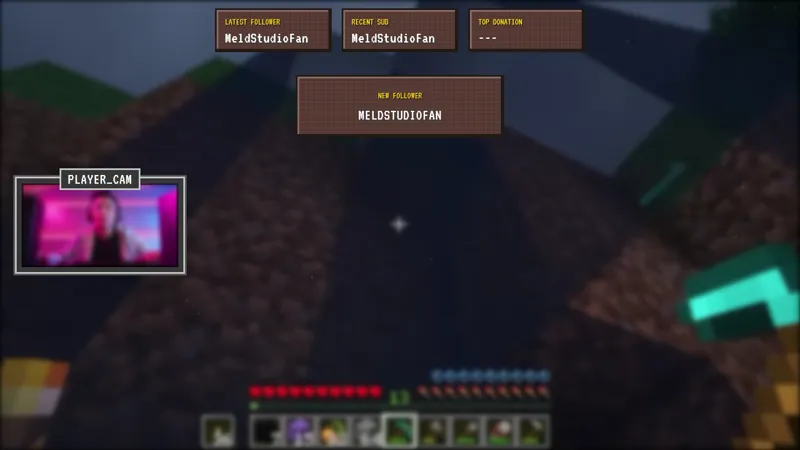
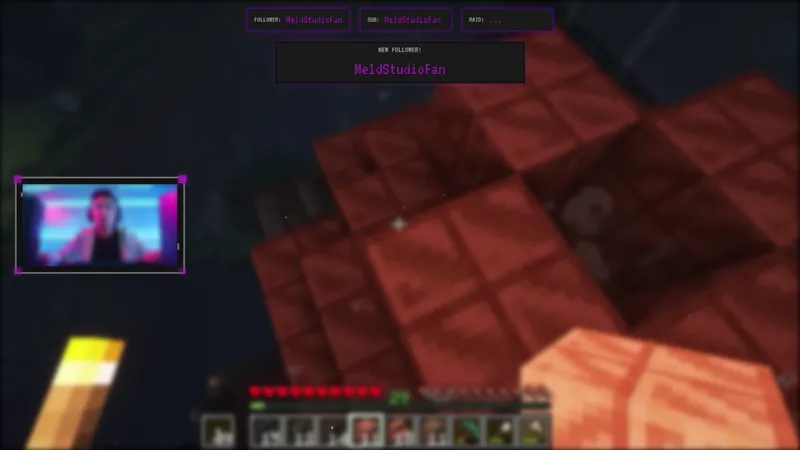
Free Broadcast Hardware Camera Overlay With Animated Telemetry Readouts
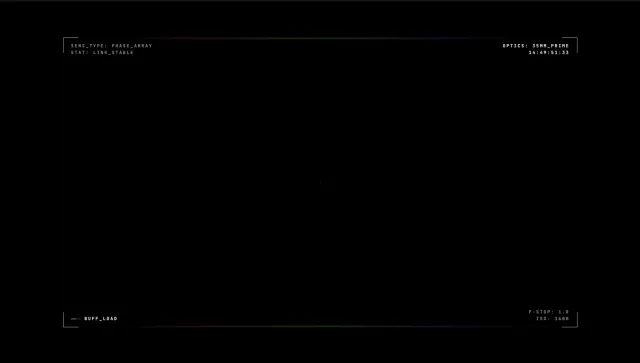
A professional broadcast hardware overlay with camera controls, audio monitor, signal telemetry, and matrix select panel. Gives your facecam a high-end production look with animated readouts.
By Meld
Get Broadcast Hardware Overlay free
Included with Meld Studio. Or stay in OBS with Spark Plug.
The Broadcast Hardware overlay wraps a facecam in the visual language of real production gear. Camera controls sit alongside an audio monitor, signal telemetry runs across one edge, and a matrix select panel completes the composition. Animated readouts move continuously while the scene is live, giving the camera the look of a piece of broadcast kit rather than a software webcam window. It is free with Meld Studio, no watermark, no paywall, no usage limit.
What sits on screen
The overlay frames the facecam with four functional-looking modules. Camera control readouts run along one edge with values that animate steadily, an audio monitor pulses with a believable broadcast cadence, signal telemetry fills another section with moving figures, and a matrix select panel rounds out the composition with selectable channel indicators. The pieces are positioned to leave the center of the frame clear for your face, so the production look reads without sacrificing camera real estate.
The animation is calibrated to suggest live equipment rather than to demand attention. Numbers shift, indicators blink, and the audio monitor moves the way a real one would. Viewers register the layout as professional within a second and then their eye returns to the streamer.
When to use it
Tech reviews, hardware unboxings, audio gear streams, and any channel where a production look matches the content. Competitive gaming, FPS, and esports streams aiming for a pro-broadcast register also fit naturally. Variety streamers who want a single high-production-value facecam frame that holds up across multiple kinds of content can drop this in as a default camera overlay.
The overlay also reads well on podcast and interview streams where the layout needs to feel like a studio rather than a casual room. The frame upgrades the visual identity without forcing a heavily themed aesthetic on the rest of the scene.
Customizing with Meld Spark
Meld Spark, the AI overlay editor built into Meld Studio, lets you reshape the readouts without touching code. Describe what you want in plain English. A prompt like “Change the color scheme to blue and add a waveform monitor” recolors the panels and lands a new monitoring module in seconds. Swap the telemetry values for stream-relevant data, retune the audio monitor cadence, or add additional panels the same way.
Changes persist between sessions, so the camera frame looks identical the next time you go live.
Adding it to your stream
Download Meld Studio and the overlay drops onto your facecam with no configuration. If you already run OBS, the free Spark Plug for OBS plugin loads the same frame into your existing OBS layout as a browser source. Twitch, YouTube Live, Kick, and TikTok Live all render the camera frame the same way, so a multi-platform setup stays visually consistent across every channel you broadcast to.
Use cases
-
Tech reviews, hardware builds, and gear unboxings
Hardware-focused channels reviewing cameras, audio gear, or PC parts land naturally on a facecam frame that already reads like broadcast kit. The animated readouts and matrix select panel give the camera the visual register of a real production room rather than a webcam in a bedroom.
-
Esports, FPS, and competitive gaming streams
Competitive streams aiming for a pro-broadcast feel benefit from a facecam overlay that matches the energy. Signal telemetry and an audio monitor running on the camera frame make the layout read like a live event mix rather than a casual stream.
Frequently asked questions
Is the Broadcast Hardware overlay free?
Yes. The Broadcast Hardware overlay is included free with Meld Studio. No watermark, no paywall, no usage limit. Drop it onto your facecam and it animates the moment the scene goes live.
Which platforms does it work on?
The overlay broadcasts identically across Twitch, YouTube Live, Kick, and TikTok Live. Meld renders the same camera frame on every platform you stream to, so the production look stays consistent everywhere.
Does this work in OBS Studio?
Yes. Spark Plug for OBS loads the camera frame into your existing OBS layout as a browser source, and Meld Spark lets you recolor the readouts, add a waveform monitor, or swap the telemetry values from a plain-English prompt in seconds.
Can I customize the readout values and color scheme?
Yes. Meld Spark, the AI overlay editor included with Meld Studio, handles changes like that from a single prompt. "Change the color scheme to blue and add a waveform monitor" updates the overlay in seconds and the change persists between sessions.
Does it sit on top of my existing facecam?
Yes. The overlay is built as a frame around the camera with animated panels at the edges, so it layers on top of your camera capture without covering your face. Resize the camera to fit inside the readouts and the composition reads as a single produced shot.