Free Bioluminescent Webcam Frame with a Living Neon Pulse
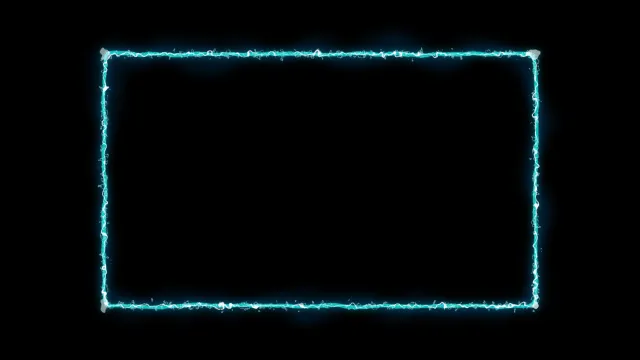
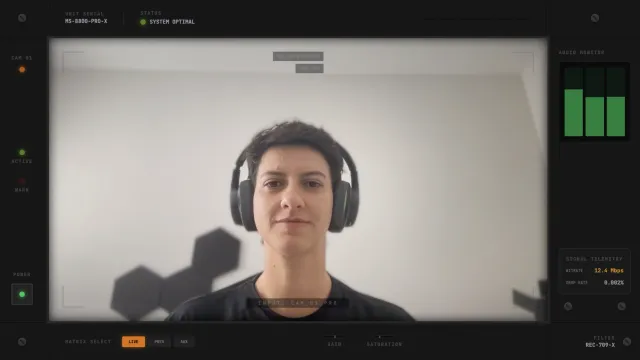
An animated bioluminescent webcam frame with a glowing neon border that pulses and shifts colors. Adds a vibrant, organic glow around your facecam.
By Meld
Get Bioluminescent Webcam Frame free
Included with Meld Studio. Or stay in OBS with Spark Plug.
Picture the way a jellyfish lights up from the inside. The Bioluminescent Webcam Frame gives your cam tile that same kind of slow, glowing edge: a neon halo wrapped around your facecam that pulses, shifts color, and reads as a living light source rather than a static border.
It is free with Meld Studio. No watermark, no setup fee, no subscription required.
What the glow looks like
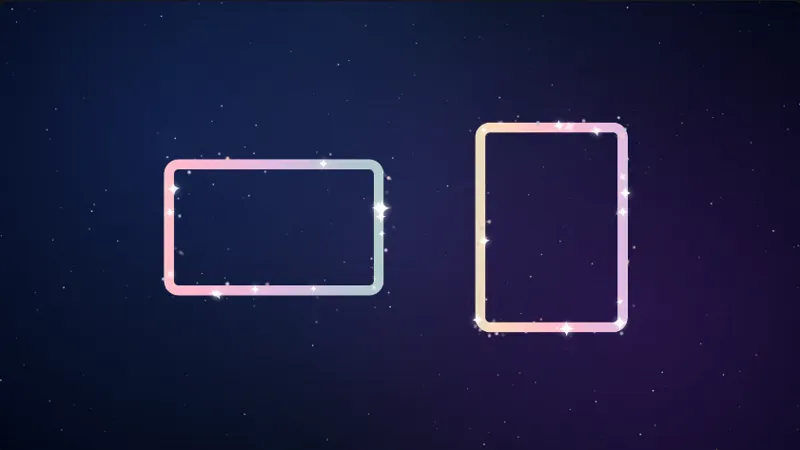
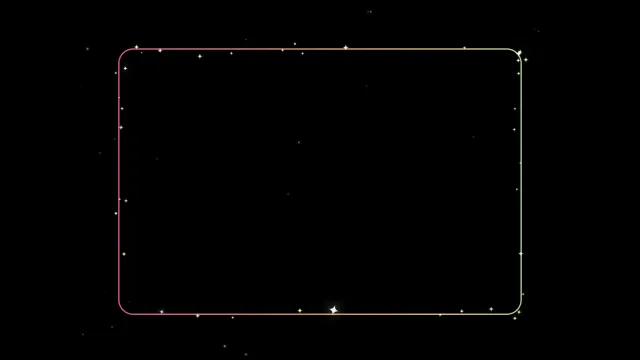
The frame is a continuous neon outline that hugs the perimeter of your webcam source. It pulses on a slow rhythm and drifts through a soft color gradient, so the edge of your cam never sits still but never strobes either. The effect is closer to deep-sea bioluminescence than to a typical neon sign: organic, slightly irregular, and warm enough to anchor a dark scene without lighting up the whole canvas.
Because the motion lives at the outline of the cam tile rather than across your face, the focal point of the shot stays on you. Viewers landing on your stream see a face framed by light, not a face competing with light.
The frame works the same way on every platform you stream to. Twitch, YouTube Live, Kick, and TikTok Live all receive an identical visual layer with no platform-specific setup. Meld signs you in once and the overlay broadcasts everywhere at once.
Reshaping it with Meld Spark
Meld Spark, the AI overlay editor built into Meld Studio, lets you redirect the glow without touching code. The gallery tip ships with a starter prompt: “Change the glow to a cool blue and purple gradient with a slower pulse.” Run that and the frame updates in seconds. Shift to a hot magenta for a high-energy scene, drop the pulse to a barely-there shimmer for ambient streams, or change the outline shape if your cam crop is not a standard rectangle. Changes persist between sessions, so the camera looks the same the next time you go live.
Who this fits
Late-night gamers, horror streamers, music creators, art and process streamers, and anyone running a dark or moody scene where a flat rectangular cam crop reads as unfinished. It also pairs well with cyberpunk-leaning layouts that already use neon as a visual language.
Adding it to your stream
Download Meld Studio and the frame drops on top of your webcam source with no configuration. If you already run OBS, the free Spark Plug for OBS plugin loads the same animated glow as a browser source inside your existing OBS layout, with the same Meld Spark prompts available for retinting and pacing the pulse.
Use cases
-
Late-night gaming and horror runs
A dark scene needs a frame with its own light source or the cam tile flattens into the background. The bioluminescent glow gives your webcam an organic halo that reads cleanly against black backdrops, horror games, or low-key Just Chatting setups without overpowering the rest of the layout.
-
Music, ambient, and chill streams
For lo-fi music sets, art process streams, or chill co-working sessions, the slow color shift across the frame gives the scene something gentle to watch when you are heads-down. The motion is ambient rather than punchy, so it complements the vibe instead of competing for attention.
Frequently asked questions
Is the Bioluminescent Webcam Frame free?
Yes. It ships free with Meld Studio. No watermark, no paywall, and no per-stream limit. Drop it on top of your webcam source in a scene and it starts glowing immediately.
Which streaming platforms does it support?
Every platform you stream to. The frame is a visual overlay that sits on top of your camera, so it broadcasts identically to Twitch, YouTube Live, Kick, and TikTok Live. Meld signs you in once across all four.
Does this work with OBS Studio?
Yes. Spark Plug for OBS loads the glow frame into your existing OBS scene as a browser source, and Meld Spark lets you recolor the glow, slow the pulse, or change the border shape from a plain-English prompt in seconds.
Can I change the glow colors?
Yes. Meld Spark, the AI overlay editor included with Meld Studio, handles palette swaps in plain English. The gallery tip ships with a starter prompt: "Change the glow to a cool blue and purple gradient with a slower pulse." Run it and the frame updates.
Will the pulse distract from my face?
The animation is slow and lives at the outer edge of the cam tile. Color shifts happen across several seconds rather than flashing, so the eye stays on your face while the glow reads as ambient light rather than a competing element.