Your merch sells itself
while you stream
Meld Spark turns every Fourthwall sale, drop, and gift into a custom on-screen moment, live in your activity feed. Celebrate your supporters, build the hype, and turn one merch purchase into the next.
Fourthwall x Meld Studio
Create moments that
drive more revenue
A link in your panels is easy to ignore, but an alert on stream is not. Meld turns your Fourthwall store into custom live moments your audience reacts to in the moment it matters.
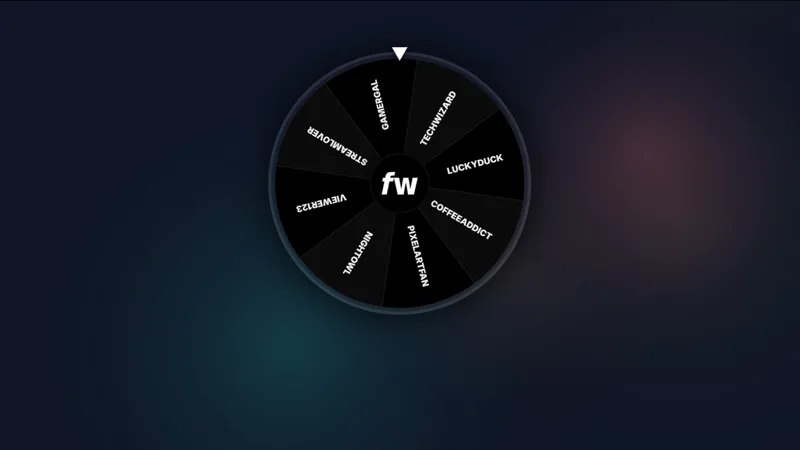
Turn gifts into giveaways
Gifted Wheel
When someone gifts merch to chat, the wheel kicks off an instant giveaway. Chat enters, the wheel picks a winner, and the prize goes out automatically. One gift, a full hype moment, zero work from you.
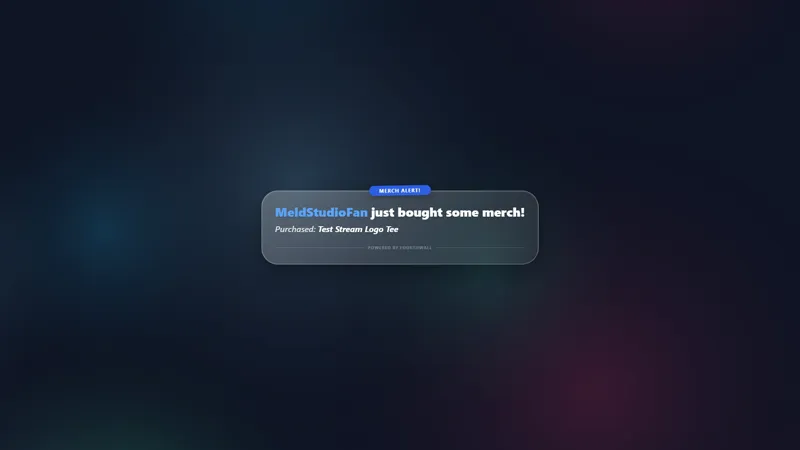
Celebrate every sale
Merch Alert
A card pops on stream with the buyer's name and exactly what they grabbed. Every supporter gets their moment, and chat sees the merch in action.
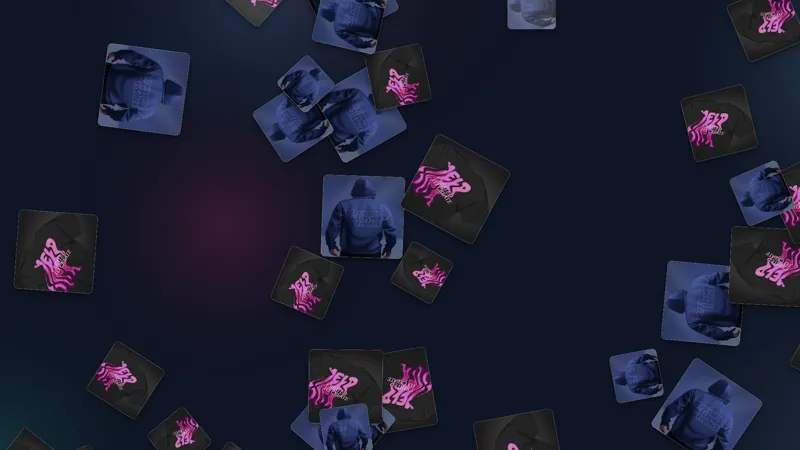
Make every sale impossible to miss
Merch Rain
Every purchase rains the item down across your screen, emote-rain style. One buy turns into a full-screen moment your whole chat sees and wants in on.
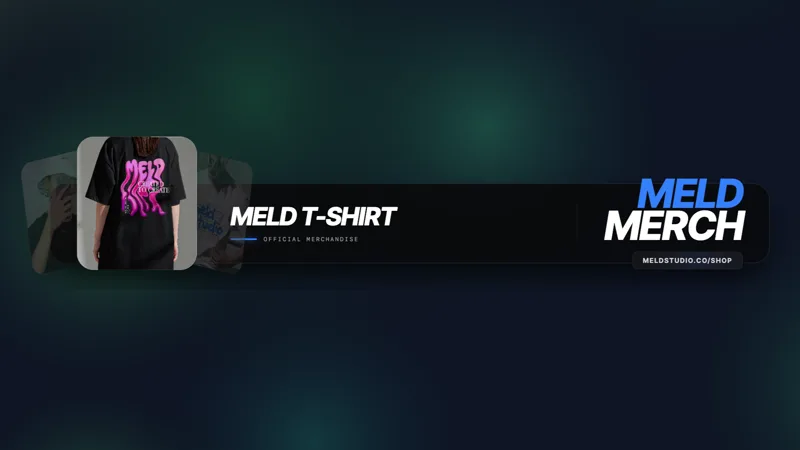
Keep your drops on screen
Merch Carousel
A rotating showcase of the items you pick, looping on canvas while you stream. Viewers always know what is available and where to get it.
Don't see what you want?
Build a custom
Fourthwall widget.
Describe the idea you have for a widget and Meld Spark builds it, live in seconds. No templates, no editing code.
No merch store yet?
Fourthwall is free to start. Launch a store with your own products in a few minutes, then connect it to Meld Studio and start selling on stream.
Create your free Fourthwall storeTurn your next stream into your store.
Every merch sale, gift, and drop becomes a moment your chat can't miss. Free to start, and you're live in minutes.
FAQ
Frequently Asked Questions
Can I customize the Fourthwall widgets?
Yes. Every widget is built with Meld Spark, so you can restyle colors, fonts, and layout from a prompt, or have Meld Spark build an entirely custom merch widget for your store.
Do the widgets work with my existing scenes and overlays?
Yes. Add a Fourthwall widget to any scene and it layers over your existing overlays like any other source. Position it, resize it, and it only appears when an event fires.
Does this work with OBS?
Yes. The Fourthwall widgets run natively in Meld Studio, and you can use them in OBS too with the OBS Spark Plug. Build a widget once and add it to either setup.
How do I connect my Fourthwall store to Meld?
Connect your Fourthwall account in Meld, then drop a Fourthwall widget into your scene. Your products, sales, gifts, and supporter events flow in automatically. The full setup guide walks you through it.
Do I need to know how to code to use the widgets?
No. The widgets work out of the box, and Meld Spark builds custom ones from a plain description. No code, no design software, nothing to install beyond Meld.