Free Merch Rain Overlay That Fires on Every Fourthwall Sale
When someone buys your merch, the item rains down across your screen to hype up chat.
By Fourthwall
Use this element in Meld or OBS
Copy its link, then paste it where you stream.
-
Have Meld Studio or Spark Plug
Open Meld Studio, or OBS with the Spark Plug plugin installed. Elements need one of them to work.
-
Copy the link
Copy element puts the element's link on your clipboard.
-
Paste it
In Meld Studio, press ⌘V or Ctrl+V and it lands in your scene. In OBS, add a Browser source and paste the link as its URL.
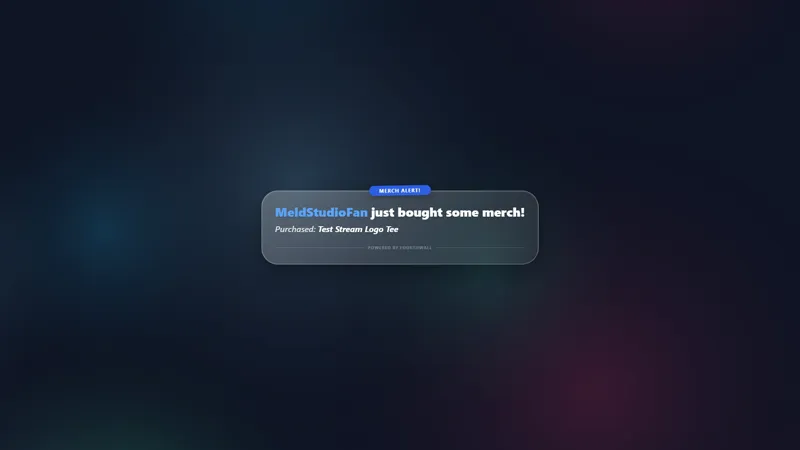
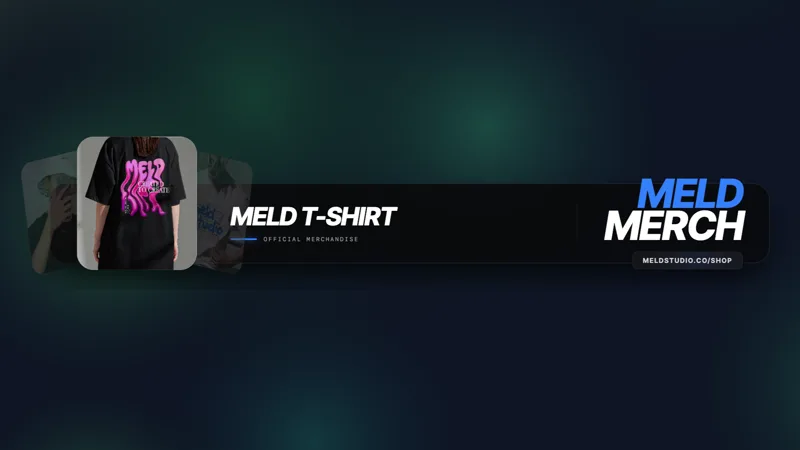
Merch Rain fires the moment a viewer completes a Fourthwall purchase. No commands, no manual triggers: the item they just bought drops across your screen automatically, emote-rain style, while chat is still watching.
It is free with Meld Studio. No watermark, no setup fee, no per-sale limit.
How the reaction works
Merch Rain listens for purchase events from your connected Fourthwall store. When a sale comes in, the purchased item rains across the canvas from top to bottom in the same style as an emote rain. Each item has its own path, and a run of purchases during a drop launch stacks on screen instead of disappearing into a notification log.
Chat sees exactly what was bought at the moment it happens. The reaction gives viewers a reason to look up, acknowledge the buyer, and open your store, without you stopping to call it out manually.
The overlay works across every platform you stream to. Whether you are live on Twitch, YouTube Live, Kick, or TikTok Live, Merch Rain fires from the same Fourthwall purchase event and lands on the same canvas.
When to use it
Merch Rain fits any broadcast where your store is part of the show. It works well when you are actively promoting a new drop, running a buyers-only giveaway, or simply want every sale acknowledged on screen without interrupting your content. The reaction fires automatically, so you stay in the game or conversation rather than switching tabs for a manual callout.
It also works during lower-energy segments. Even a quiet stream can feel exciting when a purchase lands and items start raining down unprompted. Viewers who missed the store link earlier now have context to look it up.
Customizing with Meld Spark
The built-in tip gives a ready starting point: “Make the merch rain bigger and add a cash register sound on each item.” Run that prompt in Meld Spark, the AI overlay editor included with Meld Studio, and both changes apply immediately without touching code. You can also adjust which items trigger the rain or change the speed and scale of the drop from a follow-up prompt. Changes save between sessions, so your configuration is there the next time you go live.
Adding it to your stream
Download Meld Studio, connect your Fourthwall account, and drop Merch Rain into a scene. The purchase event wiring is handled automatically. If you already run OBS and want to keep your existing setup, the free Spark Plug for OBS plugin brings the same overlay into OBS as a browser source, with the same Meld Spark prompts available for customization.
Use cases
-
Celebrating a sale during live gameplay
When a viewer checks out mid-stream, the item they bought drops across the canvas automatically. No manual trigger needed: the reaction fires on the Fourthwall purchase event and puts the merch in front of chat at the exact moment it counts. Chatters see what was bought and have a reason to check your store.
-
Launching a new product or limited drop
If you are releasing a new item during a stream or running a time-limited promotion, every purchase becomes a visible event on screen. Each rain signals to the rest of chat that the store is live and people are buying, which gives the moment more energy than a text callout alone.
Stream events it reacts to
Frequently asked questions
Is the Merch Rain overlay free?
Yes. Merch Rain is included free with Meld Studio. There is no paywall, no watermark, and no per-sale cap. Connect your Fourthwall account and every purchase triggers the rain automatically.
Which streaming platforms does Merch Rain work on?
Twitch, YouTube Live, Kick, and TikTok Live are all supported. Meld signs you in once and the overlay fires on the same canvas regardless of which platform your live stream is on. The sale event comes from Fourthwall, so the rain works wherever you are broadcasting.
Does Merch Rain work with OBS Studio?
Yes. Spark Plug for OBS loads Merch Rain into your existing OBS scene as a browser source, and Meld Spark lets you resize the rain or add a sound on each drop from a plain-English prompt in seconds. No migration, no code.
Can I change what rains or add sound effects?
Yes. The built-in Meld Spark tip gives a ready prompt: "Make the merch rain bigger and add a cash register sound on each item." Run it and both changes apply immediately. You can also adjust which items trigger the rain or change the drop speed with a follow-up prompt.