Turn Every Fourthwall Merch Purchase into a Stream Moment
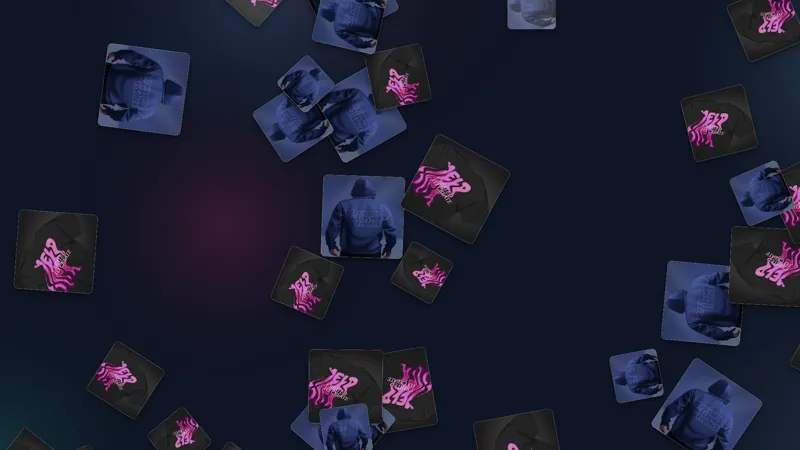
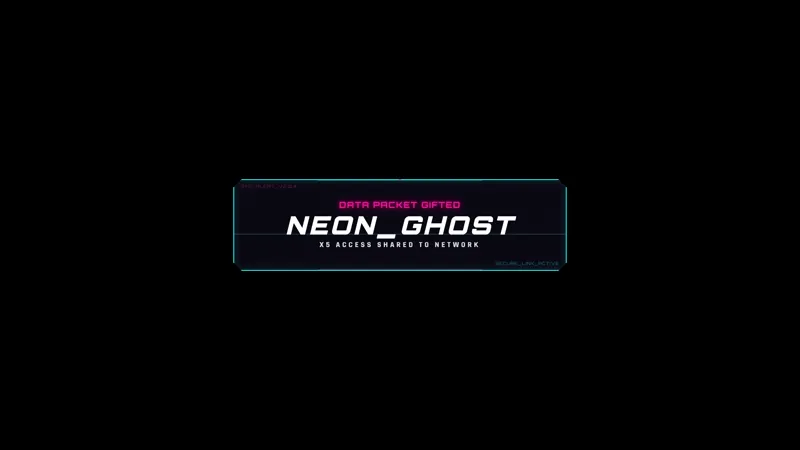
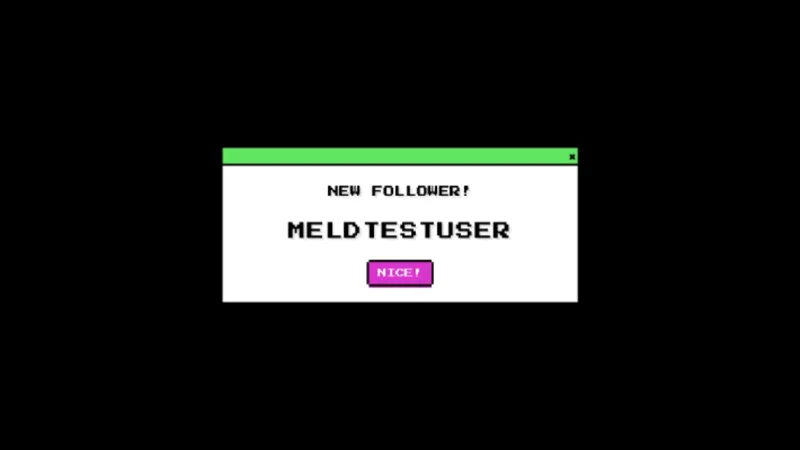
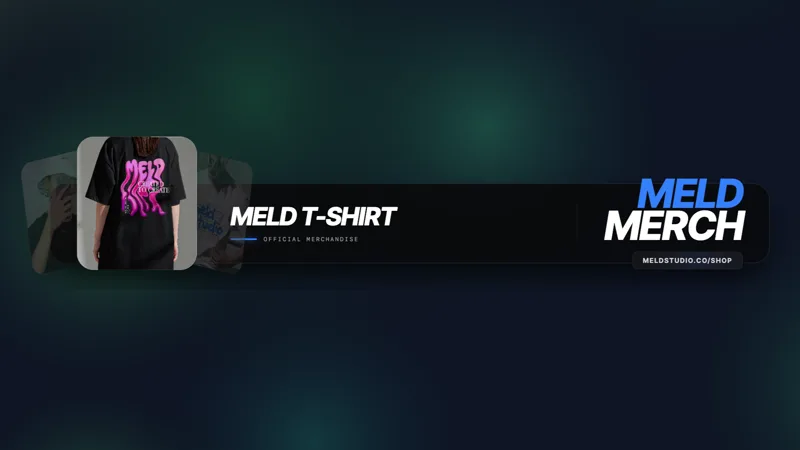
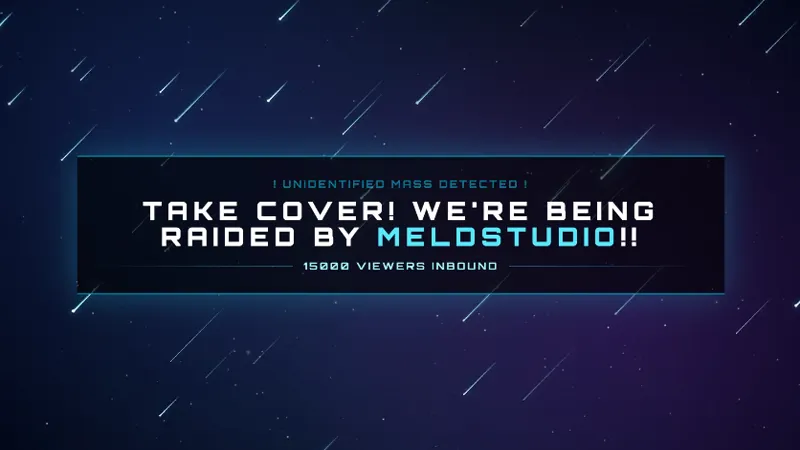
When someone makes a purchase, this alert pops up and shares what they bought from your merch shop.
By Fourthwall
Use this element in Meld or OBS
Copy its link, then paste it where you stream.
-
Have Meld Studio or Spark Plug
Open Meld Studio, or OBS with the Spark Plug plugin installed. Elements need one of them to work.
-
Copy the link
Copy element puts the element's link on your clipboard.
-
Paste it
In Meld Studio, press ⌘V or Ctrl+V and it lands in your scene. In OBS, add a Browser source and paste the link as its URL.
Chat does not know a merch sale happened unless you tell them. Merch Alert does the telling automatically: when someone buys from your Fourthwall store, an alert card pops on screen with the buyer’s name and the item they chose, without you pausing what you are doing.
It is free with Meld Studio and takes one drag to add to a scene.
What the alert shows
The overlay listens for Fourthwall purchase events in real time. The moment a sale clears, a card pops on stream showing who bought and what they got. It handles the callout automatically, so the channel surfaces every purchase even when you are mid-game, mid-commentary, or focused on something else entirely.
There are no viewer commands, no polling, and nothing you need to trigger manually. The purchase is the trigger. Merch Alert fires in response and clears when done, so it never holds the screen longer than the moment warrants.
For streamers running a Fourthwall store alongside a regular broadcast, that matters. Chat sees each buyer called out in real time, which keeps the store front of mind without requiring a pitch from you mid-stream. During a live drop, the first sale appearing on screen sets a social signal in chat that tends to move more purchases than a verbal announcement alone.
Customizing the look and adding it to your stream
The alert card ships with a default design that displays the buyer name and the item they chose. Meld Spark, the AI overlay editor included with Meld Studio, reshapes the card from a plain-English prompt when you want it styled to match your channel. A request like “Restyle the merch alert to match my brand colors and logo” applies in seconds, no code required. Changes persist between sessions so the card looks right every time you go live.
The overlay runs on Twitch, YouTube Live, Kick, and TikTok Live through Meld Studio, signing you in once and pulling purchase events from Fourthwall across every platform you stream to. If you already run OBS, the free Spark Plug for OBS plugin adds the alert to your existing OBS scene as a browser source, with the same Fourthwall integration and the same Meld Spark customization from a plain-English prompt.
Use cases
-
During a live merch drop or product launch
When you announce a new product and the first sale comes through, the timing matters. Merch Alert puts that first buyer on screen immediately, which sets a social signal in chat that often pulls more purchases before the stream moves on. You do not need to pause and announce it yourself.
-
As a passive thank-you during any regular stream
You do not need a dedicated merch push for the overlay to earn its place. When a regular buys mid-session, the alert surfaces their name and the item they chose without interrupting your commentary or gameplay. Streamers with steady Fourthwall sales use it as background celebration that reinforces the store without a hard pitch from the streamer.
Stream events it reacts to
Frequently asked questions
Is the Merch Alert overlay free?
Yes. Merch Alert is included free with Meld Studio, with no paywall, no watermark, and no per-stream usage cap. Add it to a scene and it fires automatically on every Fourthwall purchase.
Do I need a Fourthwall store to use this alert?
Yes. The alert is triggered by Fourthwall purchase events, so a connected Fourthwall store is required. Once connected, it picks up every sale automatically across every stream session without any manual setup.
Which streaming platforms does the Merch Alert support?
Twitch, YouTube Live, Kick, and TikTok Live are all supported. Meld Studio signs you in once and runs the overlay across every platform you stream to simultaneously, so a Fourthwall purchase shows up on screen regardless of where your audience is watching.
Does the Merch Alert work in OBS Studio?
Yes. Spark Plug for OBS adds the Merch Alert to your existing OBS scene as a browser source. You get the same Fourthwall purchase integration and can restyle the alert card with Meld Spark from a plain-English prompt, all without leaving OBS or touching any code.
Can I restyle the alert card to match my brand?
Yes. Meld Spark, the AI overlay editor included with Meld Studio, takes a plain-English prompt and applies the changes immediately. A request like "Restyle the merch alert to match my brand colors and logo" updates the card in seconds and the result persists between sessions.