Free Tie-Dye Chat Widget for Laid-Back Streams
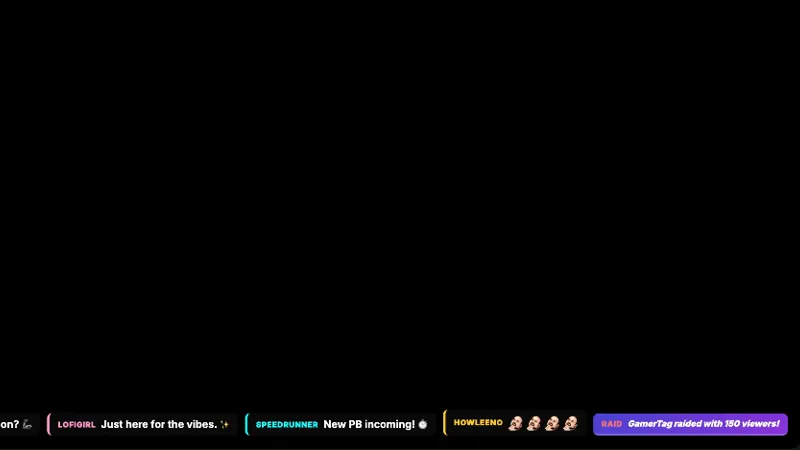
A chat widget wrapped in a tie-dye color wash. A splash of color for laid-back streams.
By Meld
Get Tie-Dye Chat Widget free
Included with Meld Studio. Or stay in OBS with Spark Plug.
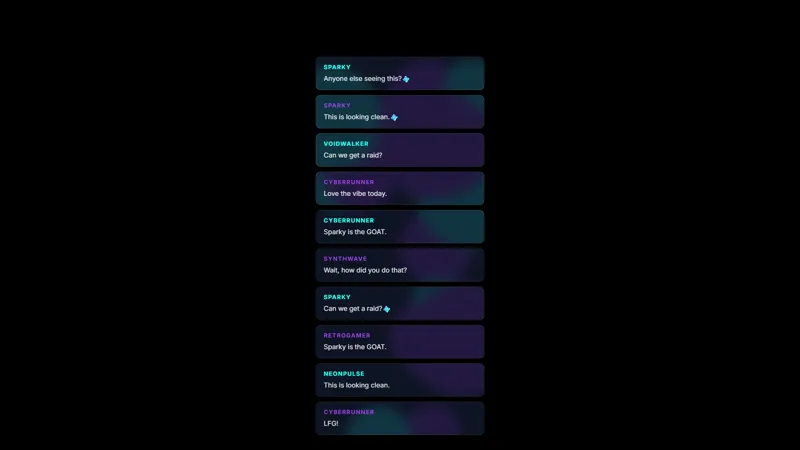
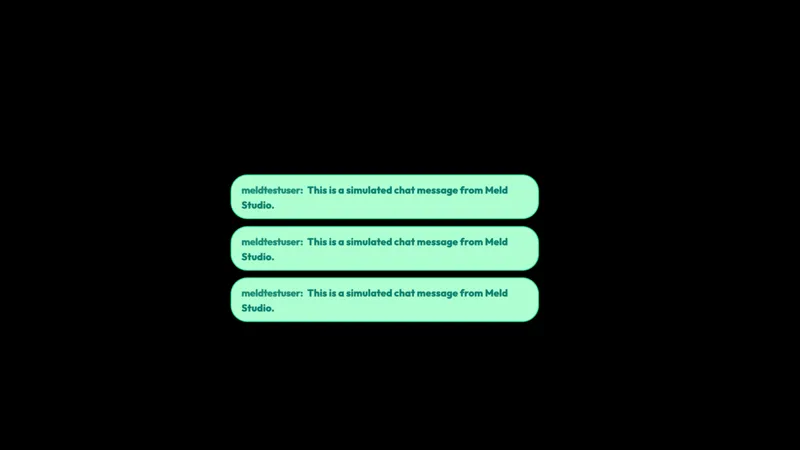
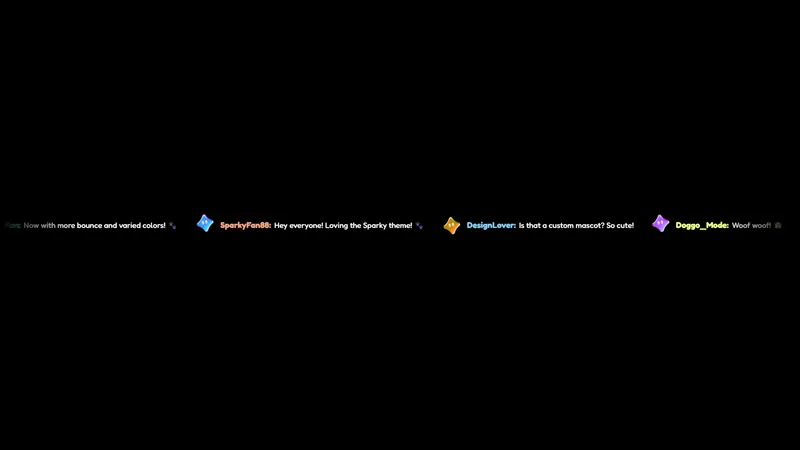
A soft tie-dye wash of warm and cool color sits behind every line of chat, blending pinks into purples into blues with the kind of pattern you would expect on a thrifted shirt rather than a stream overlay. Tie-Dye Chat treats the chat widget as a piece of decor for laid-back streams: lo-fi DJ sets, sketch sessions, hangout broadcasts, and any room where a clinical white chat box would feel out of place.
It is free with Meld Studio. No watermark, no setup fee, no subscription required.
How the look comes together
The wash drifts gently behind the message column, so the colors shift without ever pulling attention away from what viewers are actually saying. Usernames, message text, and event lines render on a tuned contrast layer above the pattern, which keeps everything readable even where the saturation is highest. The widget is sized to fit alongside facecam, gameplay, or a full-canvas hangout layout without crowding the rest of the scene.
Chat from every platform you stream to lands in the same tie-dye column. Twitch, YouTube Live, Kick, and TikTok Live messages all share one feed, so a multi-platform broadcast does not fragment into four separate boxes that compete for screen space.
Customizing with Meld Spark
The default palette suits chill content out of the box, but Meld Spark, the AI overlay editor built into Meld Studio, lets you reshape the wash from a prompt. The gallery tip ships with a ready example: “Lock the palette to pastel pinks and blues, and swirl the colors whenever I get a new sub.” Run it and the widget locks to your brand colors and reacts on subs without touching any code.
You can take the prompt further. Slow the swirl down for sleep streams, swap the wash to autumn warmth for October, or tie color shifts to follow events instead of subs. Every change persists between sessions, so your stream looks the same the next time you go live.
Who this fits
Lo-fi music streamers, art and craft channels, cozy hangout hosts, and anyone whose channel reads better with a soft, hand-made visual language than a flat UI panel. It also pairs well with watch-along and co-stream layouts where chat needs to be present without dominating the room.
Adding it to your stream
Download Meld Studio and the widget drops into a scene with no configuration. If you already run OBS and want to keep your existing setup, the free Spark Plug for OBS plugin loads Tie-Dye Chat as a browser source inside your current OBS layout, with the same Twitch, YouTube Live, Kick, and TikTok Live chat connections and the same Meld Spark prompts available for retuning the palette.
Use cases
-
Music, art, and chill streams
Lo-fi DJ sets, sketch sessions, and hangout streams need a chat that feels like part of the vibe instead of a sharp UI panel pasted on top. The tie-dye color wash blends warm and cool tones behind every message, so the widget reads as decor rather than as a notification surface.
-
Co-streams and watch-alongs
For movie nights, reaction streams, and group hangouts, a softer chat widget keeps the focus on the content while still giving viewer messages a clear home. The colorful wrap is bright enough to find at a glance but calm enough that it does not pull attention from whatever is playing on the rest of the canvas.
Frequently asked questions
Is the Tie-Dye Chat widget free?
Yes. Tie-Dye Chat ships free with Meld Studio. There is no watermark, no paywall, and no message cap. Drag it into a scene and chat starts flowing through the colored wash immediately.
Which chat platforms feed the widget?
Twitch, YouTube Live, Kick, and TikTok Live are all supported. Meld signs you in once and pulls chat from every platform you stream to into the same tie-dye feed, so multistreamers see one unified conversation rather than four separate boxes.
Does Tie-Dye Chat work in OBS Studio?
Yes. Spark Plug for OBS loads the widget into your existing OBS scene as a browser source, and Meld Spark lets you lock the palette to your brand colors or swirl the wash on each new sub from a plain-English prompt in seconds.
Can I lock the colors to a specific palette?
Yes. The gallery tip is built around this. A Meld Spark prompt like "Lock the palette to pastel pinks and blues, and swirl the colors whenever I get a new sub" rewrites the wash without touching code, and the change persists between sessions.
Will the colored background hurt message readability?
Message text sits on a tuned contrast layer above the wash, so usernames and lines stay legible even where the colors are most saturated. The widget is designed for chat to be the primary content, with the tie-dye acting as a frame rather than competing with the type.